Brightwave AI Consulting — AI Automation Consultancy Website (Frontend + Backend)
A 5-page AI automation consultancy website with a real lead-capture backend: an assessment-request form (AI readiness, workflow automation, custom AI agent, staff training or general question) backed by your own database. Services, case studies, team and an honest FAQ — nothing to build, bring your keys and deploy.
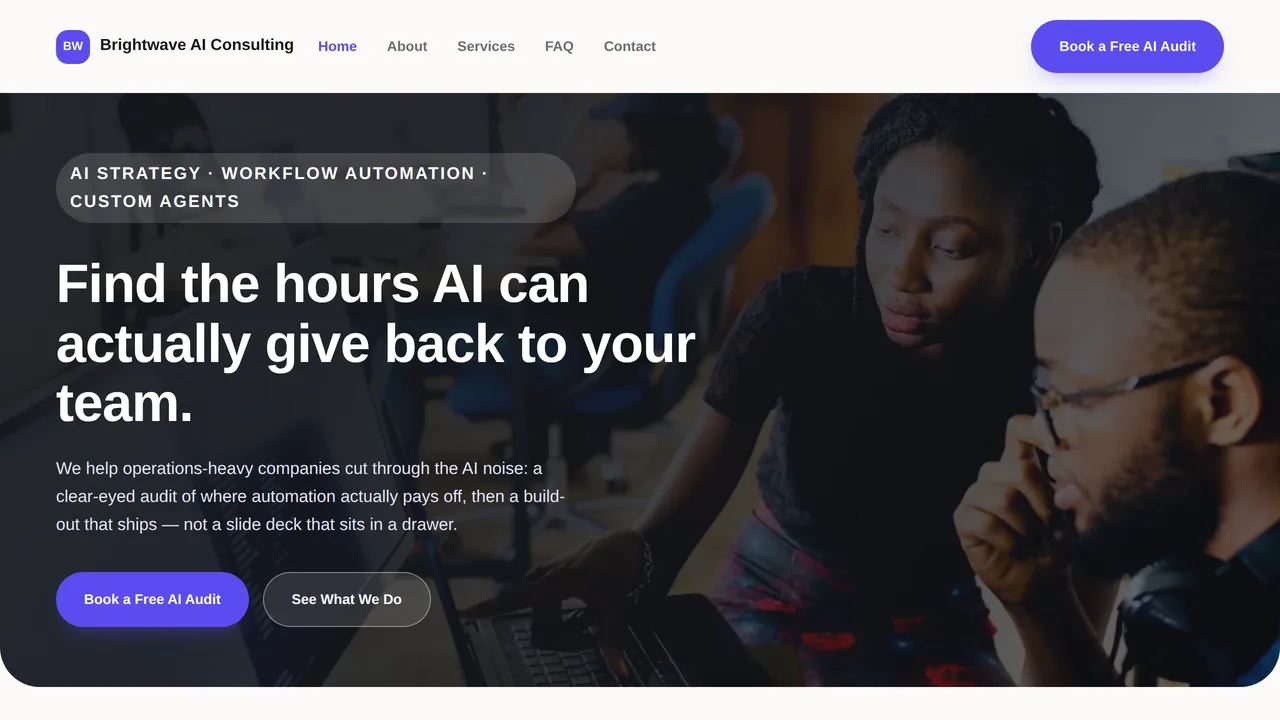
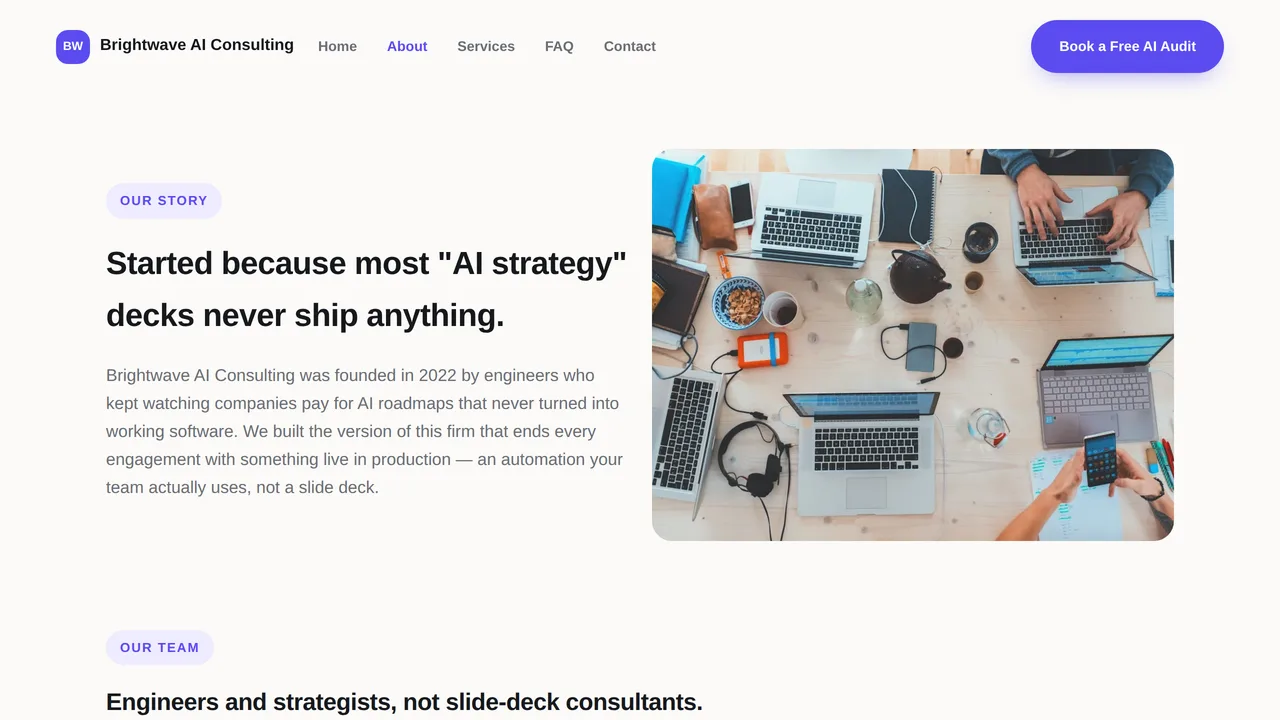
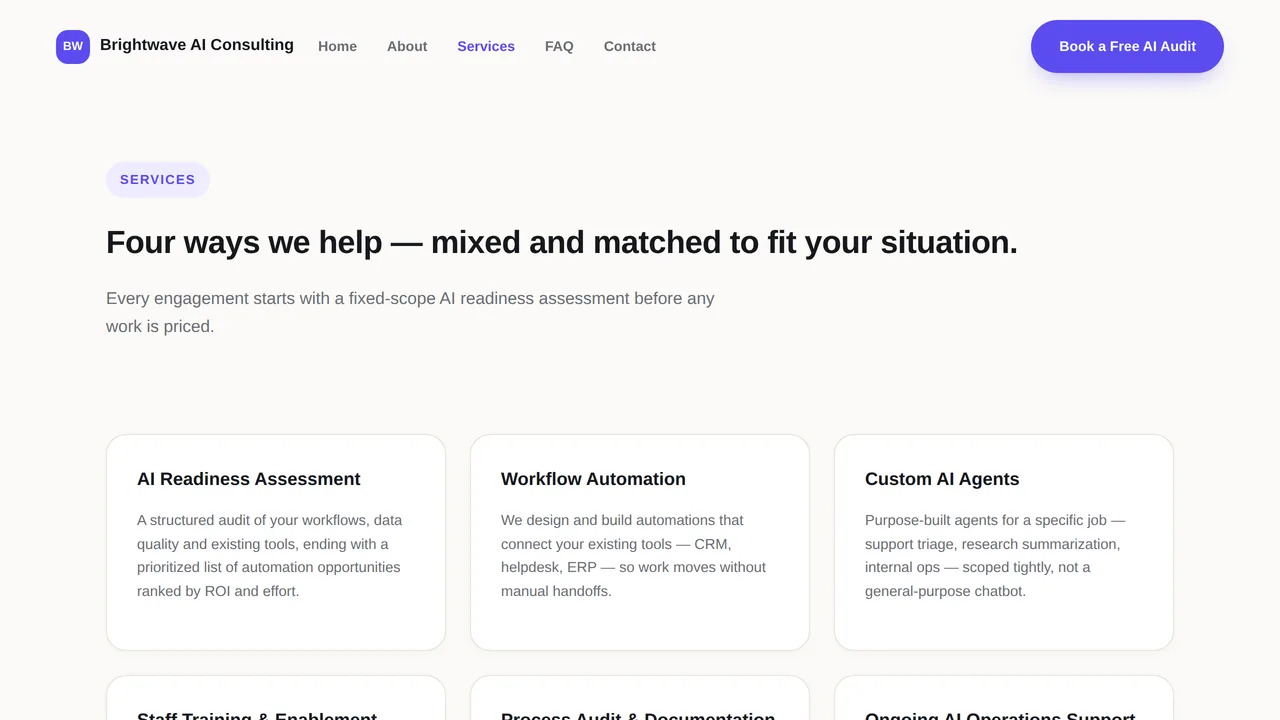
Preview
What you can customize
Each section below becomes a guided form field in your library after purchase — no prompting experience required.
- 1
Home
Hero, trust indicators, services overview, industries, case studies, testimonials.
2 editable fields
- 2
About
Company story, 3 team profiles, guiding values.
2 editable fields
- 3
Services
6 services in detail.
2 editable fields
- 4
FAQ
7 honest answers on model neutrality, the audit process, data privacy, pricing and timelines.
2 editable fields
- 5
Contact
The real assessment-request form plus company contact details.
2 editable fields
Backend structure
Exactly what ships behind the pages above — every file below is real, working code included in your download, not a mockup.
package.jsonProject configapi/automation-assessment-requests.tsAPI endpointschema.sqlDatabase schema
This is a Dynamic Website — a real backend (database + API) is included, not just static pages. It connects to your own database (Vercel Postgres, Supabase, Neon, or similar); this platform never sees or stores the data it collects. Set these on your own Vercel project before deploying:
DATABASE_URL— requiredAUTOMATION_ASSESSMENT_REQUESTS_ADMIN_KEY— requiredRESEND_API_KEY— optionalASSESSMENT_REQUEST_FROM_EMAIL— optional
Once deployed, your purchase's library page shows a “Manage live data” panel that lists, and lets you act on, submissions from /api/automation-assessment-requests — directly from your deployed site, no separate database tool needed.
Through the editor you can add new optional fields to what's already here (for example, a note field on a booking). Building entirely new features or custom logic isn't something the editor automates — every purchase includes the full source code (frontend and backend, no lock-in), so you or a developer you hire can extend it freely outside the platform.
Launching it is simple: download the files, publish it live to your own Vercel account, or push it to your own GitHub — see how to launch your AI Tapz website.
Usage instructions
Five pages and a real lead-capture backend — this is a DYNAMIC website: services, industries served, case studies, the team and FAQ are static editorial content, while the "Book a Free AI Audit" form writes to your own database in real time. 1. Home (index.html) — hero, trust indicators, services overview, industries, case studies, testimonials. 2. About (about.html) — company story, 3 team profiles, guiding values. 3. Services (services.html) — 6 services in detail. 4. FAQ (faq.html) — 7 honest answers on model neutrality, the audit process, data privacy, pricing and timelines. 5. Contact (contact.html) — the real assessment-request form (AI readiness assessment, workflow automation, custom AI agent, staff training, or general question). WHOSE DATABASE, WHOSE EMAIL PROVIDER. Yours, not this platform's. Before anything here does something real: 1. Create a Postgres database anywhere you like — Vercel Postgres, Supabase, Neon, or your own server — and run schema.sql against it once. 2. In your Vercel project's Settings -> Environment Variables, set: DATABASE_URL your database connection string AUTOMATION_ASSESSMENT_REQUESTS_ADMIN_KEY any secret string you choose Optional, for automatic email confirmations on new requests: RESEND_API_KEY from your own Resend (resend.com) account ASSESSMENT_REQUEST_FROM_EMAIL an address on a domain verified in that account Without the two optional variables set, requests still save correctly — no confirmation email sends, that's all. MANAGING ASSESSMENT REQUESTS. Once published, this purchase's library page shows a "Manage live data" panel — paste in your AUTOMATION_ASSESSMENT_REQUESTS_ADMIN_KEY and you can see every request as it comes in and mark ones you've handled. WHAT YOU CAN CUSTOMIZE, HONESTLY: - Every page's copy, images, services, case studies and layout — through the same AI-guided editor as any other template, no coding involved. Describe "what currently exists" and "what modification is required" for any page and the editor rewrites it for you. - One optional field at a time on the "automation_assessment_requests" resource (for example, a "current tools used" or "monthly ticket volume" field), through the "Backend customization" panel in your library once you've purchased — fully guided, no coding. Fields are always optional, never required, so existing requests are never affected. - Building entirely new resources, forms, or logic (a live automation dashboard, an actual working AI agent, a client portal) isn't something the editor automates. Every purchase includes the full source code — frontend and backend, no lock-in — so you or a developer you hire can extend it freely outside the platform. PREVIEW LIMITATION. The assessment-request form calls a real endpoint that only exists once deployed — this platform's own preview has no backend to call, so it shows a friendly "try it once deployed" message here. That's expected, not a bug. WHAT THIS ISN'T. This template captures and organizes leads — it does not run a live automation dashboard, an actual AI agent, or a working consulting engagement. Every request is a lead your team follows up on by phone or email. Case study and stat figures shown are illustrative sample content, not real client data. Replace the sample company name, case studies, address, phone, hours and team bios with your business's real details before publishing. Brightwave AI Consulting is a fictional placeholder name — replace it, along with any implied affiliation with OpenAI, Anthropic, Google or Microsoft (there is none), before use.
Reviews
No reviews yet — be the first once you've used this template.