Aislepoint POS — Retail, Grocery & Mini-Mart POS Software Website (Frontend + Backend)
An 8-page website for a retail & grocery POS company with a real demo-request backend. Showcases barcode checkout, SKU and stock management, suppliers, low-stock alerts, returns, promotions, loyalty, payments, staff & expenses and WhatsApp invoices. Includes a working product catalogue that prints receipts on 80mm thermal printers. Add your own products, prices and photos from the Manage live data panel.
Preview
What you can customize
Each section below becomes a guided form field in your library after purchase — no prompting experience required.
- 1
Home
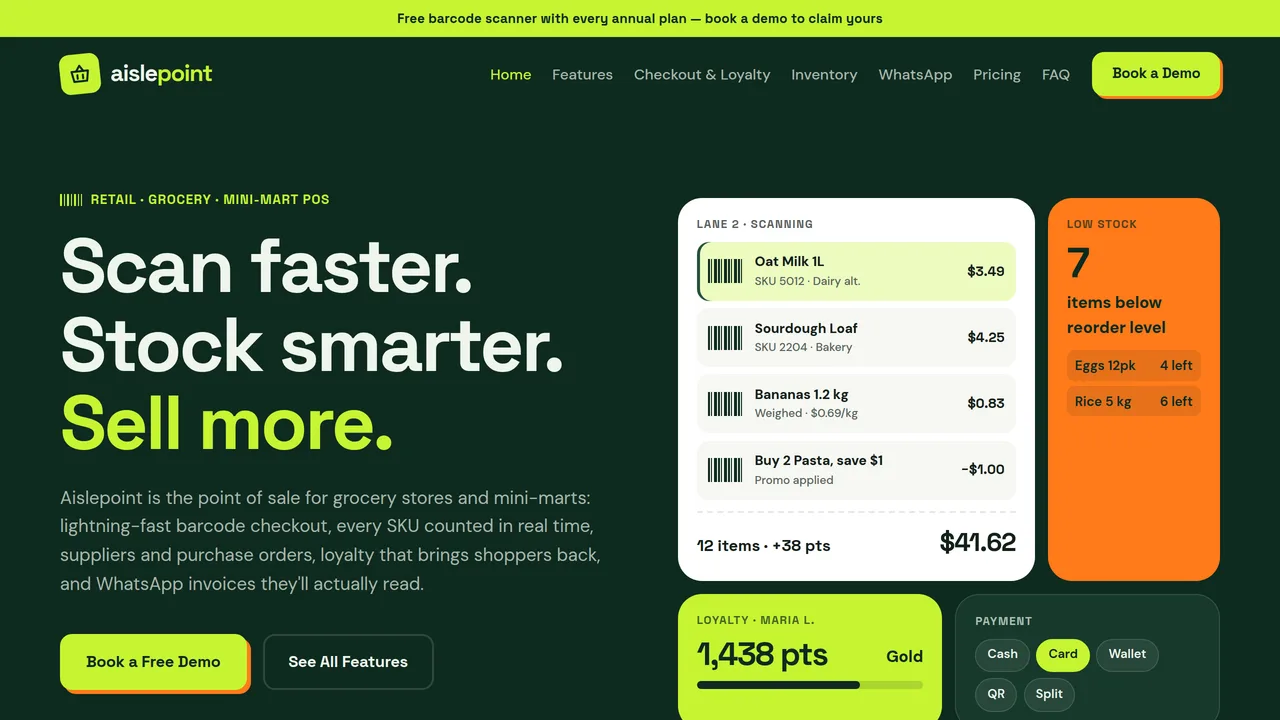
Bento hero (live basket scan, low-stock alert, loyalty, payments), feature ticker, 6 feature cards, stats, interactive product catalogue (12 photo products, live 80mm receipt), checkout receipt, stock table, WhatsApp, testimonial.
2 editable fields
- 2
Features
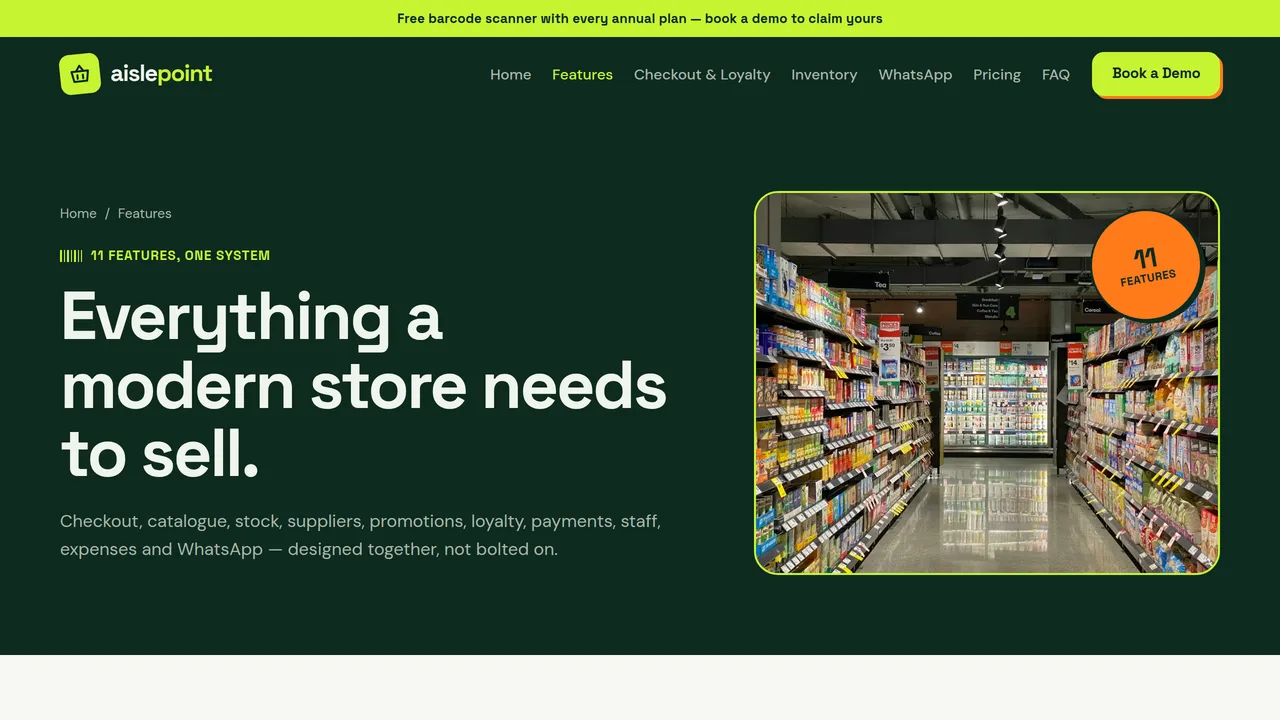
All 11 features as numbered cards, from barcode scanning to WhatsApp invoices.
2 editable fields
- 3
Checkout & Loyalty
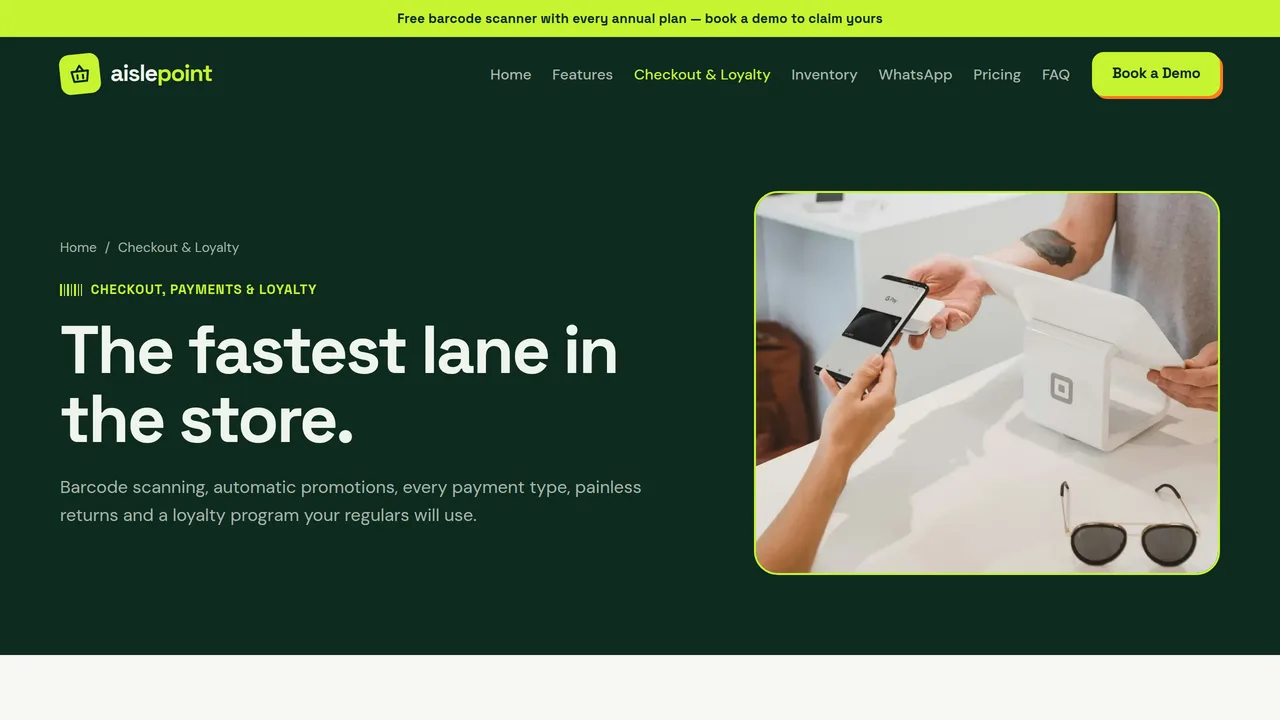
Barcode scanning basket, payments / returns / promotions cards, loyalty program and a printable 80mm receipt.
2 editable fields
- 4
Inventory
Stock levels table, supplier purchase order, low-stock / manpower / expense cards and a daily profit summary.
2 editable fields
- 5
WhatsApp
WhatsApp message types with phone mockup (invoice, order, ready, offer) and three benefit cards.
2 editable fields
- 6
Pricing
Three plans (Corner $29, Market $59, Multi-Store $99) and an 11-row comparison table.
2 editable fields
- 7
FAQ
10 two-column accordion questions on scanners, imports, alerts, suppliers, returns, payments, offline, loyalty, WhatsApp, staff.
2 editable fields
- 8
Book a Demo
The real demo request form (name, email, phone, store name, store type, stores, message), demo agenda and sales contacts.
2 editable fields
Backend structure
Exactly what ships behind the pages above — every file below is real, working code included in your download, not a mockup.
package.jsonProject configapi/retail_demo_requests.tsAPI endpointapi/retail_products.tsAPI endpointschema.sqlDatabase schema
This is a Dynamic Website — a real backend (database + API) is included, not just static pages. It connects to your own database (Vercel Postgres, Supabase, Neon, or similar); this platform never sees or stores the data it collects. Set these on your own Vercel project before deploying:
DATABASE_URL— requiredRETAIL_DEMO_REQUESTS_ADMIN_KEY— requiredRESEND_API_KEY— optionalRETAIL_DEMO_REQUEST_FROM_EMAIL— optional
Once deployed, your purchase's library page shows a “Manage live data” panel that lists, and lets you act on, submissions from /api/retail_demo_requests — directly from your deployed site, no separate database tool needed.
It also manages Products — add, edit and delete them through /api/retail_products, including photos uploaded from your computer.
Through the editor you can add new optional fields to what's already here (for example, a note field on a booking). Building entirely new features or custom logic isn't something the editor automates — every purchase includes the full source code (frontend and backend, no lock-in), so you or a developer you hire can extend it freely outside the platform.
Launching it is simple: download the files, publish it live to your own Vercel account, or push it to your own GitHub — see how to launch your AI Tapz website.
Usage instructions
8 pages and a real lead-capture backend — this is a DYNAMIC website for a retail / grocery / mini-mart POS software company: every product page (features, checkout & loyalty, inventory, WhatsApp, pricing, FAQ) is static editorial content with HTML/CSS product mockups, while the "Book a Demo" form writes to your own database in real time. Design: forest green + lime + tangerine, Space Grotesk + DM Sans, hard-offset "sticker" shadows, zig-zag receipt paper, barcode stripes and a bento dashboard hero built in HTML — no screenshots to replace. 1. Home (index.html) — bento hero (basket scan, low-stock alert, loyalty, payments), feature ticker, 6 feature cards, stats, an interactive product catalogue (12 photo products, category chips, barcode search, live receipt), checkout receipt, stock table, WhatsApp, testimonial. 2. Features (features.html) — all 11 features: barcode scanning, SKU management, stock in/out, purchases & suppliers, low-stock alerts, returns & refunds, discounts & promotions, loyalty, cash/card/digital payments, manpower & expense entry, WhatsApp invoices & notifications. 3. Checkout & Loyalty (checkout.html) — scanning basket, payments / returns / promotions, loyalty tiers, a print-ready 80mm receipt. 4. Inventory (inventory.html) — stock table, supplier purchase order, alerts, manpower & expenses, daily profit summary. 5. WhatsApp (whatsapp.html) — invoice / order / ready / offer messages with phone mockup. 6. Pricing (pricing.html) — 3 plans and comparison table. 7. FAQ (faq.html) — 10 questions. 8. Book a Demo (demo.html) — the real demo request form. WHOSE DATABASE, WHOSE EMAIL PROVIDER. Yours, not this platform's. Before anything here does something real: 1. Create a Postgres database anywhere you like — Vercel Postgres, Supabase, Neon, or your own server — and run schema.sql against it once. 2. In your Vercel project's Settings -> Environment Variables, set: DATABASE_URL your database connection string RETAIL_DEMO_REQUESTS_ADMIN_KEY any secret string you choose Optional, for automatic email confirmations on new requests: RESEND_API_KEY from your own Resend (resend.com) account RETAIL_DEMO_REQUEST_FROM_EMAIL an address on a domain verified in that account Without the two optional variables set, requests still save correctly — no confirmation email sends, that's all. MANAGING DEMO REQUESTS. Once published, this purchase's library page shows a "Manage live data" panel — paste in your RETAIL_DEMO_REQUESTS_ADMIN_KEY to see every demo request as it comes in, mark it contacted, and delete ones you've handled. MANAGING YOUR PRODUCTS. The same "Manage live data" panel has a second table for the Home page catalogue (retail_products, served by api/retail_products.ts). With the same admin key entered, add, edit and delete your products: name, category, price, a short description line, an optional badge, and a photo uploaded straight from your computer (resized in your browser and stored in your own database, so there's no separate file storage to set up). While the table is empty the catalogue shows its built-in samples; as soon as you add your first item, your list replaces them. Your categories become the filter chips, and prices use the currency symbol already written on the page. Changes appear on the live site on the next page load, with no republish needed. SPAM PROTECTION. The demo form includes a hidden honeypot field real visitors never see or fill — checked both client-side and in api/retail_demo_requests.ts; filled submissions are accepted but silently discarded. WHAT YOU CAN CUSTOMIZE, HONESTLY: - Every page's copy, prices, mockup contents, images and layout — through the same AI-guided editor as any other template, no coding. - One optional field at a time on the "retail_demo_requests" resource (for example, "number of SKUs" or "current POS"), through the "Backend customization" panel once purchased. - The POS screens on this site are marketing mockups, not a working POS. Building real checkout, stock sync, payments or WhatsApp sending isn't something the editor automates — every purchase includes the full source code so you or a developer can extend it. INTERACTIVE CATALOGUE & 80MM PRINTING. The Home page product catalogue really works in the browser: tap products to build a basket, filter by category, search by name or barcode, remove lines, and press "Print receipt · 80mm". The Checkout & Loyalty page has a print-ready sample receipt with its own Print button. Both open the browser print dialog with a page exactly 80 mm wide (72 mm printable, black monospace, height sized to the receipt) — select your thermal receipt printer and its 80mm roll paper size, margins none. Product names, prices, barcodes and categories are ordinary text you can edit; the cart reads them straight from the page, and VAT comes from the "5%" on the receipt. Sales rung up here are a demo, not a connected POS: the cart itself stores and sends nothing. PREVIEW LIMITATION. The demo form calls a real endpoint that only exists once deployed — this platform's preview has no backend, so it shows a friendly "try it once deployed" message here. That's expected. The catalogue shows its built-in samples here for the same reason. CLAIMS & COMPLIANCE. Statistics, prices, store counts and the testimonial are realistic placeholders — replace them with your own verified figures before publishing. The announcement strip offer ("free barcode scanner") is placeholder copy — change or remove it. WhatsApp claims assume the WhatsApp Business Platform with customer opt-in. The product name, stores and people named are fictional. IMAGES. All photography is real, licensed-for-web Unsplash stock, self-hosted under /content-images. The checkout photo constant (IMG.checkout) depicts identifiable people and is not used on any page by default — if you add it, replace it before commercial use (right-of-publicity, not copyright). All other photography shows products, shelves and hands only and may be kept as-is.
Reviews
No reviews yet — be the first once you've used this template.