Brightwater Family Dental — Family & Cosmetic Dentist Website (8 Pages)
An 8-page website for a family and cosmetic dental practice — calm teal-and-mint design with a before/after smile slider, tabbed services, new patient special, membership plan and fees, team, reviews, FAQ and an appointment request form, with Dentist SEO markup.
Preview
What you can customize
Each section below becomes a guided form field in your library after purchase — no prompting experience required.
- 1
Home
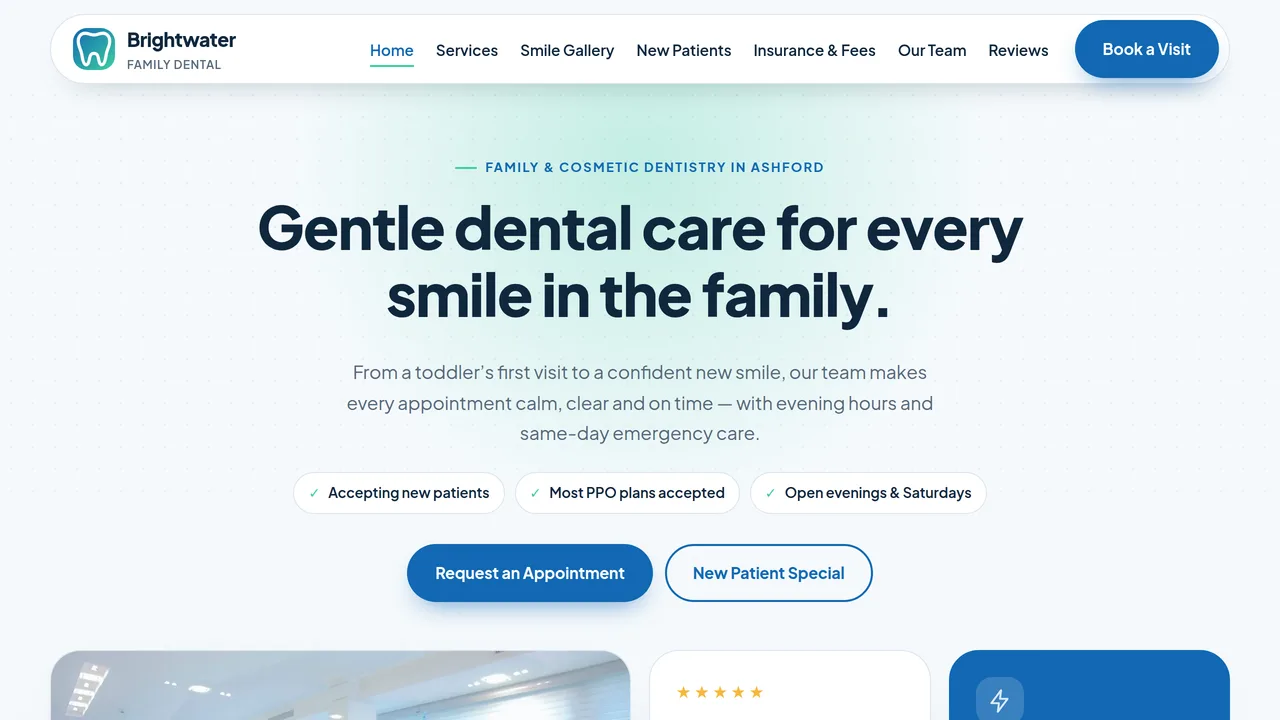
Split hero with rating and emergency cards, services ticker, six services, count-up stats, before/after whitening slider, comfort section, $99 new patient special, reviews.
2 editable fields
- 2
Services
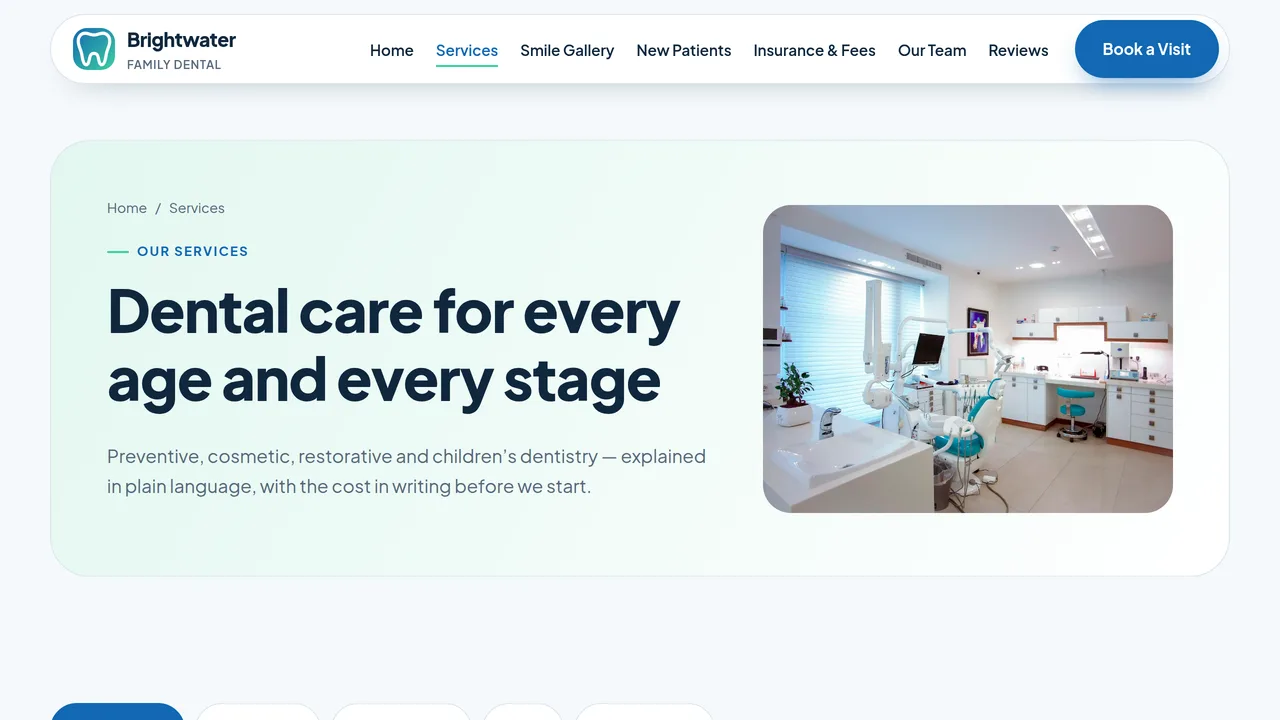
Tabbed services — preventive, cosmetic, restorative, kids and emergency — each with four treatments, plus a technology section.
2 editable fields
- 3
Smile Gallery
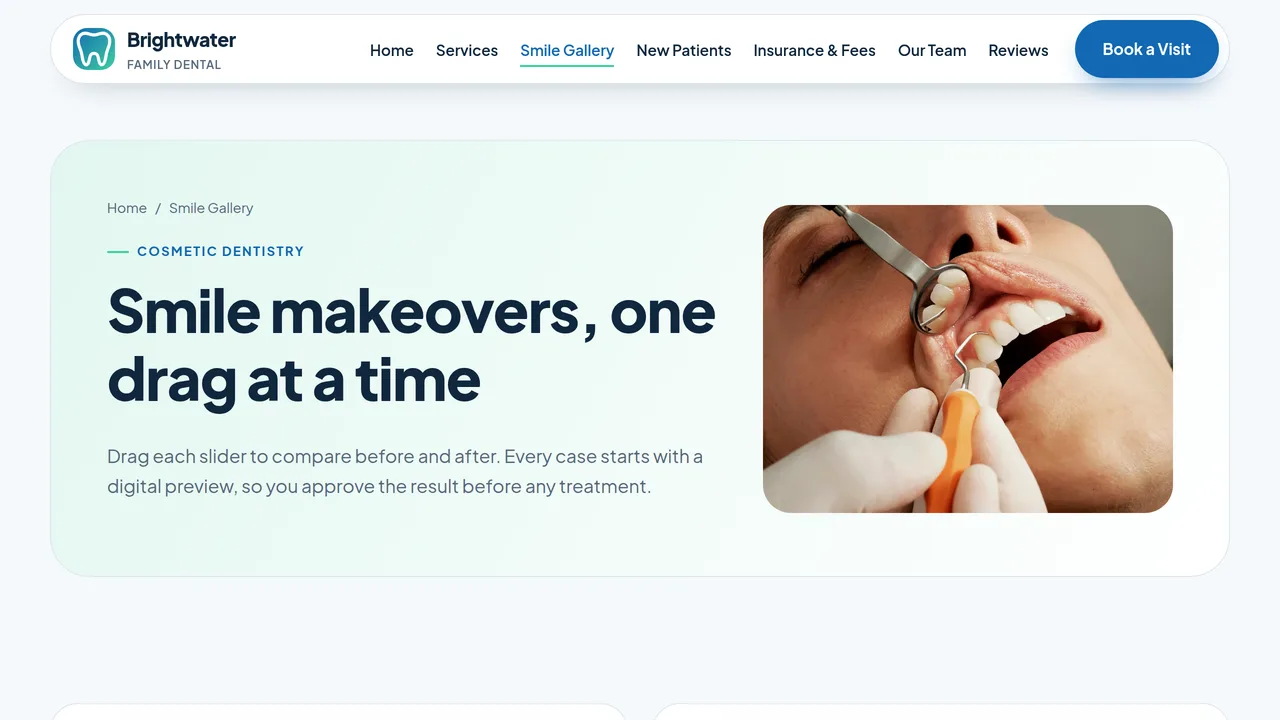
Two before/after sliders (whitening, veneers), cosmetic options with starting prices, clear aligner section.
2 editable fields
- 4
New Patients
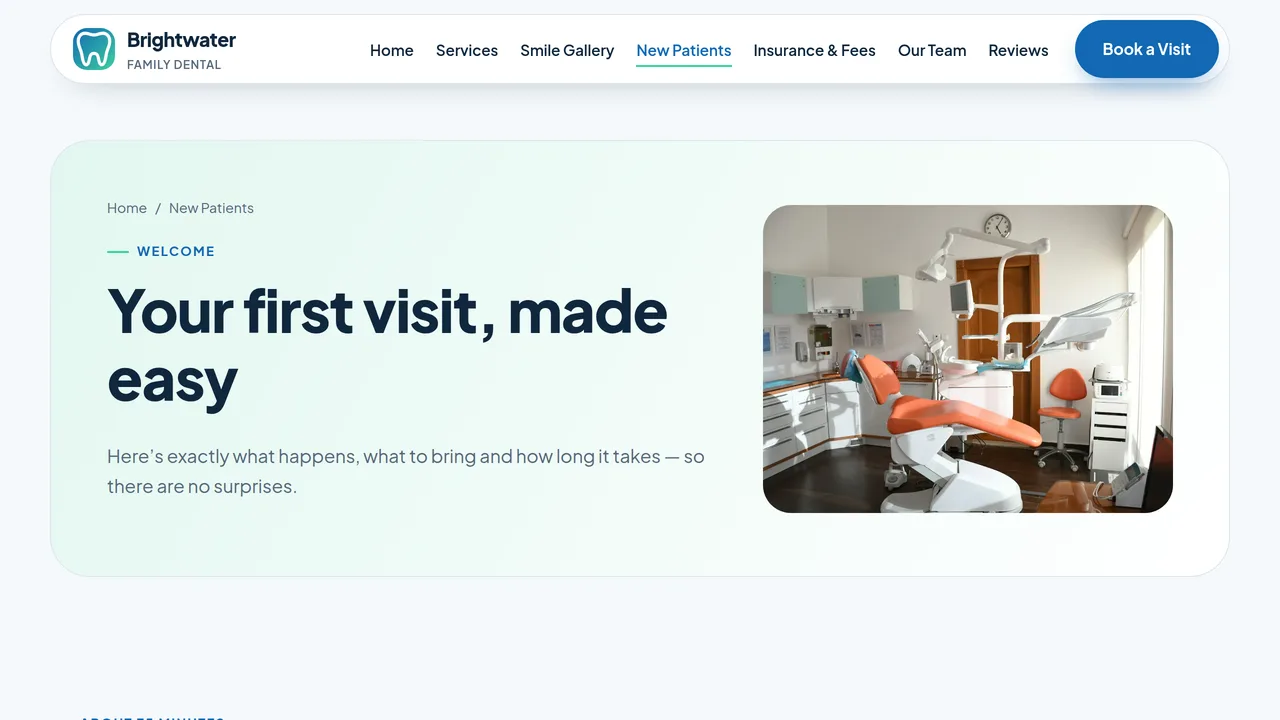
Four-step first visit, what to bring, downloadable forms and the $99 new patient special.
2 editable fields
- 5
Insurance & Fees
PPO insurance, three-tier in-house membership plan, typical fees table and payment options.
2 editable fields
- 6
Our Team
Four team members (monogram cards), practice story and count-up practice facts.
2 editable fields
- 7
Reviews
Rating stats, six patient reviews and eight FAQs.
2 editable fields
- 8
Book a Visit
Appointment request form, emergency callout, office hours, address and map placeholder.
2 editable fields
Launching it is simple: download the files, publish it live to your own Vercel account, or push it to your own GitHub — see how to launch your AI Tapz website.
Usage instructions
8 pages, each a complete, self-contained HTML page — a calm, clinical-but-friendly dental design: split hero with floating rating and emergency cards, rounded 28px cards, pill buttons, deep teal + mint palette, Plus Jakarta Sans throughout, soft glow and dotted-grid texture. 1. Home (index.html) — hero, services ticker, six services, count-up stats, before/after whitening slider, comfort section, $99 new patient special, reviews. 2. Services (services.html) — tabs for preventive, cosmetic, restorative, kids and emergency care, plus technology. 3. Smile Gallery (smile-gallery.html) — two before/after sliders, cosmetic options with starting prices, clear aligners. 4. New Patients (new-patients.html) — first visit steps, what to bring, downloadable forms, new patient special. 5. Insurance & Fees (insurance.html) — PPO insurance, a three-tier membership plan, a typical fees table, payment options. 6. Our Team (about.html) — team cards, story, practice facts. 7. Reviews (reviews.html) — rating stats, six reviews, eight FAQs (with FAQPage markup). 8. Book a Visit (contact.html) — appointment request form, emergency callout, hours, address, map placeholder. ANIMATION. A light motion layer is built in: sections fade and slide in as you scroll, numbers count up (they read the number you type, so editing "4.9" or "12,400+" just works), the services ticker scrolls, and the before/after sliders can be dragged (they nudge once to show they move). Everything is visible without JavaScript, and visitors who ask their device for reduced motion get a still page. BEFORE/AFTER SLIDERS. Each slider is two ordinary images — replace both with your own patient photos (use only photos patients have consented in writing to share). The "before" sample is a tinted copy of the "after" photo, for illustration only. TABS. On the Services page the tab buttons switch the panels below them in order; without JavaScript all five panels simply show one after another. FONTS. Plus Jakarta Sans loads from Google Fonts via @font-face in each page's style block; it falls back to the system sans-serif. SEO. Each page opens with a labeled block (title, meta description, canonical link, Open Graph tags and JSON-LD — Dentist, CollectionPage, AboutPage, FAQPage or ContactPage). Copy it into your real <head> when you deploy, and update the domain, address, hours and rating in the JSON-LD. FORMS. The appointment form posts nowhere — connect it to your scheduling system or form service before publishing. Don't collect medical details through an unsecured form. The patient form download links and the map are placeholders. EDITING. Change colors and fonts site-wide in the editor's Theme panel; edit the header or footer once and use "Apply to all pages"; sections can be moved, duplicated, hidden or deleted; use the Tablet and Mobile views for device-specific tweaks. CLAIMS & SAMPLE CONTENT. The practice name, dentists, address, phone, prices, membership plan, statistics, ratings and reviews are fictional placeholders. Replace them with your own real details, list only the insurance plans you actually accept, and make sure any offer (such as the $99 new patient visit) follows your state dental board's advertising rules. IMAGES. All photography is real Unsplash stock, self-hosted under /content-images. No photo shows a recognisable face, so all of it may be kept or replaced at your discretion; team members are shown as initials until you add your own photos.
Reviews
No reviews yet — be the first once you've used this template.