Copperline Plumbing & Drain — Plumbing Company Website (8 Pages)
An 8-page website for a residential plumbing company — navy, safety-orange and copper design with a 24/7 emergency strip, a copper pipe that draws itself down every page, a "What's that noise?" symptom diagnoser, flat-rate price book, tank vs tankless comparison with an age estimator, sewer camera and line diagrams, a service-area map and a booking form, with Plumber SEO markup.

Preview
What you can customize
Each section below becomes a guided form field in your library after purchase — no prompting experience required.
- 1
Home
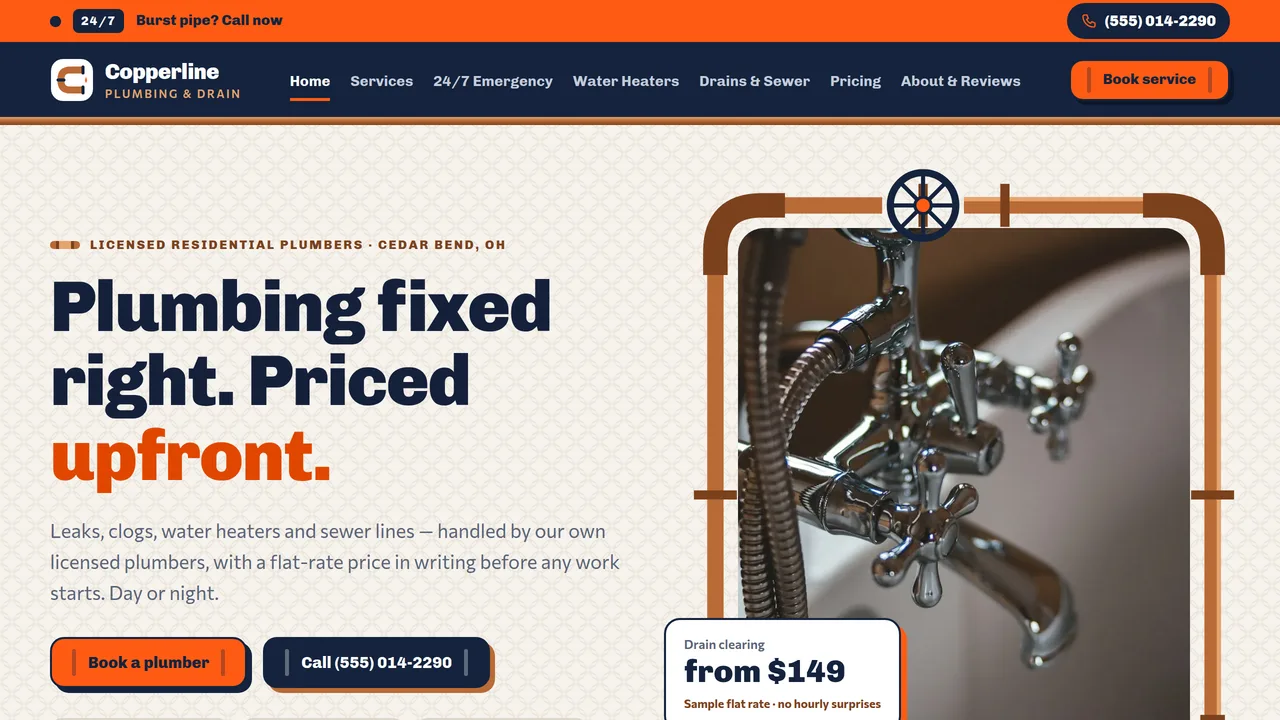
Split hero with the photo inside a self-drawing copper pipe loop, trust ticker, then a copper pipe rail with numbered joints running past six service cards, the 'What's that noise?' symptom diagnoser, sample price-book cards, count-up stats, water heater feature, an SVG service-area map and reviews.
2 editable fields
- 2
Services
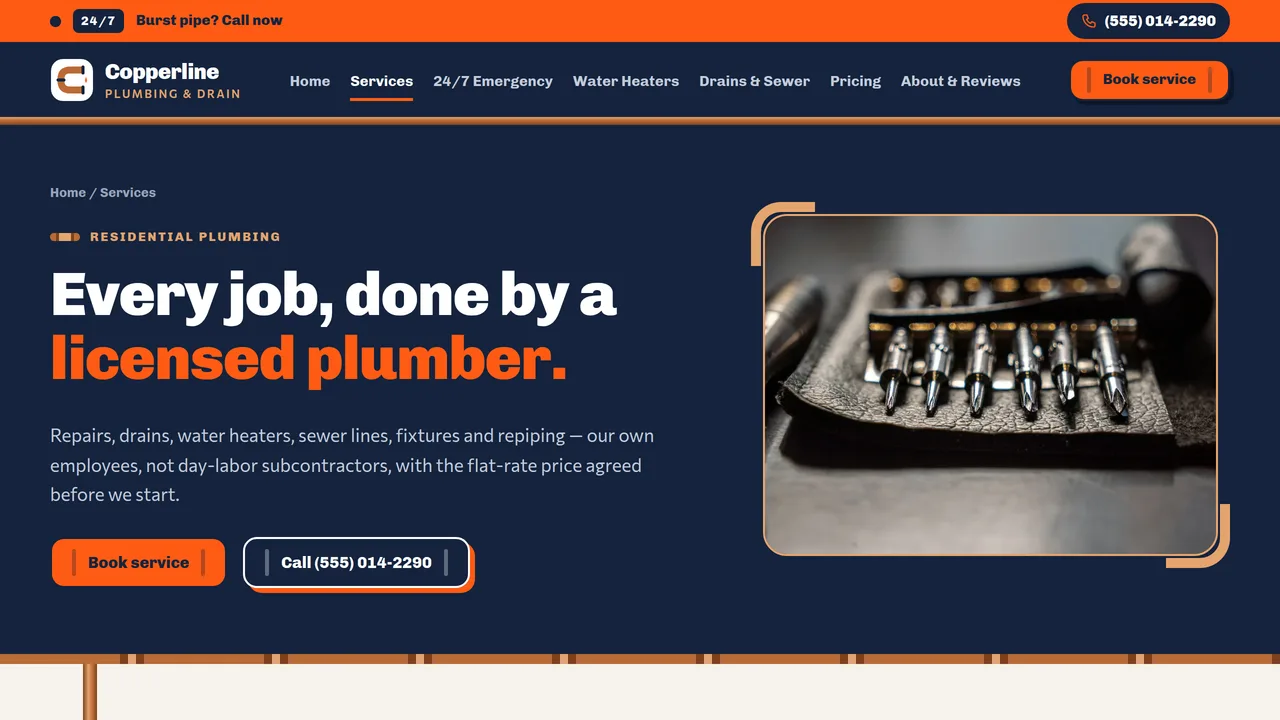
Six service departments, fixture installs, the four-step service call, recent bathroom photos and a services FAQ.
2 editable fields
- 3
24/7 Emergency
Emergency hero with tap-to-call, four stacking 'do this now' steps, gate vs ball shut-off valve drawings, what counts as an emergency, after-hours fee explained, emergency FAQ.
2 editable fields
- 4
Water Heaters
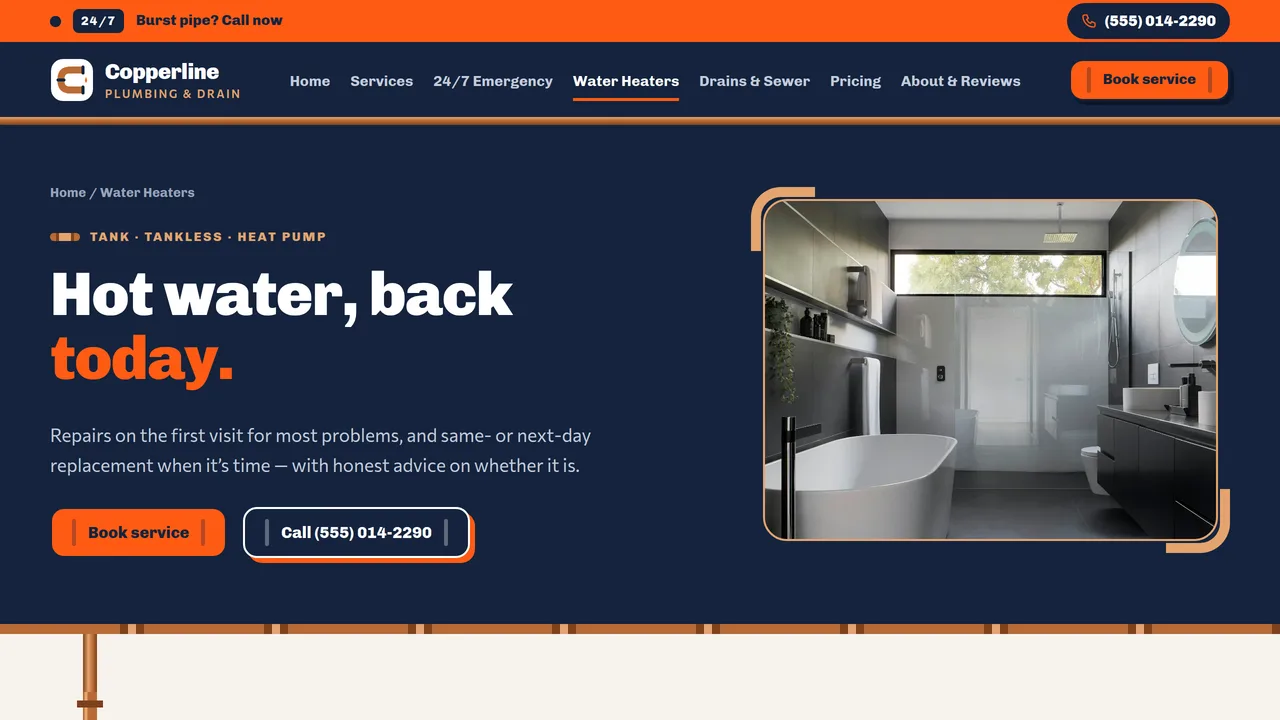
Tank vs tankless cards and comparison table, a working water-heater age estimator with a filling meter, warning signs with wear meters, and replacement-day steps.
2 editable fields
- 5
Drains & Sewer
Camera-inspection explainer with a drawn camera monitor, a labelled house-to-street sewer-line diagram, clearing methods table, flip cards for three repair options, drain prevention tips.
2 editable fields
- 6
Pricing
Trip and diagnostic fee explainer, tabbed sample flat-rate price book (drains, water heaters, fixtures, pipes), maintenance plan, pricing FAQ.
2 editable fields
- 7
About & Reviews
Company story, drawn licence/insurance/bond/background-check seals, warranty terms, count-up stats and six homeowner reviews.
2 editable fields
- 8
Book Service
Booking form (name, phone, email, address, ZIP, service, urgency, arrival window, date, notes), emergency call box, next steps and service areas.
2 editable fields
Launching it is simple: download the files, publish it live to your own Vercel account, or push it to your own GitHub — see how to launch your AI Tapz website.
Usage instructions
8 pages, each a complete, self-contained HTML page — a schematic-style plumbing design: deep navy, safety orange and warm copper on a clean off-white, Chivo heavy headlines over Commissioner, chunky rounded cards with copper elbow-fitting corners, hard-shadow pipe-fitting buttons, an orange 24/7 emergency strip pinned above the header, and a copper pipe that runs down the left of every page with numbered joints, filling in as visitors scroll. 1. Home (index.html) — pipe-loop hero, trust ticker, six service cards, the "What's that noise?" symptom diagnoser, sample price-book cards, count-up stats, water heater feature, service-area map, reviews. 2. Services (services.html) — six service departments, fixture installs, the four-step service call, recent bathroom photos, FAQ. 3. 24/7 Emergency (emergency.html) — tap-to-call hero, four stacking "do this now" steps, gate vs ball shut-off valve drawings, what counts as an emergency, after-hours fee, FAQ (FAQPage markup). 4. Water Heaters (water-heaters.html) — tank vs tankless cards and table, a working age estimator, warning signs with wear meters, replacement-day steps. 5. Drains & Sewer (drains-sewer.html) — camera-inspection explainer, a labelled sewer-line diagram, clearing methods table, three repair-option flip cards, prevention tips. 6. Pricing (pricing.html) — trip and diagnostic fee explainer, tabbed sample price book, maintenance plan, FAQ (FAQPage markup). 7. About & Reviews (about.html) — story, licence and insurance seals, warranty, stats, six reviews. 8. Book Service (book.html) — booking form, emergency call box, next steps, service areas. ANIMATION. The copper pipe rail fills down each section as you scroll and its tee joints draw themselves in, with the section number on each joint; the hero's pipe loop, valve drawings, service-area map, sewer diagram and seals draw themselves; the emergency dot pulses; stats count up (they read the number you type); the trust ticker scrolls; meters fill; the emergency steps pin and stack as you scroll on larger screens; repair cards flip; sections slide in as you scroll. Everything is visible without JavaScript, and visitors who ask for reduced motion see a still page. SYMPTOM DIAGNOSER. "What's that noise?" on the home page is a set of tabs: each symptom tab shows likely causes, an urgency label, one DIY-safe first step, when to call, and a "Book a tech" link. It is labelled general guidance, not a diagnosis — keep that label, and have a licensed plumber review the advice for your area before publishing. WATER HEATER AGE ESTIMATOR. It works in the browser: visitors enter an install year and type, and the meter and message update. The typical lifespan for each type lives in that option's data-life attribute (in years) — adjust it if your experience differs. PRICING. Every price, the $79 diagnostic fee, the $149 after-hours fee, the maintenance plan and the warranty terms are samples and are flagged as such on the page. Replace them with your own price book, fees and written warranty before publishing, and check any local rules on advertising prices. FONTS. Chivo and Commissioner load from Google Fonts via @font-face in each page's style block, with system sans-serif fallbacks. SEO. Each page opens with a labeled block (title, meta description, canonical link, Open Graph tags and JSON-LD — Plumber, CollectionPage, FAQPage, WebPage, AboutPage or ContactPage). Copy it into your real <head> when you deploy, and update the domain, address, rating and areas served. FORMS. The booking form posts nowhere — connect it to your booking software, CRM or form service before publishing. EDITING. Change colors and fonts site-wide in the editor's Theme panel; edit the header or footer once and use "Apply to all pages"; sections can be moved, duplicated, hidden or deleted (renumber the pipe joints if you reorder sections); use the Tablet and Mobile views for device-specific tweaks. CLAIMS & SAMPLE CONTENT. The company name, license number, address, phone, prices, fees, warranty terms, statistics, drive times, service areas and reviews are fictional placeholders — replace them with your own. Plumbing licensing rules vary by state and city: show your real license numbers and only claim credentials you hold. The licence and insurance seals are illustrations, not certifications. Gas work (water heaters, gas lines) must be done by a licensed gas fitter where your jurisdiction requires it. The DIY steps and diagnoser are general guidance; adapt them to your local codes. The service-area map is an illustration, not a real map. IMAGES. All photography is real Unsplash stock, self-hosted under /content-images: bathrooms, kitchens, fixtures, tools and a home exterior. No photo shows a person's face (one shows a hand on a tap). Replace them with photos of your own work when you can. Icons, seals, diagrams and the map are inline SVG.
Reviews
No reviews yet — be the first once you've used this template.