Crewline Staffing — Staffing & Recruitment Agency Website (9 Pages)
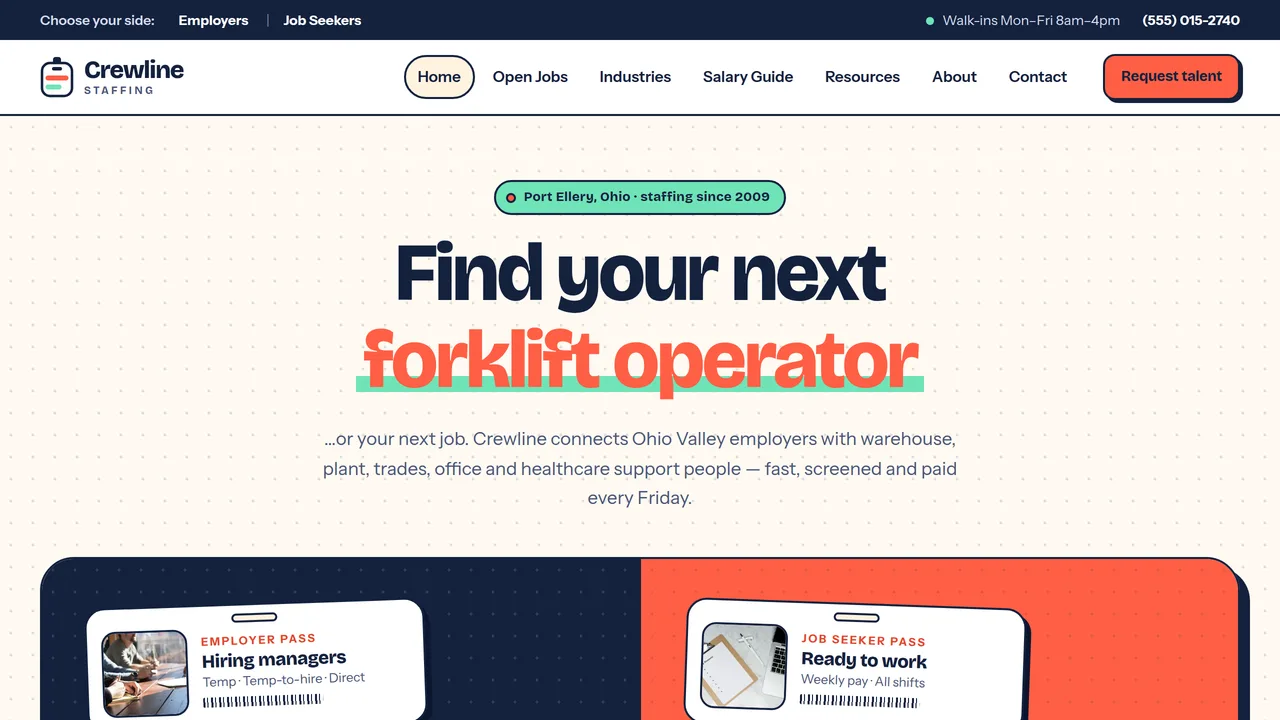
A 9-page website for a staffing and recruitment agency — energetic coral-and-navy design with a two-audience split hero for employers and job seekers, a rotating-keyword headline, a filterable job board, salary guide with meters, markup explainer, stacking "how it works" cards and two tabbed contact forms, with EmploymentAgency SEO markup.
Preview
What you can customize
Each section below becomes a guided form field in your library after purchase — no prompting experience required.
- 1
Home
Rotating-keyword headline over a two-audience split hero (navy 'I'm hiring' / coral 'I'm looking for work' with ID-pass cards), open-roles marquee, count-ups, two-sided stacking 'how it works' cards, industries with fill-rate meters, featured jobs, why us, testimonials from both sides.
2 editable fields
- 2
For Employers
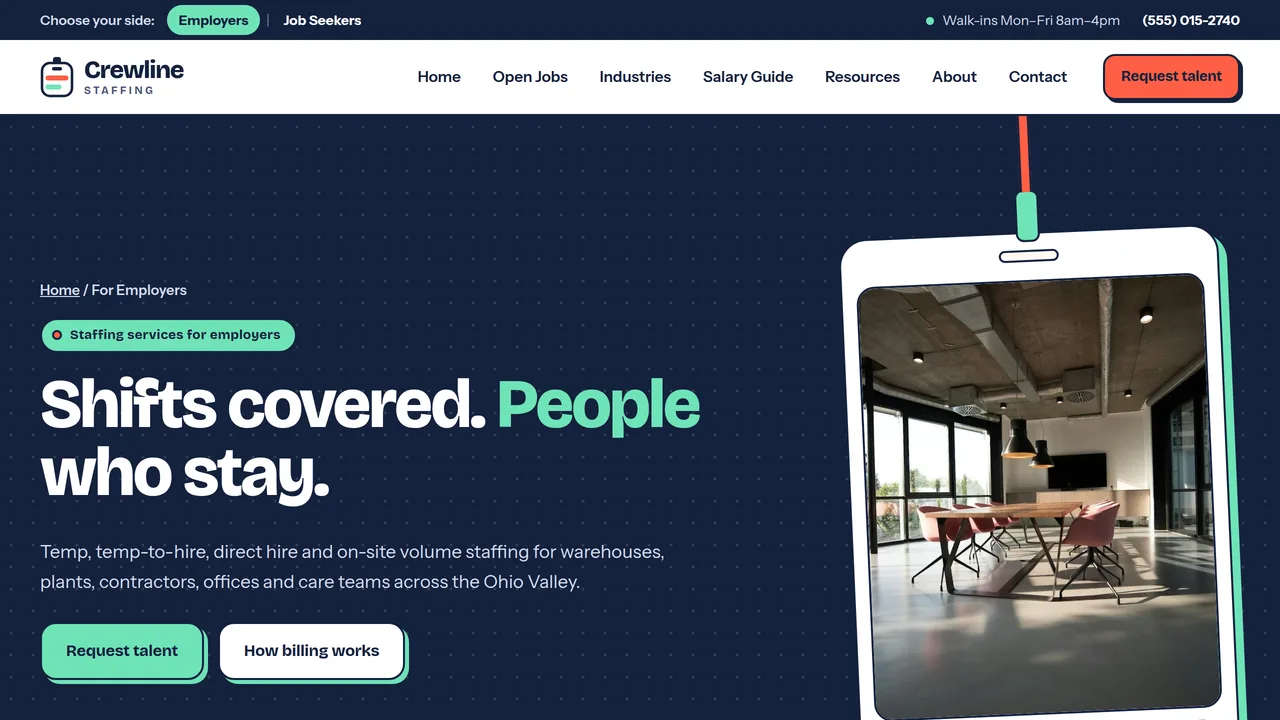
Four staffing models, a sample markup explainer with a stacked bill-rate bar, safety & compliance cards (background checks, drug screens, I-9/E-Verify where required), on-site programs, employer FAQ.
2 editable fields
- 3
For Job Seekers
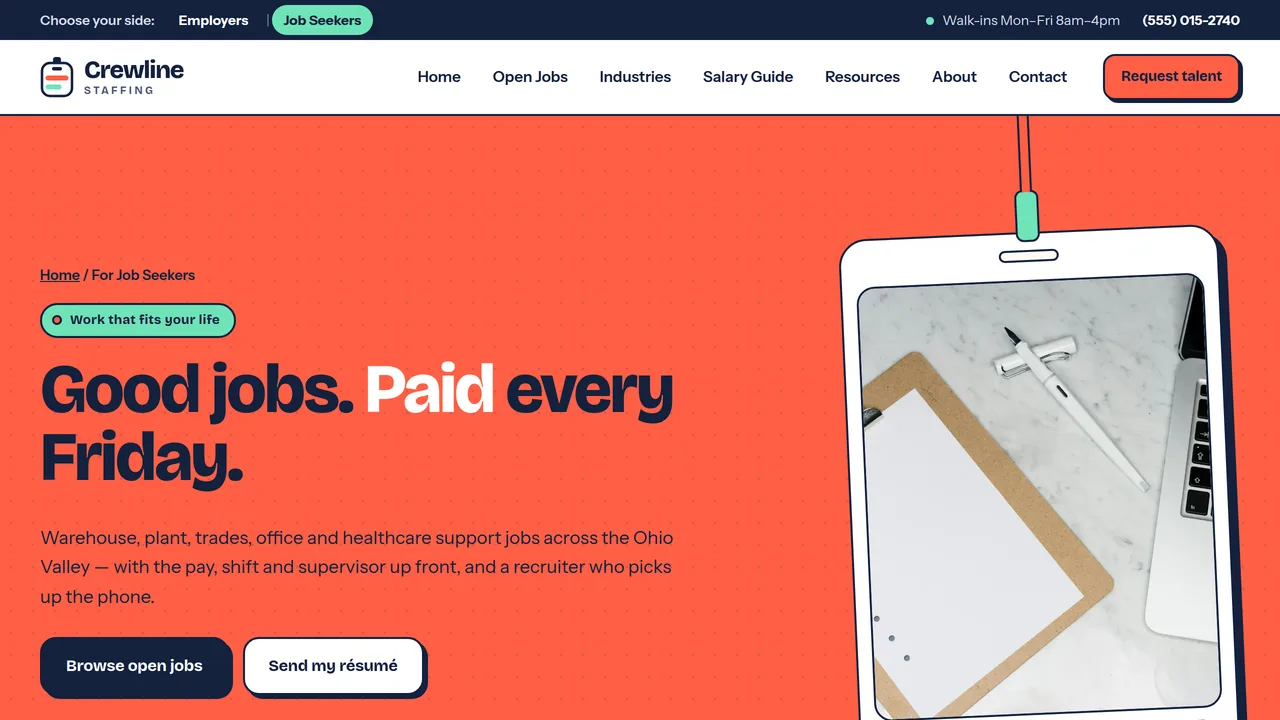
Four-step path to a first paycheck, sample weekly pay and benefits, what to bring (I-9 documents, boots, certifications), worker stories, job seeker FAQ.
2 editable fields
- 4
Open Jobs
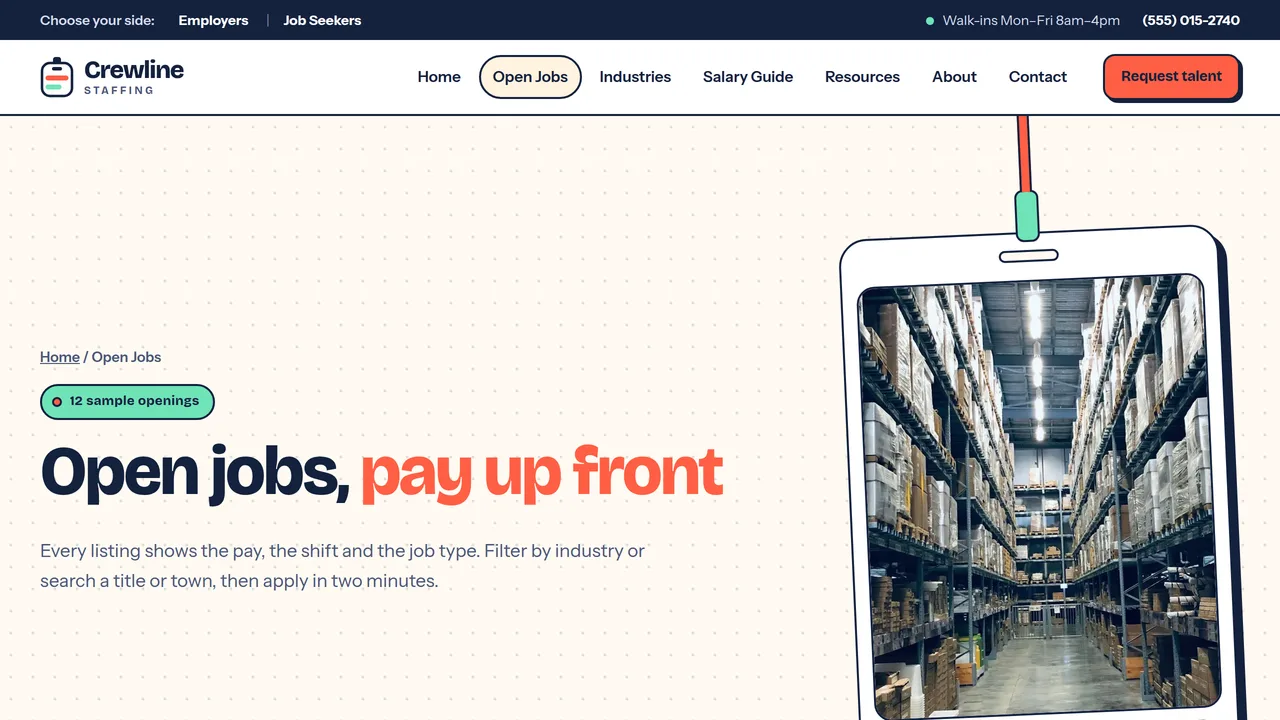
Client-side job board of 12 sample listings with industry filter chips, a text search and a live count; roles marquee; what the job-type tags mean; résumé CTA. JobPosting markup for three sample jobs.
2 editable fields
- 5
Industries
Five industry cards with sample fill-rate meters, tabbed industry detail (roles placed, time-to-fill, screening), count-ups and client quotes.
2 editable fields
- 6
Salary Guide
Sample 2026 pay ranges table for 21 roles across five industries with median meters, six pay factors, employer benchmark callout.
2 editable fields
- 7
About
Founder story with a badge photo, four values, six team monogram cards, community programs with count-ups, two-sided reviews.
2 editable fields
- 8
Resources
Six résumé tips, an interactive interview checklist with a progress bar, four expandable employer guides, links to the salary guide and job board.
2 editable fields
- 9
Contact
Tabbed 'Request talent' (employers) and 'Submit your résumé' (job seekers) forms, branch details, next steps and an EEO statement.
2 editable fields
Launching it is simple: download the files, publish it live to your own Vercel account, or push it to your own GitHub — see how to launch your AI Tapz website.
Usage instructions
9 pages, each a complete, self-contained HTML page — an energetic two-sided staffing agency design: a rotating-keyword headline over a split hero (navy "I'm hiring" half and coral "I'm looking for work" half that widen on hover), Bricolage Grotesque headlines over Instrument Sans, coral / deep navy / cream / mint palette, chunky rounded cards with 2px navy outlines and offset solid shadows, pill tags, photos in ID-badge frames with lanyard clips, and dotted grid-paper backgrounds. 1. Home (index.html) — rotating-keyword split hero, open-roles marquee, count-up stats, two-sided "how it works" stacking cards, industries with fill-rate meters, featured jobs, why us, testimonials from employers and job seekers. 2. For Employers (employers.html) — temp, temp-to-hire, direct hire and on-site/volume staffing; a sample bill-rate markup explainer with a stacked bar; safety & compliance (background checks, drug screens, I-9/E-Verify where required, OSHA, insurance, wage & hour); on-site programs; employer FAQ. 3. For Job Seekers (jobseekers.html) — four-step path to a first paycheck, sample pay & benefits, what to bring, worker stories, FAQ. 4. Open Jobs (jobs.html) — a job board of 12 sample listings with industry filter chips and a text search, a roles marquee, job-type explainer and résumé CTA. 5. Industries (industries.html) — five industry cards with sample fill-rate meters, tabbed industry detail, count-ups, client quotes. 6. Salary Guide (salary.html) — a sample 2026 pay range table for 21 roles with median meters, pay factors and an employer benchmark callout. 7. About (about.html) — story, values, team monogram cards, community programs with count-ups, reviews. 8. Resources (resources.html) — résumé tips, an interactive interview checklist, expandable employer guides. 9. Contact (contact.html) — two tabbed forms ("Request talent" and "Submit your résumé"), branch details, next steps, EEO statement. ANIMATION. The hero keyword rotates through roles (edit the words in the em's data-words attribute, separated by |; its own text is the first word), the hovered or focused half of the split hero widens, the "how it works" cards pin and stack as you scroll (on screens 860px+ wide), numbers count up (they read the number you type), fill-rate, bill-rate and salary meters grow, the open-roles ticker scrolls, badge photos swing gently on their lanyards, and sections slide in with a stagger. Everything is visible without JavaScript, and visitors who ask for reduced motion see a still page. JOB BOARD. Filtering happens in the browser: each job card's data-cat attribute (warehouse, industrial, trades, office, health) matches a chip's data-filter, and the search box matches any text on the card. Chip counts and the "Showing X of Y" line update themselves. To add a job, duplicate a card and edit it; to keep the board current, replace the sample cards with your live openings or connect a job feed. All 12 jobs, employers, towns and pay rates are SAMPLE listings. INTERVIEW CHECKLIST. Ticks are counted on the visitor's screen only; nothing is saved or sent. CONTACT TABS. A link to contact.html#talent or contact.html#resume opens that tab first. FONTS. Bricolage Grotesque and Instrument Sans load via @font-face in each page's style block, with system sans-serif fallbacks. SEO. Each page opens with a labeled block (title, meta description, canonical link, Open Graph tags and JSON-LD — EmploymentAgency, WebPage with FAQ, CollectionPage, AboutPage or ContactPage). The Open Jobs page includes JobPosting markup for three SAMPLE jobs — remove it or replace it with your real, currently open postings (search engines penalise expired or fake job markup). Copy each block into your real <head> when you deploy and update the domain, address, rating and areas served. FORMS. The "Request talent" and "Submit your résumé" forms post nowhere and ship no backend — set each form's action to your applicant tracking system, CRM or form service before publishing. The résumé file field is a placeholder and needs a service that accepts uploads. EDITING. Change colors and fonts site-wide in the editor's Theme panel; edit the header or footer once and use "Apply to all pages"; sections can be moved, duplicated, hidden or deleted; use the Tablet and Mobile views for device-specific tweaks. CLAIMS & SAMPLE CONTENT. The company name, address, phone, emails, team, statistics (placements, clients, time-to-fill, fill rates), job listings, salary ranges, markup example, fees, conversion terms, benefits package, community figures and reviews are fictional placeholders — replace them with your own. Benefits eligibility, screening, E-Verify use and the EEO statement must match your real policies and federal, state and local law; have them reviewed before publishing. IMAGES. All photography is real Unsplash stock, self-hosted under /content-images: offices, résumés on clipboards, warehouses and a work site. No photo shows a recognisable face (meeting and teamwork shots show hands only; the construction crew is seen from far above), so they may be kept or replaced at your discretion. Team members are shown as monogram tiles — add your own headshots if you like.
Reviews
No reviews yet — be the first once you've used this template.