The Greenhall Estate — Wedding & Event Venue Website (7 Pages)
A 7-page website for a wedding and event venue — bold forest-green and ivory design with photo-filled masked headlines, a tabbed space selector with capacity count-ups, wedding packages with a per-guest estimator, a wedding-day timeline, filterable gallery, availability strip, policies and FAQ, and a tour request form, with EventVenue SEO markup.
Preview
What you can customize
Each section below becomes a guided form field in your library after purchase — no prompting experience required.
- 1
Home
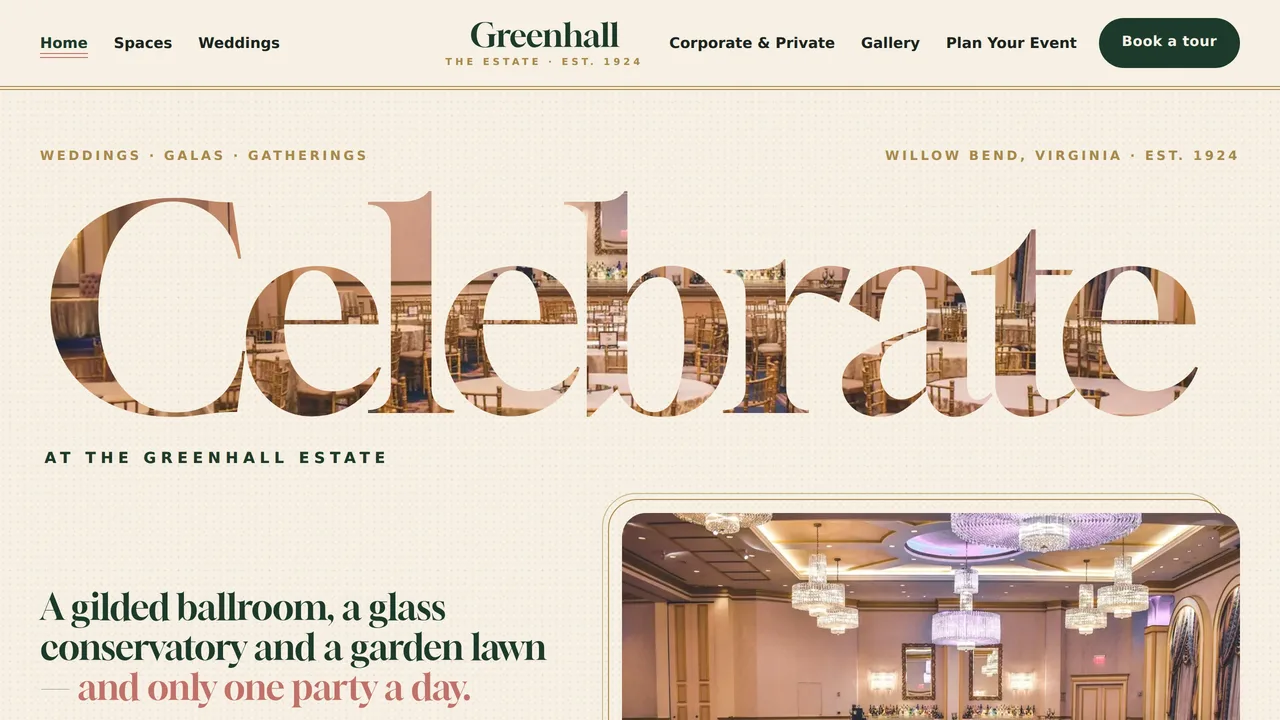
Masked 'Celebrate' headline over the ballroom photo, count-up estate stats, tabbed space selector, lawn ceremony band, wedding and corporate paths, seasonal availability, reviews and a confetti CTA.
2 editable fields
- 2
Spaces
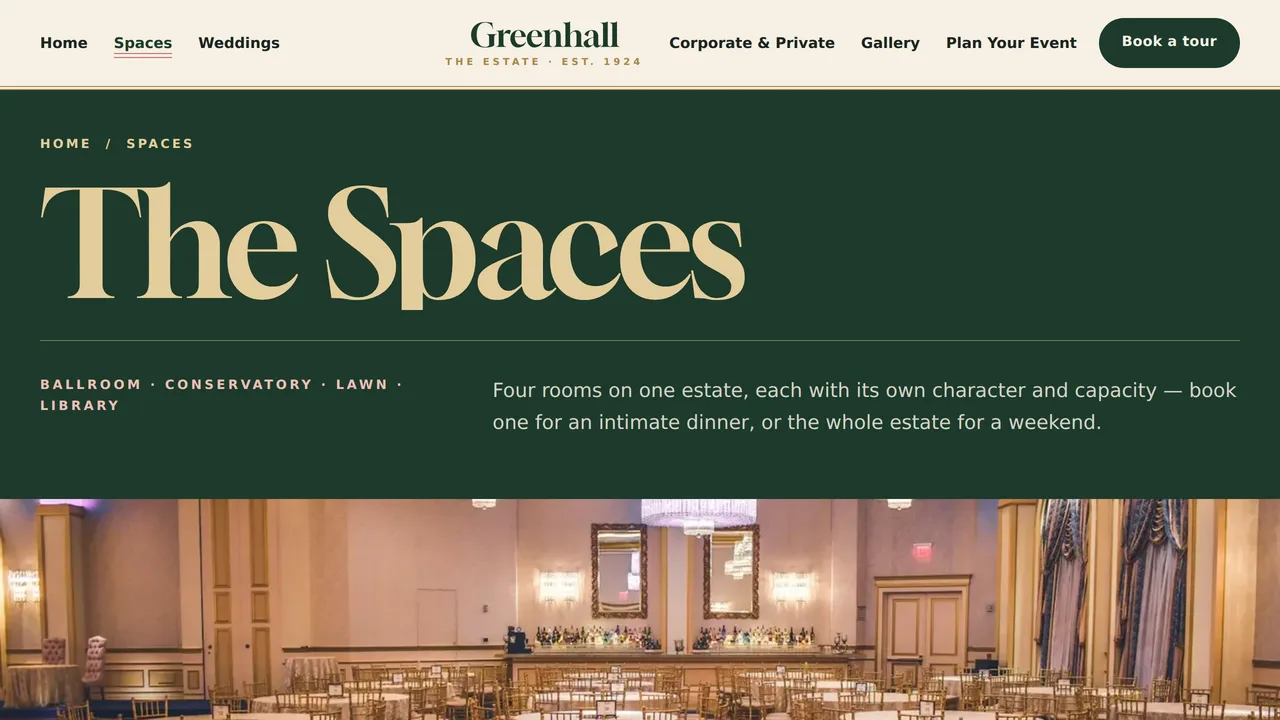
The four spaces with capacity count-ups and features, a capacity chart by layout, what's included, and a mix-and-match band.
2 editable fields
- 3
Weddings
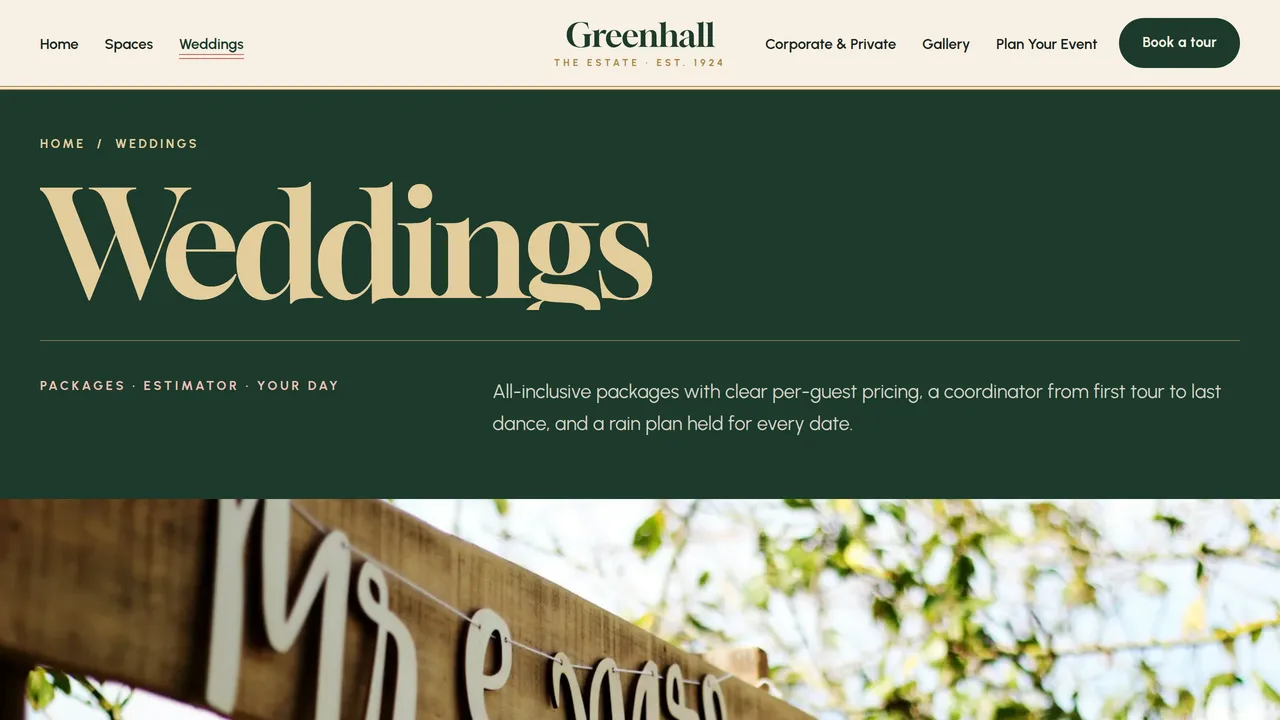
Three wedding packages with per-guest pricing, a working per-guest estimator, a wedding-day timeline, what's included, preferred vendor categories and reviews.
2 editable fields
- 4
Corporate & Private
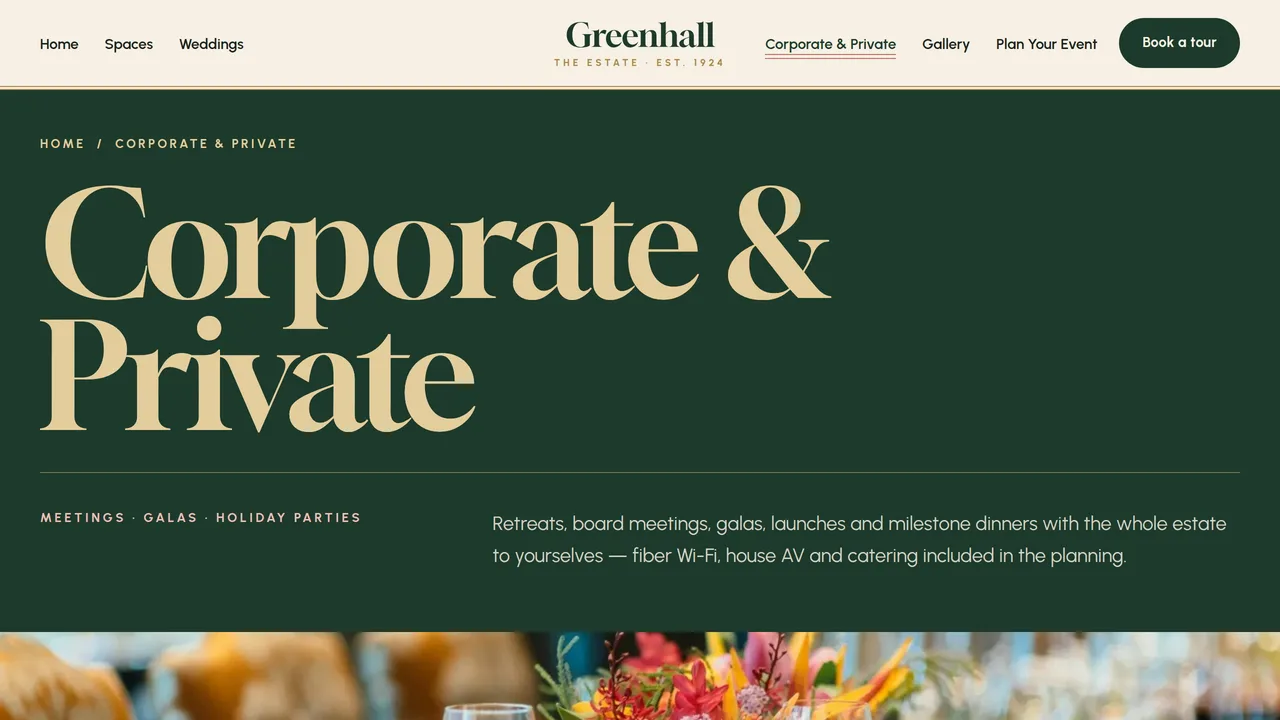
Event types, meeting day-rate table, AV and technology, tabbed catering menus, a holiday party band and client reviews.
2 editable fields
- 5
Gallery
Filterable photo gallery by space and event type, three sample event stories and a golden-hour band.
2 editable fields
- 6
Plan Your Event
Five planning steps, a sample month-by-month availability strip, policies (deposits, rain plan, noise curfew, vendor rules) and an FAQ.
2 editable fields
- 7
Book a Tour
Tour request form (names, contact, event type, dates, guest count, spaces, budget, source, message), contact box, tour timeline and tour FAQ.
2 editable fields
Launching it is simple: download the files, publish it live to your own Vercel account, or push it to your own GitHub — see how to launch your AI Tapz website.
Usage instructions
7 pages, each a complete, self-contained HTML page — a bold, celebratory event-venue design: one giant Gloock headline per page with a photo showing through its letters, full-bleed forest-green and photo bands, Urbanist body text, ivory paper grain, champagne and blush accents, 24px rounded photos, pill-shaped capacity chips and thin double-line frames. 1. Home (index.html) — masked "Celebrate" headline over the ballroom photo, count-up estate stats, tabbed space selector (ballroom / conservatory / lawn / library → photo, capacity chips, features), lawn ceremony band, wedding and corporate paths, seasonal availability strip, reviews, coordinator section, confetti CTA. 2. Spaces (spaces.html) — the four spaces with capacity count-ups (seated / standing / ceremony), size and features; capacity chart by layout; what's included; mix-and-match band. 3. Weddings (weddings.html) — three packages with sample per-guest pricing, a working per-guest estimator, "your day at Greenhall" timeline, what's included, preferred vendor categories, reviews. 4. Corporate & Private (corporate.html) — event types, meeting day-rate table, AV and technology, tabbed catering menus, holiday party band, reviews. 5. Gallery (gallery.html) — gallery filterable by space and event type, three sample event stories, golden-hour band. 6. Plan Your Event (plan.html) — five planning steps, month-by-month sample availability, policies (deposits, rain plan, noise curfew, vendor rules, capacity and candles, send-offs) and an FAQ (FAQPage markup). 7. Book a Tour (tour.html) — tour request form, contact and directions, "what happens on a tour" timeline, tour FAQ. ANIMATION. On every page the giant headline's letters wipe up out of a mask, then the page's hero photo fades in through them and slowly pans. Capacity and estate numbers count up (they read the number you type), full-bleed photo bands zoom very slowly, space and catering tabs slide their panels in, the timeline line fills as you scroll, gallery photos fade as you filter, and confetti dots drift on the closing call-to-action band. Everything is visible without JavaScript, and visitors who ask for reduced motion see a still page. MASKED HEADLINES. The photo inside the headline letters is the photo marked with the class gv-mask__src in the same section (the hero photo on Home, the full-width band under each inner-page title). Replace that image and the letters change with it. Without JavaScript the headline shows in solid colour. SPACE SELECTOR & TABS. Each tab link matches the panel in the same position — edit, add or remove both together. PER-GUEST ESTIMATOR. It works in the browser: per-guest prices are the package dropdown's option values, venue fees are the day dropdown's option values and the service charge is the data-service attribute on the estimator box (22 by default). It is labelled as an estimate; replace the sample prices with your own. GALLERY FILTER. Each photo's data-tags attribute lists the filters it belongs to (ballroom, conservatory, lawn, library, wedding, corporate, private); each filter chip's data-filter must match one of those words. FONTS. Gloock and Urbanist load via @font-face in each page's style block, with system serif and sans-serif fallbacks. SEO. Each page opens with a labeled block (title, meta description, canonical link, Open Graph tags and JSON-LD — an EventVenue with maximumAttendeeCapacity on every page, plus WebPage, CollectionPage, FAQPage or ContactPage). Copy it into your real <head> when you deploy, and update the domain, address, rating, capacity and amenities. FORMS. The tour request form posts nowhere — connect it to your booking inbox, CRM or form service before publishing. The estimator fields are not a form and send nothing. EDITING. Change colours and fonts site-wide in the editor's Theme panel; edit the header or footer once and use "Apply to all pages"; sections can be moved, duplicated, hidden or deleted; use the Tablet and Mobile views for device-specific tweaks. CLAIMS & SAMPLE CONTENT. The venue name, history, address, phone, package and menu prices, venue fees, service charge, capacities, availability, preferred vendor counts, event stories, ratings and reviews are fictional samples. Replace them with your own. Every capacity you publish must match the occupancy posted for each room under your local fire code and your venue permit — never advertise more guests than a room is approved for. Check the noise curfew, alcohol service rules and deposit terms against your local ordinances, state ABC rules and your own contract. IMAGES. All photography is real Unsplash stock, self-hosted under /content-images: rooms, tables, florals and details, with couples shown only from behind, at a distance or as hands — no photo shows a recognisable face. Replace them with photos of your own venue before publishing.
Reviews
No reviews yet — be the first once you've used this template.