Halden Plastic & Aesthetic Surgery — Plastic Surgery Practice Website (8 Pages)
An 8-page website for a plastic and cosmetic surgery practice — a quiet, gallery-like black, gold and ivory design with a self-drawing gold frame hero, procedure detail panels for face, breast and body, non-surgical treatments, consent-first before & after placeholders, a surgeon page, a recovery timeline, financing FAQ and a consultation request form, with Physician SEO markup.
Preview
What you can customize
Each section below becomes a guided form field in your library after purchase — no prompting experience required.
- 1
Home
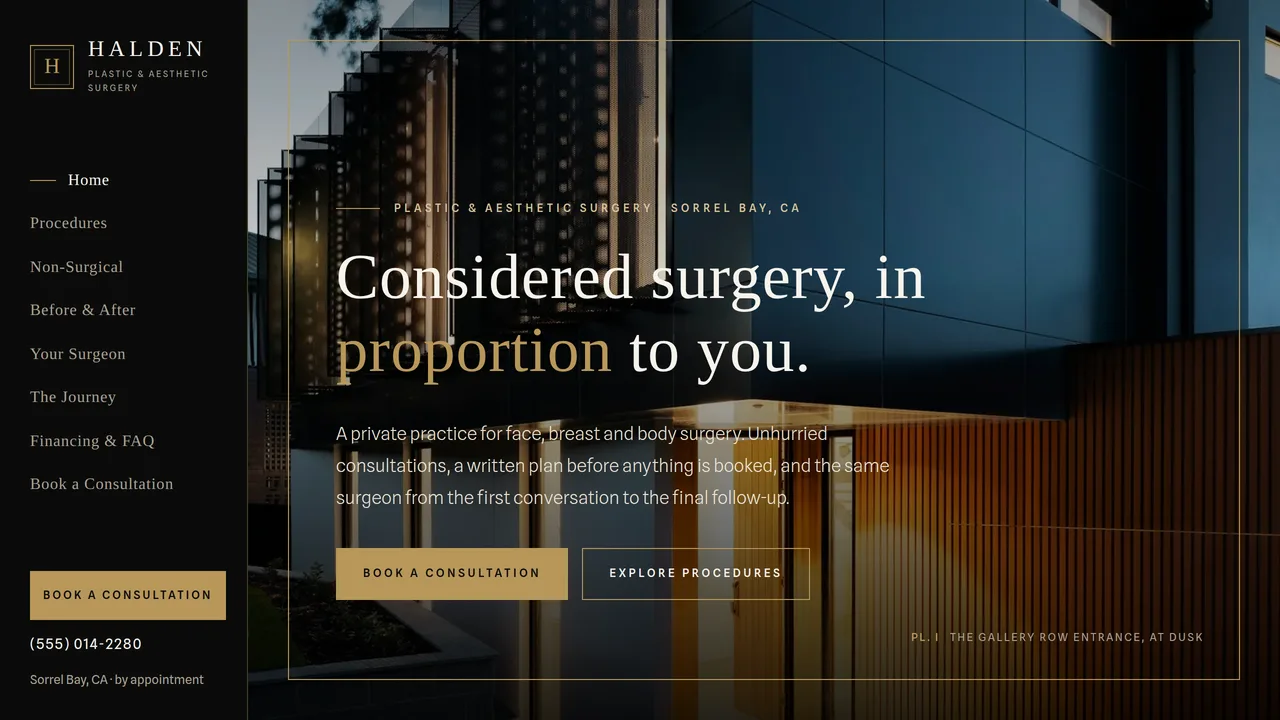
Full-bleed dark architectural hero inside a self-drawing gold frame, practice statement with sample count-ups, face/breast/body procedure rooms, matted lounge photo, non-surgical band, four-step journey line, before/after placeholder preview, patient words, consultation CTA.
2 editable fields
- 2
Procedures
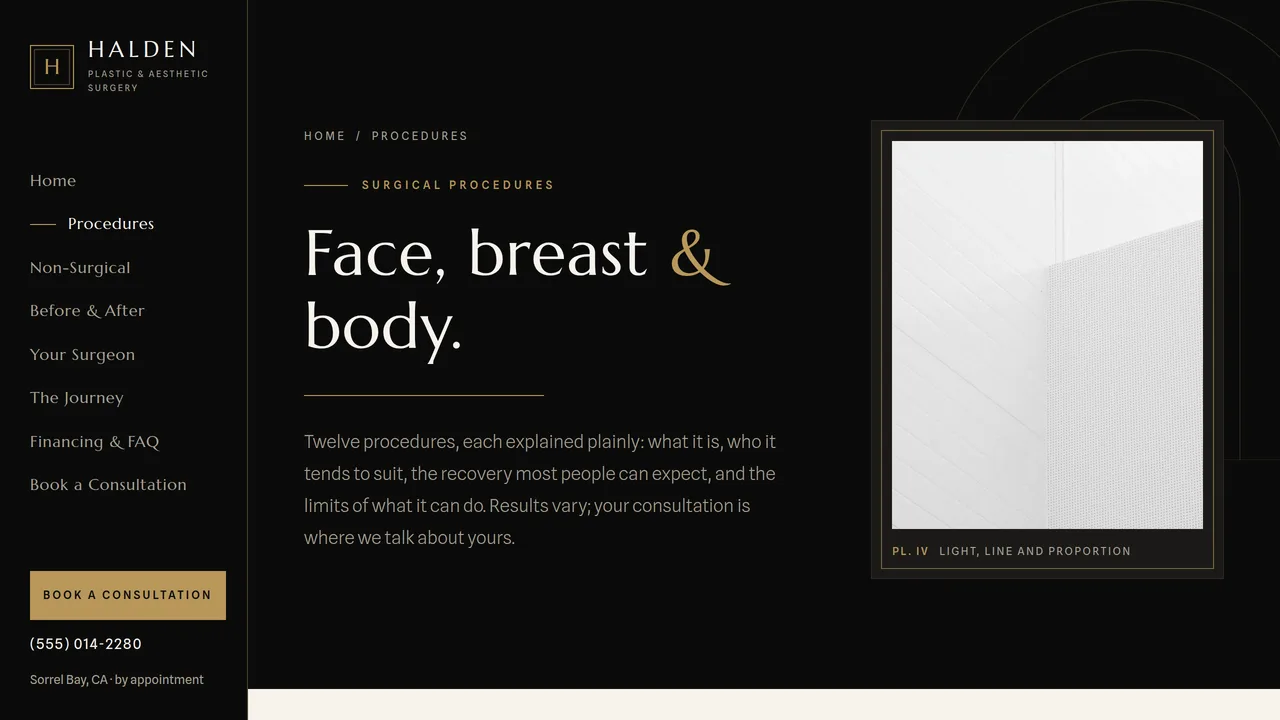
Face / Breast / Body tabs, each with procedure accordions (what it is, who it may suit, typical recovery, results vary), candidacy cards, combining procedures, safety table.
2 editable fields
- 3
Non-Surgical
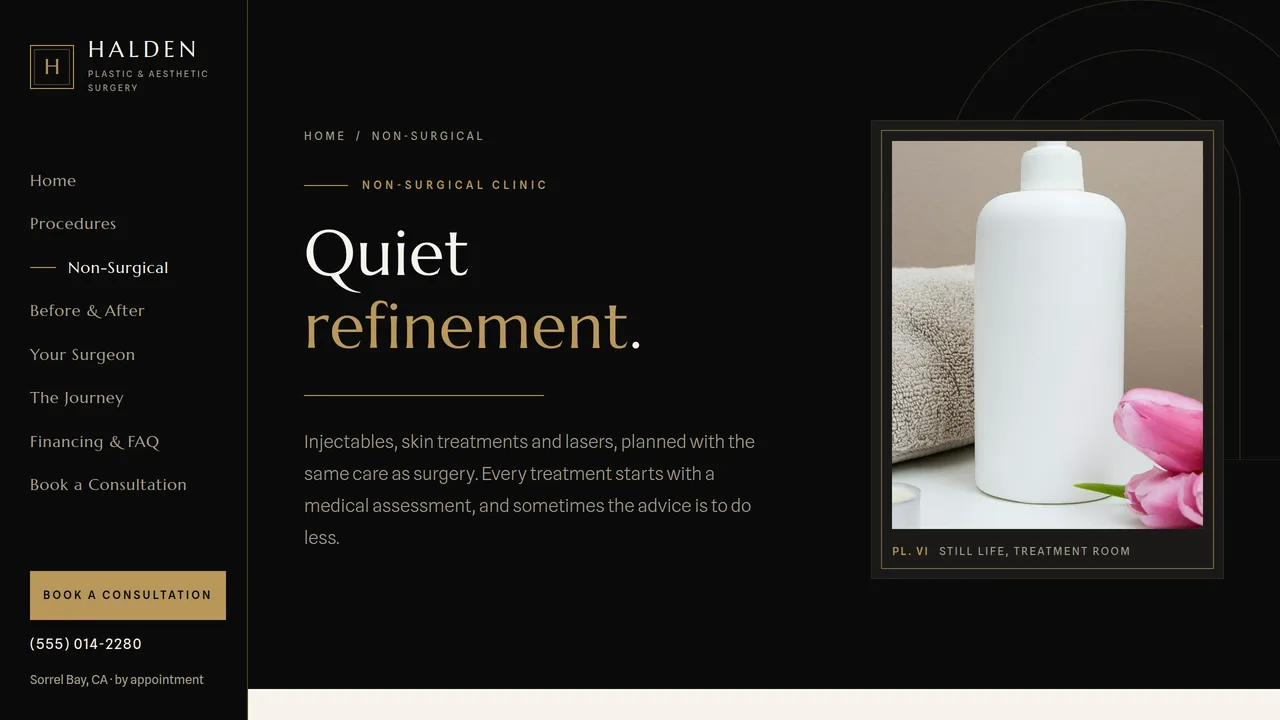
Injectables / skin / lasers tabs as a treatment ledger (what it does, sessions, downtime), surgical vs non-surgical table, seasonal planner, medical-assessment note.
2 editable fields
- 4
Before & After
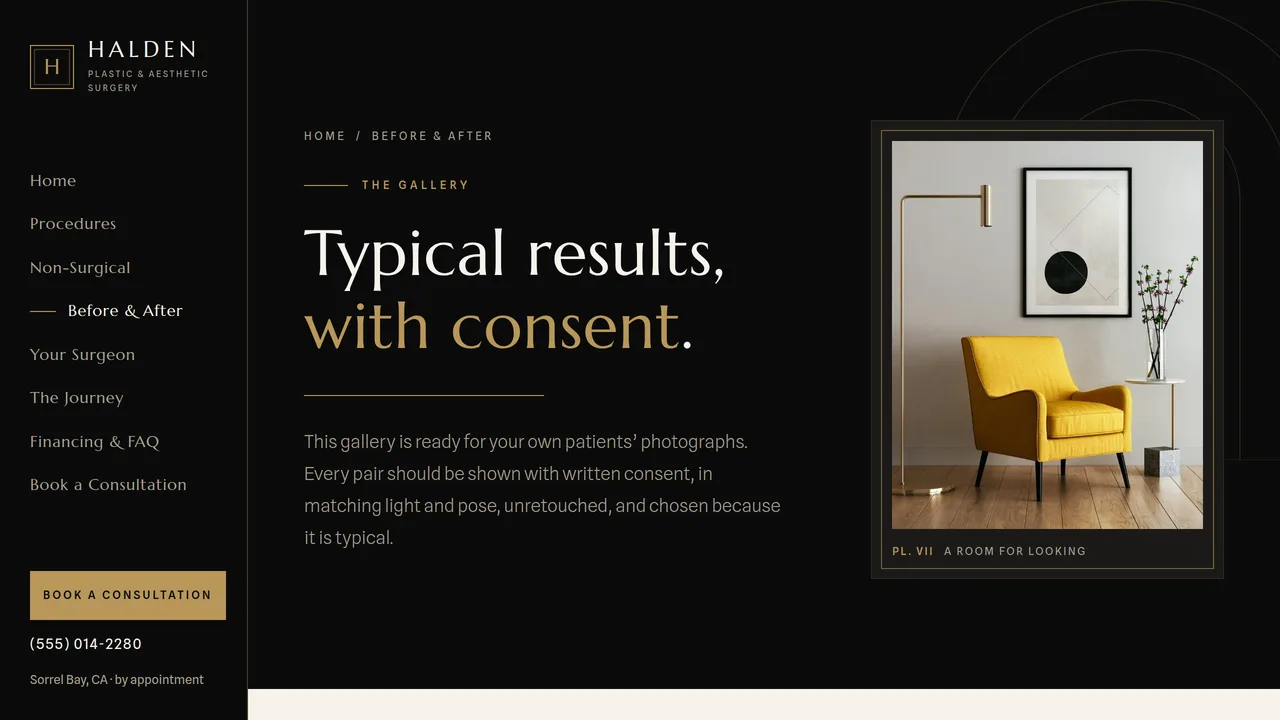
Tabbed gallery of SVG silhouette placeholder pairs (no patient photos), abstract proportion compare slider, consent standard and notice, how-to-read-a-gallery cards.
2 editable fields
- 5
Your Surgeon
Monogram plate in a gold arch frame (no portrait), sample credentials flagged as samples, bio with count-ups, self-drawing education timeline, memberships, philosophy quote.
2 editable fields
- 6
The Journey
Six-stage timeline that draws on scroll (consultation to one-year review), recovery week-by-week strip with activity meters, matted recovery-suite photo and home checklist.
2 editable fields
- 7
Financing & FAQ
Four-part fee anatomy, sample fee range table, general financing routes (no lender names) with a payment timeline, FAQ accordion, not-medical-advice note.
2 editable fields
- 8
Book a Consultation
Consultation request form (name, phone, email, procedure checkboxes, contact method, preferred days, how you heard, message) with no-medical-details note, call box, next steps, visit details, privacy cards, what to bring.
2 editable fields
Launching it is simple: download the files, publish it live to your own Vercel account, or push it to your own GitHub — see how to launch your AI Tapz website.
Usage instructions
8 pages, each a complete, self-contained HTML page — a quiet, gallery-like plastic surgery practice design: a fixed black left rail for navigation, a full-bleed dark architectural hero inside a gold frame that draws itself, Marcellus headings over Spline Sans, black and near-black bands with warm gold hairlines and ivory/bone pages, and photographs matted like framed prints with "Pl." wall-label captions. 1. Home (index.html) — framed hero, practice statement with sample count-ups, face/breast/body procedure areas, the setting, non-surgical band, four-step journey, before & after preview (placeholders), patient words, consultation call to action. 2. Procedures (procedures.html) — Face / Breast / Body tabs; each procedure opens a detail panel with what it is, who it may suit, typical recovery and a "results vary" note. Then candidacy, combining procedures and a safety table. 3. Non-Surgical (non-surgical.html) — injectables, skin treatments and lasers as a tabbed treatment list (generic treatment types, no brand names), surgical vs non-surgical table, seasonal planner, medical-assessment note. 4. Before & After (before-after.html) — tabbed gallery of SVG placeholder pairs, an abstract proportion compare slider, your photo standard and a consent notice, and a guide to reading galleries. 5. Your Surgeon (surgeon.html) — monogram plate instead of a portrait, sample credentials, bio, education timeline, memberships, philosophy. 6. The Journey (journey.html) — six-stage timeline from consultation to one-year review, recovery week-by-week strip, home checklist. 7. Financing & FAQ (financing-faq.html) — fee anatomy, sample fee ranges, general financing routes and payment timeline, FAQ (FAQPage markup), not-medical-advice note. 8. Book a Consultation (consultation.html) — consultation request form, call box, next steps, visit details, privacy, what to bring. ANIMATION. The hero's gold frame draws itself slowly around the photo, gold hairlines draw in under headings, sections fade and clip in as you scroll, architectural photos drift gently inside their mats, the journey and education timelines fill as you scroll, recovery meters grow, and the sample facts (years in practice etc.) count up — they read the number you type. Everything is visible without JavaScript, and visitors who ask for reduced motion see a still page. PROCEDURE PANELS & TABS. Each procedure is a native <details> panel (no script needed). Tabs on the Procedures, Non-Surgical and Before & After pages switch by order: the first tab shows the first panel. Without JavaScript all panels show one after another. Have a clinician review every description and recovery time against your own practice. BEFORE & AFTER. The gallery ships with SVG silhouette placeholders only — never real patient photos. Before adding any, obtain each patient's written consent for that specific use, show only typical results, photograph in matching light and pose, don't retouch, and follow your state medical board's advertising rules (many require the procedure, time since surgery and other treatments to be stated). Never use stock photos or another practice's images as results. The compare slider shows two abstract proportion studies drawn in SVG; to use it for real photos, replace each layer's SVG with an <img>. FONTS. Marcellus and Spline Sans load via @font-face in each page's style block, with Georgia and system sans-serif fallbacks. SEO. Each page opens with a labeled block (title, meta description, canonical link, Open Graph tags and JSON-LD — Physician/MedicalBusiness with medicalSpecialty PlasticSurgery, MedicalWebPage, CollectionPage, ProfilePage, FAQPage or ContactPage). Copy it into your real <head> when you deploy, and update the domain, address, hours and procedures. FORMS. The consultation request form posts nowhere — connect it to a HIPAA-appropriate form or patient-intake service before publishing. It deliberately asks for no medical details or photos and says so; keep it that way unless your service is set up to receive protected health information. EDITING. Change colors and fonts site-wide in the editor's Theme panel; edit the header rail or footer once and use "Apply to all pages"; sections can be moved, duplicated, hidden or deleted; use the Tablet and Mobile views for device-specific tweaks (the rail becomes a top bar with a menu below 1024px). CLAIMS & SAMPLE CONTENT. The practice name, surgeon, address, phone, hours, fee ranges, deposit and consultation-fee policies, statistics, education timeline, memberships and patient quotes are fictional samples — replace them with your own. State "board-certified" only if it is true and current, and name the certifying board correctly; likewise only describe your facility as accredited, or your anesthesia providers as board-certified, if they are. Keep the "results vary" notes, avoid outcome guarantees and superlatives such as "best surgeon", and check all copy against your state medical board's advertising rules. Financing is described generally; name a lender only with its required disclosures. IMAGES. All photography is real Unsplash stock of architecture, interiors and still life, self-hosted under /content-images. No photo shows a person, a face or a product brand, and there are no patient photos anywhere — the surgeon page uses a monogram plate in place of a portrait.
Reviews
No reviews yet — be the first once you've used this template.