Harvest Commons Food Bank — Nonprofit & Food Bank Website (9 Pages)
A 9-page website for a community food bank or charity — bold persimmon design with a goal-ring hero, "I need food / I want to help" paths, pantry hours, a donation picker that shows what a gift provides, a volunteer shift board with meters, impact count-ups, events and food drives, and financial transparency meters, with NGO and Event SEO markup.
Preview
What you can customize
Each section below becomes a guided form field in your library after purchase — no prompting experience required.
- 1
Home
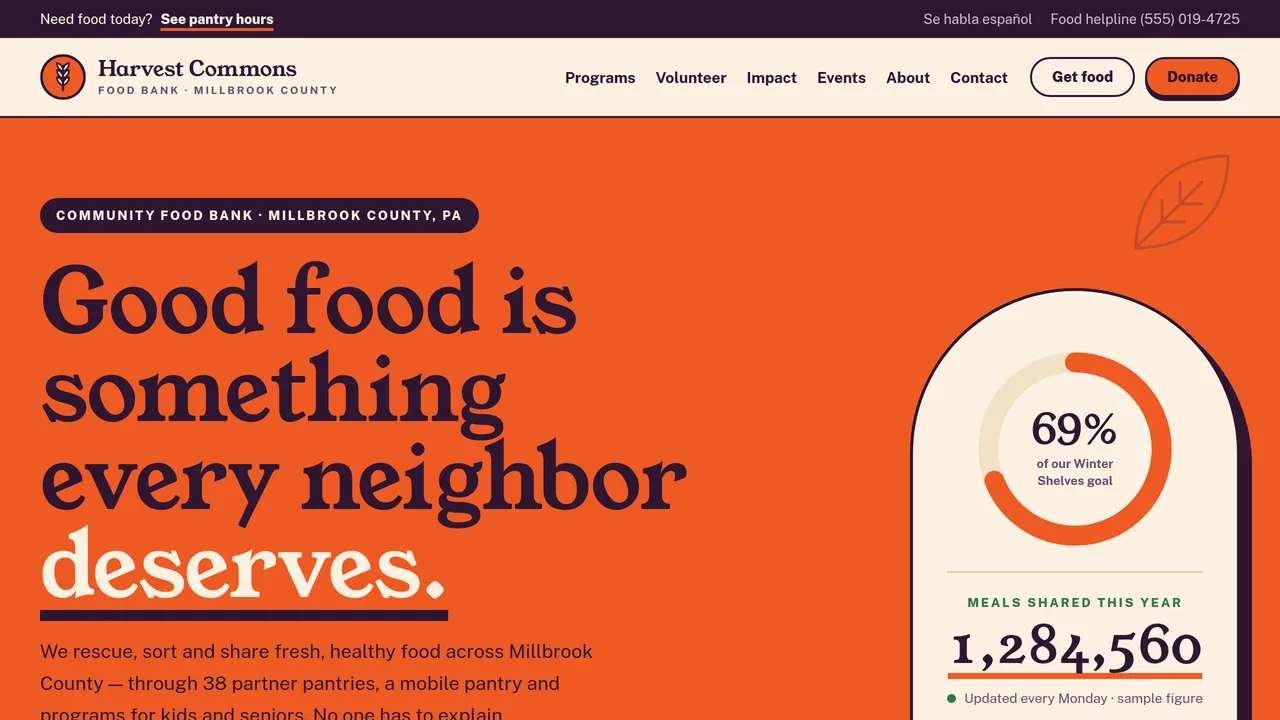
Persimmon hero with a goal ring and meals count-up, I need food / I want to help paths, three numbered steps, impact count-ups, most-needed marquee, six programs, campaign ring and bar, a neighbor's story, events.
2 editable fields
- 2
Get Food
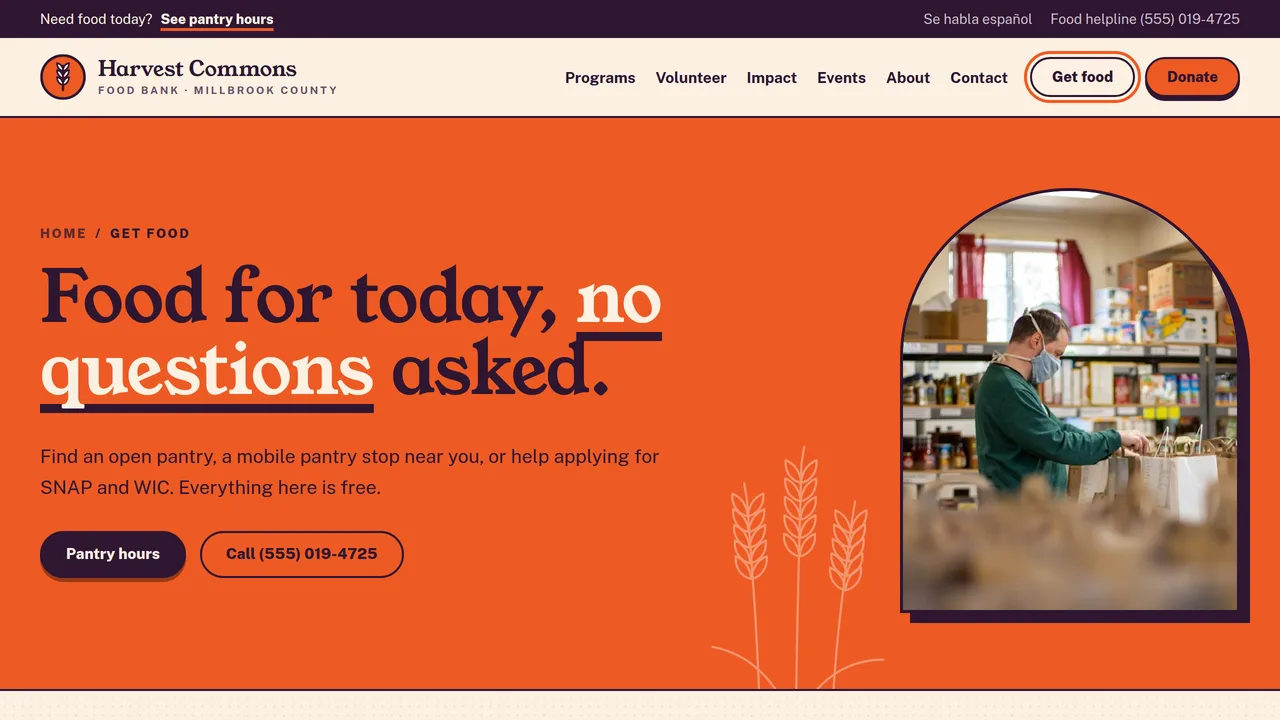
Pantry hours table that marks today's open sites, mobile pantry stops, first-visit steps, plain-words eligibility, SNAP/WIC help, languages and FAQ.
2 editable fields
- 3
Programs
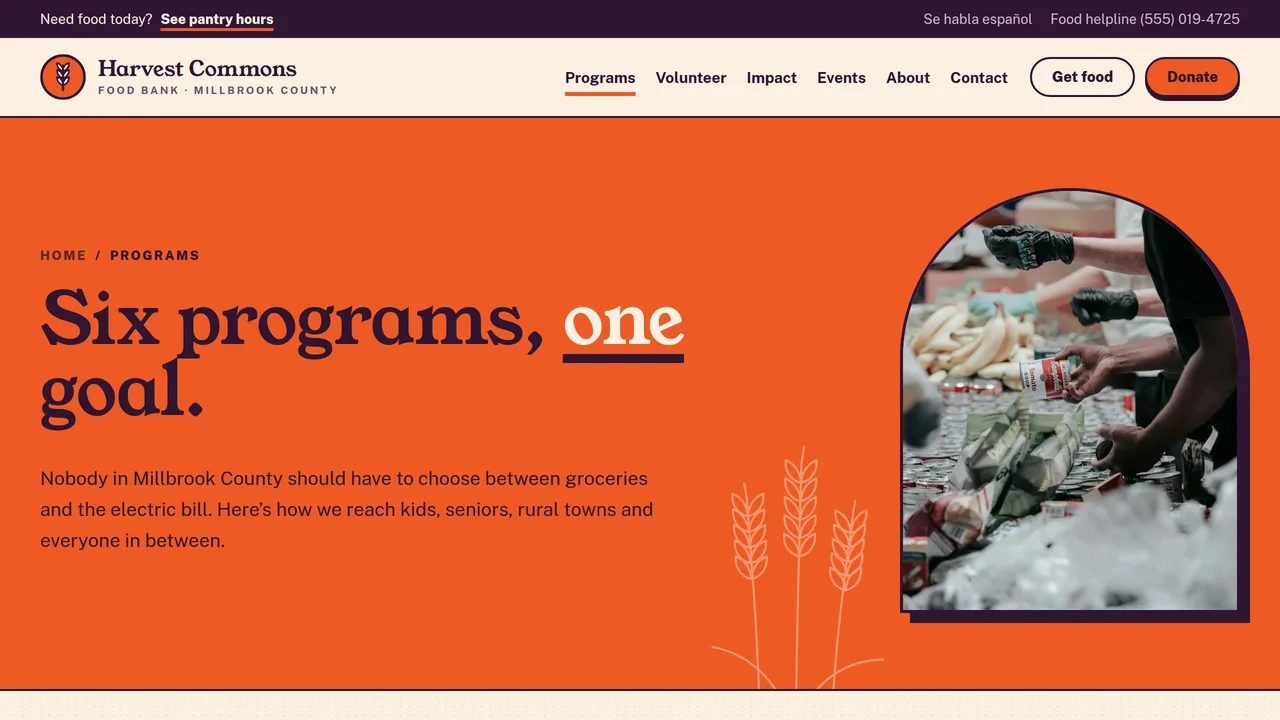
Six numbered programs (pantry network, mobile pantry, school backpacks, senior boxes, community garden, nutrition classes), distribution meters and partner agencies.
2 editable fields
- 4
Volunteer
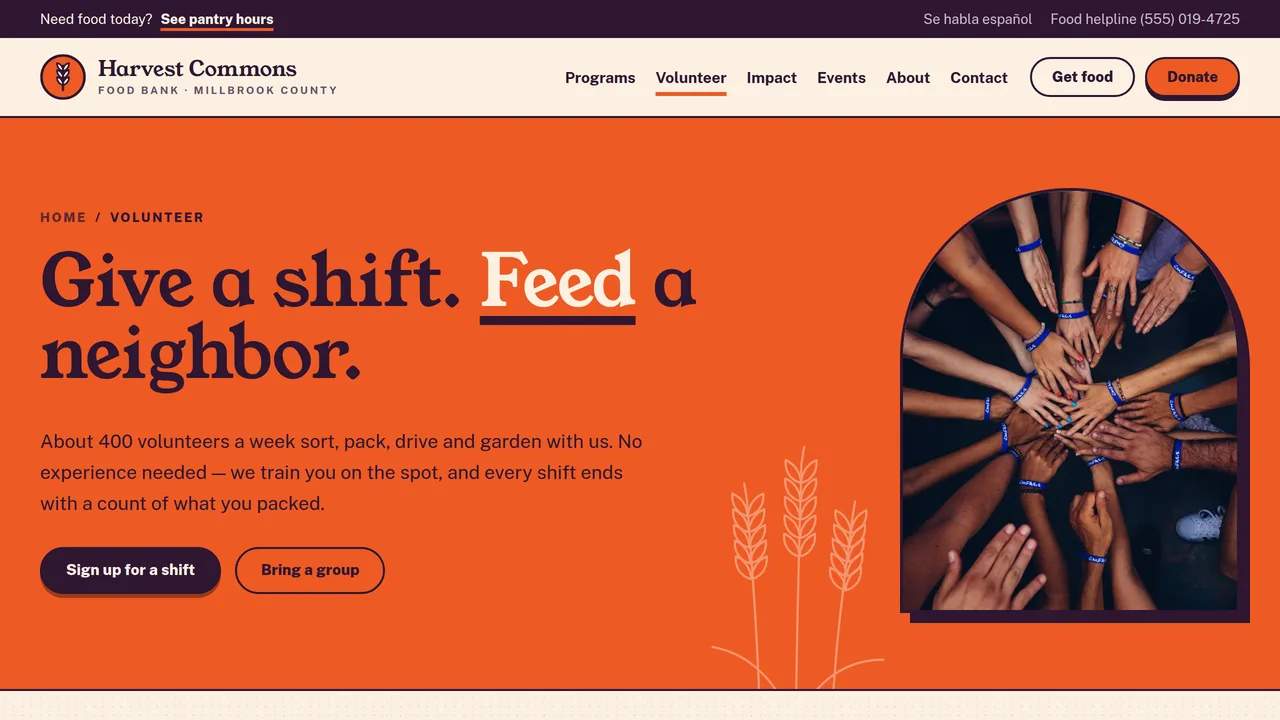
Four shift types, a weekly shift board with spots-left meters, groups & corporate days, age rules and a volunteer sign-up form.
2 editable fields
- 5
Donate
Donation picker (one-time/monthly, amounts) with a live 'what your gift provides' line, four ways to give, the campaign ring, tax-deductibility statement and FAQ.
2 editable fields
- 6
Our Impact
Impact count-ups, campaign ring and progress bar, a garden story without faces, five annual report highlights and food-source meters.
2 editable fields
- 7
Events & Food Drives
Six dated upcoming events, most-needed marquee, how to host a food drive in four steps and a most-needed items checklist.
2 editable fields
- 8
About & Financials
Mission and values, a 40-year history timeline that fills as you scroll, staff and board monogram cards, financial transparency meters, reports and policies.
2 editable fields
- 9
Contact
General contact form, warehouse, office and Market Pantry addresses and hours, direct lines, getting-here notes and quick answers.
2 editable fields
Launching it is simple: download the files, publish it live to your own Vercel account, or push it to your own GitHub — see how to launch your AI Tapz website.
Usage instructions
9 pages, each a complete, self-contained HTML page — a bold, warm community food bank design: a full-colour persimmon hero block with a giant Young Serif statement beside an arch-topped panel holding a goal ring and a "meals shared this year" count-up, Public Sans body text, a persimmon, deep aubergine, cream and leaf-green palette, arched and circular photo frames with ink outlines, pill buttons, thick underlines, large numbered statements, hand-drawn wheat and leaf line art and a subtle grain speckle. 1. Home (index.html) — persimmon hero with goal ring and meals count-up; "I need food" / "I want to help" paths; three numbered steps (rescue, sort, share); impact count-ups; most-needed marquee; six programs; Winter Shelves campaign ring and bar; a neighbor's story; upcoming events. 2. Get Food (get-food.html) — pantry hours and locations table, mobile pantry schedule, what to expect on a first visit, eligibility in plain words (sample policy), SNAP/WIC help, languages with a Spanish note, FAQ. 3. Programs (programs.html) — six numbered programs (pantry network, mobile pantry, school backpacks, senior boxes, community garden, nutrition classes), distribution-by-program meters, partner agencies. 4. Volunteer (volunteer.html) — shift types, a weekly shift board with spots-left meters, groups and corporate days, age rules, volunteer sign-up form. 5. Donate (donate.html) — donation picker, four ways to give (food drives, matching gifts, planned giving, donor-advised funds), campaign ring and bar, tax-deductibility statement, giving FAQ. 6. Our Impact (impact.html) — impact count-ups, campaign ring and bar, a story without faces, six annual report highlights, food-source meters. 7. Events & Food Drives (events.html) — six dated upcoming events, most-needed marquee, how to host a food drive in four steps, a tappable most-needed items checklist. 8. About & Financials (about.html) — mission and values, history timeline, staff and board monogram cards, financial transparency meters, reports and filings links, nondiscrimination and privacy policies. 9. Contact (contact.html) — general contact form, addresses and hours, direct lines, getting here, quick answers. ANIMATION. The goal rings fill to the campaign percentage, numbers count up (they read the number you type), meters fill as they scroll into view, the most-needed marquee scrolls (it pauses on hover), the wheat and leaf line art draws itself, the history timeline fills as you scroll, the "updated" dot pulses and sections cascade in. Everything is visible without JavaScript, and visitors who ask for reduced motion see a still page. GOAL RING & PROGRESS BAR. Each ring fills to the --p value in its style (0.69 = 69%); the number in its centre is ordinary text. The bar fills to its --v value (69%). When you update the campaign, change --p, --v, the percentage, the "raised" total, the goal and the milestone pills together. The same campaign block appears on Home, Donate and Our Impact. DONATION PICKER. It works in the browser only and takes no payment: picking one-time or monthly and an amount (or typing another amount) rewrites the "what your gift provides" line and the button label, using the form's data-meals-per-dollar attribute (3 by default — a sample illustration, e.g. "$25 can help provide about 75 meals"). Set it to your own verified meals-per-dollar figure, or delete the line if you don't publish one. The "Give" button links to "#": point it at your payment processor or donation platform (or replace the whole block with their embed) before publishing. SHIFT BOARD. Each shift's meter fills to the --v in its style (spots filled ÷ total); update it together with the "spots left" text, or link the board to your volunteer scheduling tool instead. PANTRY HOURS. Each row of the hours table lists its open weekdays in data-days (0 = Sunday … 6 = Saturday), and rows open today get an "Open today" badge automatically. Keep data-days in step with the hours you type. MOST-NEEDED CHECKLIST. On the Events page visitors can tap items to tick them off while they shop (nothing is saved or sent). An item with the hc-need--top class gets the "Top need" tag; move that class as your shortages change, and keep the marquee's item list in step. FONTS. Young Serif and Public Sans load from Google Fonts via @font-face in each page's style block, with Georgia and system sans-serif fallbacks. SEO. Each page opens with a labeled block (title, meta description, canonical link, Open Graph tags and JSON-LD — an NGO with 501(c)(3) status and a placeholder EIN on every page, plus CollectionPage, AboutPage or ContactPage, and Event markup for each upcoming event on the Events page). Copy it into your real <head> when you deploy, and update the domain, address, EIN and event dates. FORMS. The volunteer sign-up and contact forms post nowhere — connect them to your volunteer management system, CRM or form service before publishing (a short "not connected yet" note shows on submit). The donation picker is a browser-only chooser, not a payment form. EDITING. Change colours and fonts site-wide in the editor's Theme panel; edit the header or footer once and use "Apply to all pages"; sections can be moved, duplicated, hidden or deleted; use the Tablet and Mobile views for device-specific tweaks. CLAIMS & SAMPLE CONTENT. The organization name, EIN (shown as the placeholder XX-XXXXXXX), address, phones, emails, pantry sites and hours, mobile pantry stops, programs, every statistic and count-up (meals, households, pounds rescued, volunteer hours, donors), the campaign totals and goal, the financial and food-source percentages, annual report highlights, the meals-per-dollar line, events and dates, staff and board names and the neighbor stories are fictional placeholders. Replace them with your organization's own verified figures — never publish an impact or financial number you can't back up from your records, audit or Form 990. Have your tax and donation language (the 501(c)(3) statement, the Pennsylvania charitable registration disclosure, receipts and quid-pro-quo wording) reviewed by your accountant or counsel, and use the disclosure your own state requires. The eligibility text is a sample policy: match it to your own rules and to any USDA (TEFAP/CSFP) requirements, and paste the current USDA nondiscrimination statement word for word where indicated if you distribute USDA foods. Have the Spanish note reviewed by a fluent speaker. IMAGES. All photography is real Unsplash stock, self-hosted under /content-images: hands, produce, seedlings, pantry shelves and packing tables. No photo shows a recognisable face — people appear only as hands, from a distance or from the side wearing masks. When you add your own photos, avoid identifying the people you serve unless they ask to be shown.
Reviews
No reviews yet — be the first once you've used this template.