Hearthside Home Care — Home Care & Senior Care Agency Website (8 Pages)
A 8-page website for a non-medical home care agency — a warm, very readable cream-and-teal design with a text-size toggle, a "How can we help?" care finder, care-hours estimator, illustrated service-area map, sample weekly care schedule, caregiver screening and matching, honest costs and ways to pay, family checklists and a free assessment form.
Preview
What you can customize
Each section below becomes a guided form field in your library after purchase — no prompting experience required.
- 1
Home
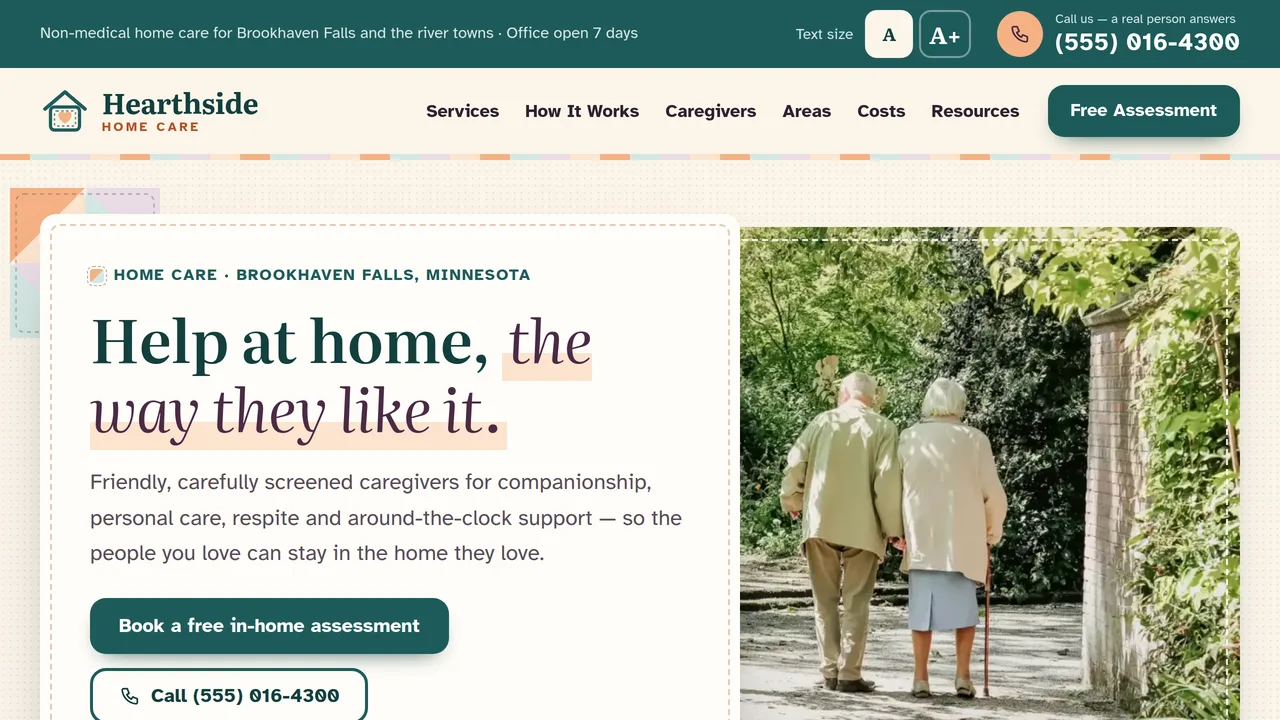
Stitched photo window with an overlapping letter-card headline, "How can we help?" care finder, ten service patches, count-up stats, four steps with a stitched thread, a sample week of care, care-hours estimator, promise, family reviews.
2 editable fields
- 2
Care Services
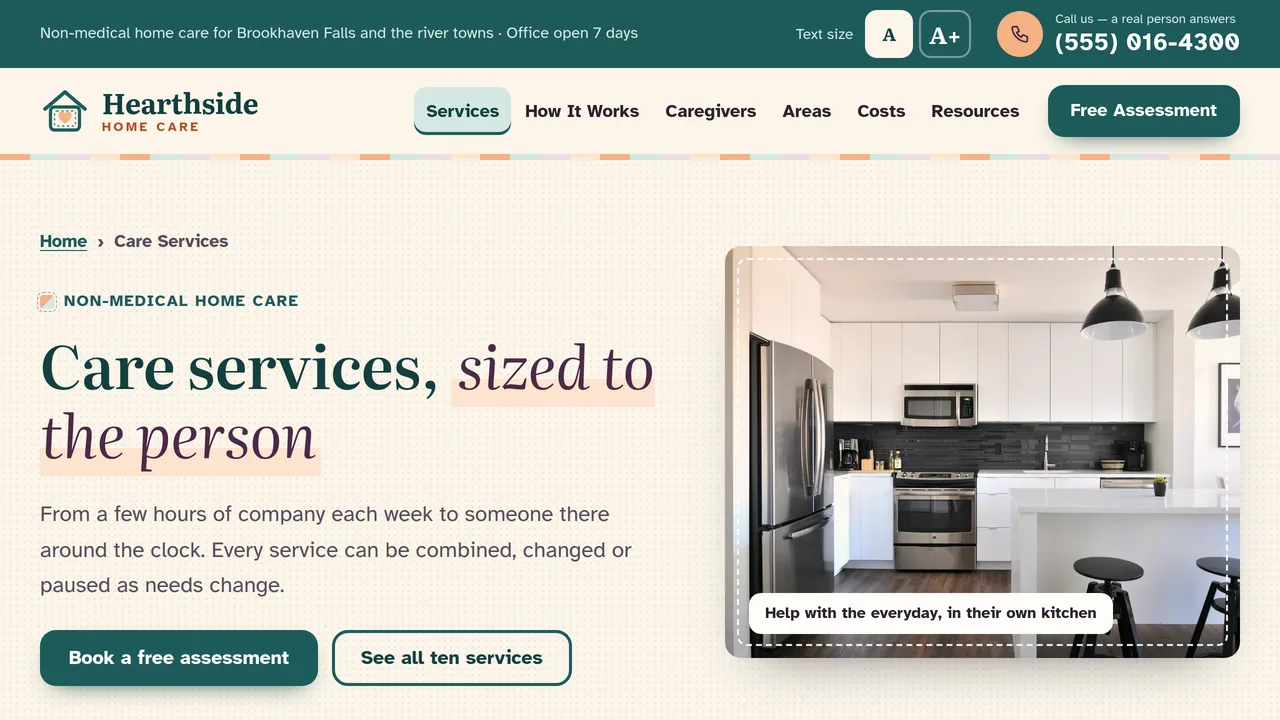
Ten care services in detail, medication-reminder and dementia-care features, meals, home care vs home health care, and a 24-hour vs live-in comparison table.
2 editable fields
- 3
How It Works
Seven-step timeline whose stitching fills as you scroll, what happens at the free assessment, a sample care plan, check-in schedule and getting-started FAQ.
2 editable fields
- 4
Our Caregivers
Count-up screening stats, eight screening steps, training-hour meters, caregiver values, matching steps with a stitched thread, family reviews and a join-our-team callout.
2 editable fields
- 5
Areas We Serve
Illustrated service-area map with numbered town pins that drop in, town lists with drive times, coverage notes and office details.
2 editable fields
- 6
Costs & Paying for Care
Sample hourly and live-in rates, visit minimums and policies, care-hours estimator, ways families pay (private pay, long-term care insurance, VA, Medicaid waivers), a Medicare note and cost FAQ.
2 editable fields
- 7
Family Resources
Interactive warning-signs checklist, caregiver burnout advice, room-by-room home safety tabs, conversation tips and a family FAQ.
2 editable fields
- 8
Free Assessment
Free in-home assessment request form with care-type checkboxes and consent, call box, next steps, office hours, what the visit involves and family reviews.
2 editable fields
Launching it is simple: download the files, publish it live to your own Vercel account, or push it to your own GitHub — see how to launch your AI Tapz website.
Usage instructions
8 pages, each a complete, self-contained HTML page — a warm, calm home care design built for older eyes: Literata headings with italic accents over Atkinson Hyperlegible body text at a large 19px base, a warm cream / deep teal / soft apricot / plum palette, generous 16px corners, 48px+ tap targets, thick focus rings, photo windows with an apricot wash and a stitched dashed border, and subtle quilt-patchwork section dividers. 1. Home (index.html) — stitched photo window with an overlapping headline card and call card, "How can we help?" care finder, ten service patches, count-up stats, four steps joined by a stitched thread, a sample week of care, the care-hours estimator, our promise, family reviews. 2. Care Services (services.html) — ten services in detail (each has its own anchor, e.g. services.html#respite), medication reminders, dementia care, meals, home care vs home health care, and a 24-hour vs live-in comparison table. 3. How It Works (how-it-works.html) — a seven-step timeline, what happens at the free assessment, a sample care plan, check-ins and a getting-started FAQ. 4. Our Caregivers (caregivers.html) — screening stats, eight screening steps, training-hour meters, values, matching steps, reviews and a join-our-team callout. 5. Areas We Serve (areas.html) — an illustrated service-area map with numbered town pins, town lists with drive times, coverage notes and office details. 6. Costs & Paying for Care (costs.html) — sample rates, visit minimums and policies, the estimator, ways families pay, a Medicare note and a cost FAQ. 7. Family Resources (family-resources.html) — a warning-signs checklist, caregiver burnout, a room-by-room home safety checklist, conversation tips and a family FAQ (FAQPage markup). 8. Free Assessment (free-assessment.html) — the assessment request form, call box, next steps, office hours and what the visit involves. TEXT SIZE TOGGLE. The "Text size A / A+" buttons in the teal utility bar add the class hh-big to the page, which enlarges every font size (all sizes are in rem). The visitor's choice is remembered in their browser only. The menu and header keep fixed sizes so they never overflow. ANIMATION. Sections fade up slowly as you scroll, the stats count up (they read the number you type), a stitched thread draws itself between the numbered steps, the How It Works timeline's stitching fills as you scroll, town pins drop onto the map one by one, and training meters fill. Motion is deliberately soft. Everything is visible without JavaScript, and visitors who ask for reduced motion see a still page. CARE FINDER. Each situation on the left is a tab that shows its matching panel on the right (matched by order). Edit the situations and panels in place; add a situation by duplicating both a tab and a panel. CARE-HOURS ESTIMATOR. It works in the browser: the hourly rates are the option values in the "Type of care" dropdown, the quick-pick buttons set hours with their data-hh-hours attribute, and months are calculated as 52 weeks ÷ 12. Edit the visible prices to match the option values. It is clearly labelled as a sample, not a quote. SERVICE-AREA MAP. The map is an illustrated inline SVG (not a real map). Town pins and labels are ordinary HTML positioned with left/top percentages in each pin's style attribute — rename a town by editing its label, move it by changing those percentages. On phones the labels hide and the numbered list beside the map does the work. WARNING-SIGNS CHECKLIST. Ticks are counted in the browser and highlight the matching guidance; nothing is saved or sent. FONTS. Literata and Atkinson Hyperlegible load from Google Fonts via @font-face in each page's style block, with Georgia/serif and system sans-serif fallbacks. SEO. Each page opens with a labeled block (title, meta description, canonical link, Open Graph tags and JSON-LD). The home page uses schema.org LocalBusiness with additionalType pointing to "Home care" — there is no specific schema.org type for non-medical home care, and MedicalBusiness would wrongly suggest medical services. Inner pages use CollectionPage, AboutPage, ContactPage, WebPage or FAQPage. Copy the block into your real <head> when you deploy, and update the domain, address, hours and areas served. FORMS. The free assessment form posts nowhere — connect it to your CRM or a secure form service before publishing. It deliberately asks families not to send detailed medical information; keep it that way unless your form service is set up to handle health information. EDITING. Change colors and fonts site-wide in the editor's Theme panel; edit the header or footer once and use "Apply to all pages"; sections can be moved, duplicated, hidden or deleted; use the Tablet and Mobile views for device-specific tweaks. CLAIMS & SAMPLE CONTENT. The company name, license number, address, phone, hours, towns, rates, minimums, policies, statistics, caregiver pay, training hours, sample care plan and reviews are fictional placeholders — replace them with your own. Care descriptions and payment-source wording (long-term care insurance, VA benefits, Medicaid waiver programs, Medicare) are samples written to say what "may help, depending on eligibility"; check them against current federal and state rules and your own agency's enrollment before publishing. Licensing requirements for home care agencies vary by state, and what non-medical caregivers may do (for example around medications) depends on your license — make sure every service you list is one your license allows. Nothing on this site is medical, legal or benefits advice. IMAGES. All photography is real Unsplash stock, self-hosted under /content-images: homes, rooms, hands, food and gardens. No photo shows a recognisable face (the couple on the home page is seen from behind at a distance), so none needs replacing for right-of-publicity reasons, though photos of your own team and service area will always feel more personal.
Reviews
No reviews yet — be the first once you've used this template.