Hollis & Reed — Estate Planning & Family Law Firm Website (8 Pages)
An 8-page website for an estate planning, probate and family law firm — an editorial ivory-and-forest-green design with animated process timelines, practice pages, attorney profiles, flat-fee pricing, resources with FAQ and a consultation request form, with LegalService SEO markup.
Preview
What you can customize
Each section below becomes a guided form field in your library after purchase — no prompting experience required.
- 1
Home
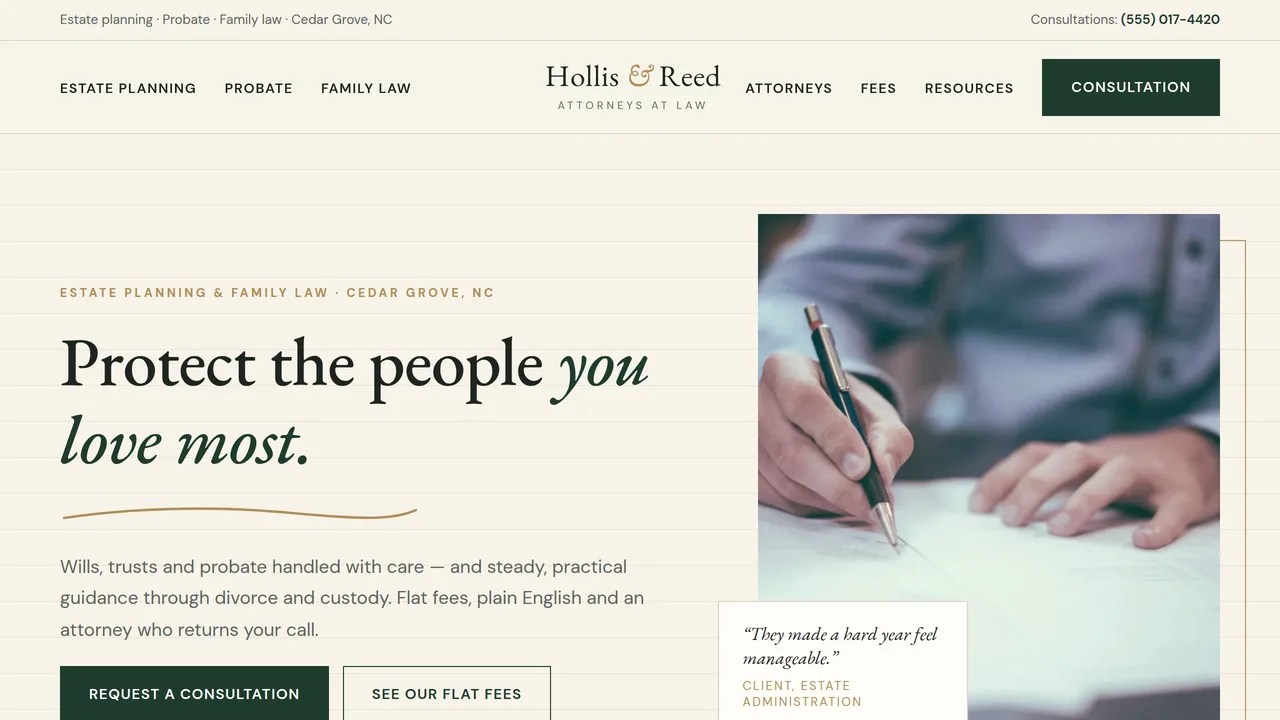
Editorial hero with drawn underline and framed photo, four numbered practice rows, approach, count-up figures, drawn process timeline, client quote.
2 editable fields
- 2
Estate Planning
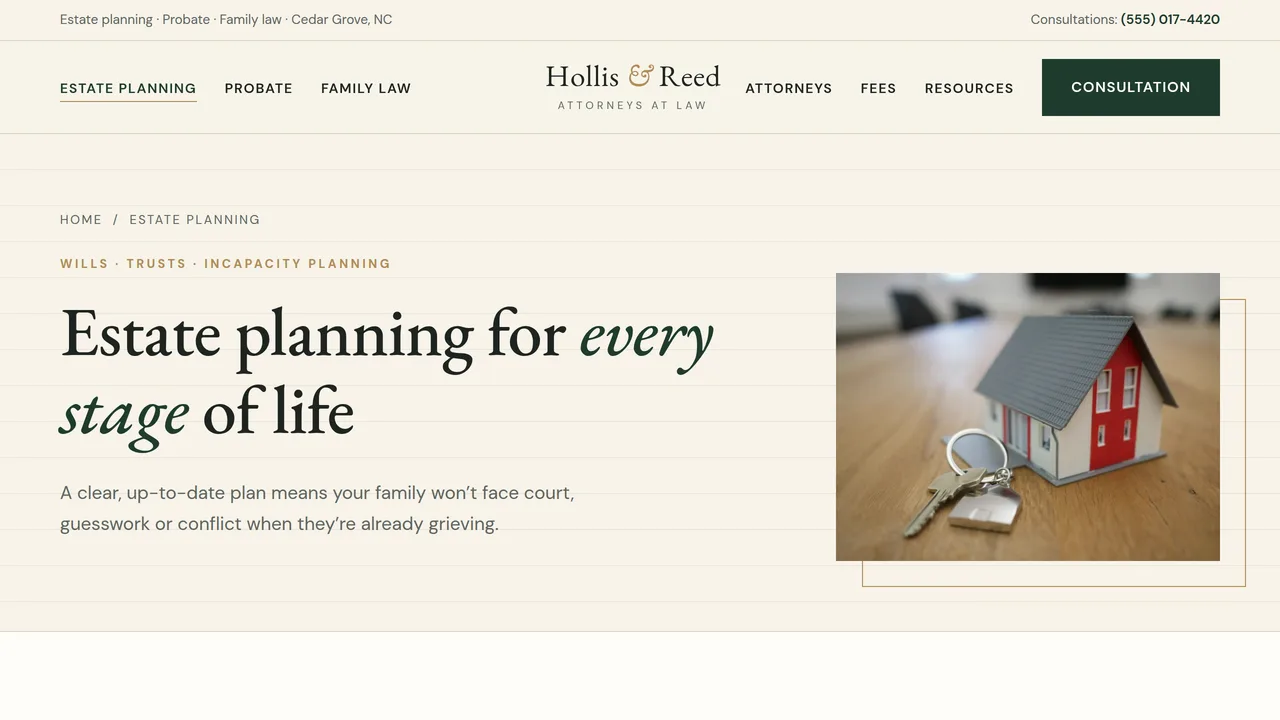
Six core documents, plans for different families, plan review offer.
2 editable fields
- 3
Probate
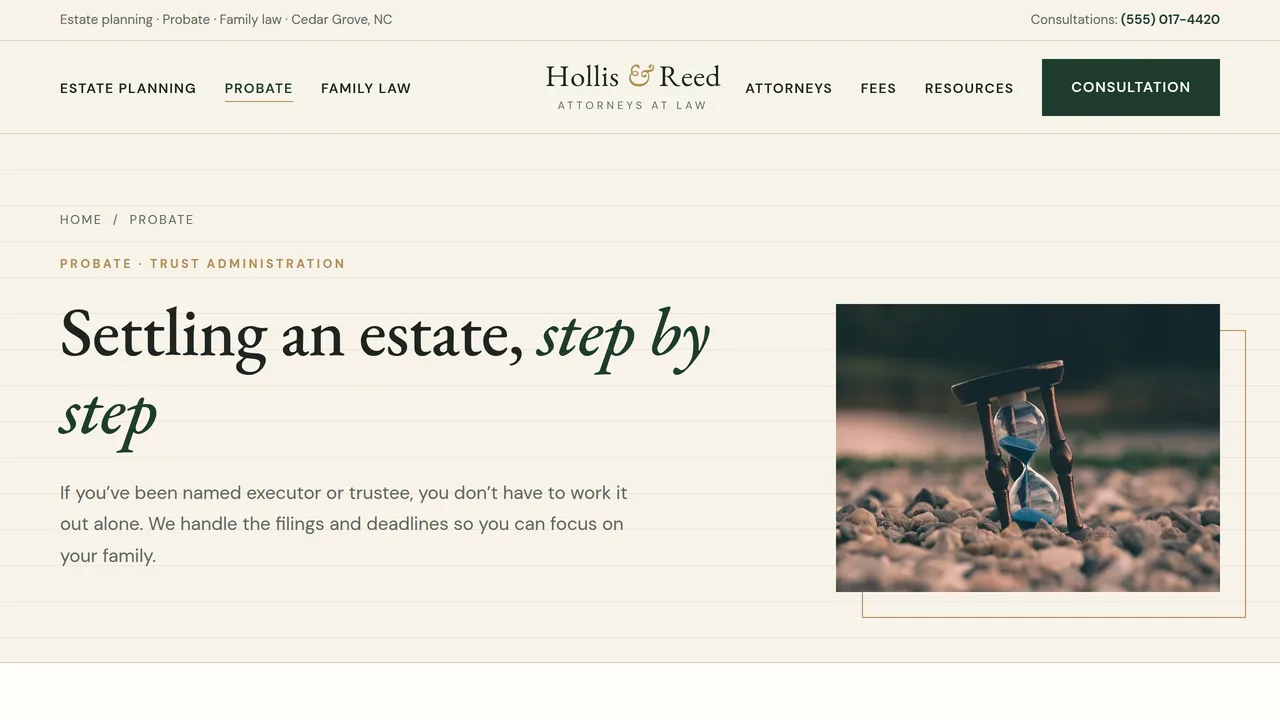
Four-stage probate timeline that draws as you scroll, executor and trustee services.
2 editable fields
- 4
Family Law
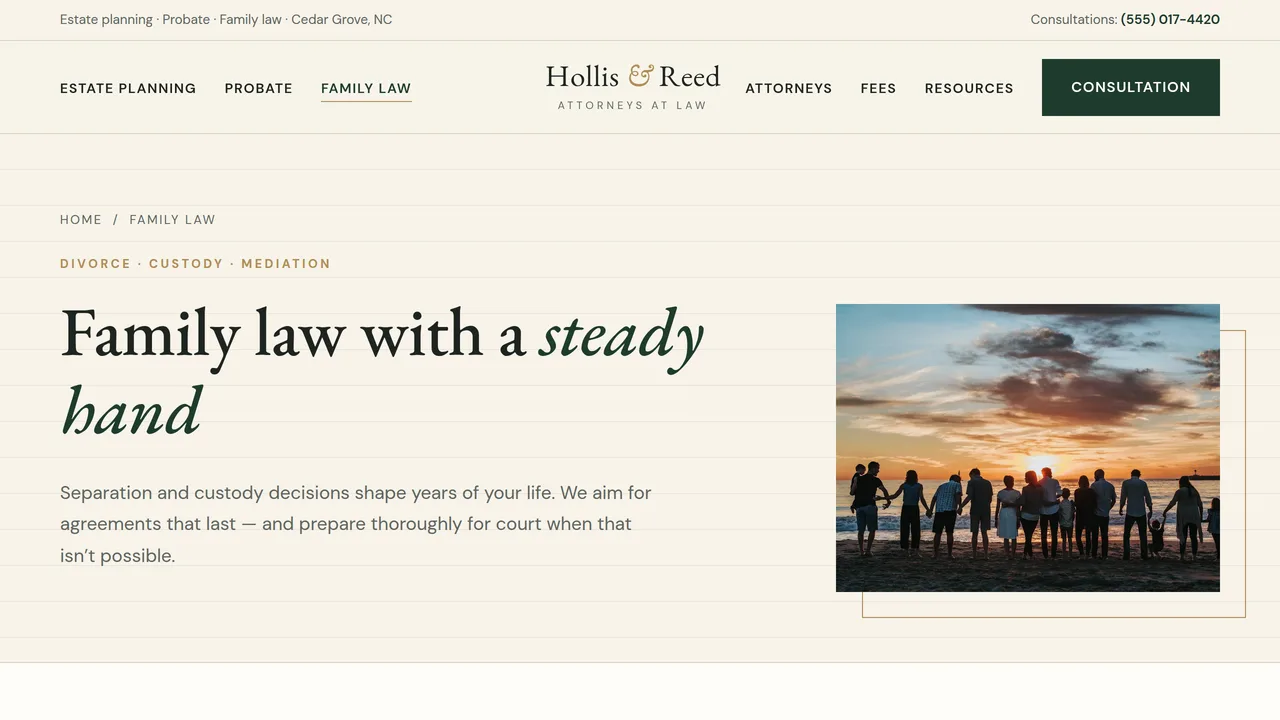
Four family law areas, philosophy, three first steps timeline.
2 editable fields
- 5
Attorneys
Three attorney profiles with monograms, credentials and a founder quote.
2 editable fields
- 6
Process & Fees
Three flat-fee estate plans, typical fees table, billing promise.
2 editable fields
- 7
Resources
Three downloadable guides and six FAQs.
2 editable fields
- 8
Consultation
Consultation request form with no-relationship notice, phone, office and home visits.
2 editable fields
Launching it is simple: download the files, publish it live to your own Vercel account, or push it to your own GitHub — see how to launch your AI Tapz website.
Usage instructions
8 pages, each a complete, self-contained HTML page — an editorial, ivory-paper law firm design: a centred wordmark between split navigation, EB Garamond headlines with italic accents over DM Sans, deep forest green with brass details, square corners, hairline rules, offset-framed photos and numbered practice rows. 1. Home (index.html) — hero with a hand-drawn underline, four practice rows, approach, count-up figures, a process timeline, a client quote. 2. Estate Planning (estate-planning.html) — six core documents, plans for different families, plan review. 3. Probate (probate.html) — a four-stage probate timeline, executor and trustee services. 4. Family Law (family-law.html) — divorce, custody, mediation and prenups; philosophy; first steps. 5. Attorneys (attorneys.html) — three profiles with credentials, founder quote. 6. Process & Fees (process-fees.html) — three flat-fee plans, a typical fees table, billing promise. 7. Resources (resources.html) — three downloadable guides and six FAQs (with FAQPage markup). 8. Consultation (contact.html) — consultation request form, phone, office and home visits, map placeholder. ANIMATION. The process timelines draw their line as the visitor scrolls, the underline under the home headline draws itself, photos open with a gentle wipe, sections fade in and the firm's figures count up (they read the number you type). Everything is visible without JavaScript, and visitors who ask for reduced motion see a still page. FONTS. EB Garamond and DM Sans load from Google Fonts via @font-face in each page's style block, with Georgia and the system sans-serif as fallbacks. SEO. Each page opens with a labeled block (title, meta description, canonical link, Open Graph tags and JSON-LD — LegalService, AboutPage, FAQPage or ContactPage). Copy it into your real <head> when you deploy, and update the domain, address and practice areas. FORMS. The consultation form posts nowhere — connect it to your intake or practice-management system before publishing. Keep the notice that submitting it doesn't create an attorney–client relationship. The guide downloads and the map are placeholders. ATTORNEY ADVERTISING. The footer carries a general "Attorney Advertising / not legal advice" notice. Check your state bar's advertising rules (disclaimers, testimonials, statistics such as settlement rates and use of the word "expert") and adjust the wording before publishing. EDITING. Change colors and fonts site-wide in the editor's Theme panel; edit the header or footer once and use "Apply to all pages"; sections can be moved, duplicated, hidden or deleted; use the Tablet and Mobile views for device-specific tweaks. CLAIMS & SAMPLE CONTENT. The firm name, attorneys, credentials, address, phone, fees, figures, the probate timeline (based on North Carolina practice) and testimonials are fictional placeholders. Replace them with your own real details, and only publish client quotes you have permission to use. IMAGES. All photography is real Unsplash stock, self-hosted under /content-images. No photo shows a recognisable face; attorneys are shown as initials until you add your own portraits.
Reviews
No reviews yet — be the first once you've used this template.