IronRoute Freight & Logistics — Trucking & Logistics Carrier Website (8 Pages)
An 8-page website for a trucking carrier and logistics provider — hazard-yellow and asphalt design with a route-drawing hero and moving truck, rolling odometer, equipment selector, US lane map, shipper tracking and claims pages, CDL-A driver recruiting with pay and home-time cards, safety meters, and quote and driver interest forms.
Preview
What you can customize
Each section below becomes a guided form field in your library after purchase — no prompting experience required.
- 1
Home
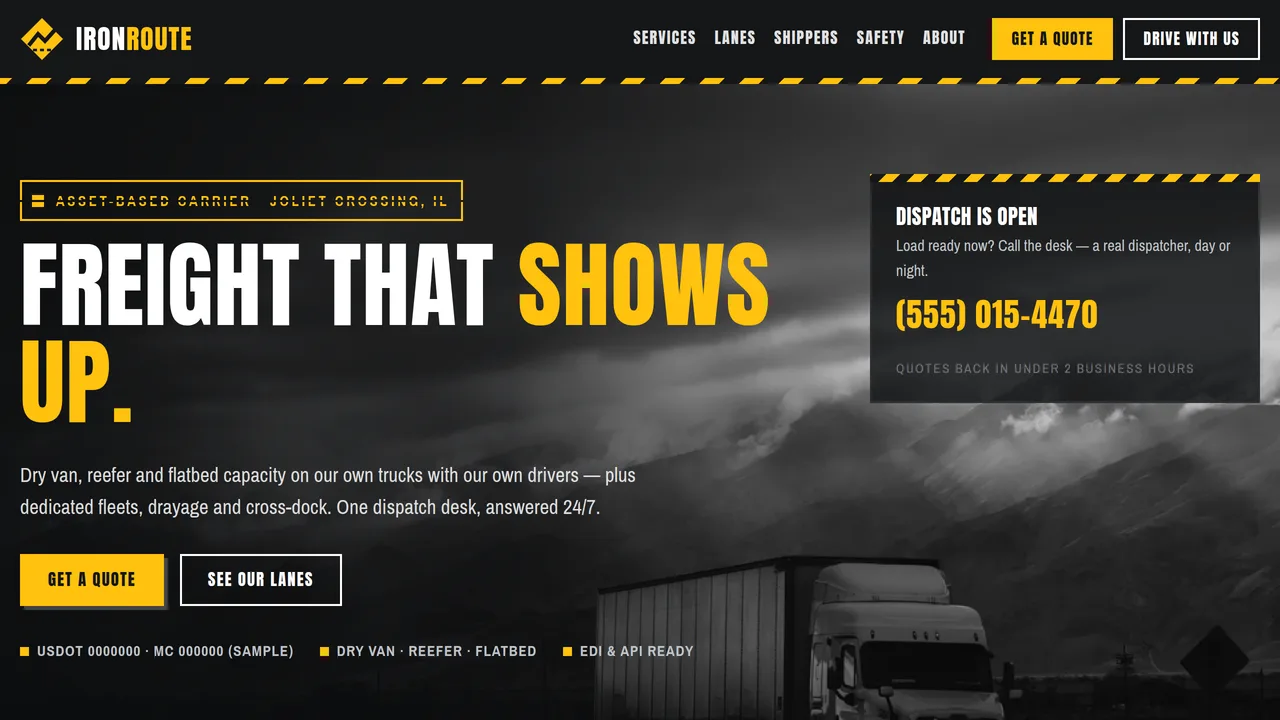
B&W highway hero with a route line that draws and a truck that drives it, rolling odometer of miles this year, trailer-panel service cards, equipment selector tabs, US lane map, promise band, four-step load process, shipper reviews, driver pay cards.
2 editable fields
- 2
Services
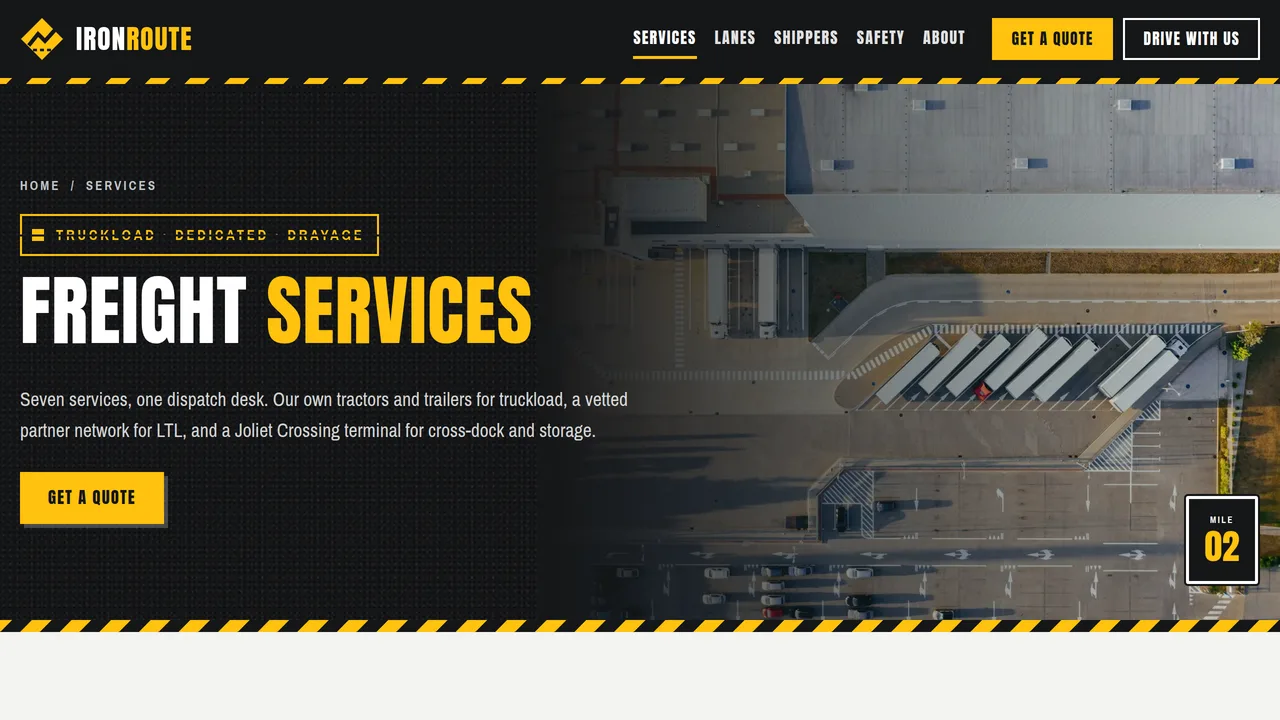
Seven wide trailer-panel service cards, equipment specs tabs, drayage and warehousing splits, dedicated fleet cards.
2 editable fields
- 3
Lanes & Coverage
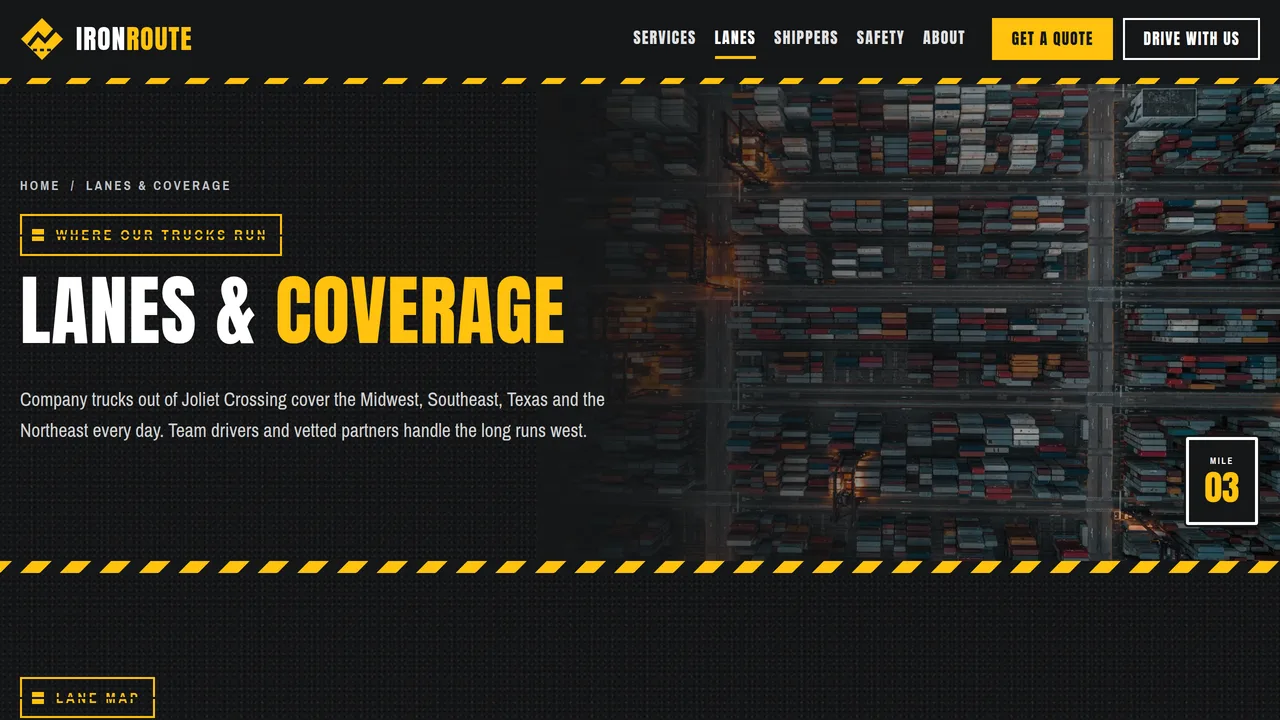
US lane map with drawing routes and hub labels, drop-yard list, sample lane table with miles and transit times, regional coverage cards, lane FAQ.
2 editable fields
- 4
For Shippers
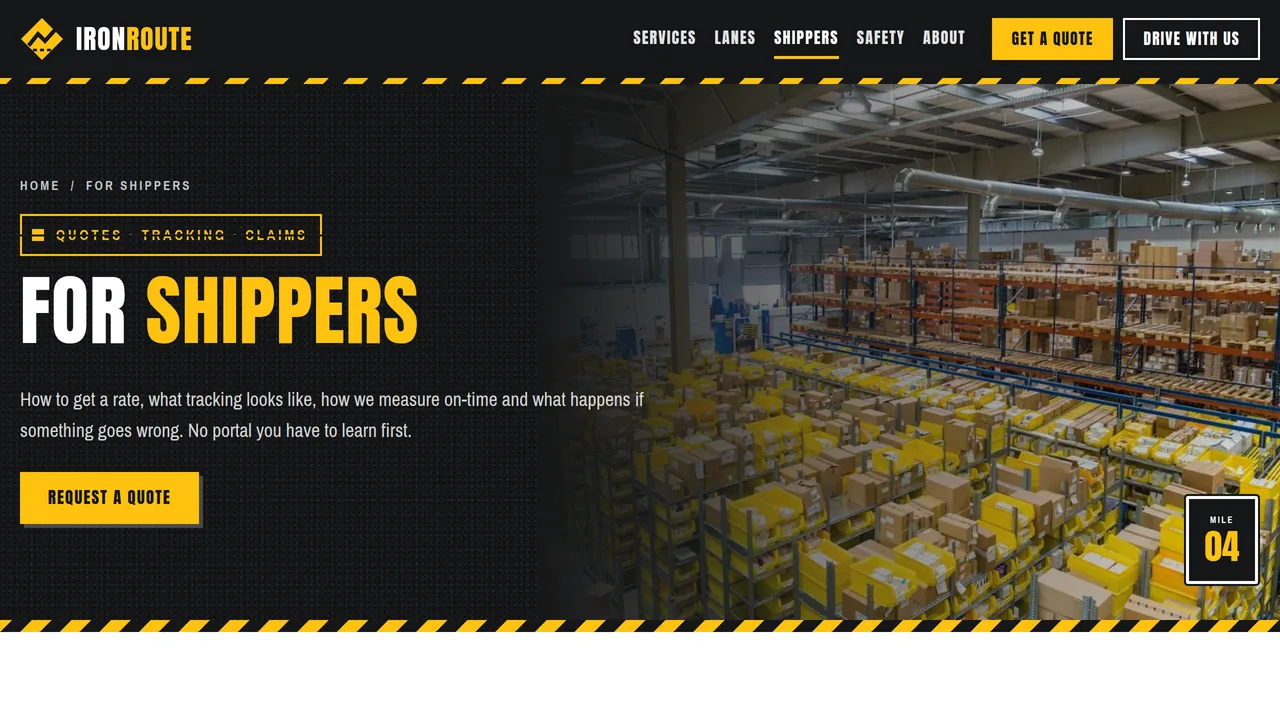
Four quote steps on a mile-marker road, sample tracking card, on-time scorecard meters, claims process FAQ, shipper reviews.
2 editable fields
- 5
Drive With Us
CDL-A pay and home-time cards (local, regional, OTR), benefits, equipment, requirements with EEO statement, driver interest form, driver FAQ.
2 editable fields
- 6
Safety & Compliance
Asphalt hero with outlined SAFETY stencil, safety meters, six-part safety program, maintenance schedule table, insurance coverage table and documents list.
2 editable fields
- 7
About
Company story with a mile-marker timeline, count-up fleet numbers, four rules on trailer panels, six shipper reviews.
2 editable fields
- 8
Request a Quote
Freight quote form (company, contact, origin/destination ZIP, pickup date, frequency, equipment, weight, pallets, notes), dispatch callout, next steps, quoting FAQ.
2 editable fields
Launching it is simple: download the files, publish it live to your own Vercel account, or push it to your own GitHub — see how to launch your AI Tapz website.
Usage instructions
8 pages, each a complete, self-contained HTML page — an industrial trucking design in hazard yellow, asphalt black, steel grey and white: a full-bleed black-and-white highway hero with a dark gradient and a highway-map strip where a route line draws and a truck drives along it, Anton condensed uppercase headings over Archivo Narrow, sliding diagonal hazard stripes, stencil-cut labels, long "trailer panel" cards with rivet rows and diamond placards, and mile-marker badges, all rendered without any external stylesheet or script dependency. 1. Home (index.html) — hero with route strip and dispatch card, rolling odometer of miles this year with count-up fleet stats, six trailer-panel service cards, equipment selector tabs, US lane map, promise photo band, four-step load process, shipper reviews, driver pay cards. 2. Services (services.html) — all seven services (dry van, reefer, flatbed, LTL partners, dedicated fleet, drayage, warehousing & cross-dock), equipment specs tabs, drayage, warehousing, dedicated fleet. 3. Lanes & Coverage (lanes.html) — US lane map with drawing routes, drop yards, a sample lane table with miles and transit times, regional coverage, lane FAQ. 4. For Shippers (shippers.html) — quote steps, sample tracking view, on-time scorecard meters, claims process (FAQPage markup), reviews. 5. Drive With Us (drivers.html) — local / regional / OTR pay and home-time cards, benefits, equipment, requirements with an EEO statement, driver interest form, driver FAQ. 6. Safety & Compliance (safety.html) — safety meters, safety program, maintenance schedule, insurance coverage table and carrier documents. 7. About (about.html) — story with a mile-marker timeline, fleet numbers, company rules, six reviews. 8. Request a Quote (quote.html) — freight quote form, dispatch callout, next steps, quoting FAQ. ANIMATION. The hero route line draws itself and a truck then drives along it (it pauses off-screen), the lane-map routes draw out from the hub and the hub pin pulses, the odometer digits roll up to the number you type, stats count up, safety and scorecard meters fill, the trailer diagrams in the equipment tabs draw themselves, hazard stripes slide slowly and sections slide in as you scroll. Everything is visible without JavaScript, and visitors who ask for reduced motion see a still page. ODOMETER. Type the number in the odometer box like any other text (keep the commas); the script turns each digit into a rolling wheel when it scrolls into view. EQUIPMENT TABS. Each tab link switches the matching panel by order — edit the specs in each panel's list. The figures are typical industry values; confirm them against your own trailers. LANE MAP. The map lines and pins are drawn in the page code (HUBS and LANES lists in the template source); the city labels are ordinary text positioned over the map. To change lanes, edit those lists or ask the AI editor to move a pin. FONTS. Anton and Archivo Narrow load from Google Fonts via @font-face in each page's style block, with Impact / Arial Narrow fallbacks. SEO. Each page opens with a labeled block (title, meta description, canonical link, Open Graph tags and JSON-LD). schema.org has no trucking-carrier type (MovingCompany means household movers), so the home page uses LocalBusiness — an Organization subtype that also holds your terminal address, phone and hours — with additionalType pointing at the trucking industry, USDOT/MC identifiers and an OfferCatalog of your freight services. Other pages use CollectionPage, FAQPage, AboutPage or ContactPage. Copy the block into your real <head> when you deploy and update the domain and identifiers. If you add a real job posting, add JobPosting markup with your actual pay. FORMS. The quote form and the driver interest form post nowhere — connect them to your TMS, CRM, recruiting system or form service before publishing. The driver form is an interest form, not a DOT driver employment application (49 CFR 391.21). EDITING. Change colours and fonts site-wide in the editor's Theme panel; edit the header or footer once and use "Apply to all pages"; sections can be moved, duplicated, hidden or deleted; use the Tablet and Mobile views for device-specific tweaks. CLAIMS & SAMPLE CONTENT. The company name, address, phones, USDOT and MC numbers, insurance limits, fleet size, miles, on-time and safety percentages, lanes and transit times, terminal size, driver pay ranges, benefits and reviews are fictional samples. Replace the USDOT/MC numbers and insurance coverage with your carrier's real ones before publishing. Driver pay ads must be truthful: show only pay your drivers actually earn, state the pay basis, and don't advertise "up to" figures few drivers reach. Keep the EEO statement and match it to your policy. The claims answers reflect general federal rules for interstate carriers (49 CFR Part 370 and the Carmack Amendment) — check them against your own bill of lading terms. IMAGES. All photography is real Unsplash stock, self-hosted under /content-images: highway trucks, a trailer side panel, ports, container yards, a distribution center and warehouses. No photo shows a person's face or a readable company name. Replace them with photos of your own fleet and terminal when you can.
Reviews
No reviews yet — be the first once you've used this template.