Ledgerline Tax & Bookkeeping — Tax Preparation & Bookkeeping Firm Website (8 Pages)
A 8-page website for a tax preparation and bookkeeping firm — a clean ledger-grid design with a live deadline countdown, a "which return do I need?" picker, ledger-style pricing tables, a month-tab federal tax calendar, an interactive document checklist with progress, bookkeeping plan comparison, reviews and an appointment form, with AccountingService SEO markup.
Preview
What you can customize
Each section below becomes a guided form field in your library after purchase — no prompting experience required.
- 1
Home
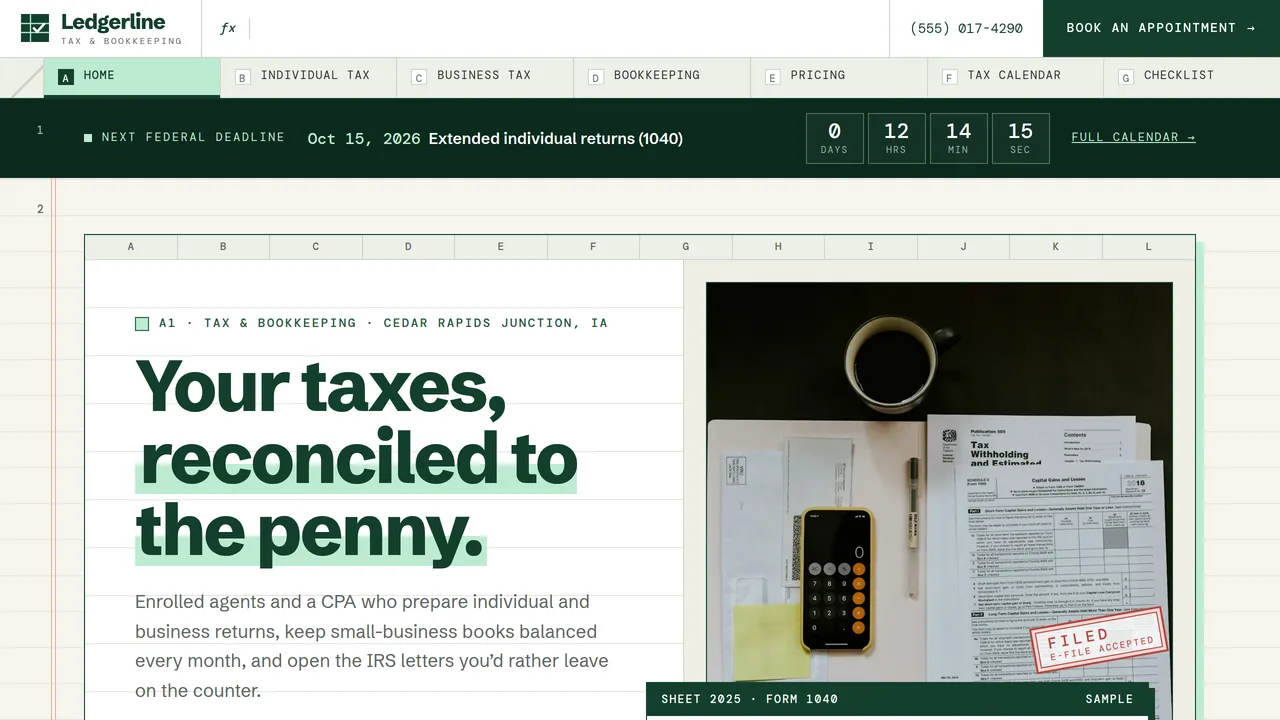
Live deadline countdown strip, spreadsheet-style hero with a photo cell, mini ledger and FILED stamp, count-up stats row, three service accounts, a 'which return do I need?' picker, four-step process, credentials, reviews, upcoming deadlines and a photo row.
2 editable fields
- 2
Individual Tax
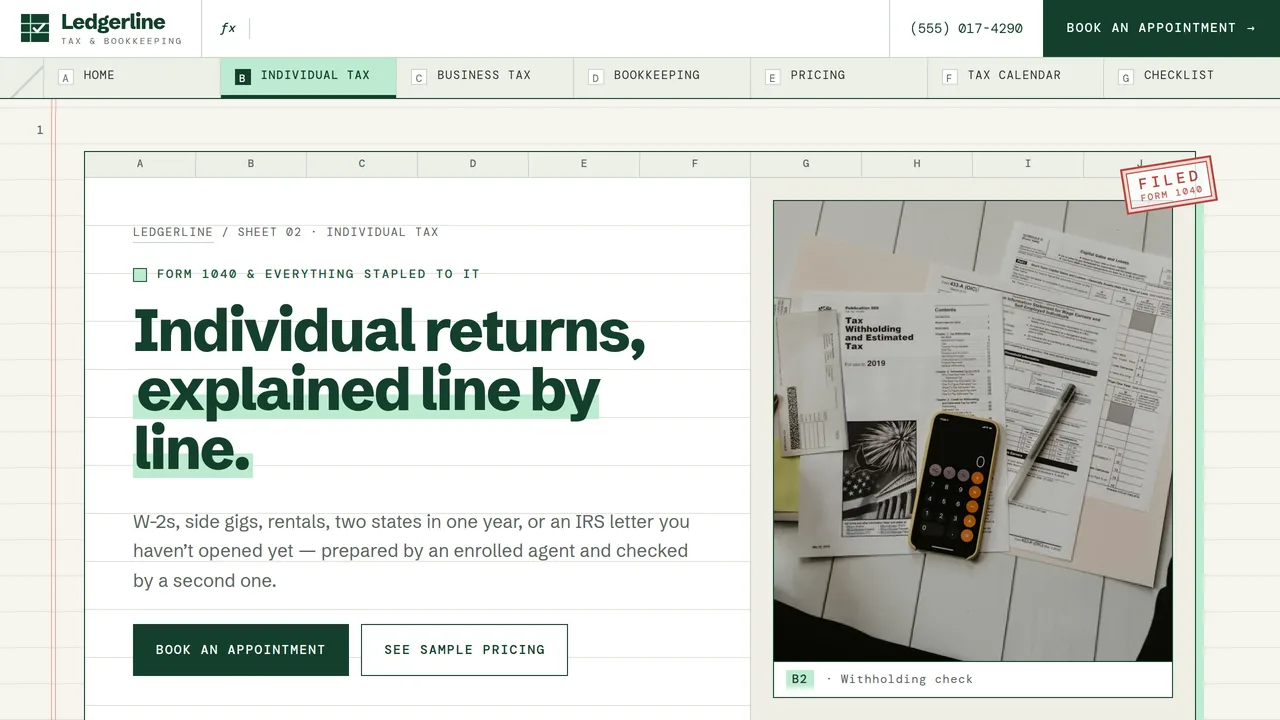
Six individual services (1040, multi-state, Schedule C, rentals, amended returns, IRS notices), an IRS notice decoder table, appointment outline and FAQ.
2 editable fields
- 3
Business Tax
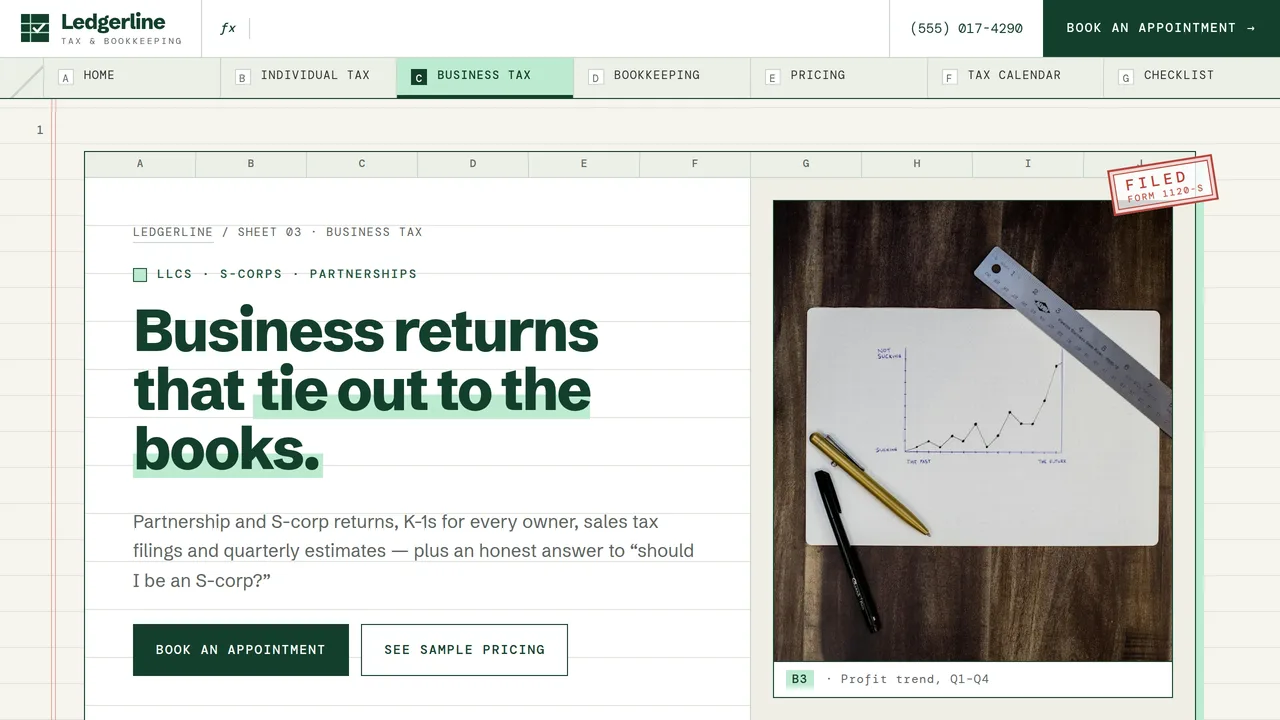
Entity table (forms, due dates, who pays), six business services, the S-corp decision explained, FAQ and reviews.
2 editable fields
- 4
Bookkeeping
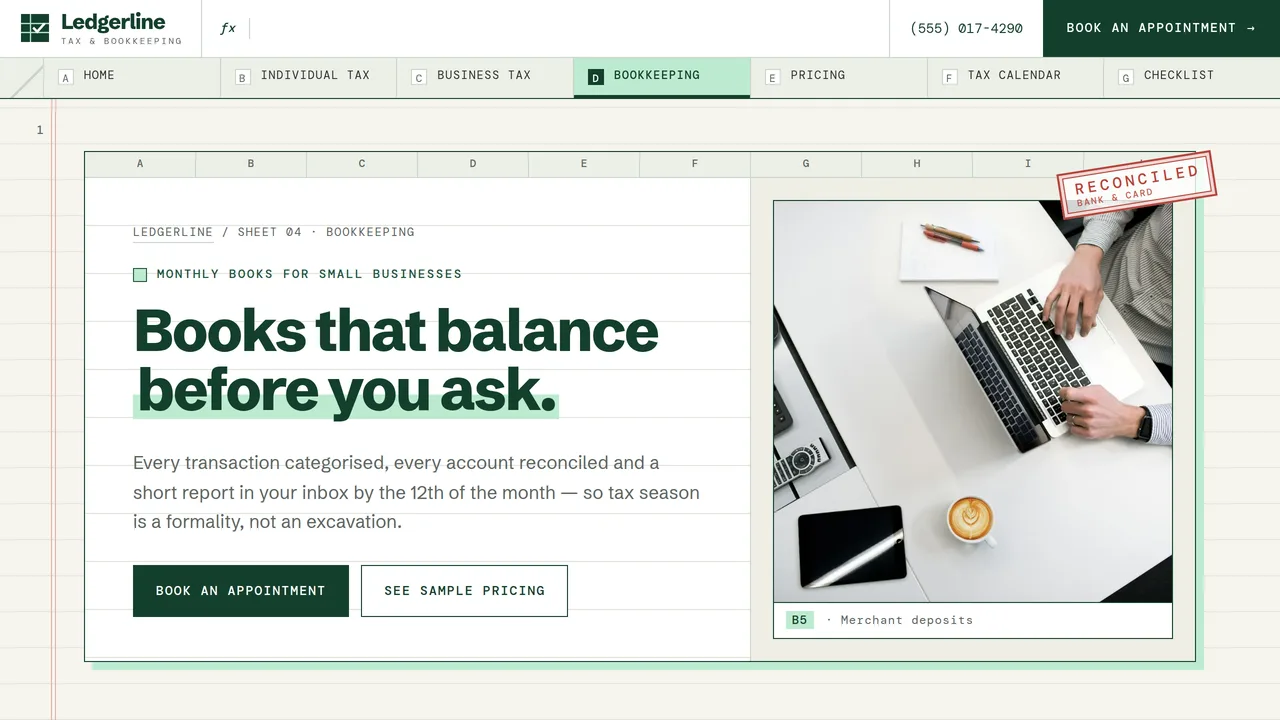
Six bookkeeping services, a month-end close timeline beside a running-balance chart that draws itself, three plans, a comparison table, catch-up section and reviews.
2 editable fields
- 5
Pricing
Ledger-style 'starting at' price tables for returns and bookkeeping plans, meters showing what affects price, what's included and FAQ.
2 editable fields
- 6
Tax Calendar
Live countdown, a 12-month year-at-a-glance strip, month tabs (Jan, Mar, Apr, Jun, Sep, Oct) with each federal deadline, a 'dates move' notice and estimated tax basics.
2 editable fields
- 7
Document Checklist
Interactive 22-item tax document checklist in four groups with a live progress bar, a security notice and three ways to send documents.
2 editable fields
- 8
Book an Appointment
Appointment request form (client type, services, in-person/virtual/drop-off, best times), secure-portal reminder, hours, appointment types and next steps.
2 editable fields
Launching it is simple: download the files, publish it live to your own Vercel account, or push it to your own GitHub — see how to launch your AI Tapz website.
Usage instructions
8 pages, each a complete, self-contained HTML page — a clean ledger-grid design for a tax preparation and bookkeeping firm: spreadsheet-style framed "sheets" with column letters, section numbers in the page margin like spreadsheet rows, Schibsted Grotesk headlines with DM Mono numbers and labels, off-white ledger paper with ruled lines and a faint red margin rule, deep forest-green ink and a mint highlighter, square corners and rotated outlined stamps ("FILED", "RECONCILED"). 1. Home (index.html) — live deadline countdown, sheet hero with a photo cell, mini ledger and FILED stamp, count-up stats, three service accounts, the "which return do I need?" picker, four-step process, credentials, reviews, upcoming deadlines and a photo row. 2. Individual Tax (individual-tax.html) — 1040, multi-state, Schedule C, rental, amended returns and IRS notices; an IRS notice decoder table; appointment outline; FAQ (FAQPage markup). 3. Business Tax (business-tax.html) — entity table, six business services, the S-corp decision explained, FAQ (FAQPage markup), reviews. 4. Bookkeeping (bookkeeping.html) — six services, month-end close timeline with a running-balance chart, three plans, comparison table, catch-up section, reviews. 5. Pricing (pricing.html) — "starting at" tables for returns and bookkeeping plans, what affects price, what's included, FAQ (FAQPage markup). 6. Tax Calendar (tax-calendar.html) — countdown, year-at-a-glance strip, month tabs with each federal deadline, a "dates move" notice, estimated tax basics. 7. Document Checklist (document-checklist.html) — interactive 22-item checklist with a progress bar, a security notice, three ways to send documents. 8. Book an Appointment (appointment.html) — appointment request form, secure-portal reminder, hours, appointment types, next steps. ANIMATION. The deadline countdown ticks every second, ledger rules and table row lines draw in from the left, the stat numbers count up in mono (they read the number you type), stamps pop in when scrolled to, the bookkeeping running-balance line draws itself, the plan-volume meters fill, and sections slide in as you scroll. Everything is visible without JavaScript, and visitors who ask for reduced motion see a still page. DEADLINE COUNTDOWN. The strips on Home and Tax Calendar count down to the next date in their data-lt-deadlines attribute, written as "YYYY-MM-DD|description" separated by semicolons. The sample list runs to January 2028 and already moves dates that fall on a weekend or holiday. Add the next year's dates every autumn, after checking them on IRS.gov. When the list runs out, the strip simply shows its written fallback text. The Tax Calendar opens the tab for the month of the next deadline in the same list. TAX CALENDAR. The month tabs show the usual calendar-year federal dates (Jan 15 and 31, Mar 15, Apr 15, Jun 15, Sep 15, Oct 15). Federal deadlines move for weekends, legal holidays and federally declared disasters, and the rules change. Check every date against IRS.gov each year before you publish or update the site, and add your own state's deadlines if you want them listed. WHICH-RETURN PICKER. Each answer's suggestion lives on its radio button: data-lt-svc (the service shown), data-lt-price (the price text), data-lt-amt (the number added to the starting total; 0 for monthly plans) and data-lt-href (the page it links to). The pre-filled result next to the questions matches the answers ticked by default. DOCUMENT CHECKLIST. Ticks only update the progress bar on the visitor's screen; nothing is saved or sent. Add or remove items by duplicating or deleting a list row; the count and progress bar adjust on their own. FONTS. Schibsted Grotesk and DM Mono load from Google Fonts via @font-face in each page's style block, with system sans-serif and monospace fallbacks. SEO. Each page opens with a labeled block (title, meta description, canonical link, Open Graph tags and JSON-LD — an AccountingService entry on every page, plus WebPage, FAQPage or ContactPage). Copy it into your real <head> when you deploy, and update the domain, address, hours and rating. FORMS. The appointment form and the picker post nowhere and ship no backend — set the appointment form's action attribute to your own scheduling tool or form service before publishing. The form tells visitors never to send Social Security numbers or tax documents through it; keep that line, and point the "secure client portal" links (portal.ledgerline.example) at your real portal. EDITING. Change colours and fonts site-wide in the editor's Theme panel; edit the header or footer once and use "Apply to all pages"; sections can be moved, duplicated, hidden or deleted (the margin row numbers renumber themselves); use the Tablet and Mobile views for device-specific tweaks. CLAIMS & SAMPLE CONTENT. The firm name, people, address, phone, email, prices, plans, statistics (returns filed, years in business, notices answered, clients), rating and reviews are fictional samples — replace them with your own real figures. The EA and CPA credentials and staff names are placeholders: list only credentials your team actually holds, and verify them before publishing. The IRS notice table, entity table and estimated-tax notes are general information current at the time of writing; review them yearly. Keep the "Not tax advice" disclaimer in the footer, or replace it with your own wording. IMAGES. All photography is real Unsplash stock, self-hosted under /content-images: desks, forms, calculators, coins and hands only, so no photo shows a recognisable face. Photos may be kept as-is or replaced at your discretion.
Reviews
No reviews yet — be the first once you've used this template.