Little Acorns Early Learning — Daycare & Preschool Website (8 Pages)
A 8-page website for a daycare, preschool or early learning center — a joyful rainbow, toy-block design with bobbing shapes, age-group program cards, daily schedule tabs, a sticky safety card stack, teacher profiles, a tuition table and estimator, parent resources and a tour request form, with ChildCare SEO markup.
Preview
What you can customize
Each section below becomes a guided form field in your library after purchase — no prompting experience required.
- 1
Home
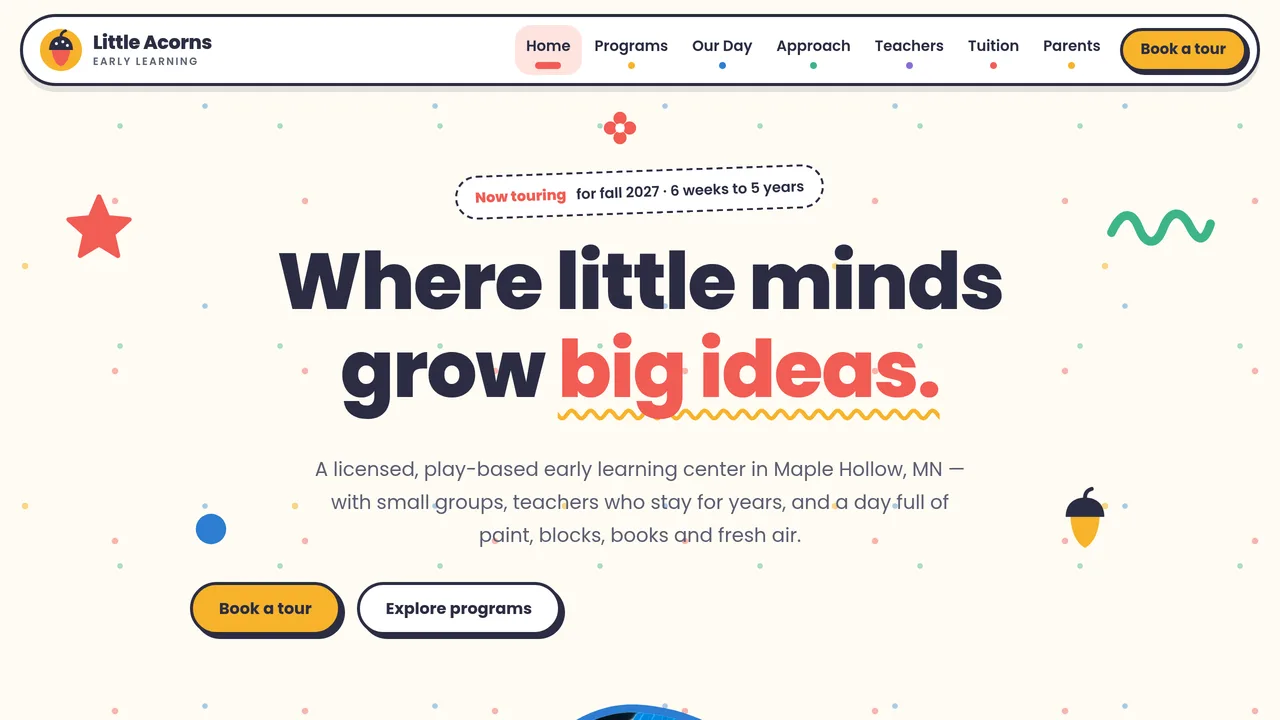
Centred headline ringed by bobbing paper-cut shapes, three tilted pebble photos, count-up stats, six age-group program cards, sticker ribbon, why-us split, play pillars with a crayon line, sticky safety card stack, day peek, parent reviews and tour CTA.
2 editable fields
- 2
Programs
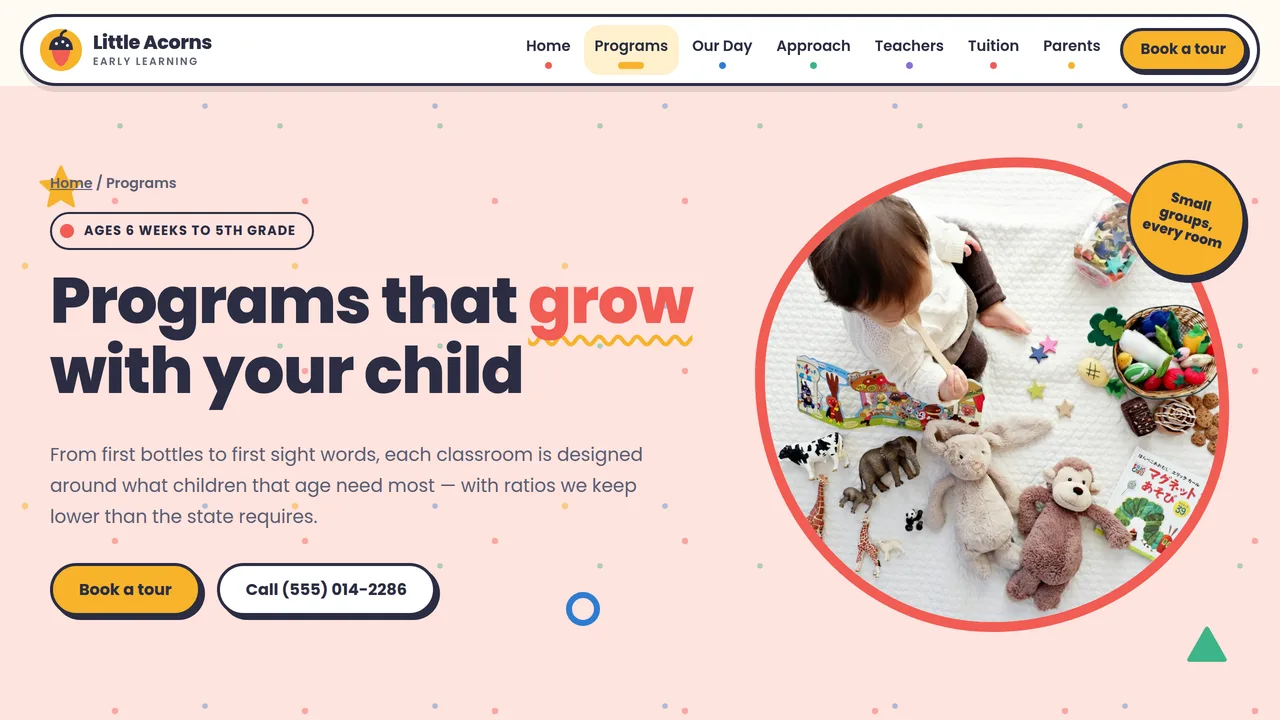
Six colour-coded classroom rows (infants to school-age) with ratio, group size, weekly activities and learning goals, a ratio comparison table and included extras.
2 editable fields
- 3
A Day With Us
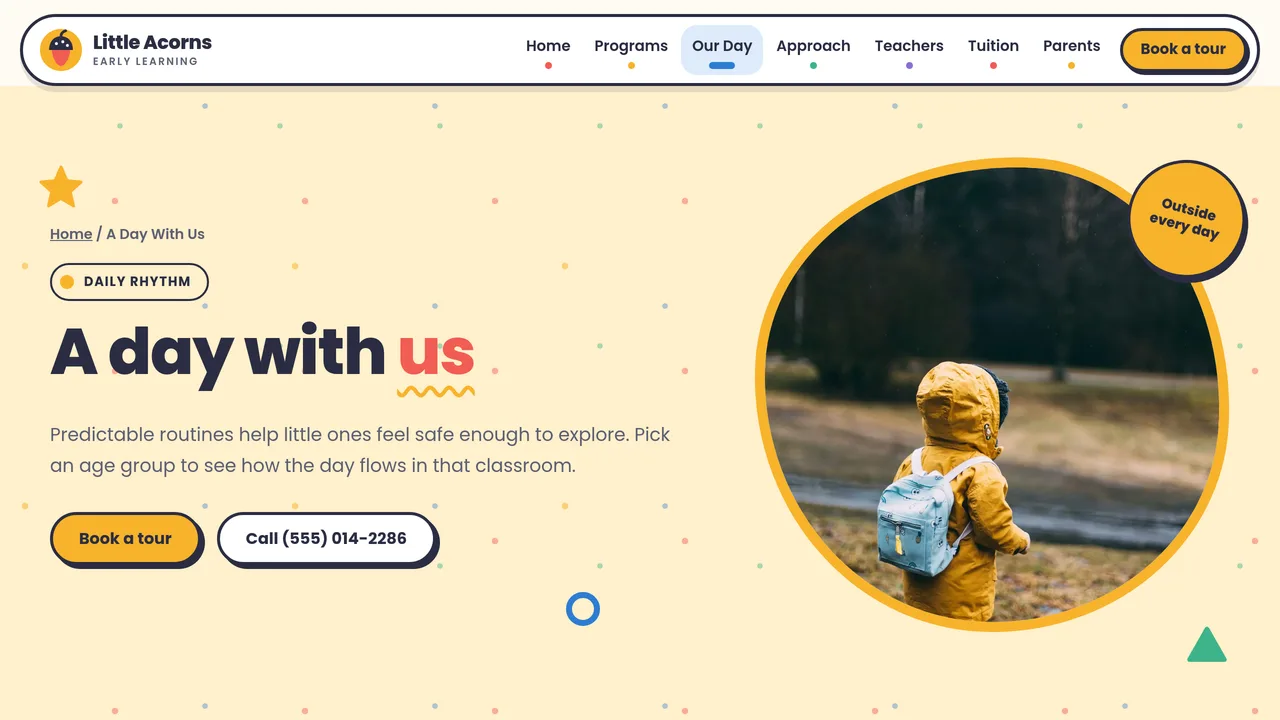
Schedule tabs for Infants, Toddlers, Preschool and Pre-K, each a timeline that fills as you scroll; family app updates; outdoor play policy.
2 editable fields
- 4
Our Approach
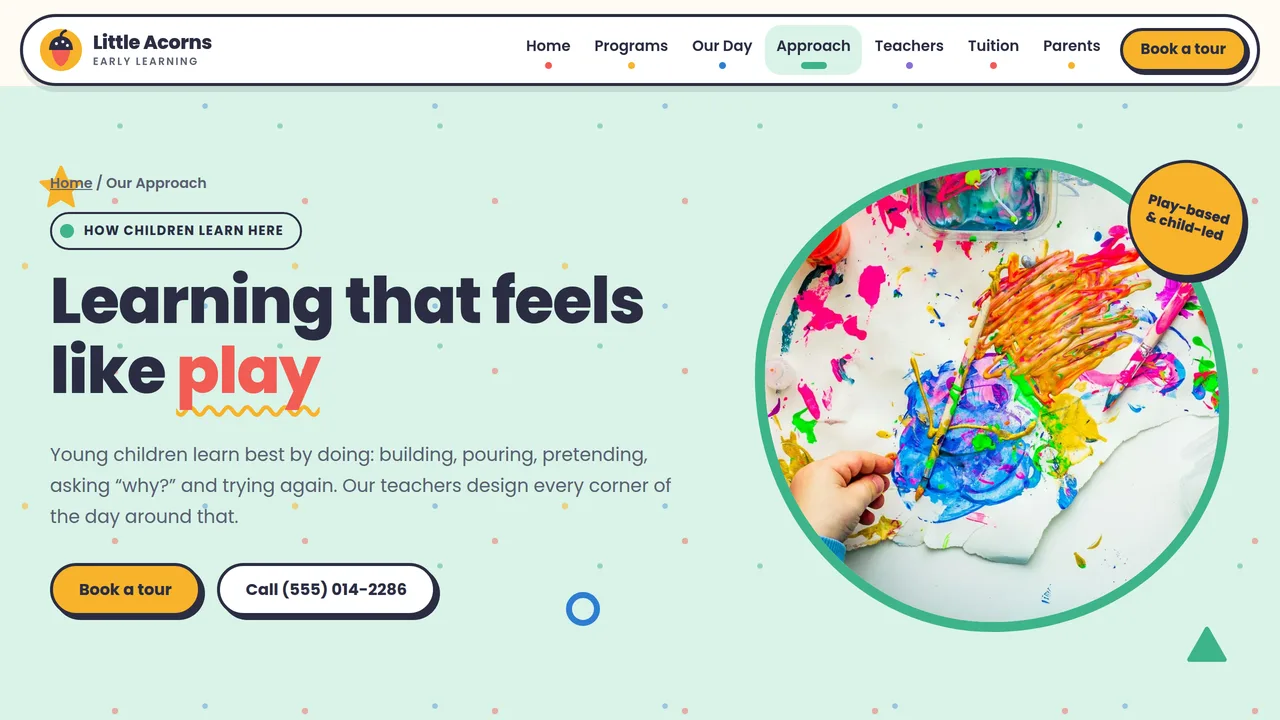
Four ideas (play-based, emergent curriculum, outdoor time, kindergarten readiness) beside a self-drawing acorn-to-oak crayon sketch, flip cards decoding play, learning-domain meters and a Pre-K readiness checklist.
2 editable fields
- 5
Teachers
Count-up team stats, eight staff cards with monogram avatars and credentials (CDA, BA in ECE, CPR/First Aid), staff requirements and a hiring section.
2 editable fields
- 6
Tuition & Enrollment
Weekly tuition table by age and schedule, fees and sibling discount, a working tuition estimator, five enrollment steps, a tickable what-to-pack checklist and FAQ.
2 editable fields
- 7
Parent Resources
Calendar of 2026–27 closures, weekly menu table, illness policy cards, downloadable family forms and communication touchpoints.
2 editable fields
- 8
Schedule a Tour
Tour request form (parent, child, birth date, start date, program, preferred day and time), visit details, next steps and tour FAQ.
2 editable fields
Launching it is simple: download the files, publish it live to your own Vercel account, or push it to your own GitHub — see how to launch your AI Tapz website.
Usage instructions
8 pages, each a complete, self-contained HTML page — a joyful, toy-block early-learning design: a centred rounded headline ringed by bobbing paper-cut shapes over three tilted pebble-shaped photos, Poppins ExtraBold over Poppins Regular, rainbow primaries (tomato, sunflower, sky, mint, grape) on warm white with a colour for every age group, chunky rounded cards with offset solid shadows, zig-zag and scalloped section edges and confetti-dot texture. 1. Home (index.html) — hero with floating shapes and pebble photos, count-up stats, six age-group program cards, sticker ribbon, why-us, play pillars with a crayon line, a sticky stack of safety cards, a day peek, parent reviews. 2. Programs (programs.html) — a detailed row per classroom (ratio, group size, schedules, weekly activities, learning goals), a ratio comparison table, included extras. 3. A Day With Us (day.html) — schedule tabs for Infants, Toddlers, Preschool and Pre-K, each a timeline that fills as you scroll; family app updates; outdoor play policy. 4. Our Approach (approach.html) — four core ideas beside an acorn-to-oak crayon sketch that draws itself, flip cards ("what you'll see / what they're learning"), learning-domain meters, a Pre-K readiness checklist. 5. Teachers (teachers.html) — count-up team stats, eight staff cards with monogram avatars and credentials, staff requirements, a hiring section. 6. Tuition & Enrollment (tuition.html) — weekly tuition table, fees and sibling discount, a tuition estimator, five enrollment steps, a tickable what-to-pack checklist, FAQ (FAQPage markup). 7. Parent Resources (parents.html) — 2026–27 closure calendar, weekly menu, illness policy summary, family forms list, communication touchpoints. 8. Schedule a Tour (tour.html) — tour request form, what to expect, address and hours, next steps, tour FAQ. ANIMATION. Paper-cut shapes bob gently, stats and meter values count up (they read the number you type), cards pop in with a staggered zoom and wiggle on hover, the crayon lines draw themselves, the safety cards pin and stack as you scroll on desktop, schedule timelines and the enrollment steps fill as you scroll, the sticker ribbon scrolls, and flip cards turn over on hover or tap. Everything is visible without JavaScript, and visitors who ask for reduced motion see a still page. SCHEDULE TABS. Each tab link matches the schedule panel in the same position, so keep the tabs and panels in the same order when you add, remove or reorder age groups. TUITION ESTIMATOR. It works in the browser: each option's value is that schedule's weekly rate, and the sibling discount percent lives in the estimator box's data-sibling attribute (10 by default). Update the option values whenever you change the tuition table. CHECKLIST. The what-to-pack ticks are plain checkboxes, so parents can tick items on their phone; nothing is saved or sent. FONTS. Poppins (400, 600, 700, 800) loads from Google Fonts via @font-face in each page's style block, with system sans-serif fallbacks. SEO. Each page opens with a labeled block (title, meta description, canonical link, Open Graph tags and JSON-LD — ChildCare with a Preschool additionalType, CollectionPage, AboutPage, FAQPage or ContactPage). Copy it into your real <head> when you deploy, and update the domain, address, hours, rating and areas served. FORMS. The tour request form posts nowhere — connect it to your enrollment software, CRM or form service before publishing. The "Download" buttons on the parent forms list link to "#" — point each at your own PDF. EDITING. Change colors and fonts site-wide in the editor's Theme panel; edit the header or footer once and use "Apply to all pages"; sections can be moved, duplicated, hidden or deleted; use the Tablet and Mobile views for device-specific tweaks. CLAIMS & SAMPLE CONTENT. The center name, license number (MN DHS License #000000 is a placeholder), address, phone, tuition, fees, discounts, statistics, staff names and credentials, readiness percentages, closure dates, menu and reviews are fictional samples. Teacher-to-child ratios, group sizes, staff qualifications, background-study, training, safe-sleep, outdoor-weather and illness-exclusion rules vary by state: everything you publish must match your own state license and current licensing rules (the samples loosely follow Minnesota child care center practice) and what your center actually does. Only name subsidy programs (CCAP, Early Learning Scholarships) you are approved for, and check the illness policy with your health consultant. IMAGES. All photography is real Unsplash stock, self-hosted under /content-images: toys, art supplies and children shown only as hands, from above or from behind, so no photo shows a recognisable face. Replace them with photos of your own classrooms (with written parent permission for any child who can be identified). Staff cards use monogram avatars instead of photos.
Reviews
No reviews yet — be the first once you've used this template.