Meridian Span Engineering — Civil & Structural Engineering Firm Website (8 Pages)
A 8-page website for a civil and structural engineering firm — blueprint-technical design with a self-drawing truss bridge elevation, dimension-line headings, title-block cards, count-up stats, an animated load-path diagram, a filterable project portfolio, a lifecycle dimension chain, team licensure map and an RFP form, with ProfessionalService SEO markup.
Preview
What you can customize
Each section below becomes a guided form field in your library after purchase — no prompting experience required.
- 1
Home
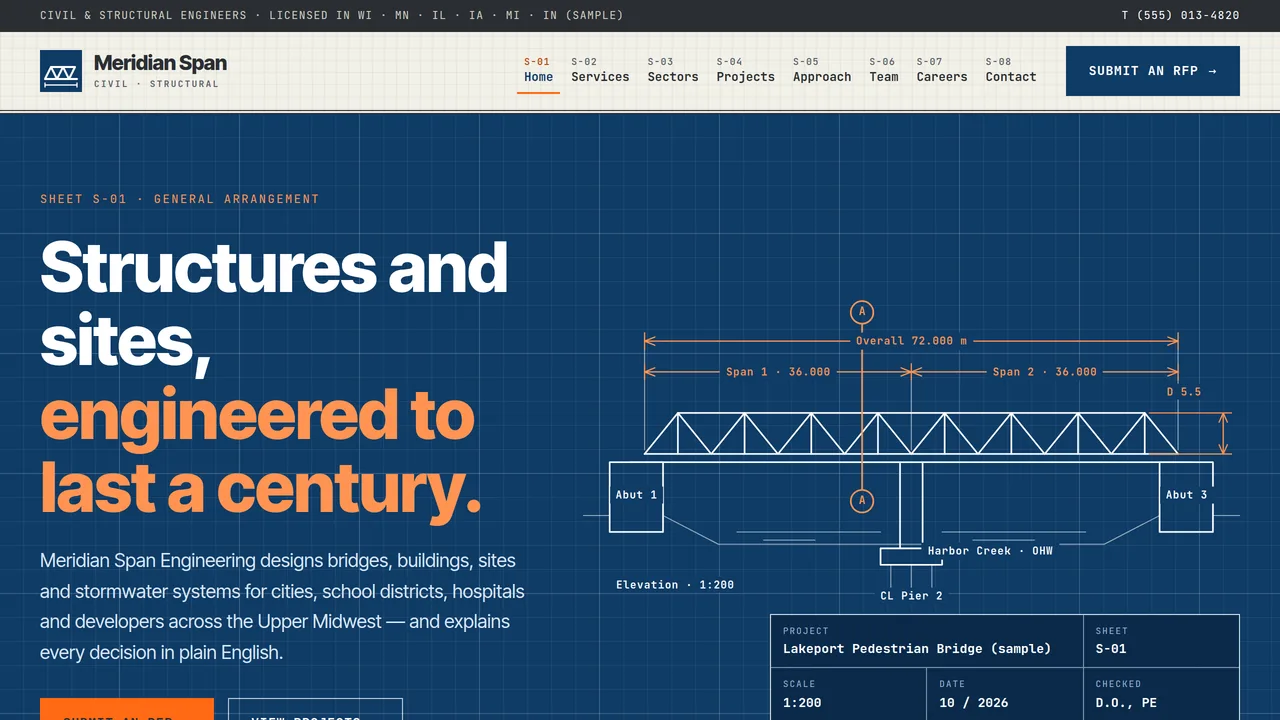
Blueprint hero with a self-drawing truss bridge elevation and title block, disciplines ticker, six service detail cards, count-up stats, animated load-path diagram, featured projects with section-cut hovers, lifecycle dimension chain, client notes and RFP call to action.
2 editable fields
- 2
Services
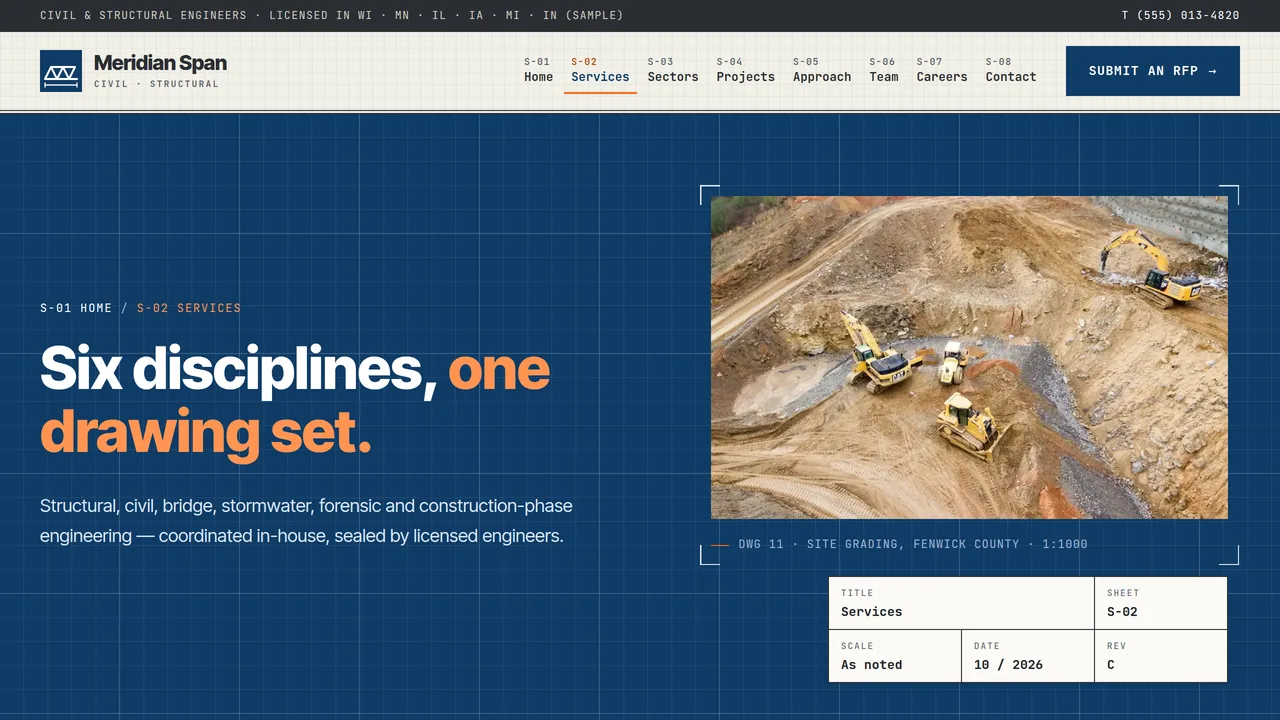
Six discipline detail rows with section-cut markers, codes and deliverables; a standards glossary on blueprint; civil + structural split; FAQ.
2 editable fields
- 3
Sectors
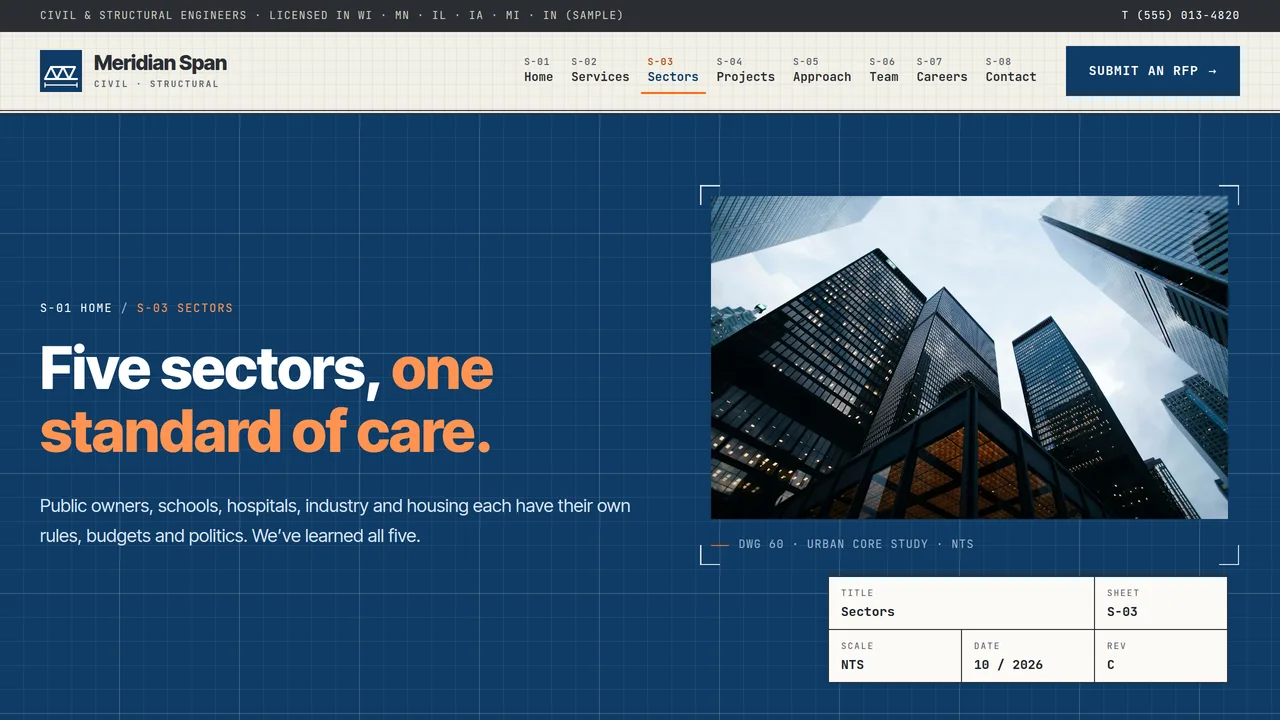
Five stacking sector sheets (municipal, education, healthcare, industrial, multifamily) with sample count-up metrics, firm-wide stats and a public procurement explainer.
2 editable fields
- 4
Projects
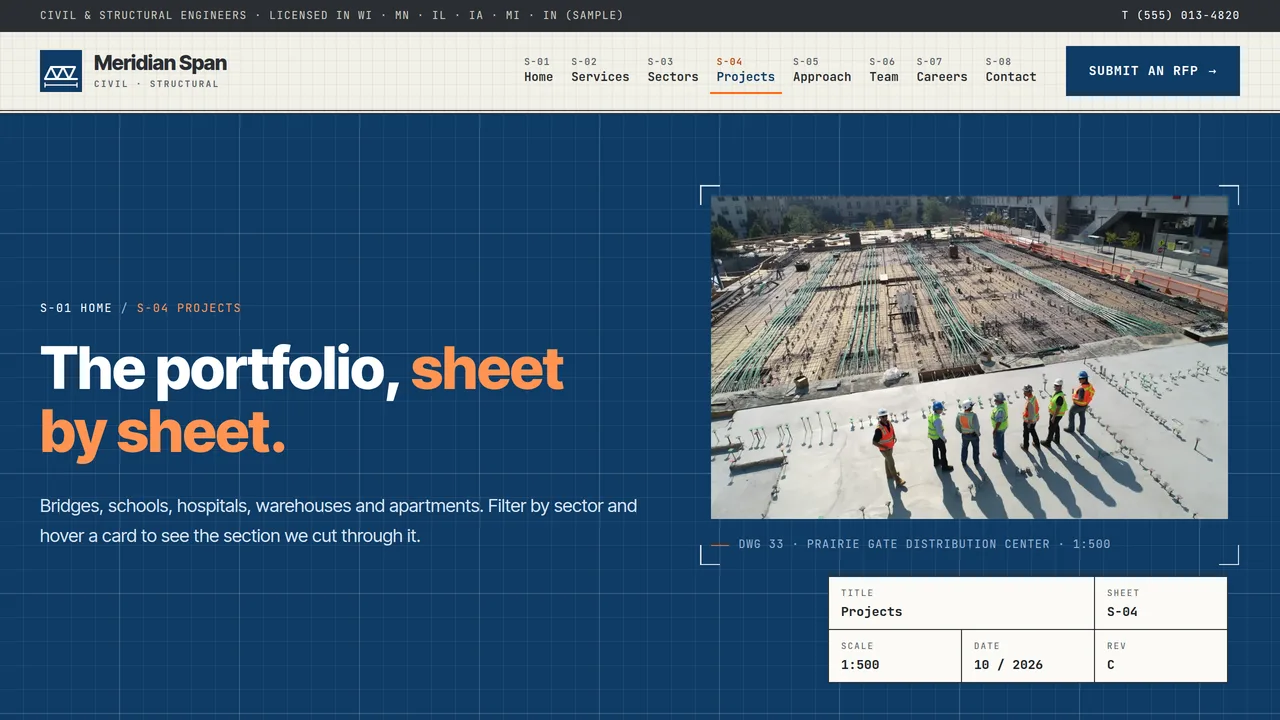
Filterable portfolio of eight sample projects (sector chips, live count) with section-cut hover reveals and title-block meta, plus a featured bridge case sheet.
2 editable fields
- 5
Approach
Project lifecycle drawn as a dimension chain (feasibility to construction administration), QA/QC review-gate table, generic BIM/CAD tool cards and construction-phase response meters.
2 editable fields
- 6
Team
Six leadership title-block cards with monograms and sample PE/SE credentials, a licensure tile map and list, and firm facts.
2 editable fields
- 7
Careers
Six expandable open roles with sample pay ranges, eight benefit cells, path-to-licensure section and staff note.
2 editable fields
- 8
Contact / RFP
Project inquiry / RFP form (type, location, stage, budget, timeline, RFP email note), next-steps box, proposals desk and procurement FAQ.
2 editable fields
Launching it is simple: download the files, publish it live to your own Vercel account, or push it to your own GitHub — see how to launch your AI Tapz website.
Usage instructions
8 pages, each a complete, self-contained HTML page — a blueprint-technical engineering design: deep cyanotype blueprint panels with white linework alternating with drafting-paper bands, JetBrains Mono for labels, dimensions and navigation over Inter Tight headings and body, safety-orange highlights, sharp-cornered title-block cards, dimension-line section headings and circled section-cut markers. 1. Home (index.html) — blueprint hero with a truss bridge elevation that draws itself and a title block, disciplines ticker, six service detail cards, count-up stats, animated load-path diagram, three featured projects, lifecycle dimension chain, client review notes, RFP call to action. 2. Services (services.html) — six discipline rows (structural, civil site, bridges & culverts, stormwater, forensic/condition assessments, construction administration) with codes and deliverables, a standards glossary, civil + structural split, FAQ. 3. Sectors (sectors.html) — five stacking sector sheets (municipal, education, healthcare, industrial, multifamily) with count-up metrics, firm-wide stats and a public procurement explainer. 4. Projects (projects.html) — a filterable portfolio of eight projects and a featured case sheet. 5. Approach (approach.html) — the project lifecycle drawn as a dimension chain, QA/QC review gates, tools (named generically) and construction-phase response meters. 6. Team (team.html) — six leadership title-block cards with monograms, a licensure tile map and list, firm facts. 7. Careers (careers.html) — six expandable open roles, benefits, path to licensure. 8. Contact / RFP (contact.html) — project inquiry form, next steps, proposals desk, procurement FAQ. ANIMATION. The hero truss elevation draws itself line by line on the blueprint grid and its labels fade in after; dimension lines in section headings extend outward as each heading scrolls in; stats and sector metrics count up (they read the number you type); the load-path arrows pulse from load to slab to beam to column to footing in step with the list beside them; meters fill; the disciplines ticker scrolls; sector sheets stack as you scroll (on wide screens); and hovering or focusing a project card wipes a section-cut drawing across its photo. Everything is visible without JavaScript, and visitors who ask for reduced motion see a still page. PROJECT PORTFOLIO. Filtering happens in the browser: each project card's data-sector attribute (municipal, education, healthcare, industrial, multifamily) matches a chip's data-filter. Chip counts and the "Showing X of Y" line update themselves, so you can duplicate, delete or re-tag cards freely. The section-cut drawing on each card is decorative SVG. TITLE BLOCKS & DRAWING LABELS. The hero drawing's labels (spans, pier, scale) are ordinary text positioned over the SVG, so you can edit them; the linework itself is decorative. Title-block cells, sheet numbers (S-01…S-08) and "DWG" captions are plain text — keep them consistent with your own projects. The S-xx numbers in the navigation are generated from link order. FONTS. JetBrains Mono and Inter Tight load from Google Fonts via @font-face in each page's style block, with system monospace and sans-serif fallbacks. SEO. Each page opens with a labeled block (title, meta description, canonical link, Open Graph tags and JSON-LD — a ProfessionalService with additionalType Engineering on every page, plus WebPage, CollectionPage, AboutPage or ContactPage). Copy it into your real <head> when you deploy, and update the domain, address and areas served. FORMS. The project inquiry / RFP form posts nowhere — connect it to your CRM or form service before publishing. It has no file upload; it tells visitors to email RFPs to your proposals address instead. EDITING. Change colours and fonts site-wide in the editor's Theme panel; edit the header or footer once and use "Apply to all pages"; sections can be moved, duplicated, hidden or deleted; use the Tablet and Mobile views for device-specific tweaks. CLAIMS & SAMPLE CONTENT. The company, people, address, phone, emails, projects, clients, project sizes, statistics, sector metrics, construction-phase response rates, client notes, pay ranges and benefits are fictional samples. Credentials (PE, SE, CFM, NBIS team leader), licensure states and license counts are also samples: list only licenses your firm and engineers actually hold, and use the PE and SE titles only for licensed engineers — state engineering boards restrict who may use them and what may be sealed. Code references are general; your jurisdiction's adopted editions govern. Replace everything with your own verified details before publishing. IMAGES. All photography is real Unsplash stock, self-hosted under /content-images: structures, sites and aerials, with any workers shown tiny or from a distance, so no photo shows a recognisable face. Photos are captioned like drawing sheets — rename captions to match your own projects, and replace the sample project photos with your own work.
Reviews
No reviews yet — be the first once you've used this template.