RapidCare Urgent Care — Urgent Care Clinic Website (8 Pages)
An 8-page website for a walk-in urgent care clinic — clean white-and-red clinical design with a live open-now status strip, an "urgent care or ER?" triage guide, symptom finder, services and testing, two locations with hours, self-pay prices with a Good Faith Estimate notice, employer occupational health and a save-your-spot check-in form, with MedicalClinic SEO markup.
Preview
What you can customize
Each section below becomes a guided form field in your library after purchase — no prompting experience required.
- 1
Home
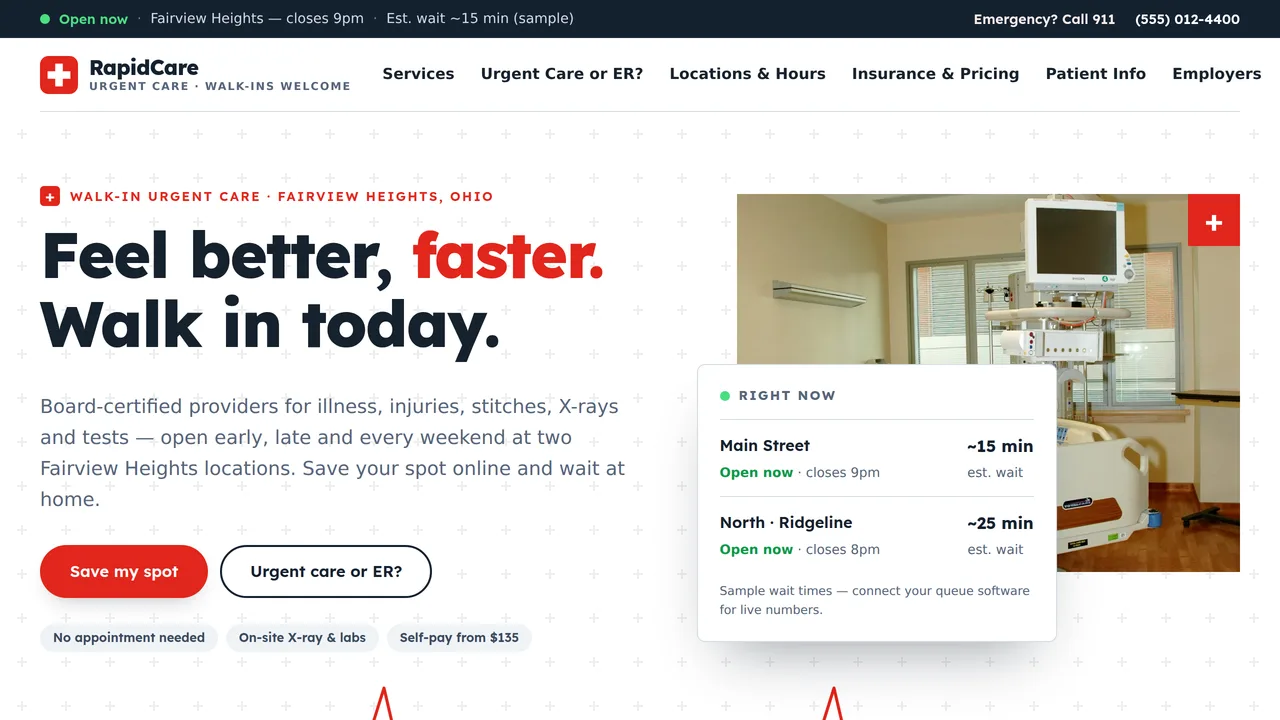
Split hero on a plus grid with a live 'Right now' location board and a heartbeat line drawing, 911 band, three-column triage cards, symptom finder, services grid, count-ups, location cards with open-now badges, self-pay prices, insurance ticker, steps, reviews and FAQ.
2 editable fields
- 2
Services
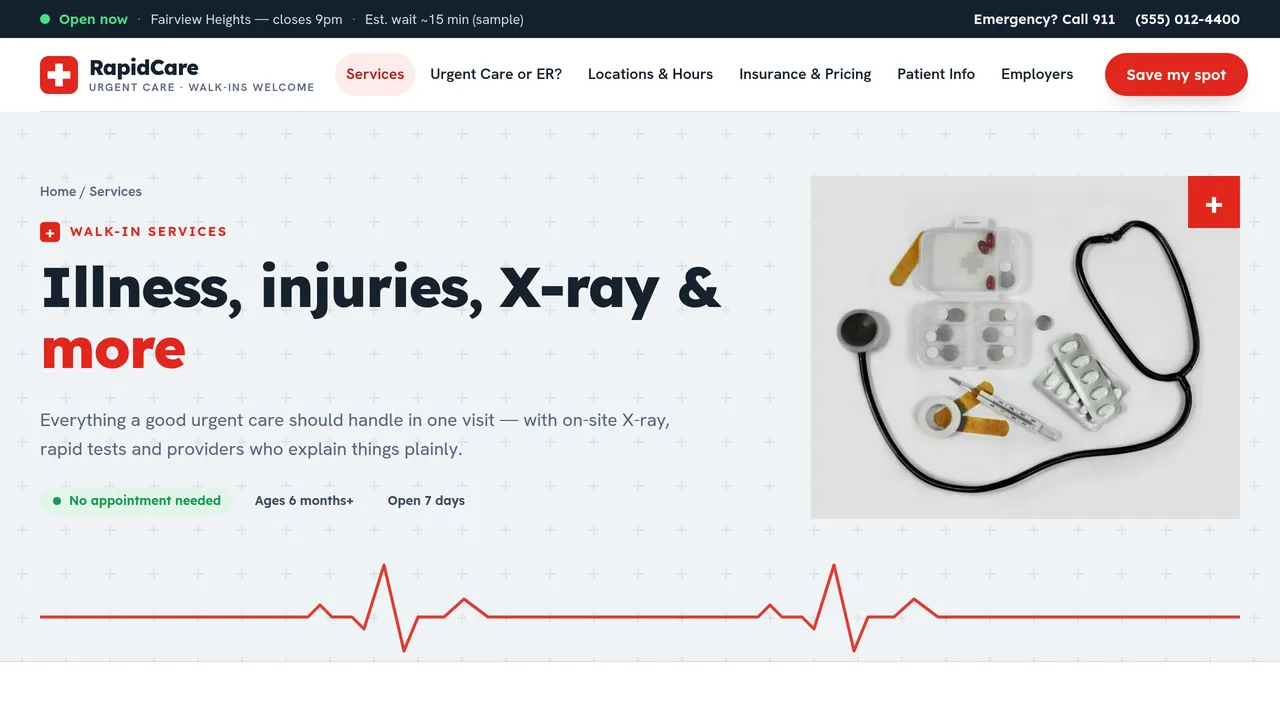
Eight detailed service cards, on-site X-ray and lab, COVID/flu/strep testing table, tabbed physicals (sports, school, DOT), vaccines and what we don't treat.
2 editable fields
- 3
Urgent Care or ER?
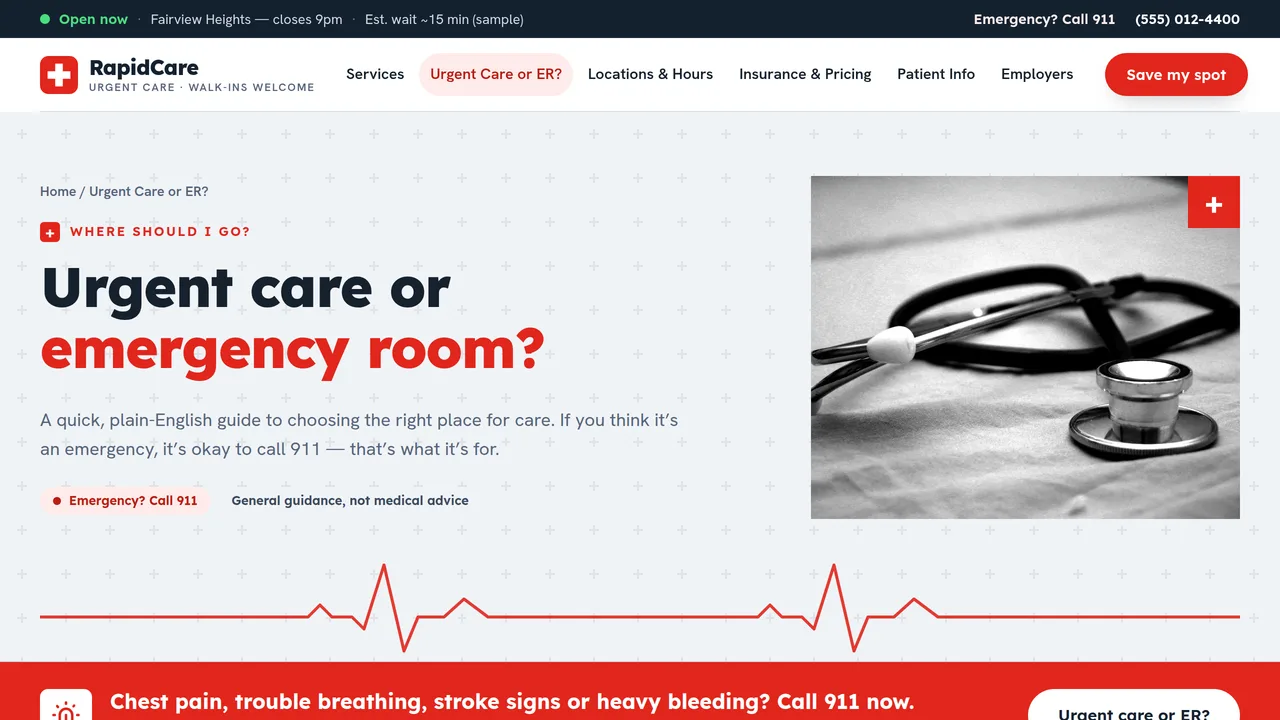
911 band, full three-column guide (call 911 / urgent care / your doctor), BE FAST stroke signs, ER vs urgent care vs doctor table, crisis and poison lines, FAQ.
2 editable fields
- 4
Locations & Hours
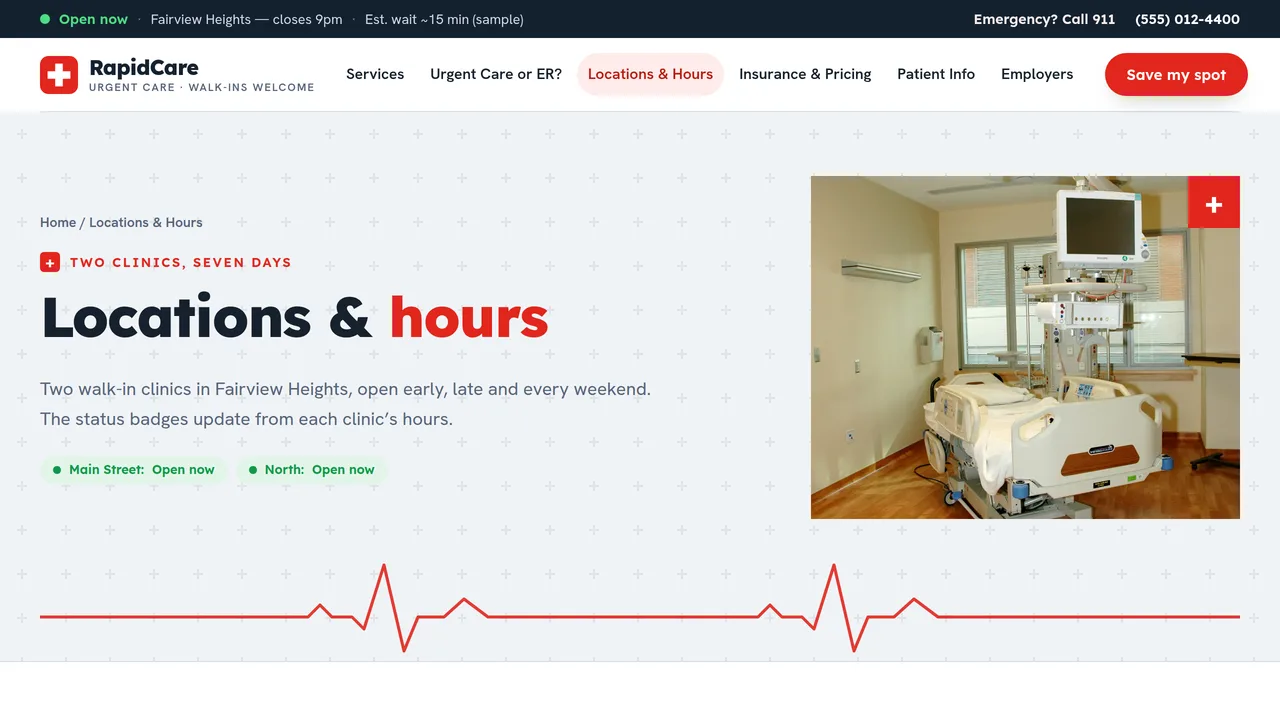
Sample wait-time meters, two location cards with hours tables (today highlighted) and live open-now badges, illustrated map, holiday/parking FAQ.
2 editable fields
- 5
Insurance & Pricing
Insurance plan types we bill, insurance ticker, three self-pay price tables (visits, tests, physicals and vaccines), Good Faith Estimate notice, billing FAQ.
2 editable fields
- 6
Patient Info
What to bring, a check-in timeline that fills as you scroll, after-your-visit cards, telehealth and a records & billing FAQ.
2 editable fields
- 7
Employers
Occupational health services (drug screens, DOT physicals, injury care), count-ups, workplace injury timeline, employer account benefits and contact.
2 editable fields
- 8
Save Your Spot
Online check-in request form (name, phone, email, location, short reason, arrival window, insurance yes/no) with 911 and privacy notes, live location status, and tips.
2 editable fields
Launching it is simple: download the files, publish it live to your own Vercel account, or push it to your own GitHub — see how to launch your AI Tapz website.
Usage instructions
8 pages, each a complete, self-contained HTML page — a clinical, fast-reading urgent care design: white and cool-grey pages on a subtle plus-sign grid, Lexend headings over Hanken Grotesk, signal-red pill buttons, crisp 8px cards, green open-now status chips, red-tabbed rectangular photos and a heartbeat line that draws across the hero. 1. Home (index.html) — hero with a "Right now" board for both locations, 911 band, three-column "urgent care or ER?" cards, symptom finder, eight services, count-ups, location cards, self-pay preview, insurance ticker, visit steps, reviews, FAQ. 2. Services (services.html) — eight detailed services, on-site X-ray and lab, testing table, tabbed physicals (sports, school, DOT), vaccines, what we don't treat. 3. Urgent Care or ER? (urgent-care-or-er.html) — the full triage guide, BE FAST stroke signs, a comparison table, crisis and poison help lines, FAQ. 4. Locations & Hours (locations.html) — sample wait-time meters, two location cards with hours tables, an illustrated map, holiday/parking FAQ. 5. Insurance & Pricing (insurance-pricing.html) — plan types billed, three self-pay price tables, the Good Faith Estimate notice, billing FAQ. 6. Patient Info (patient-info.html) — what to bring, check-in timeline, after your visit, telehealth, records and billing FAQ. 7. Employers (employers.html) — occupational health services, count-ups, workplace injury steps, employer accounts. 8. Save Your Spot (save-your-spot.html) — online check-in request form with emergency and privacy notes. ANIMATION. The heartbeat line draws itself across each hero, the open-now dot pulses, numbers count up (they read the number you type), cards slide in as you scroll, wait meters fill, the check-in and injury timelines fill as you scroll, and the insurance strip scrolls. Everything is visible without JavaScript, and visitors who ask for reduced motion see a still page. OPEN-NOW STATUS. The strip above the header, the location cards, the hero board and the check-in sidebar all compute "Open now / Closed now" and "closes 9pm / opens 8am tomorrow" in the browser. Each status element carries data-hours — seven "open-close" ranges in 24-hour decimal hours, Sunday first, e.g. "9-18,8-21,8-21,8-21,8-21,8-21,9-18" (use "closed" for a closed day, 8.5 for 8:30) — and data-tz, the clinic's time zone (America/New_York by default). Update both when you change your hours, along with the printed hours and the JSON-LD openingHoursSpecification. Hours tables highlight today's row from each row's data-days (0 = Sunday). Holiday hours are not automatic. WAIT TIMES. Every wait time on the site ("~15 min") is static sample text. Replace it with your own wording, or connect your check-in/queue software to show live waits; never publish a wait time you can't stand behind. SYMPTOM FINDER & TABS. The symptom finder and the physicals tabs are kit tabs: each link selects the matching panel by order. To add a symptom, duplicate a link and its panel together. FONTS. Lexend and Hanken Grotesk load from Google Fonts via @font-face in each page's style block, with system sans-serif fallbacks. SEO. Each page opens with a labeled block (title, meta description, canonical link, Open Graph tags and JSON-LD — a MedicalClinic with both locations and their openingHoursSpecification on every page, plus CollectionPage, MedicalWebPage, FAQPage or ContactPage). Copy it into your real <head> when you deploy, and update the domain, addresses, phone numbers and hours. FORMS. The Save Your Spot form posts nowhere — connect it to your patient check-in or queue software before publishing. Use a HIPAA-compliant service with a signed business associate agreement; keep the form to the fields shown and keep the "not for emergencies" and "don't enter medical history" notes. EDITING. Change colours and fonts site-wide in the editor's Theme panel; edit the header or footer once and use "Apply to all pages"; sections can be moved, duplicated, hidden or deleted; use the Tablet and Mobile views for device-specific tweaks. CLAIMS & SAMPLE CONTENT. All clinical guidance on this site (the triage lists, symptom finder, "Urgent care or ER?" page, telehealth list, FAQs and aftercare notes) is sample copy, not medical advice — have your medical director review and approve it before publishing, and keep "call 911 for emergencies" visible. The company name, addresses, phone numbers, hours, wait times, self-pay prices, insurance plan list, statistics and reviews are fictional samples; replace them with your real details and list only plans you are actually contracted with. The Good Faith Estimate text follows the federal model notice — confirm it with your compliance advisor. 911, 988 and the Poison Help line (1-800-222-1222) are real US numbers. IMAGES. All photography is real Unsplash stock of clinic spaces and equipment, self-hosted under /content-images. No photo shows a recognisable face (the white-coat photo is cropped at the shoulders). Replace with photos of your own clinics when you can.
Reviews
No reviews yet — be the first once you've used this template.