Saltroad Journeys — Travel Agency & Tour Operator Website (8 Pages)
A 8-page website for an independent travel agency and small-group tour operator — sunset gradients and night-sky maps, a "Where to?" trip starter, dotted flight paths with a gliding plane, destination postcards, day-by-day itinerary tabs, a group picker, a trip budget estimator, travel essentials and a trip request form.
Preview
What you can customize
Each section below becomes a guided form field in your library after purchase — no prompting experience required.
- 1
Home
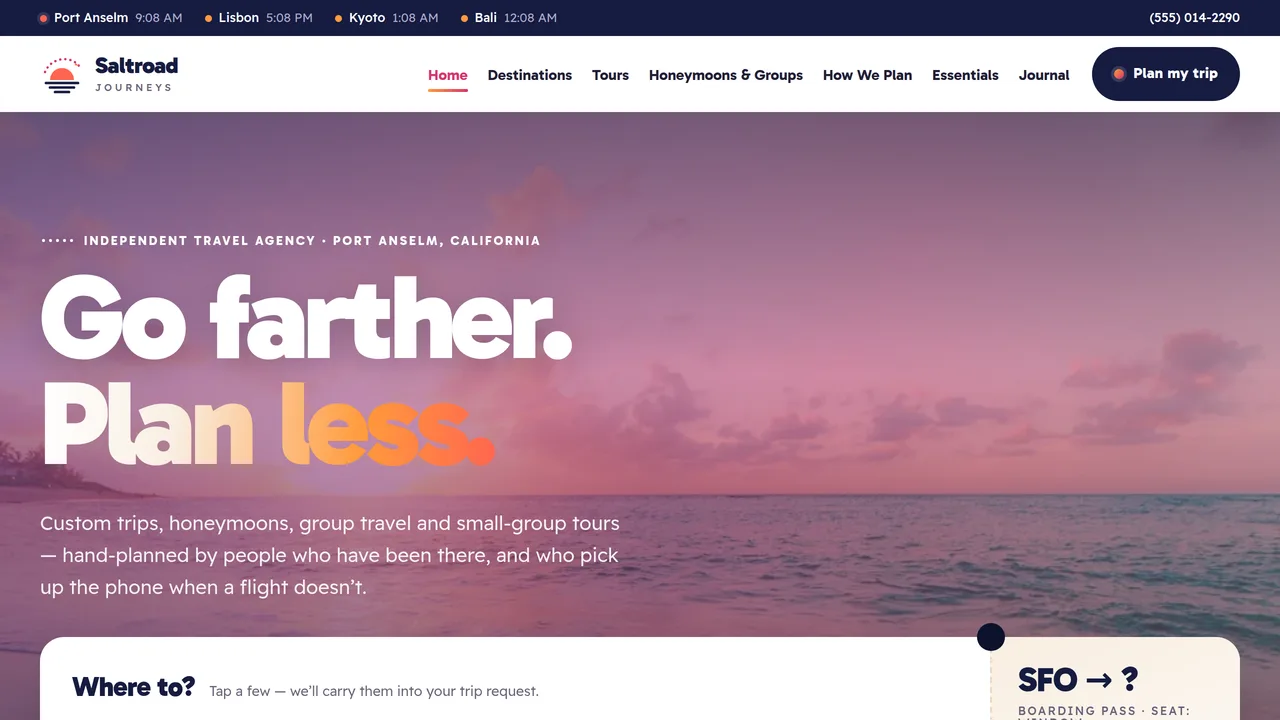
Full-bleed sunset hero with a shifting gradient wash and a boarding-pass 'Where to?' trip starter, postage-stamp count-ups, night-sky world map with dotted flight paths and a gliding plane, tilted destination postcards, four ways to travel, window-seat section, destinations marquee, featured tour pass, postcard reviews.
2 editable fields
- 2
Destinations
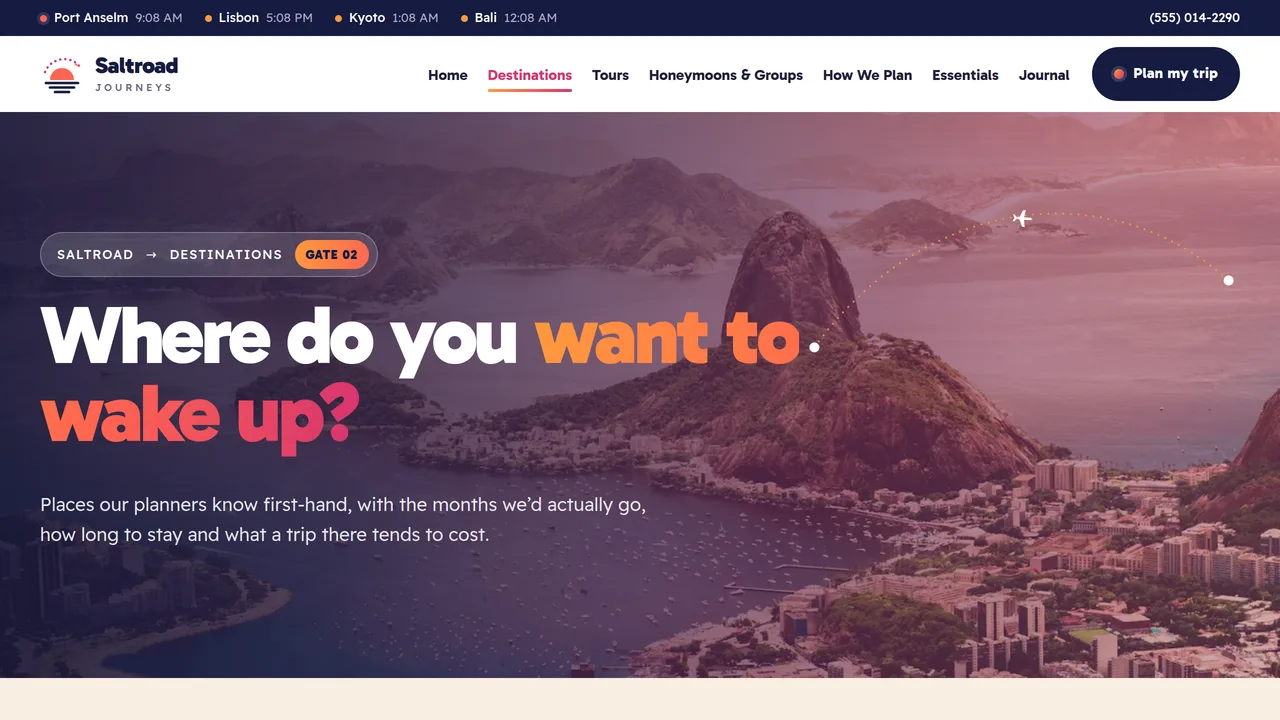
Region-filtered destination postcards with best months, trip length and sample 'from' prices, a best-time-to-go month grid, flight-time map, and a 'don't see it here?' section.
2 editable fields
- 3
Tours & Itineraries
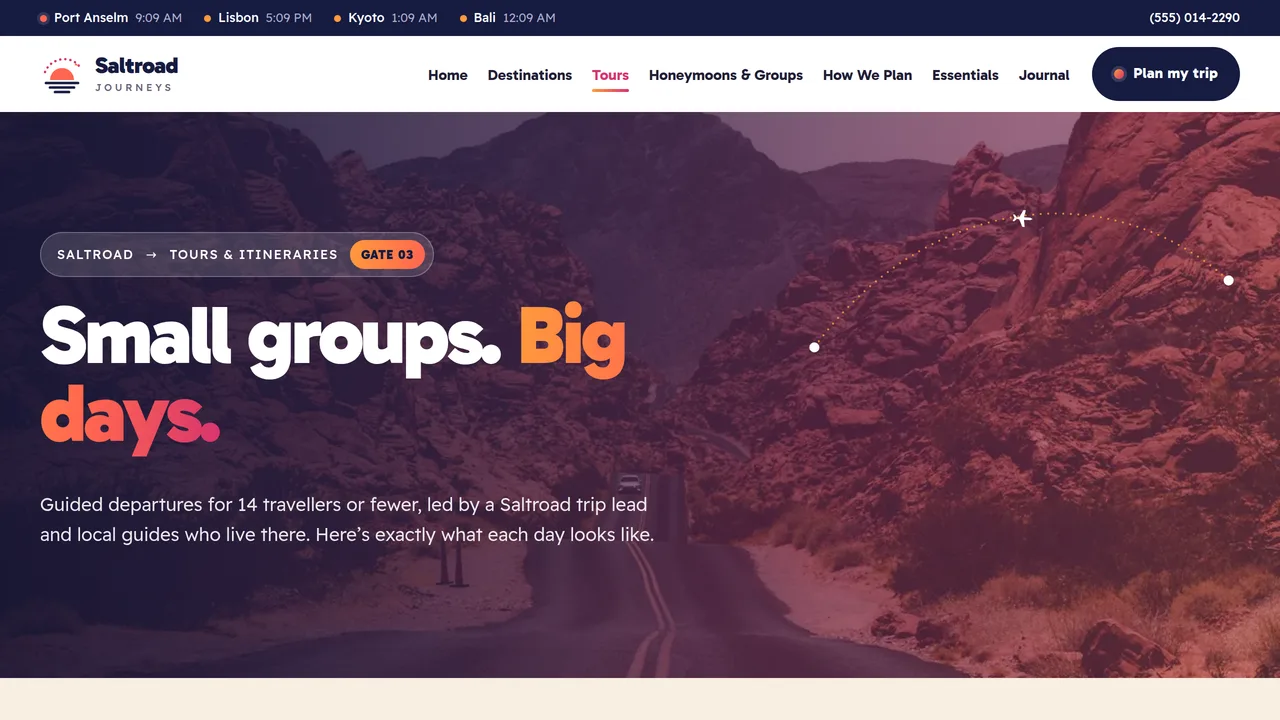
Itinerary tabs for three small-group tours, each with a scroll-filled day-by-day timeline and included / not included lists, tour features, a departures table and tour FAQ.
2 editable fields
- 4
Honeymoons & Groups
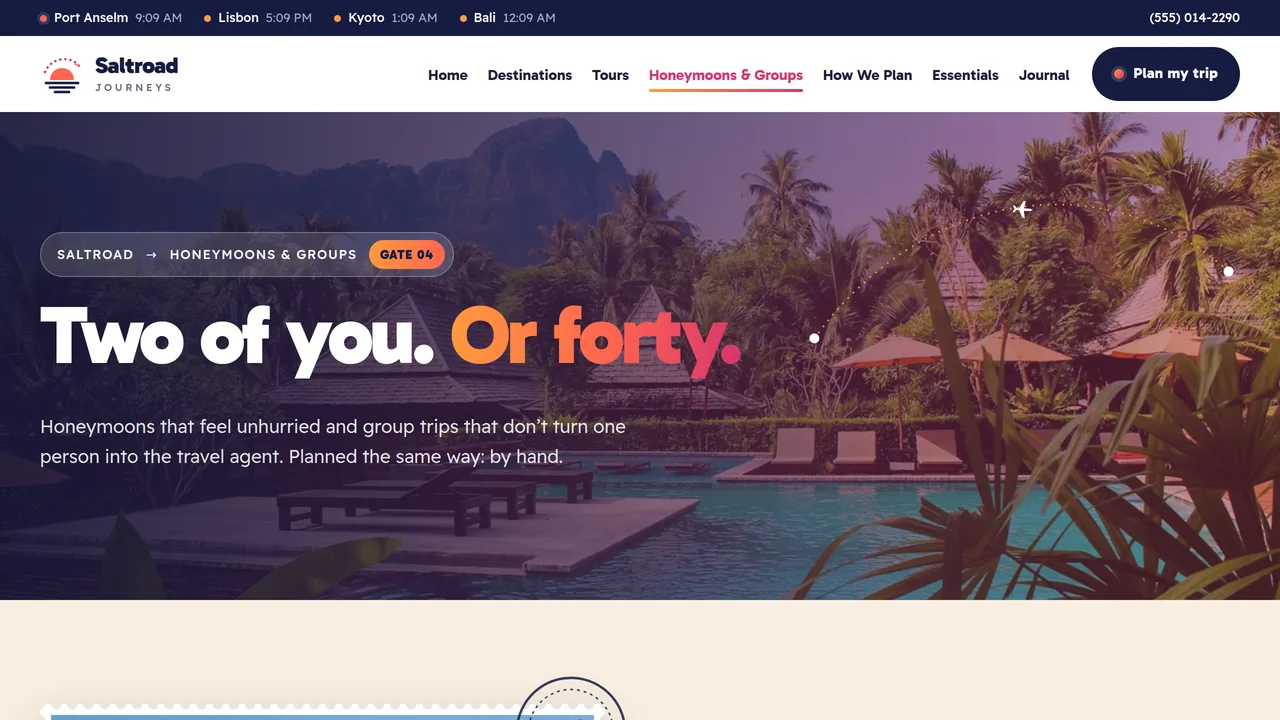
Honeymoon approach with stamp-framed photo, three honeymoon postcards, a working group size and occasion picker, how group bookings work, FAQ.
2 editable fields
- 5
How We Plan
Four stacking process steps, the trip design fee explained, a working trip budget estimator, and what we can and can't control.
2 editable fields
- 6
Travel Essentials
General-information notice, tabs for passports, visas & entry, travel insurance and health requirements, a tickable pre-departure checklist, official source links and FAQ.
2 editable fields
- 7
Journal & Reviews
Rating summary with meters, six postcard reviews with postmarks, recent-trips marquee, three journal notes and a 'send us a postcard' section.
2 editable fields
- 8
Plan My Trip
Trip request form (pre-filled from the home trip starter and group picker), next steps, contact box, booking notes and quick FAQ.
2 editable fields
Launching it is simple: download the files, publish it live to your own Vercel account, or push it to your own GitHub — see how to launch your AI Tapz website.
Usage instructions
8 pages, each a complete, self-contained HTML page — a sunset-and-night-sky travel agency design: a full-bleed sunset photo hero under a slowly shifting tangerine/coral/magenta/violet wash, Gabarito Black headlines over Readex Pro, warm sand and white sections with deep night-blue bands, perforated postage-stamp frames with postmarks, boarding-pass cards, tilted postcards and dotted flight-path arcs. 1. Home (index.html) — sunset hero with a "Where to?" boarding-pass trip starter, postage-stamp count-ups, a world map with dotted flight paths from SFO and a gliding plane, destination postcards, four ways to travel, the window-seat section, a destinations marquee, a featured tour and reviews. 2. Destinations (destinations.html) — region-filtered postcards (best months, trip length, sample "from" price), a best-time-to-go month grid, a flight-time map and a "don't see it here?" section. 3. Tours & Itineraries (tours.html) — itinerary tabs for three small-group tours with scroll-filled day-by-day timelines and included / not included lists, tour features, a departures table and an FAQ. 4. Honeymoons & Groups (honeymoons-groups.html) — honeymoon approach, three honeymoon postcards, the group size and occasion picker, how group bookings work and an FAQ. 5. How We Plan (how-we-plan.html) — four stacking process steps, the trip design fee, the trip budget estimator and "what we can and can't control". 6. Travel Essentials (travel-essentials.html) — a general-information notice, tabs for passports, visas & entry, insurance and health, a tickable pre-departure checklist, official source links and an FAQ. 7. Journal & Reviews (journal.html) — a rating summary with meters, six postcard reviews, a recent-trips marquee, three journal notes and a review invitation. 8. Plan My Trip (plan-my-trip.html) — the trip request form, next steps, contact details and quick answers. ANIMATION. Dotted flight paths draw themselves dot by dot on the world maps and page heroes, then a small plane glides along the main route. The sunset wash on the heroes slowly shifts colour, glows drift behind the call-to-action bands, hero photos move in parallax, numbers count up (they read whatever number you type), postmarks stamp down onto photos and reviews as they appear, map pins pulse, the itinerary timelines fill as you scroll, the process steps stack, and marquees scroll. Everything is visible without JavaScript, and visitors who ask for reduced motion see a still page with the flight paths shown as dotted lines. TRIP STARTER. The "Where to?" chips on the home page are ordinary links to plan-my-trip.html with query parameters (dest, month, travellers). With JavaScript, picking chips combines them into the "Start planning" link, and the Plan My Trip page fills the matching form fields from the query string. Edit a chip's text and its data-sj-value attribute together. WORLD MAP & CLOCKS. The map is a simplified outline (not to scale for navigation). Flight paths are generated from the STOPS list in the seed file (longitude/latitude); the labels are positioned HTML. The world clocks in the top strip read each city's time zone from its data-tz attribute (an IANA zone such as Europe/Lisbon) and show "local time" if the browser can't format it. GROUP PICKER & BUDGET ESTIMATOR. Both work in the browser. The picker's advice text lives in the script (by group size) and in each occasion's data-tip attribute; its button links to the form with occasion and travellers filled in. The estimator's nightly per-person base costs are the tier dropdown's option values, the flight allowances are each option's data-flight attribute, and the style multipliers are the style radios' values (1, 1.65, 2.7). It shows a range (−15% / +20%), clearly labelled as an estimate excluding flights unless the flight box is ticked. Replace every number with your own. FONTS. Gabarito and Readex Pro load from Google Fonts via @font-face in each page's style block, with system sans-serif fallbacks. SEO. Each page opens with a labeled block (title, meta description, canonical link, Open Graph tags and JSON-LD — TravelAgency, CollectionPage with TouristTrip items, AboutPage or ContactPage). Copy it into your real <head> when you deploy, and update the domain, address and rating. FORMS. The Plan My Trip form posts nowhere and says so — connect it to your CRM, email or form service before publishing. The pre-departure checklist only remembers ticks during the visit. EDITING. Change colours and fonts site-wide in the editor's Theme panel; edit the header or footer once and use "Apply to all pages"; sections can be moved, duplicated, hidden or deleted; use the Tablet and Mobile views for device-specific tweaks. CLAIMS & SAMPLE CONTENT. The company name, address, phone, email, seller-of-travel registration number, trip prices, departure dates and availability, planning fees, flight times, statistics, ratings and reviews are fictional samples — replace them with your own. Never present prices or availability as guaranteed. Some US states require travel sellers to register (for example California, Florida, Washington and Hawaii) and to show their registration number and specific disclosures on their website; the footer shows California's wording as an example — check the rules in your state and every state you sell into. The Travel Essentials page is general information that points to official government sources; review it regularly, because entry, visa and health requirements change. IMAGES. All photography is real Unsplash stock, self-hosted under /content-images: destinations, aircraft wings shown without any airline markings, and one traveller seen only as a silhouette from behind — no photo shows a recognisable face, and no airline or hotel brand appears anywhere. The destination photos are illustrative; replace them with your own trips' photography where you can.
Reviews
No reviews yet — be the first once you've used this template.