Sentinel Home Security & Smart Living — Home Security & Smart Home Installer Website (8 Pages)
An 8-page website for a home security and smart-home installer — midnight navy and signal green with frosted-glass cards, a night-time house hero with pulsing device hotspots, camera-feed photo frames, an alarm-response timeline, an interactive app mock, a live system builder estimate, honest package and contract comparisons, support FAQ and a free quote form, with LocalBusiness SEO markup.
Preview
What you can customize
Each section below becomes a guided form field in your library after purchase — no prompting experience required.
- 1
Home
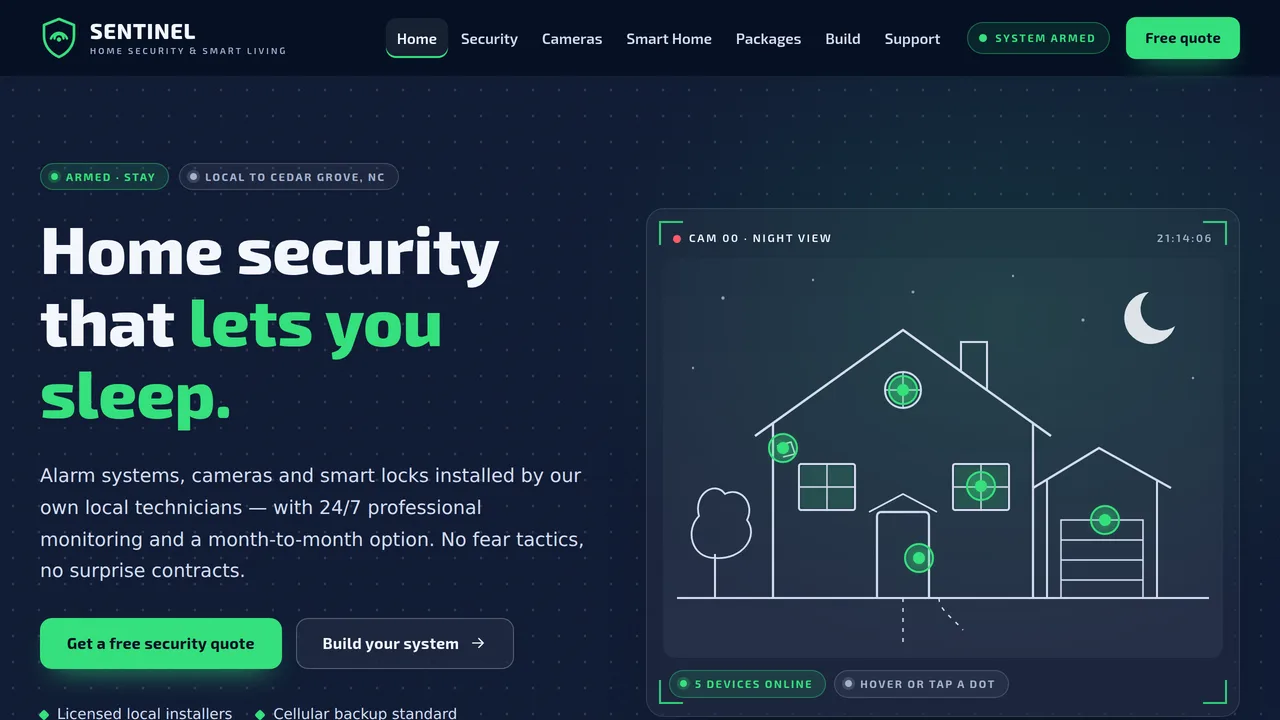
Night-scene hero with a line-drawn house and pulsing device hotspots (glass tooltips), scan-line sweep, status-pill ticker, three camera-feed service cards, alarm-response timeline, interactive phone app mock, response count-ups, local feed wall, packages, reviews.
2 editable fields
- 2
Security Systems
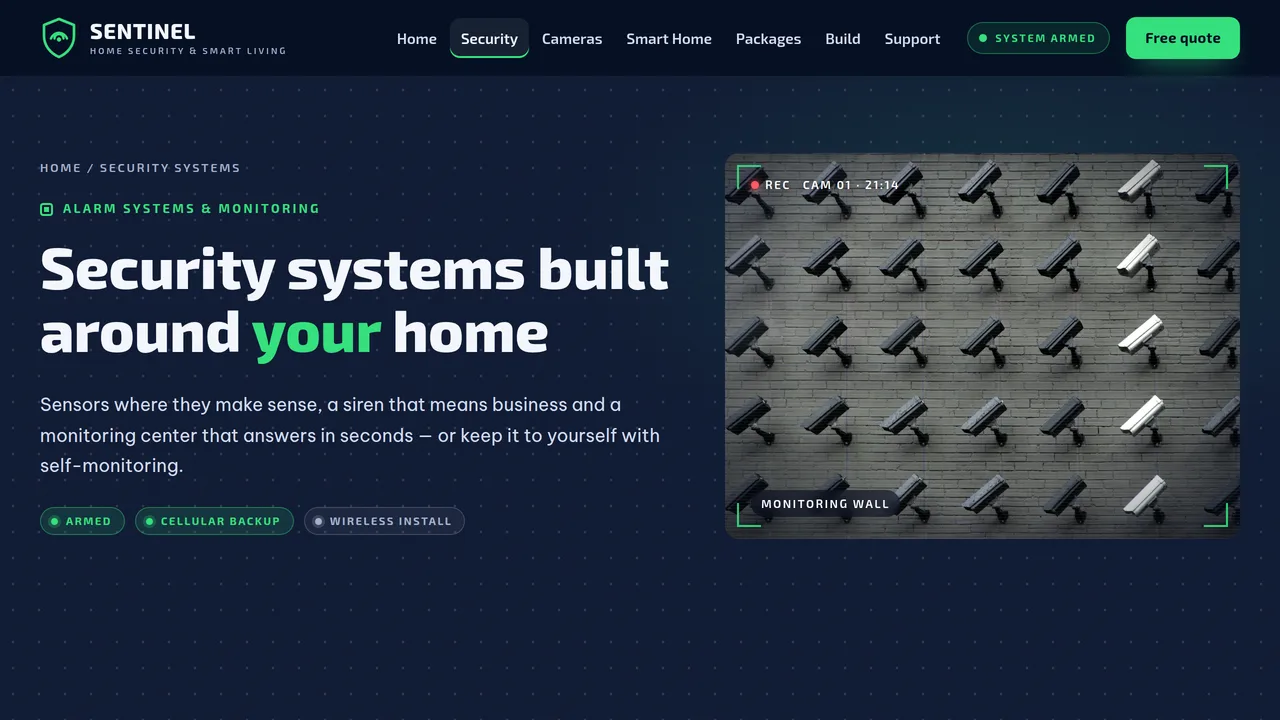
Sensor grid with status pills, professional vs self-monitoring comparison, cellular-backup path diagram that draws itself, monitoring-center count-ups.
2 editable fields
- 3
Cameras & Doorbells
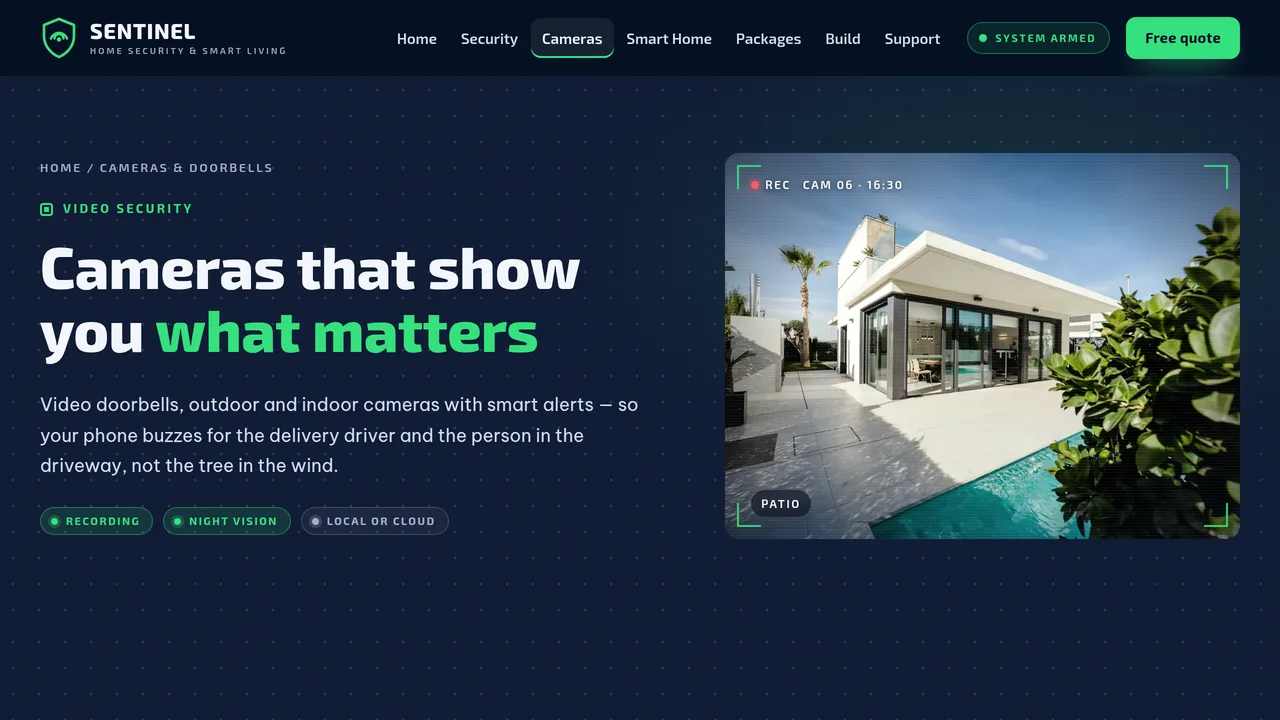
Camera-type tabs (outdoor, doorbell, indoor, floodlight) with feed-framed photos and specs, smart alert cards, storage options with retention meters, placement and privacy rules.
2 editable fields
- 4
Smart Home
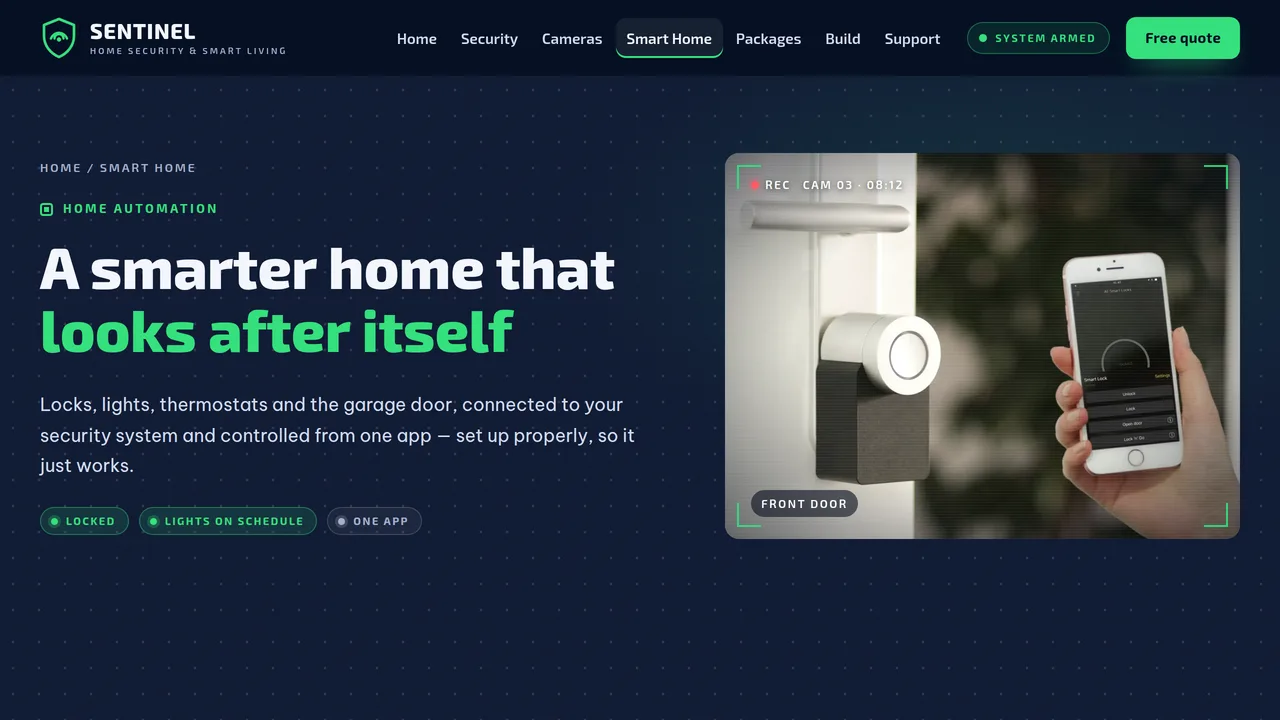
Smart device cards (locks, lighting, thermostats, garage, voice, water shut-off), scene tabs with when/then automation rules, compatibility split, energy meters.
2 editable fields
- 5
Packages
Three packages with equipment lists, no-contract vs 36-month agreement prices and 3-year totals, contracts explained honestly, comparison table, add-on price list.
2 editable fields
- 6
Build Your System
Interactive system builder: doors, windows and floors sliders, add-on checkboxes and monitoring plans produce a live equipment list with estimated upfront and monthly cost.
2 editable fields
- 7
Support
Detailed alarm-response timeline with what to do at each step, six false-alarm tips, app help cards, moving options, FAQ accordion and support hours.
2 editable fields
- 8
Free Security Quote
Free quote form (contact, address/ZIP, home type, own/rent, entry doors, interests, timeline, consent), next steps, walkthrough steps and reviews.
2 editable fields
Launching it is simple: download the files, publish it live to your own Vercel account, or push it to your own GitHub — see how to launch your AI Tapz website.
Usage instructions
8 pages, each a complete, self-contained HTML page — a calm night-time security design: deep midnight navy with a faint dot-grid sky and subtle noise, signal green and soft white, Exo 2 headlines over Be Vietnam Pro, 18px frosted-glass cards, camera-viewfinder corner brackets, status pills, and photos framed as camera feeds with a REC dot and "CAM 02 · 21:14" overlay. 1. Home (index.html) — night hero with a line-drawn house and five device hotspots, status-pill ticker, three service cards, "what happens when the alarm goes off" timeline, phone app mock, response count-ups, local feed wall, package teaser, reviews. 2. Security Systems (security.html) — eight sensor cards, professional vs self-monitoring comparison, cellular-backup diagram, monitoring-center numbers. 3. Cameras & Doorbells (cameras.html) — camera-type tabs (outdoor, doorbell, indoor, floodlight), smart alerts, storage options with retention meters, placement and privacy rules. 4. Smart Home (smart-home.html) — device cards, scene tabs with when/then rules, compatibility section, energy meters. 5. Packages (packages.html) — three packages with equipment lists, no-contract and 36-month agreement prices with 3-year totals, contracts explained, comparison table, add-on prices. 6. Build Your System (builder.html) — interactive system builder with a live estimate, estimate-to-install steps, package shortcuts. 7. Support (support.html) — detailed alarm timeline with what to do at each step, false-alarm tips, app help, moving, FAQ (FAQPage markup). 8. Free Security Quote (quote.html) — quote request form, next steps, walkthrough steps, reviews. ANIMATION. A scan line sweeps slowly down each hero, the hero house draws itself, its device hotspots pulse and take turns showing their glass tooltip (hover, tap or tab to a dot to see one yourself), the header's "System armed" pill pulses, REC dots blink, the status ticker scrolls, the alarm timeline fills and lights each step as you scroll, numbers count up (they read the number you type), meters fill, and the app mock's porch-light and garage switches flip on the first time it's seen. The header pill, REC dots and app screen are decorative. Everything is visible without JavaScript, and visitors who ask for reduced motion see a still page. HOTSPOTS. Each hotspot is a positioned element with its own --x and --y (percent of the drawing) in its style attribute; edit the tooltip text like any other text, or move a dot by changing those two values. APP MOCK. The phone is plain HTML and CSS. The Away / Stay / Off buttons rewrite the status line from each option's data-status and data-sub attributes; each switch shows the text in its label's data-on / data-off attributes. It's an illustration, not a connection to any real app — replace the screen with your own app's screenshots if you prefer. SYSTEM BUILDER. It runs in the browser and sends nothing. Every slider, checkbox and plan carries its own item name and price in data-item, data-price, data-monthly and data-qty attributes, so change the numbers there to match your price list; the cloud-video fee added when cameras are chosen without a video plan is the builder's data-cloud attribute. The estimate shown before scripts run is generated from the same prices. Keep the "Estimate" label and the note under it. FONTS. Exo 2 and Be Vietnam Pro load from Google Fonts via @font-face in each page's style block, with system sans-serif fallbacks. SEO. Each page opens with a labeled block (title, meta description, canonical link, Open Graph tags and JSON-LD). Every page's JSON-LD includes the business as HomeAndConstructionBusiness with "Security alarm" and "Home automation" additionalType values, plus a page node (WebPage, CollectionPage, FAQPage with the support questions, ContactPage, or an OfferCatalog of the packages). Copy it into your real <head> when you deploy, and update the domain, address, hours, rating and areas served. FORMS. The free quote form posts nowhere and ships no backend — set its action attribute to your own CRM or form service before publishing, and keep the consent wording in line with your own calling and texting practices. EDITING. Change colors and fonts site-wide in the editor's Theme panel; edit the header or footer once and use "Apply to all pages"; sections can be moved, duplicated, hidden or deleted; use the Tablet and Mobile views for device-specific tweaks. CLAIMS & SAMPLE CONTENT. The company name, license number, address, phone numbers, package and equipment prices, monthly monitoring prices, agreement terms, response times, monitoring statistics, savings figures, equipment specifications, service areas and reviews are fictional samples. Replace them with your own real details. No real equipment or monitoring brands are named — add the brands you actually sell. Alarm dealers and installers may need a state license (and individual technician registration) where you operate; show your real license number. Monitoring agreements must disclose their length, automatic renewal, price changes and cancellation costs clearly — keep the honest contract explanations, and make sure every figure on the Packages page matches your written agreement. Only describe a "UL-listed" central station or insurance discounts if they're true for your monitoring partner. Camera audio recording and placement rules vary by state; check local law. IMAGES. All photography is real Unsplash stock, self-hosted under /content-images. No photo shows a recognisable face; the smart-lock photo shows only a hand. The camera-feed overlays (REC, camera numbers, times and labels) are decorative text you can edit. The house illustration and icons are inline SVG.
Reviews
No reviews yet — be the first once you've used this template.