Stride Physical Therapy & Sports Rehab — Physical Therapy Clinic Website (7 Pages)
A 7-page website for a physical therapy and sports rehab clinic — athletic navy-and-lime design with a kinetic hero, condition chips and body-region tabs, a sticky four-phase recovery plan, first-visit timeline, insurance and self-pay pricing with an out-of-pocket estimator, team bios and a booking form, with Physiotherapy SEO markup.
Preview
What you can customize
Each section below becomes a guided form field in your library after purchase — no prompting experience required.
- 1
Home
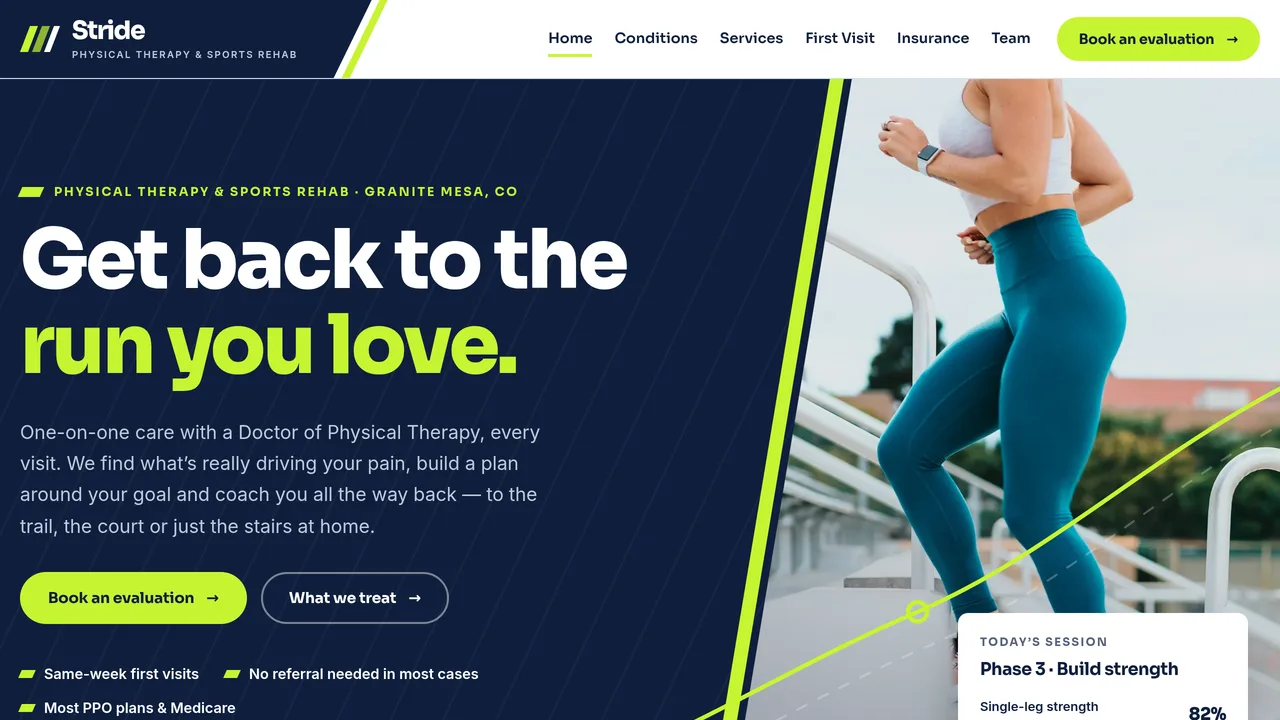
Kinetic split hero with a diagonal photo and self-drawing lime movement line, tilted services ticker, condition chips by body region, sticky four-phase recovery plan with meters, count-up outcomes, service bento, direct-access split, reviews.
2 editable fields
- 2
Conditions We Treat
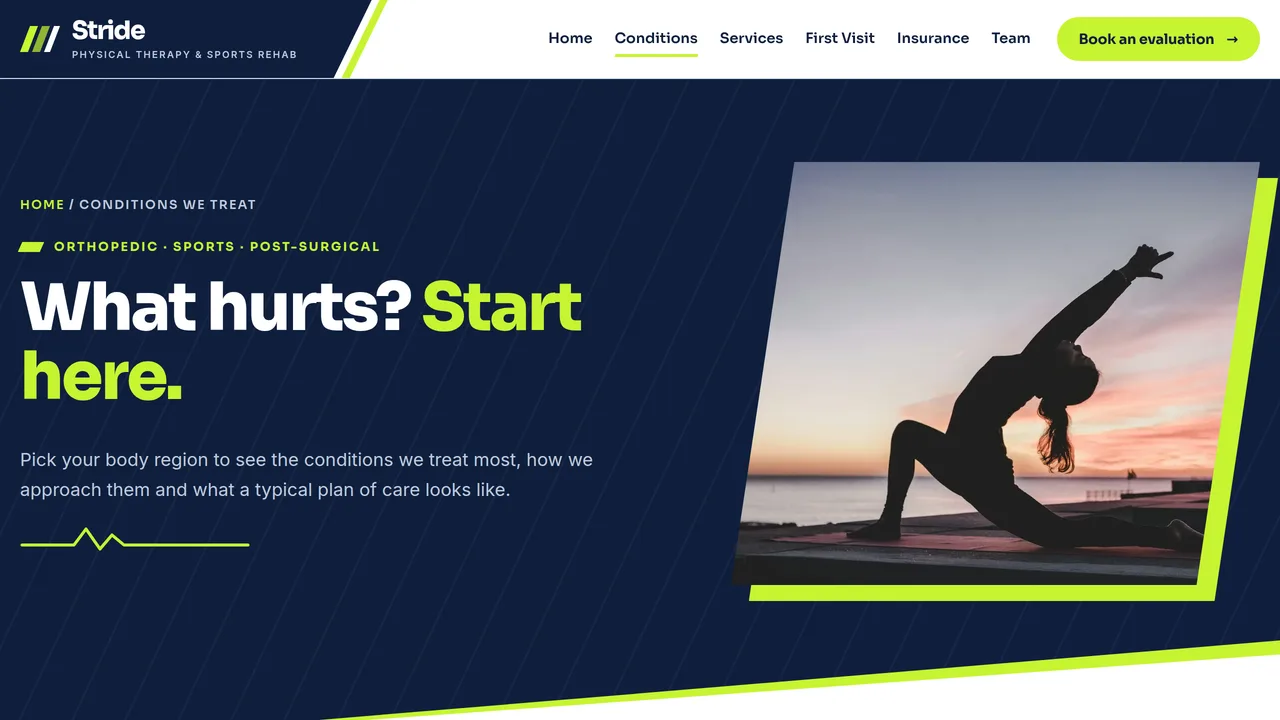
Condition chips for six body regions linked to body-region tabs (conditions, approach, typical plan), red-flag symptoms that need a doctor first.
2 editable fields
- 3
Services
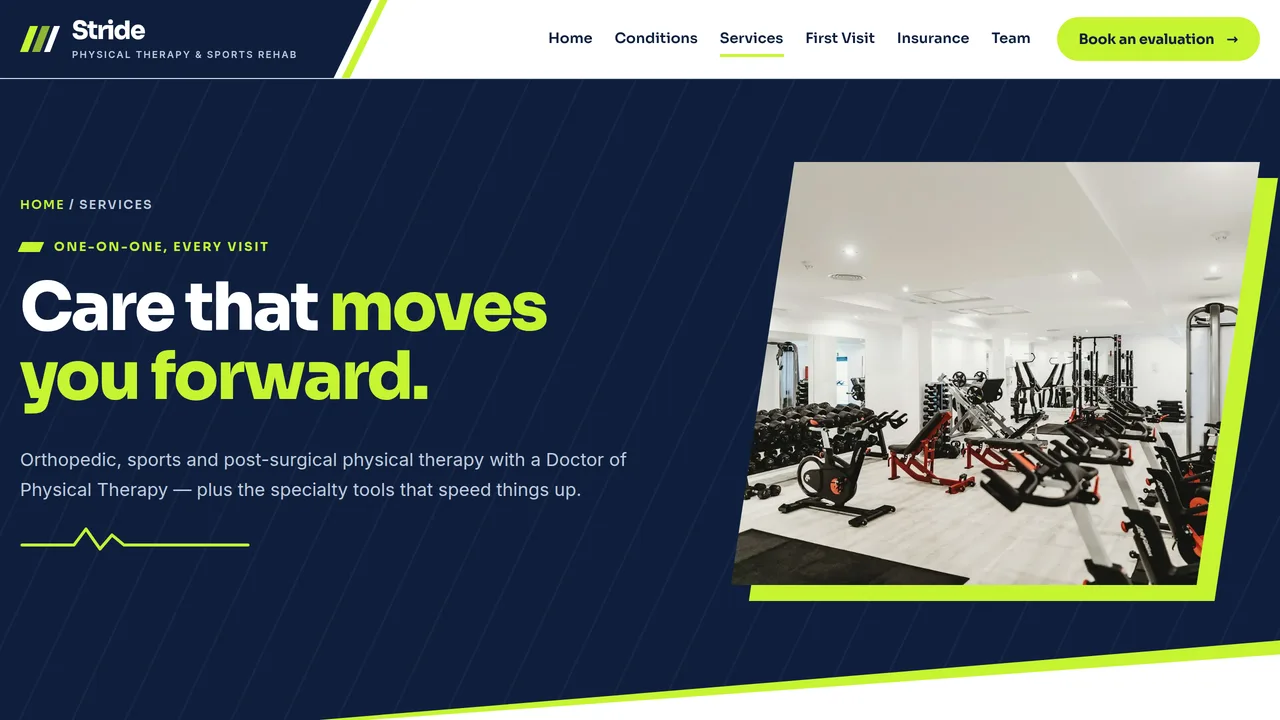
Three core services in alternating slanted-photo rows, six flip cards for specialty treatments, a 60-minute session breakdown and a clinic gallery.
2 editable fields
- 4
Your First Visit
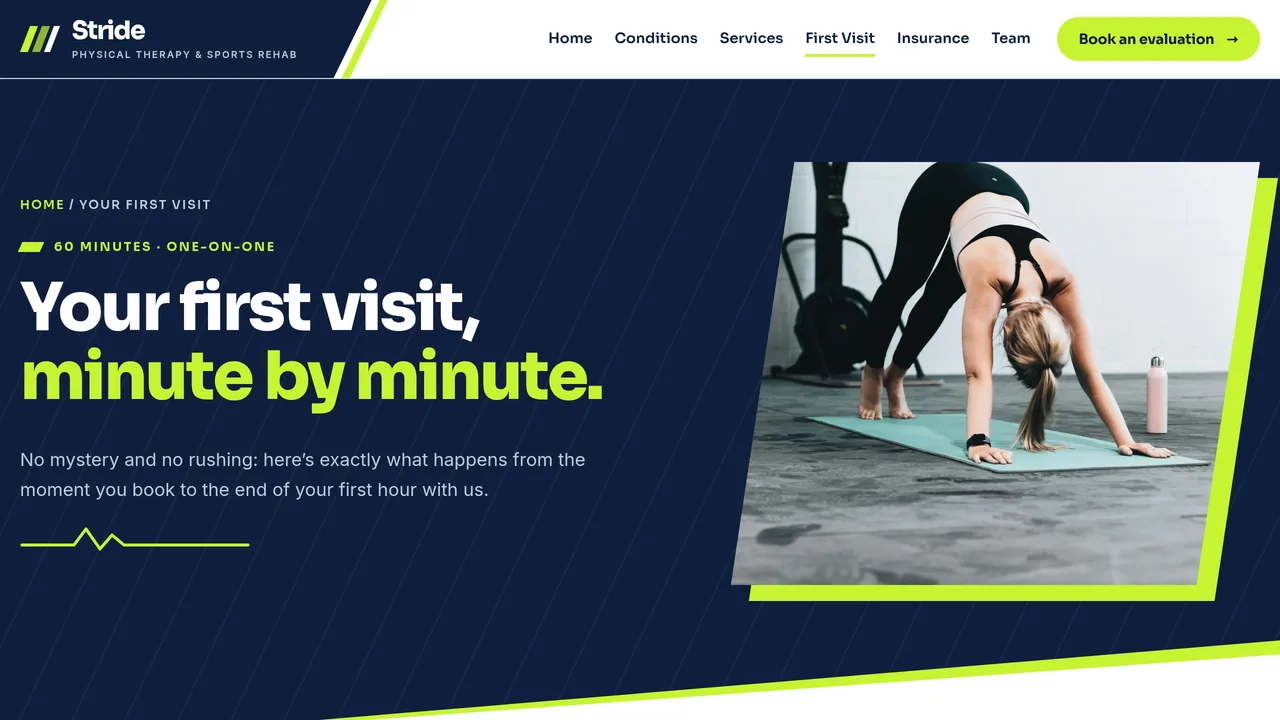
Seven-step first-visit timeline with a filling line, what to bring and wear, direct-access explainer and first-visit FAQ.
2 editable fields
- 5
Insurance & Pricing
Accepted coverage cards, three-step benefits check, self-pay price table, a working out-of-pocket estimator and billing FAQ.
2 editable fields
- 6
Our Team
Six monogram team cards with credentials and specialties, four care promises, clinic gallery and patient reviews.
2 editable fields
- 7
Book Appointment
Appointment request form (reason, location, time, insurance, referral), call box, next steps, hours, two locations.
2 editable fields
Launching it is simple: download the files, publish it live to your own Vercel account, or push it to your own GitHub — see how to launch your AI Tapz website.
Usage instructions
7 pages, each a complete, self-contained HTML page — an athletic, kinetic physical therapy design: a split hero with an oversized headline on deep navy, a tall diagonal-cut photo and a lime movement line that draws itself, skewed navy and lime bands alternating with white sections, Sora ExtraBold headlines over Inter, parallelogram accents and 10px cards, and faint diagonal speed-line and track-lane textures. 1. Home (index.html) — hero, tilted services ticker, condition chips by body region, a four-phase recovery plan with sticky stacking cards and progress meters, count-up outcomes, service bento, direct-access section, reviews. 2. Conditions We Treat (conditions.html) — condition chips, body-region tabs (six regions with conditions, approach and typical plan) and red-flag symptoms that need a doctor first. 3. Services (services.html) — three core services, six flip cards for specialty treatments, a 60-minute session breakdown, clinic gallery. 4. Your First Visit (first-visit.html) — seven-step timeline, what to bring and wear, direct-access explainer, FAQ (FAQPage markup). 5. Insurance & Pricing (insurance.html) — accepted coverage, benefits check, self-pay price table, out-of-pocket estimator, billing FAQ (FAQPage markup). 6. Our Team (team.html) — six team cards with initials monograms, four care promises, clinic gallery, reviews. 7. Book Appointment (book.html) — appointment request form, call box, next steps, hours, two locations. ANIMATION. The lime movement line in the hero and the small pulse lines under each page title draw themselves, the hero's session card bobs gently, the services ticker scrolls, the recovery-phase cards pin and stack as you scroll (on screens at least 860px wide), progress meters fill, outcome numbers count up (they read the number you type), the first-visit timeline fills as you scroll, specialty cards flip on hover or tap, and sections slide in from alternating sides. Everything is visible without JavaScript, and visitors who ask for reduced motion see a still page. CONDITION CHIPS & BODY-REGION TABS. Each chip is a normal link to conditions.html#region (back-neck, knee, shoulder, foot-ankle, sports, post-surgical); opening that link or clicking a chip on the Conditions page switches to the matching tab. If you rename a region, keep the tab's href and its panel's id the same. METERS. Each meter's value is the --v percentage in its style attribute; change it together with the number shown above the bar. OUT-OF-POCKET ESTIMATOR. It works in the browser: the clinic's allowed amount per visit lives in the estimator box's data-allowed attribute (125 by default), and visitors enter their copay/coinsurance, remaining deductible and number of visits. It is a rough guide only — keep the note under it. FONTS. Sora and Inter load from Google Fonts via @font-face in each page's style block, with system sans-serif fallbacks. SEO. Each page opens with a labeled block (title, meta description, canonical link, Open Graph tags and JSON-LD — Physiotherapy (schema.org's medical-business type for a physical therapy clinic), MedicalWebPage, CollectionPage, FAQPage, AboutPage or ContactPage). Copy it into your real <head> when you deploy, and update the domain, address, hours and locations. FORMS. The appointment request form posts nowhere — connect it to your scheduling system or a HIPAA-compliant form service before publishing. Don't collect detailed health information through an ordinary, unsecured form. EDITING. Change colors and fonts site-wide in the editor's Theme panel; edit the header or footer once and use "Apply to all pages"; sections can be moved, duplicated, hidden or deleted; use the Tablet and Mobile views for device-specific tweaks. CLAIMS & SAMPLE CONTENT. The clinic name, team members, credentials, address, phone, hours, prices, typical plan lengths, recovery-phase percentages, outcome statistics, review count and reviews are fictional samples — replace them with your own real details and only publish outcome numbers you can support. Clinical copy is general information, not medical advice; have a licensed physical therapist review it. Direct-access, Medicare and referral rules vary by state and plan — check your own state's direct-access law and your payer contracts, and list only the plans you're actually in network with. The footer disclaimer should stay. IMAGES. All photography is real Unsplash stock, self-hosted under /content-images: training equipment, hands, legs and silhouettes, so no photo shows a recognisable face. Team cards use initials monograms instead of headshots — swap in your own staff photos if you like.
Reviews
No reviews yet — be the first once you've used this template.