Sunnyside Pediatrics — Pediatric Clinic Website (8 Pages)
An 8-page website for a pediatric practice — a calm storybook-sky design with a floating kite-and-balloons hero, a scrolling well-child timeline from newborn to 18, "call us vs. go to the ER" symptom tabs, provider profiles, parent resources and an appointment request form, with MedicalClinic SEO markup.
Preview
What you can customize
Each section below becomes a guided form field in your library after purchase — no prompting experience required.
- 1
Home
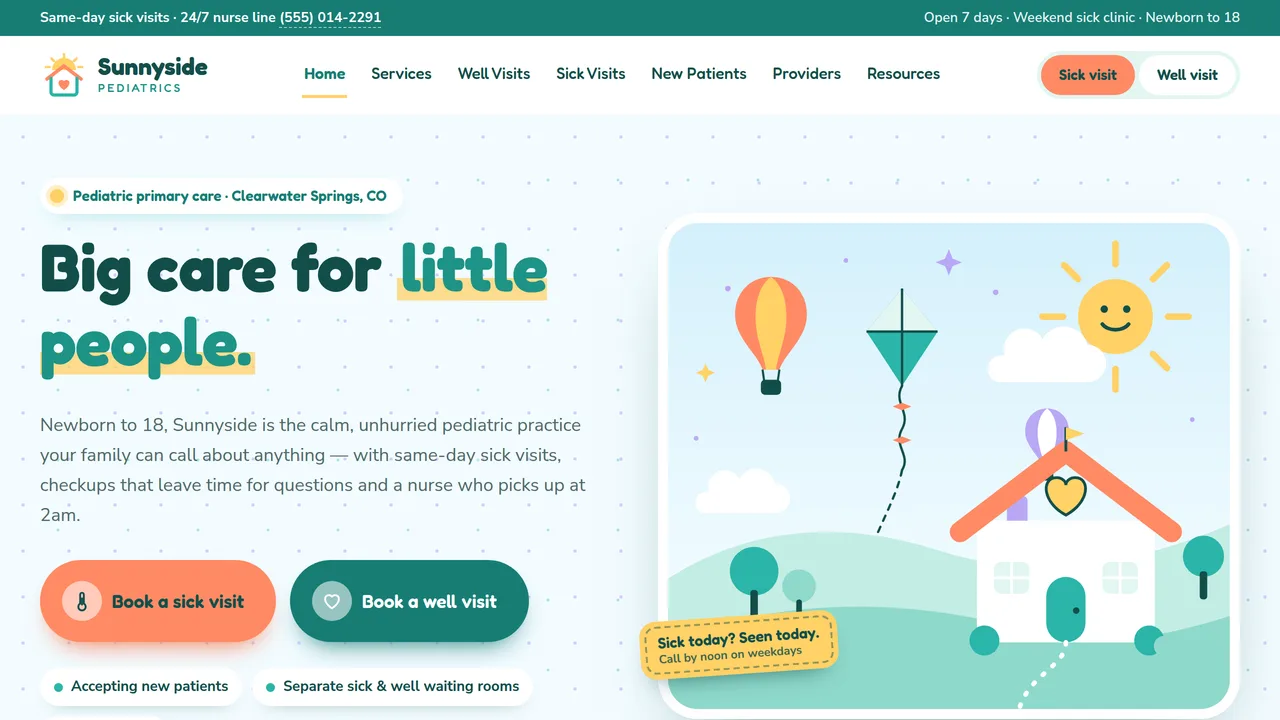
Split hero with two big booking pills and a storybook illustration (floating kite and balloons, turning sun), help cards, count-ups, practice intro, services grid, well-visit mini timeline, after-hours band, reviews.
2 editable fields
- 2
Services
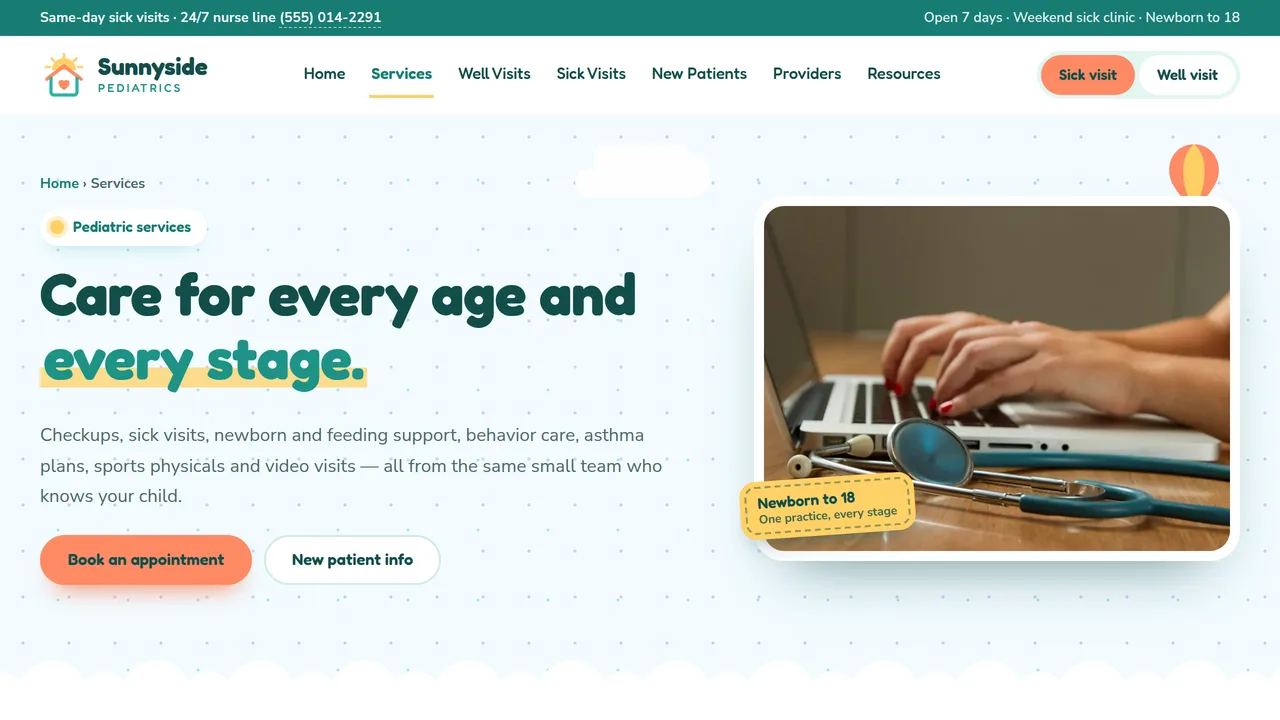
Eight service cards (newborn, sick, sports physicals, ADHD, asthma, teens, lactation, telehealth), conditions ticker, telehealth split, sports physicals checklist, FAQ.
2 editable fields
- 3
Well-Child Visits
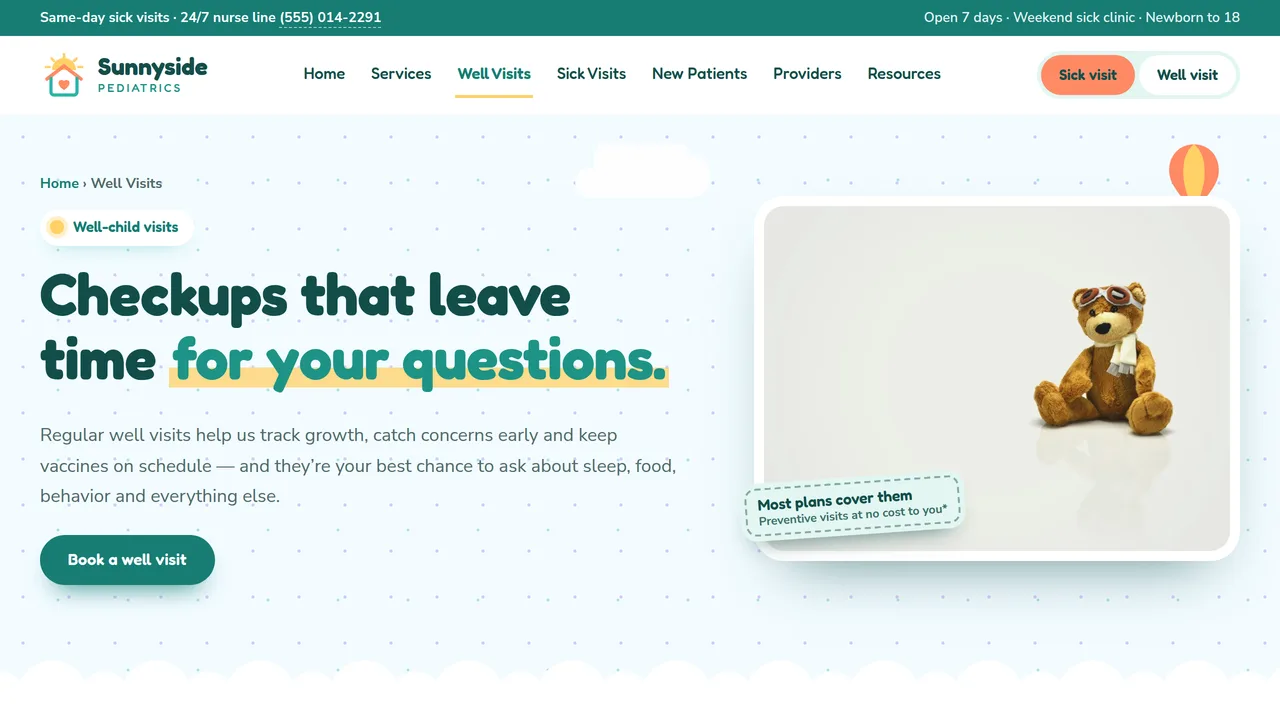
Four things checked at every visit, a scrolling age-by-age timeline from newborn to 18, screenings table, vaccine questions, checkup tips.
2 editable fields
- 4
Sick Visits & After-Hours
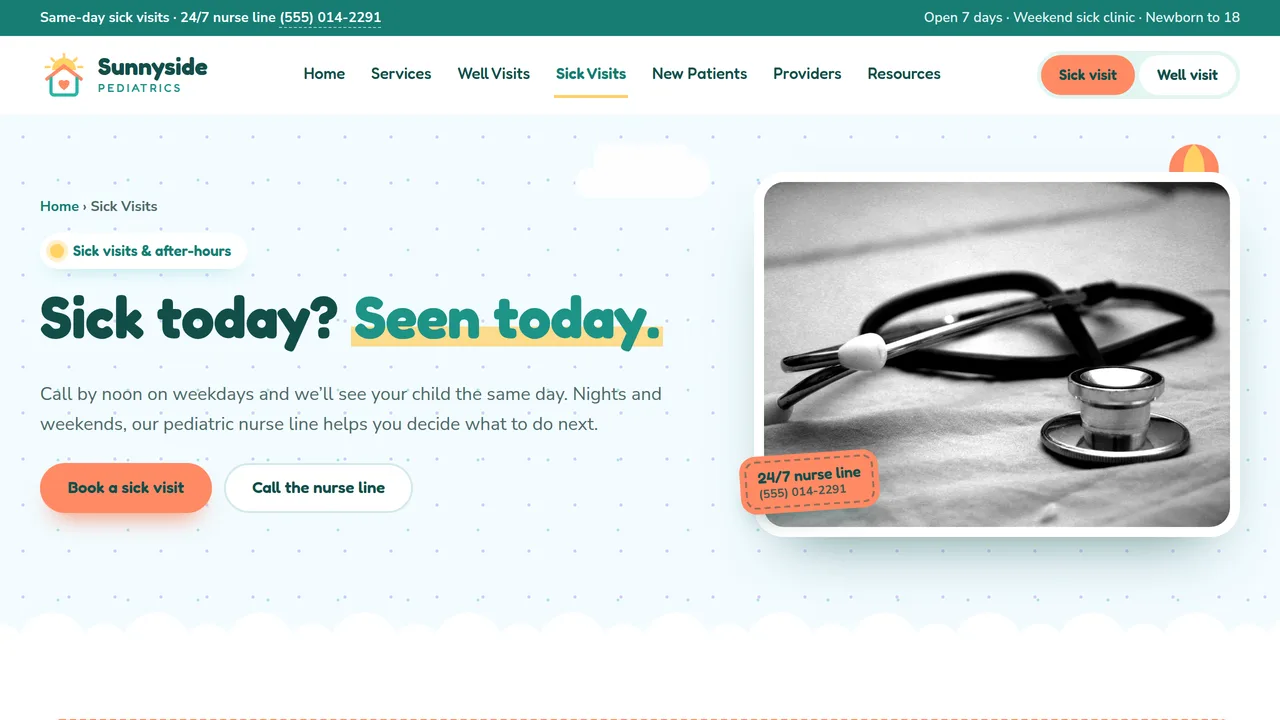
911 notice, 'when to call vs. go to the ER' tabs (fever, breathing, injuries, rash, tummy), same-day steps, nurse line and hours, sick-day FAQ.
2 editable fields
- 5
New Patients & Insurance
Four steps to join, insurance (most plans, Medicaid & CHIP, self-pay), what to bring checklist, prenatal meet-and-greet, forms and policies.
2 editable fields
- 6
Our Providers
Six provider cards with illustrated monograms and credentials, practice approach, office gallery, reviews.
2 editable fields
- 7
Parent Resources
Newborn two-week checklist, sick-day guide with a no-dosing-charts note, school/camp/sports forms, trusted reading.
2 editable fields
- 8
Book an Appointment
Sick vs. well visit cards, appointment request form with 911 notice and privacy note, what happens next, location and contact.
2 editable fields
Launching it is simple: download the files, publish it live to your own Vercel account, or push it to your own GitHub — see how to launch your AI Tapz website.
Usage instructions
8 pages, each a complete, self-contained HTML page — a friendly storybook-sky pediatric design: a split hero with two big booking pills beside a hand-drawn storybook scene (rolling hills, a heart-window clinic, a kite and hot-air balloons), sections that meet on soft scalloped cloud edges, Fredoka over Nunito Sans, sky cream with soft teal, coral, lavender and a little sunshine yellow, white 20px "cloud cards" and thick white photo frames with stitched badges. 1. Home (index.html) — hero, "how can we help" cards, count-ups, practice intro, services grid, well-visit mini timeline, after-hours band, reviews. 2. Services (services.html) — eight service cards, a conditions ticker, telehealth (what works by video vs. in person), sports and school physicals, FAQ. 3. Well-Child Visits (well-child.html) — what's checked at every visit, a scrolling age-by-age timeline (newborn to 18), a screenings table, vaccine questions, checkup tips. 4. Sick Visits & After-Hours (sick-visits.html) — a 911 notice, "when to call vs. when to go to the ER" tabs, how same-day visits work, hours and the nurse line, FAQ (FAQPage markup). 5. New Patients & Insurance (new-patients.html) — four steps to join, insurance (most plans, Medicaid & CHIP, self-pay), what to bring, prenatal meet-and-greet, forms and policies. 6. Our Providers (providers.html) — six provider cards with illustrated monograms and credentials (Physician markup), approach, office gallery, reviews. 7. Parent Resources (resources.html) — newborn checklist, sick-day guide with a note that dosing must be confirmed with a provider, school/camp/sports forms, trusted reading. 8. Book an Appointment (book.html) — sick vs. well visit cards, appointment request form, 911 and privacy notices, next steps, location. ANIMATION. The kite and hot-air balloons float, the sun's rays turn slowly and the stars twinkle, icons wiggle when you hover their cards, cards pop in one after another, numbers count up (they read the number you type), the home mini timeline and the phone version of the age track fill as you scroll, the new-patient steps line draws itself and the conditions ticker scrolls. Everything is visible without JavaScript, and visitors who ask for reduced motion see a still page. AGE TIMELINE. On desktop the well-visit track scrolls sideways (drag with a mouse, swipe, or use a trackpad) and the bar above it shows how far along you are; on phones it becomes a vertical timeline. Each stop is an ordinary list item — edit, duplicate or delete stops freely. SYMPTOM TABS. The "when to call vs. go to the ER" tabs switch by order (first tab shows the first panel). Have your medical team review every line against your own triage protocols before publishing. BOOKING LINKS. Links to book.html#sick, #well, #sports, #new or #telehealth preselect the visit type in the form, and the sick/well cards on the booking page do the same. FONTS. Fredoka and Nunito Sans load from Google Fonts via @font-face in each page's style block, with rounded and system sans-serif fallbacks. SEO. Each page opens with a labeled block (title, meta description, canonical link, Open Graph tags and JSON-LD — MedicalClinic with medicalSpecialty Pediatric, MedicalWebPage, FAQPage, AboutPage with Physician entries, or ContactPage). Copy it into your real <head> when you deploy, and update the domain, address, hours, rating and providers. FORMS. The appointment request form posts nowhere — connect it to your practice's HIPAA-compliant scheduling or form service before publishing. It deliberately asks only for a short reason for the visit; collect detailed health information through a secure patient portal, not an ordinary web form or email. EDITING. Change colors and fonts site-wide in the editor's Theme panel; edit the header or footer once and use "Apply to all pages"; sections can be moved, duplicated, hidden or deleted; use the Tablet and Mobile views for device-specific tweaks. CLAIMS & SAMPLE CONTENT. The practice name, providers, credentials, address, phone numbers, hours, statistics, ratings and reviews are fictional placeholders — replace them with your own real details, and only list credentials your providers actually hold. Health content (symptom guidance, the well-visit timeline, screenings and vaccine notes) is general, follows the CDC schedule and AAP guidance in broad terms, and is not medical advice; have your clinicians review it and keep it current. The site says "If this is an emergency, call 911" on every page — keep that line. Poison Help (1-800-222-1222) is the real US poison control number. Insurance wording is generic ("most major plans, Medicaid & CHIP") — list only plans you're actually in network with. IMAGES. All photography is real Unsplash stock, self-hosted under /content-images: a clinic reception desk, stethoscopes, a heart model, a teddy bear, toys and art supplies, and a toddler seen from behind. No photo shows a child's face. The storybook hero scene, logo, provider monograms and decorations are inline SVG drawn for this template.
Reviews
No reviews yet — be the first once you've used this template.