Sunward Solar & Storage — Residential Solar Installer Website (10 Pages)
A 10-page website for a residential solar installer — bright sky-and-sun design with an animated sun-arc hero, savings bento, a working savings calculator with a production chart, energy-flow diagram, battery and EV charging pages, financing comparison, process timeline and a free quote form.

Preview
What you can customize
Each section below becomes a guided form field in your library after purchase — no prompting experience required.
- 1
Home
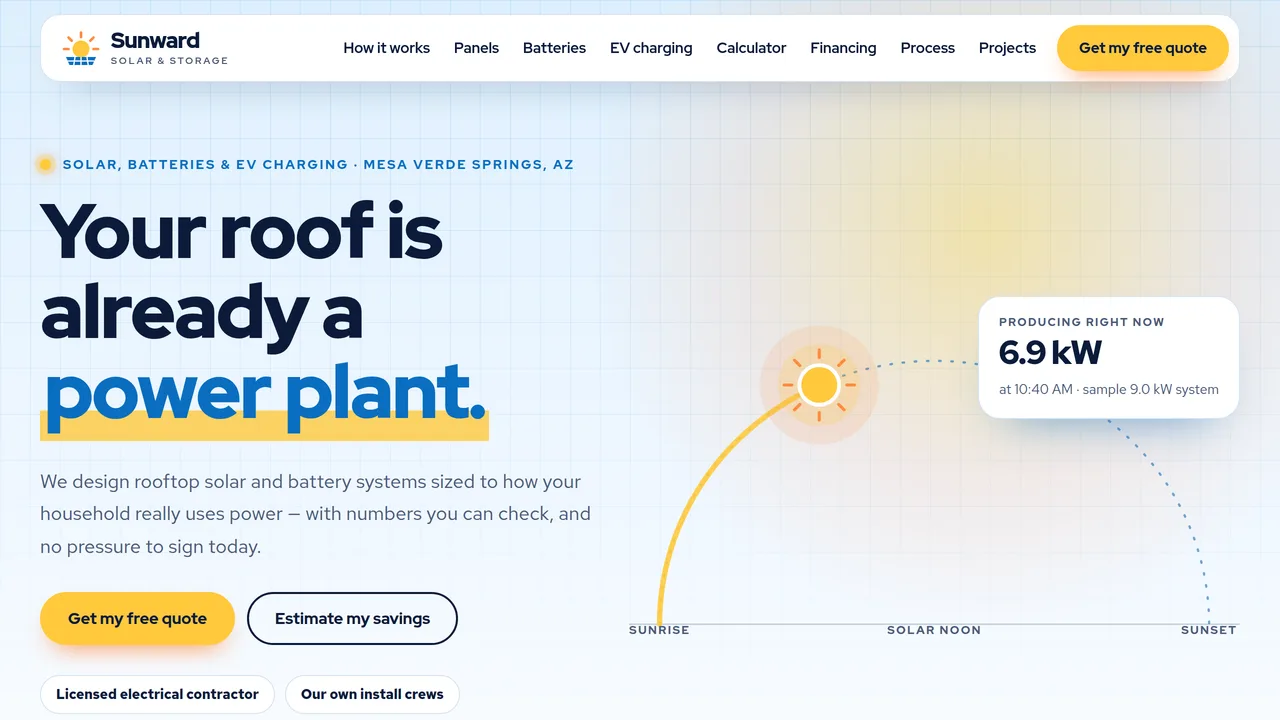
Sun-arc hero with a sun that travels the dashed arc and a live kW readout, house rooflines with panels, savings bento with count-ups, install cards, day-in-the-life energy flow, calculator banner, six-step process, projects, reviews, FAQ.
2 editable fields
- 2
How Solar Works
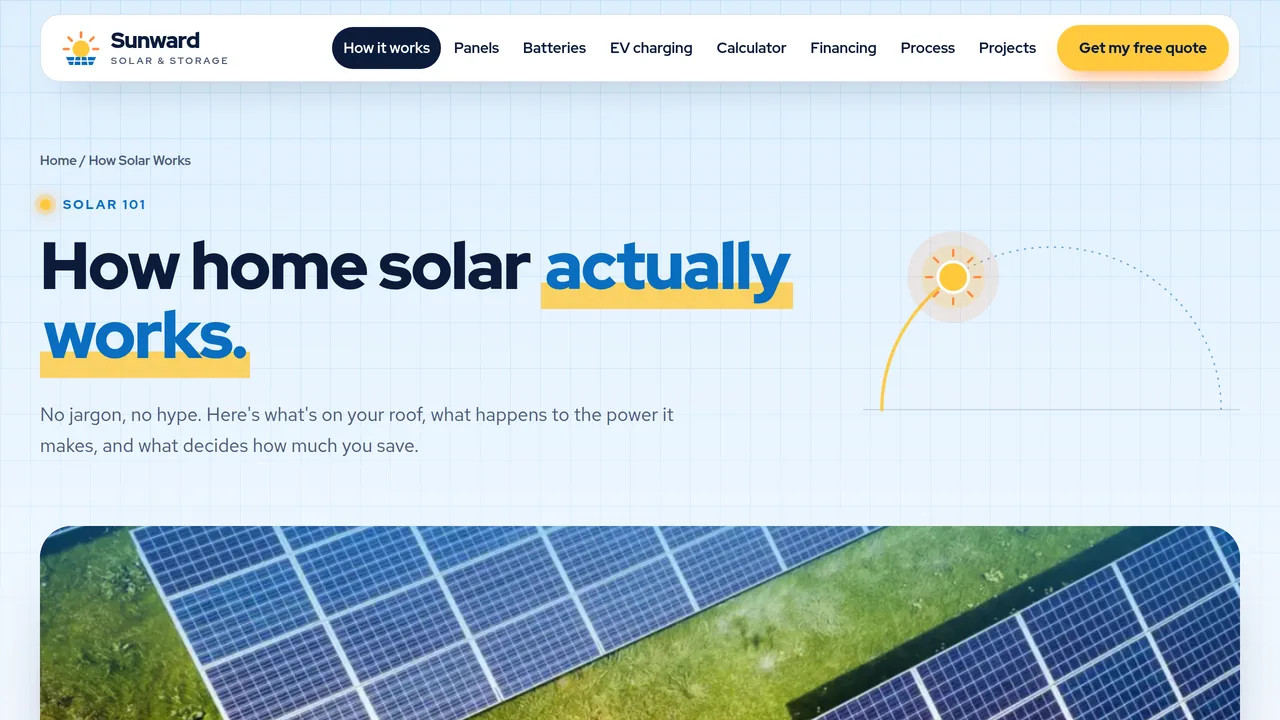
Four system parts, energy-flow diagram with day tabs, use/store/export meters, sample monthly production chart, good-fit checklist, FAQ.
2 editable fields
- 3
Solar Panels
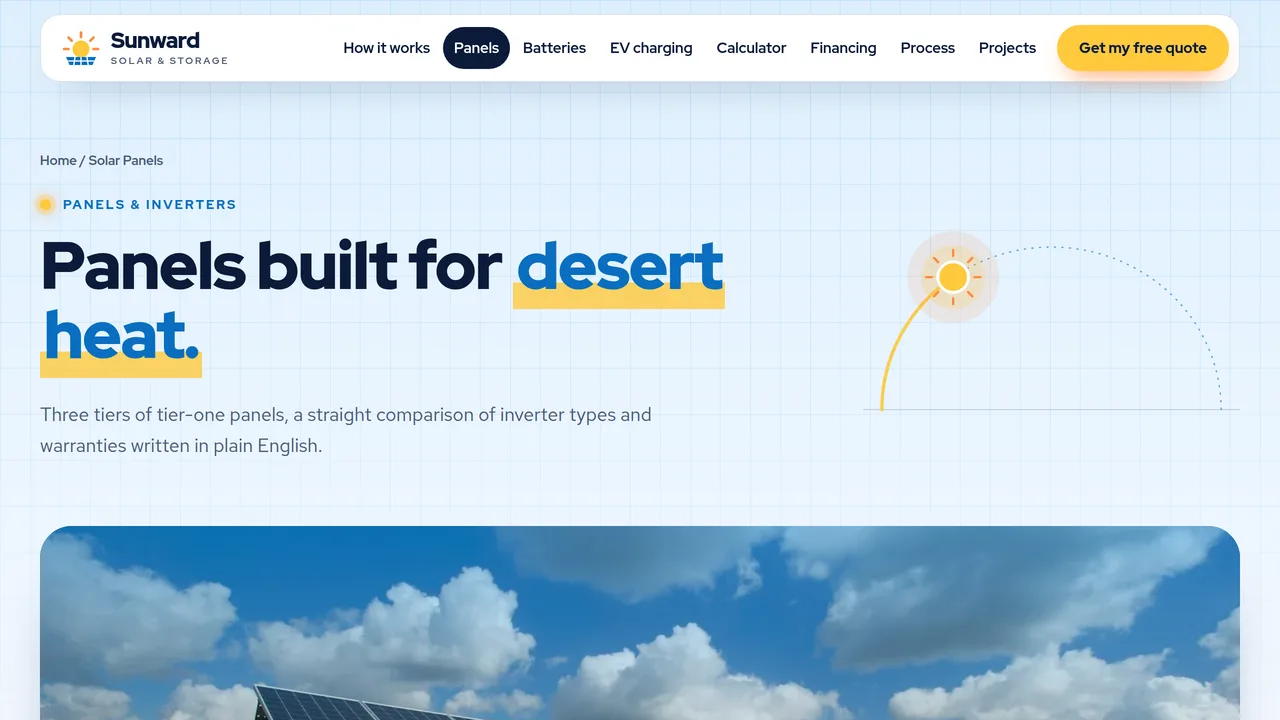
Three sample panel tiers with efficiency and heat meters, string vs optimizer vs microinverter table, stacking warranty cards, roof types.
2 editable fields
- 4
Battery Storage
Outage backup run-time meters, time-of-use day chart with bars that grow in, three battery sizes, worth-it checklist, FAQ.
2 editable fields
- 5
EV Charging
Level 1 vs Level 2 cards with range meters, what's included in a charger install, working EV-to-panels estimator, charging schedules, FAQ.
2 editable fields
- 6
Savings Calculator
Working savings estimator (bill, sun, roof direction) with system size, production, first-year savings, payback range and an animated 12-month bar chart; assumptions listed.
2 editable fields
- 7
Financing
Cash, loan and lease/PPA cards, side-by-side comparison table, incentives callout (no specific credit claimed), questions to ask any quote, FAQ.
2 editable fields
- 8
Our Process
Six-step timeline that fills as you scroll (survey to monitoring), who-does-what lists, monitoring app mockup.
2 editable fields
- 9
Projects & Reviews
Count-up company stats, tabbed sample installs with system size and production, featured ground-mount banner, six reviews.
2 editable fields
- 10
Free Quote
Free quote form (contact, address, own/rent, roof type and age, bill, battery/EV interest, timeline, consent), next steps, service areas, what to have ready.
2 editable fields
Launching it is simple: download the files, publish it live to your own Vercel account, or push it to your own GitHub — see how to launch your AI Tapz website.
Usage instructions
10 pages, each a complete, self-contained HTML page — a bright, optimistic solar installer design: a sun-arc hero (a sun travels a dashed arc above house rooflines with panels), a mixed-size "savings bento", Red Hat Display headlines over Red Hat Text, sky blue / sun yellow / night navy with a warm orange glow, 24px rounded tiles, solar-cell grid lines and a white floating nav bar that turns into a blurred pill. 1. Home (index.html) — sun-arc hero with a live kW readout, savings bento, install cards, day-in-the-life energy flow, calculator banner, six-step process, projects, reviews, FAQ. 2. How Solar Works (how-solar-works.html) — system parts, energy-flow diagram, use/store/export meters, sample monthly production chart, good-fit checklist, FAQ. 3. Solar Panels (solar-panels.html) — three sample panel tiers, inverter comparison table, stacking warranty cards, roof types. 4. Battery Storage (battery-storage.html) — outage run-time meters, time-of-use day chart, three sizes, worth-it checklist, FAQ. 5. EV Charging (ev-charging.html) — Level 1 vs Level 2, what's included, EV-to-panels estimator, charging schedules, FAQ. 6. Savings Calculator (savings-calculator.html) — the working estimator with a 12-month bar chart, the listed assumptions and what changes the real number. 7. Financing (financing.html) — cash, loan and lease/PPA cards, comparison table, incentives callout, questions to ask, FAQ. 8. Our Process (our-process.html) — six-step timeline, who does what, monitoring app mockup. 9. Projects & Reviews (projects.html) — count-up stats, tabbed sample installs, featured project, six reviews. 10. Free Quote (free-quote.html) — quote request form, next steps, service areas, what to have ready. ANIMATION. On load the sun rises along the hero's dashed arc and keeps travelling as you scroll, with the kW and clock readout following it (the same arc appears in each inner page header). Numbers count up (they read the number you type), the energy-flow lines draw themselves and pulse in the direction power is moving, meters fill, production and time-of-use bars grow in, the process timeline fills as you scroll, warranty cards stack on desktop, and bento tiles and sections cascade in. Everything is visible without JavaScript, and visitors who ask for reduced motion see a still page with the sun parked mid-morning. ENERGY FLOW. The Morning / Midday / Evening / Night tabs switch which lines glow (each line's class lists the phases it's active in: sw-p--m, --d, --e, --n). The diagram is decorative and excluded from click-to-edit; edit the tab panels' text below it. SAVINGS CALCULATOR. It runs entirely in the browser. Every assumption is a data-* attribute on the .sw-calc box: data-rate (price per kWh, 0.15), data-yield (kWh per kW per year, 1650), data-credit (share of retail value per solar kWh, 0.9), data-ppw (installed price per watt for payback, 2.85), data-panel (panel watts, 410) and data-barmax (chart scale). Sun and roof-direction factors are the radio buttons' values; each month's share of production is the data-share on its bar. Set these to your own market's figures, and keep the "rough estimate, not a quote" wording. The EV estimator works the same way (data-kwhmi, data-yield, data-panel on .sw-evcalc). FONTS. Red Hat Display and Red Hat Text load from Google Fonts via @font-face in each page's style block, with system sans-serif fallbacks. SEO. Each page opens with a labeled block (title, meta description, canonical link, Open Graph tags and JSON-LD: a HomeAndConstructionBusiness on every page, plus WebPage, FAQPage, CollectionPage or ContactPage). Copy it into your real <head> when you deploy, and update the domain, address, rating and areas served. FORMS. The free quote form posts nowhere — connect it to your CRM or form service before publishing. Check the consent wording against the rules for calls and texts that apply to you. EDITING. Change colors and fonts site-wide in the editor's Theme panel; edit the header or footer once and use "Apply to all pages"; sections can be moved, duplicated, hidden or deleted; use the Tablet and Mobile views for device-specific tweaks. CLAIMS & SAMPLE CONTENT. The company name, ROC license number, address, phone, neighborhoods and town ("Mesa Verde Springs" is fictional) are placeholders. All savings, prices, price-per-watt, payback ranges, production figures, panel and battery specifications, warranty terms, run times, company statistics, projects and reviews are samples — replace them with your own real figures and genuine customer reviews. Incentive wording must be checked against current federal, state and utility rules before publishing: the template deliberately names no specific tax credit or percentage, because those programs change; keep it that way unless you verify one and can keep it current. Export-rate and time-of-use descriptions are general — check them against your local utilities' current tariffs. Nothing on the site is tax or financial advice. IMAGES. All photography is real Unsplash stock, self-hosted under /content-images: panels, roofs, a home at dusk, the grid, hands and an installer seen from behind. No photo shows a recognisable face. Project photos are generic samples — replace them with photos of your own installs. Hero art, rooflines, the energy-flow diagram and icons are inline SVG.
Reviews
No reviews yet — be the first once you've used this template.