Tempra Heating & Air — HVAC Heating & Cooling Website (8 Pages)
An 8-page website for a heating and cooling contractor — a warm/cool split design with an interactive thermostat dial that switches the whole site between heat and cool colours, a comfort problem picker, repair-or-replace and energy savings estimators, self-drawing equipment diagrams, maintenance plans, rebates and a service form, with HVACBusiness SEO markup.
Preview
What you can customize
Each section below becomes a guided form field in your library after purchase — no prompting experience required.
- 1
Home
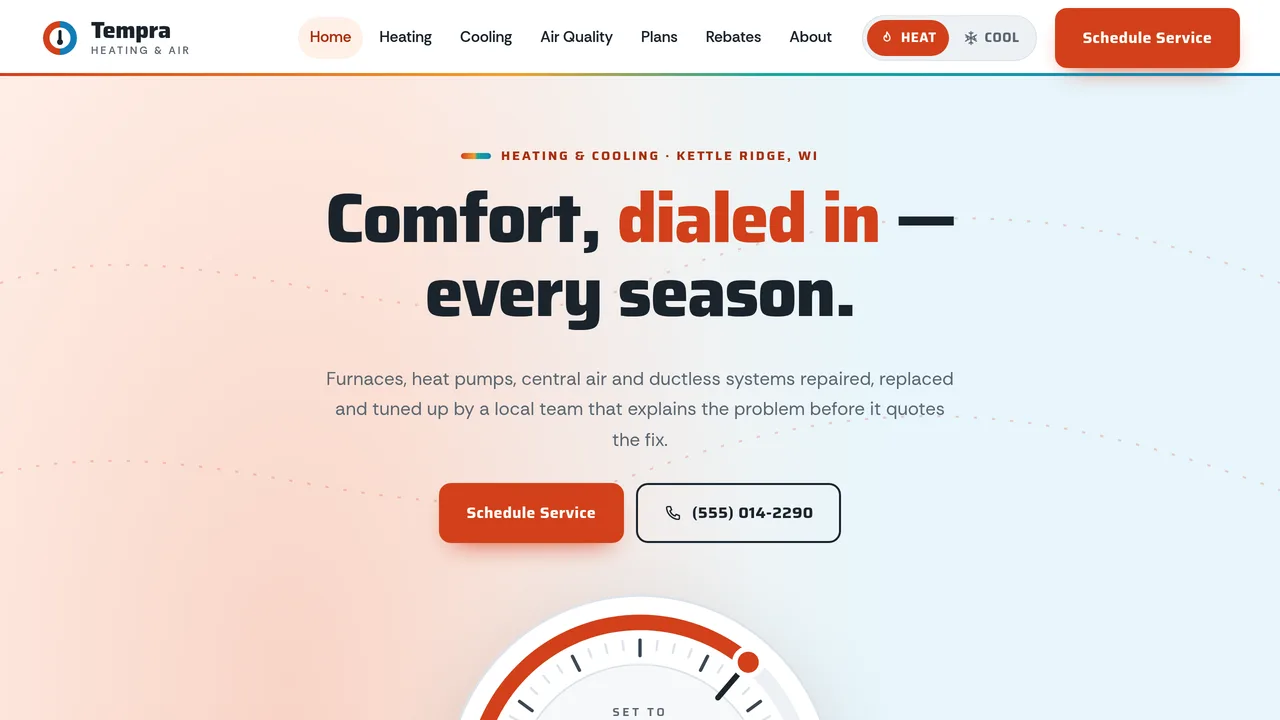
Warm|cool split hero with an interactive thermostat dial that switches the whole site between ember and glacier modes, count-up stats, six service cards, comfort problem picker with gas safety note, repair-or-replace and energy savings estimators, visit steps, reviews and service area.
2 editable fields
- 2
Heating
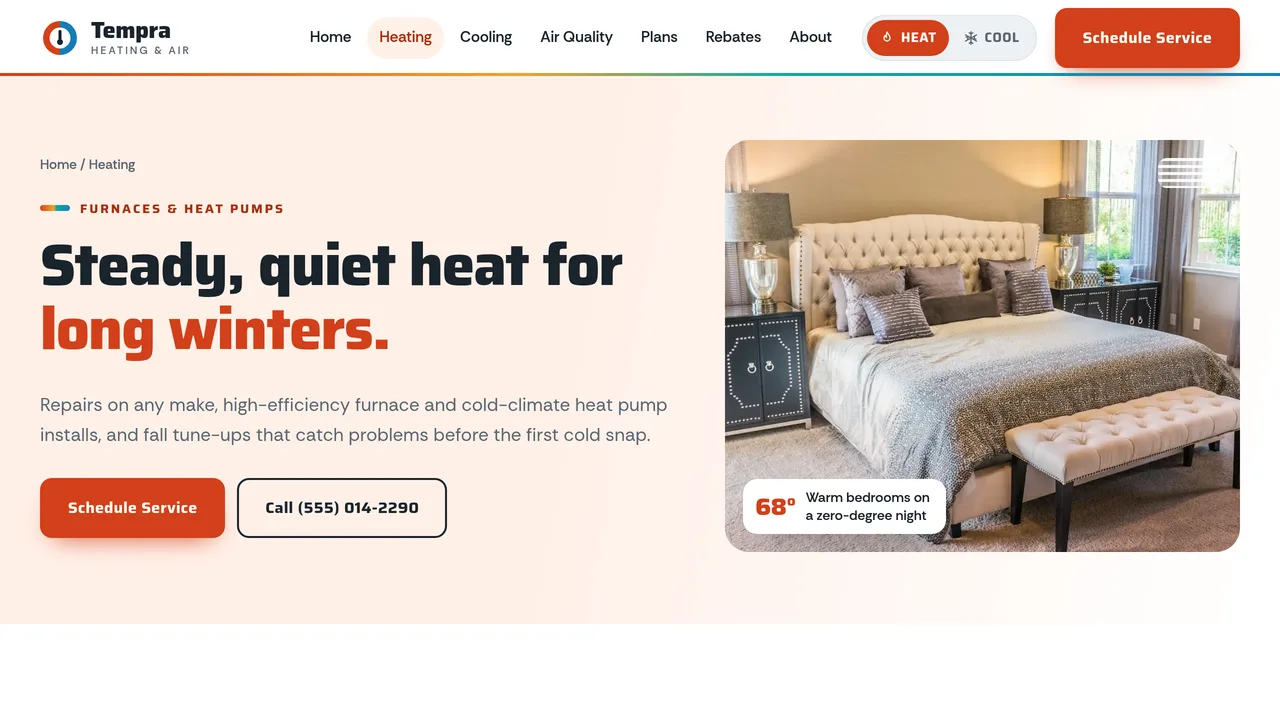
Self-drawing furnace and heat pump drawings with numbered parts, heating services, 10-point fall tune-up checklist with meters, repair-or-replace estimator, heating FAQ.
2 editable fields
- 3
Cooling
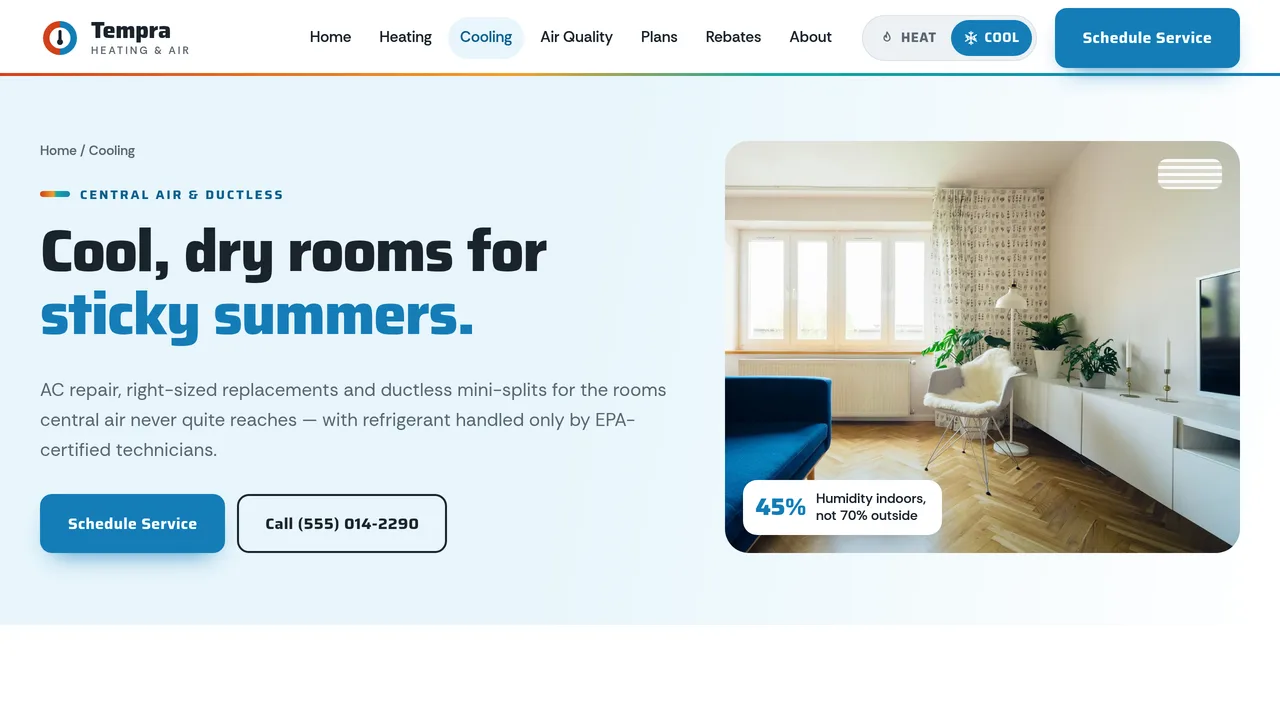
Self-drawing central AC and ductless mini-split drawings, a ductwork airflow diagram with animated supply and return lines, cooling services, spring tune-up checklist, cooling FAQ.
2 editable fields
- 4
Indoor Air Quality
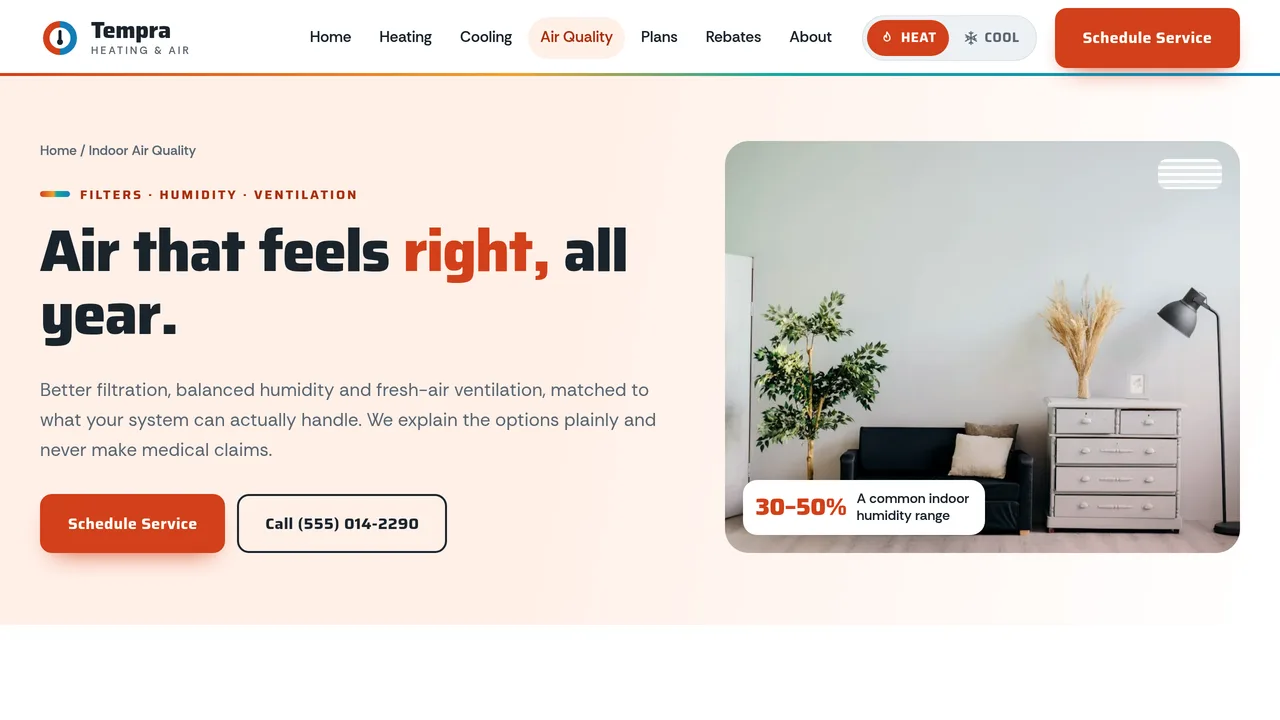
MERV rating meters, winter humidifier vs summer dehumidifier cards with a humidity scale, six air-cleaning and ventilation options, filter change table, FAQ with no health claims.
2 editable fields
- 5
Maintenance Plans
Three plan tiers with sample prices, stacking cards for each visit, a 12-month maintenance calendar highlighting this month, comparison table, plan FAQ.
2 editable fields
- 6
Rebates & Financing
Incentive types explained without promised amounts, four-step eligibility help, energy savings estimator, sample financing options, rebate and financing FAQ.
2 editable fields
- 7
About & Reviews
Company story with credentials, count-up team numbers, four promises, six homeowner reviews and the service area.
2 editable fields
- 8
Schedule Service
Service request form (name, phone, email, address/ZIP, system type, issue, urgency, preferred window, notes), gas-smell safety box, before-we-arrive tips, hours, next steps and service-call FAQ.
2 editable fields
Launching it is simple: download the files, publish it live to your own Vercel account, or push it to your own GitHub — see how to launch your AI Tapz website.
Usage instructions
8 pages, each a complete, self-contained HTML page — a hot/cold HVAC design: a centred headline over a warm-and-cool split hero that blends in the middle, with a big interactive thermostat dial on the seam; Saira headings over Rethink Sans; ember (red-orange to amber) and glacier (icy blue to teal) accents on slate and white, rounded panels with a two-tone top edge, and generic SVG line drawings of the equipment. 1. Home (index.html) — thermostat dial hero, count-up stats, six service cards, comfort problem picker with a gas-smell safety note, repair-or-replace and energy savings estimators, visit steps, reviews, service area. 2. Heating (heating.html) — furnace and heat pump drawings with numbered parts, heating services, 10-point fall tune-up checklist, repair-or-replace estimator, FAQ (FAQPage markup). 3. Cooling (cooling.html) — central AC and ductless mini-split drawings, ductwork airflow diagram, cooling services, 10-point spring tune-up checklist, FAQ. 4. Indoor Air Quality (indoor-air-quality.html) — MERV rating meters, humidifiers and dehumidifiers with a humidity scale, air cleaning and ventilation options, filter change table, FAQ. 5. Maintenance Plans (maintenance-plans.html) — three plan tiers, stacking visit cards, 12-month maintenance calendar, comparison table, FAQ. 6. Rebates & Financing (rebates-financing.html) — incentive types explained generally, eligibility steps, energy savings estimator, sample financing options, FAQ. 7. About & Reviews (about.html) — story and credentials, count-up team numbers, four promises, six reviews, service area. 8. Schedule Service (schedule-service.html) — service request form, gas safety box, before-we-arrive tips, hours, next steps, FAQ. HEAT / COOL MODE. The Heat/Cool switch in the header (and on the home page dial) swaps the whole site's accent between the ember and glacier themes with a smooth colour crossfade. The site opens in the visitor's last choice, otherwise by season (cooling May–September, heating the rest of the year); the Heating page always opens in Heat and the Cooling page in Cool. The two theme colour sets are the --color-ember… and --color-glacier… tokens in the Theme panel. THERMOSTAT DIAL. Drag or click the dial ring, or use the slider under it: a setting above the "inside now" temperature reads "Heating to…" and switches to Heat, below it "Cooling to…" and switches to Cool. The inside temperature and the Heat/Cool presets are the dial's data-inside, data-heat and data-cool attributes. It's decoration and navigation, not a real thermostat. COMFORT PROBLEM PICKER. Five symptom tabs (uneven rooms, high bills, short cycling, weak airflow, smells and noises) list likely causes and what a technician checks. It's labelled general guidance, and the gas-smell safety note (leave, then call the gas utility or 911) appears on the home page and in the smells tab — keep it. ESTIMATORS. Repair-or-replace uses the "age × repair cost" rule of thumb with a 5,000 line (the box's data-threshold). The energy savings estimator scales in-season spending by the old and new SEER2 or AFUE rating; ranges and defaults are data-* attributes on each dropdown option. Both are labelled as guidance and estimates; keep those labels. ANIMATION. The dial needle sweeps to its setting on load, the page colours crossfade when the mode changes, airflow lines stream from vents and through the duct diagram, equipment drawings draw themselves, numbers count up (they read the number you type), meters fill, a services ticker scrolls, maintenance plan cards stack as you scroll, and sections slide in. Everything is visible without JavaScript, and visitors who ask for reduced motion see a still page. FONTS. Saira and Rethink Sans load from Google Fonts via @font-face in each page's style block, with system sans-serif fallbacks. SEO. Each page opens with a labeled block (title, meta description, canonical link, Open Graph tags and JSON-LD — HVACBusiness, FAQPage, AboutPage, or ContactPage with FAQPage). Copy it into your real <head> when you deploy, and update the domain, address, rating and areas served. FORMS. The Schedule Service form posts nowhere — connect it to your scheduling software, CRM or form service before publishing. Until then, submitting just shows a note. EDITING. Change colours and fonts site-wide in the editor's Theme panel; edit the header or footer once and use "Apply to all pages"; sections can be moved, duplicated, hidden or deleted; use the Tablet and Mobile views for device-specific tweaks. CLAIMS & SAMPLE CONTENT. The company name, license number, address, phone, email, prices (diagnostic fee, tune-ups, plans), financing terms, statistics, service areas and reviews are fictional placeholders — replace them with your own. HVAC work requires the licences your state and city require, and anyone who handles refrigerant must hold EPA Section 608 certification; only claim the licences and certifications your team actually holds. The rebates page deliberately promises no amounts: incentives vary by utility, program and date, so keep that wording and link to current programs rather than quoting figures. Financing must name your real lender's terms and disclosures. The indoor air quality page makes no health claims; keep it that way. The estimators are rough guides, not quotes or guaranteed savings. IMAGES. All photography is real Unsplash stock, self-hosted under /content-images: rooms, houses and one installer fitting insulation seen from behind. No photo shows a recognisable face or a brand. All equipment (furnace, heat pump, AC, ductless, ductwork, thermostat) is generic, unbranded SVG line art.
Reviews
No reviews yet — be the first once you've used this template.