Whitmore Academy — Private School Website (10 Pages)
A 10-page website for an independent private school — a traditional navy, crimson and gold design with a self-drawing crest, reading-progress bar, animated history and admissions timelines, academics by division, arts and athletics, tuition and aid, events, news and an inquiry form, with School SEO markup.
Preview
What you can customize
Each section below becomes a guided form field in your library after purchase — no prompting experience required.
- 1
Home
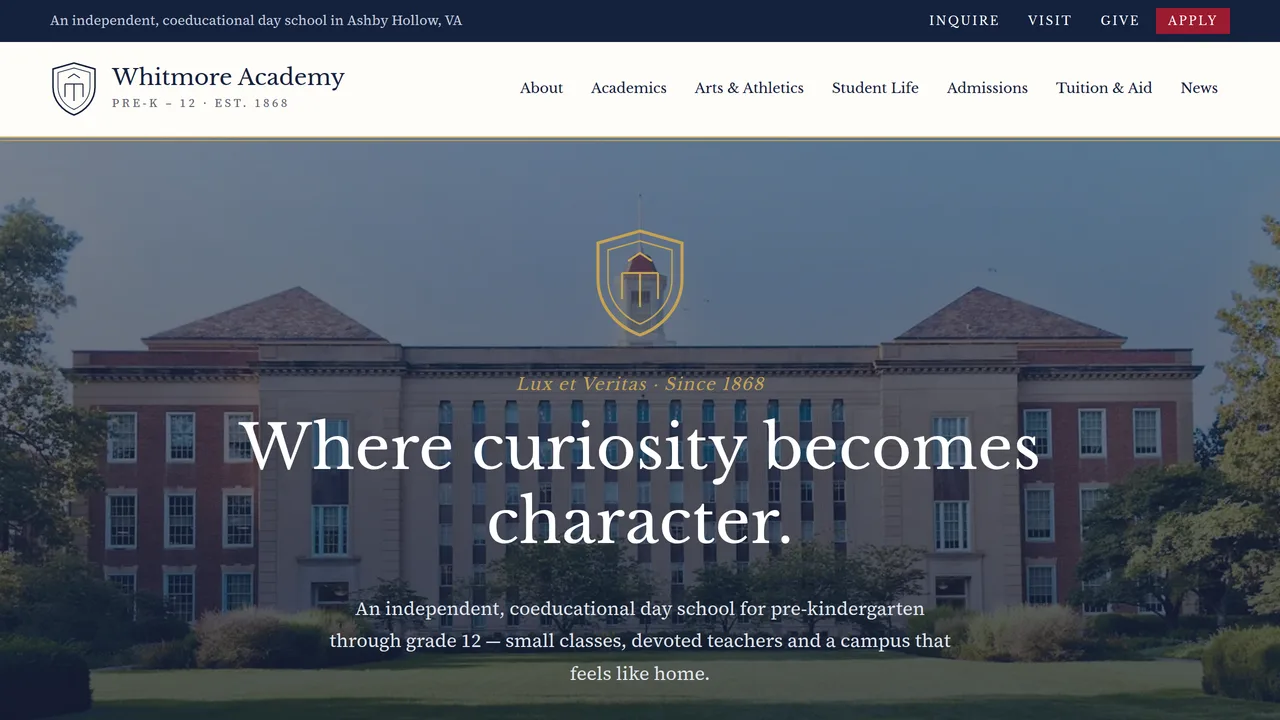
Photo hero with self-drawing crest and motto, quick-link band, welcome, count-up facts, three divisions, arts and athletics cards.
2 editable fields
- 2
About
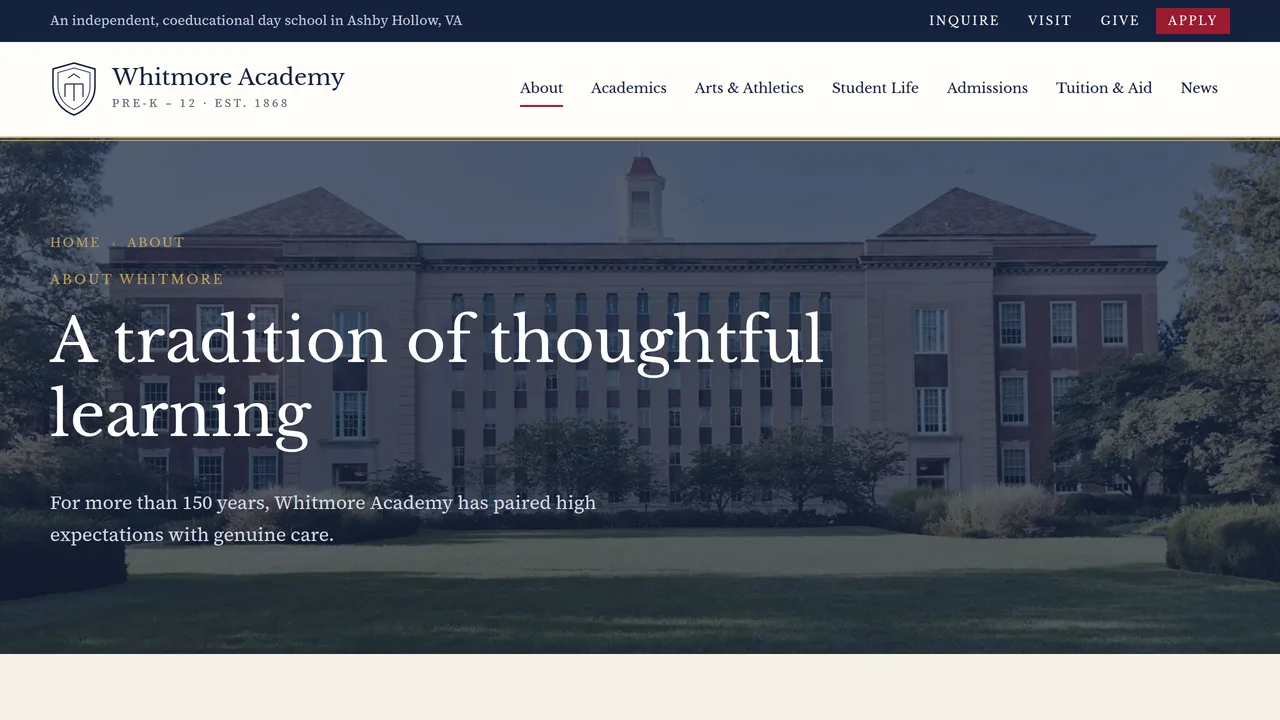
Mission and values, history timeline that fills as you scroll, Head of School message.
2 editable fields
- 3
Academics
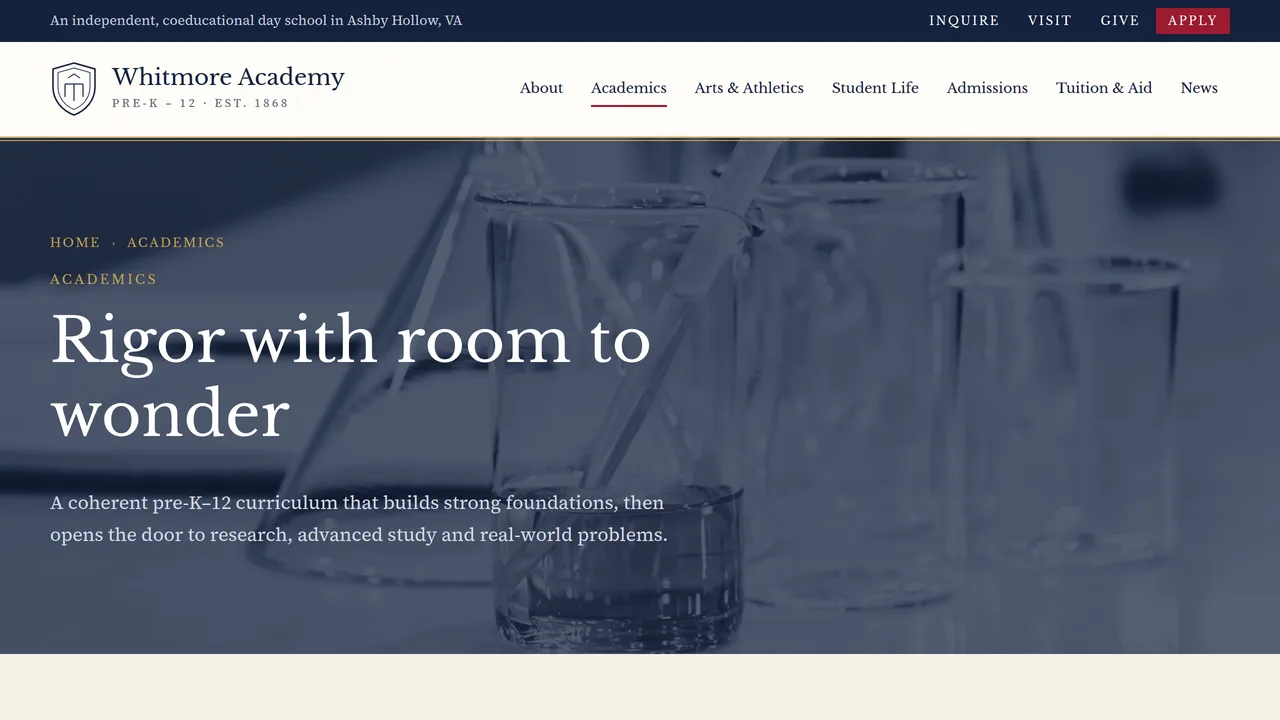
Sticky side-rail contents with Lower, Middle and Upper School programs and college counseling.
2 editable fields
- 4
Arts & Athletics
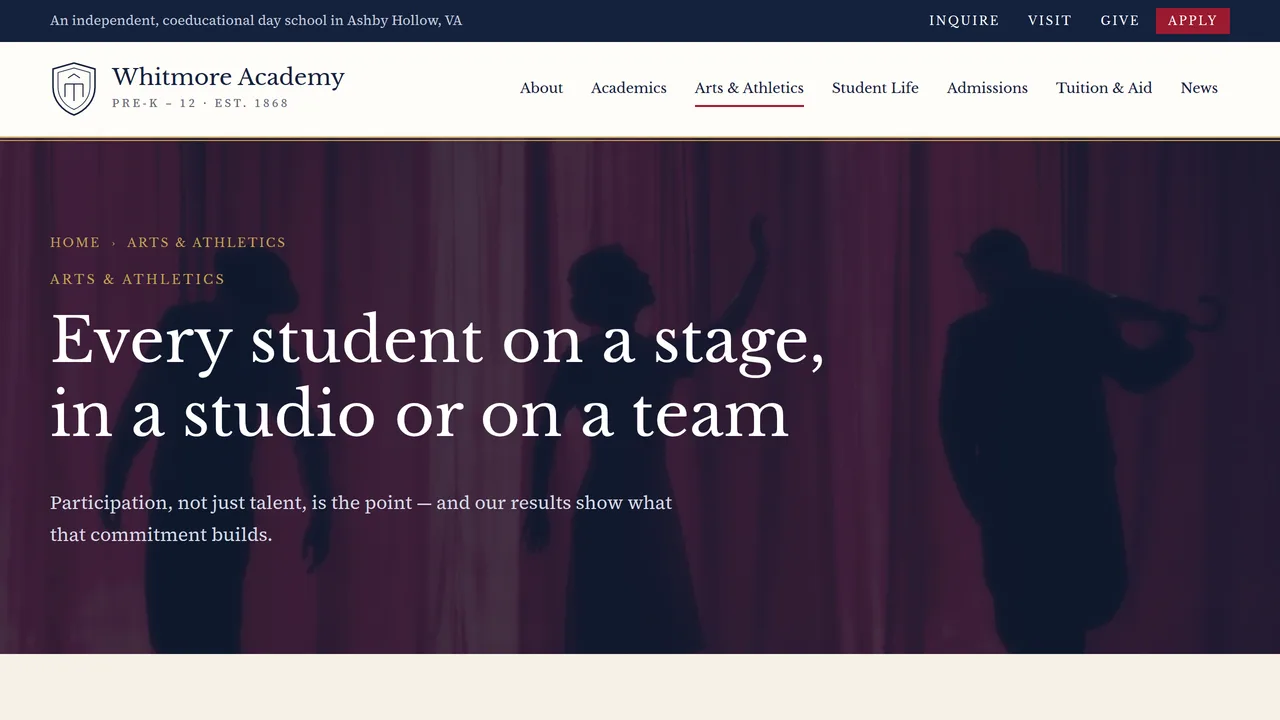
Music, visual arts and theater cards, athletics with 22 varsity teams.
2 editable fields
- 5
Student Life
A day-at-school timeline and school traditions.
2 editable fields
- 6
Admissions
Five-step admissions timeline with dates and an admissions FAQ.
2 editable fields
- 7
Tuition & Aid
Tuition table by grade, count-up financial aid figures, giving.
2 editable fields
- 8
Visit & Events
Admissions events list with dates and private tour booking.
2 editable fields
- 9
News
Six news story cards across academics, arts, athletics and community.
2 editable fields
- 10
Inquire
Inquiry form for families and admissions office contact details.
2 editable fields
Launching it is simple: download the files, publish it live to your own Vercel account, or push it to your own GitHub — see how to launch your AI Tapz website.
Usage instructions
10 pages, each a complete, self-contained HTML page — a traditional navy, crimson and old-gold independent school design: a utility bar (Inquire · Visit · Give · Apply) over a crest header, Libre Baskerville headlines over Source Serif 4, gold-ruled photo frames, double rules and a laurel motif. 1. Home (index.html) — photo hero with a self-drawing crest and motto, quick-link band, welcome, count-up facts, three divisions, arts and athletics. 2. About (about.html) — mission, a history timeline, Head of School message. 3. Academics (academics.html) — a sticky "on this page" rail with Lower, Middle and Upper School and college counseling. 4. Arts & Athletics (arts-athletics.html) — music, visual arts, theater and athletics. 5. Student Life (student-life.html) — a day-at-school timeline and traditions. 6. Admissions (admissions.html) — a five-step admissions timeline and FAQ. 7. Tuition & Aid (tuition.html) — tuition table, financial aid figures, giving. 8. Visit & Events (visit.html) — admissions events with register buttons and private tours. 9. News (news.html) — six story cards. 10. Inquire (contact.html) — inquiry form and admissions office details. ANIMATION. A thin gold reading-progress bar tracks scrolling, the crest draws itself in the hero, the campus photo moves in gentle parallax, the history, schedule and admissions timelines fill as you scroll, facts count up (they read the number you type) and sections fade in. Everything is visible without JavaScript, and visitors who ask for reduced motion see a still page. FONTS. Libre Baskerville and Source Serif 4 load from Google Fonts via @font-face in each page's style block, with Georgia as the fallback. SEO. Each page opens with a labeled block (title, meta description, canonical link, Open Graph tags and JSON-LD — School, AboutPage, CollectionPage or ContactPage). Copy it into your real <head> when you deploy, and update the domain, address and founding year. FORMS & LINKS. The inquiry form posts nowhere — connect it to your admissions or enrollment system before publishing. Point the event "Register" buttons and news "Read more" links at your own pages. EDITING. Change colors and fonts site-wide in the editor's Theme panel; edit the header or footer once and use "Apply to all pages"; sections can be moved, duplicated, hidden or deleted; use the Tablet and Mobile views for device-specific tweaks. CLAIMS & SAMPLE CONTENT. The school name, motto, history, people, statistics (class size, acceptance rate, aid figures), tuition, dates, events and news stories are fictional placeholders. Replace them with your own real details, and keep your own nondiscrimination statement in the footer. IMAGES. All photography is real Unsplash stock, self-hosted under /content-images. Students appear only from behind or at a distance, so no photo shows a recognisable face. Replace any image with your own campus photography, with families' permission for any student photos.
Reviews
No reviews yet — be the first once you've used this template.