Blog post structures that fit your topic in minutes
A good article is mostly structure: a hook, a clear promise, sections that each earn their place, and an ending that tells the reader what to do next. Buy that structure once, then rewrite each part for your own subject with a guided AI editor.
Who these templates are for
Built for content marketers publishing on a schedule, founders writing their own company blog, and freelance writers who need a reliable skeleton for each new client brief.
The template gives you the order and the purpose of each section. The editor lets you change the topic, the reader or the tone of one section at a time — so rewriting the introduction never scrambles the body.
How-to guides
Problem, prerequisites, numbered steps and a troubleshooting section, each editable on its own.
Listicles
An intro, repeatable list items and a closing takeaway — add, cut or re-angle items without rewriting the frame.
Explainers
Plain-language breakdowns of a concept, with a definition, an example and common misconceptions.
Opinion and thought-leadership pieces
A thesis, supporting arguments and a counter-argument section that keeps the piece credible.
How to buy with your wallet
Everything on the marketplace is paid for from a single platform wallet. You top it up once, then spend from the balance — on templates and on AI edits alike.
- 1
Add credit to your wallet
Top up once from your wallet page via Stripe. Credit sits in your balance until you spend it — there is no subscription and no card stored against each purchase.
Open your wallet - 2
Pick a template and check the live preview
Every listing renders a real sample of the output in a preview window, plus the exact list of sections you will be able to edit after buying.
Browse blog and article templates - 3
Buy — the balance deducts instantly
Free templates are added with one click. Paid templates deduct from your wallet balance and land in your library immediately.
See your library
Before you buy: wallet credit is spend-only and is not automatically refunded. Use the live preview on every listing to check the output first.
How to personalise it with the AI editor
A bought template opens in an editing workspace on the platform, and the AI rewrites it one section at a time — a change to one part never disturbs the others.
- 1
Open the template in your library
Your workspace opens as a split screen: editing controls on the left, a live preview of the result on the right.
- 2
Choose a section
Sections appear as tabs. You edit one at a time, so a long template never becomes a wall of text.
- 3
Describe the change in plain words
Fill in what the section currently says and what you want instead. No prompt engineering, no syntax to learn.
- 4
Generate, review, export
The rewritten section renders in the preview beside you. Regenerate if it is not right, then export when you are happy.
Worked example
You bought a how-to article template written for home bakers. You open the Introduction tab and write: "Currently it speaks to beginners baking bread at home. Rewrite it for small café owners scaling up their morning bake." The introduction rewrites in the preview; your steps section stays as it was until you choose to change it.
Popular in Blogs & Articles
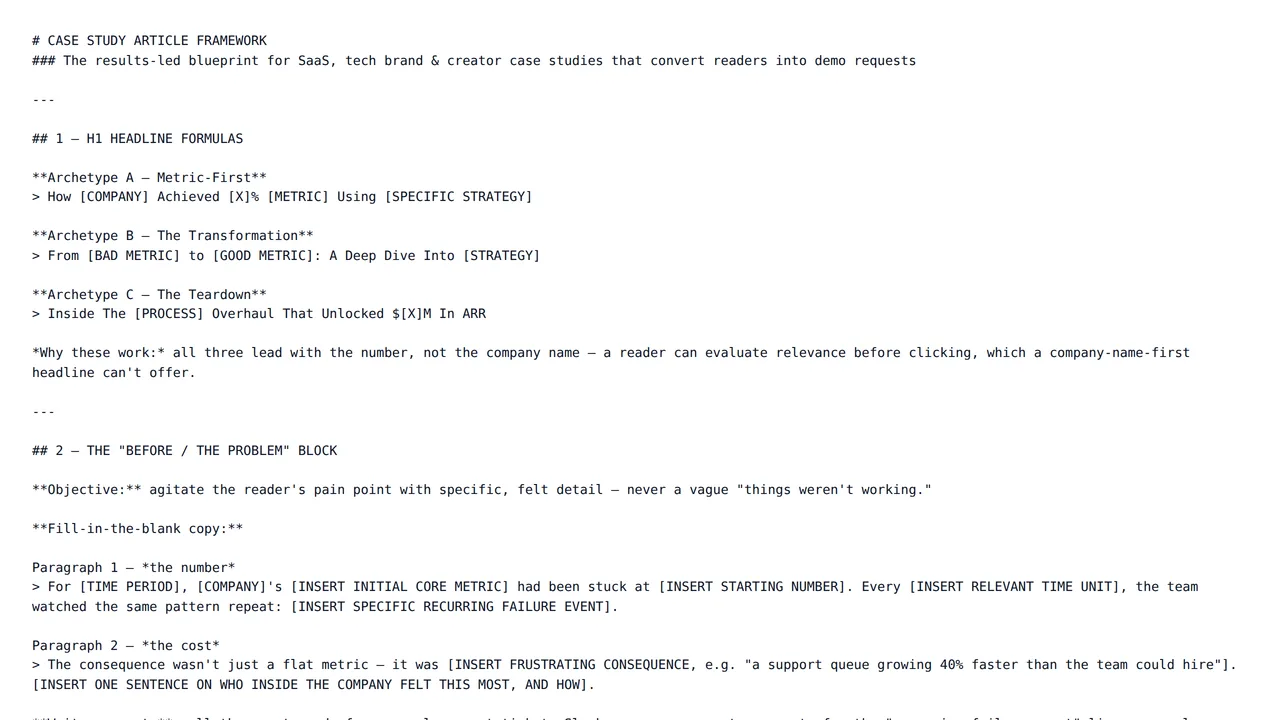
Case Study Article Framework
$24.00A premium, results-led case-study blueprint for SaaS and tech brands: SEO headline formulas, fill-in-the-blank before/background blocks, a modular step-by-step approach section, and a proof-first CTA layout — every section fully fleshed out with plug-and-play copy formulas.
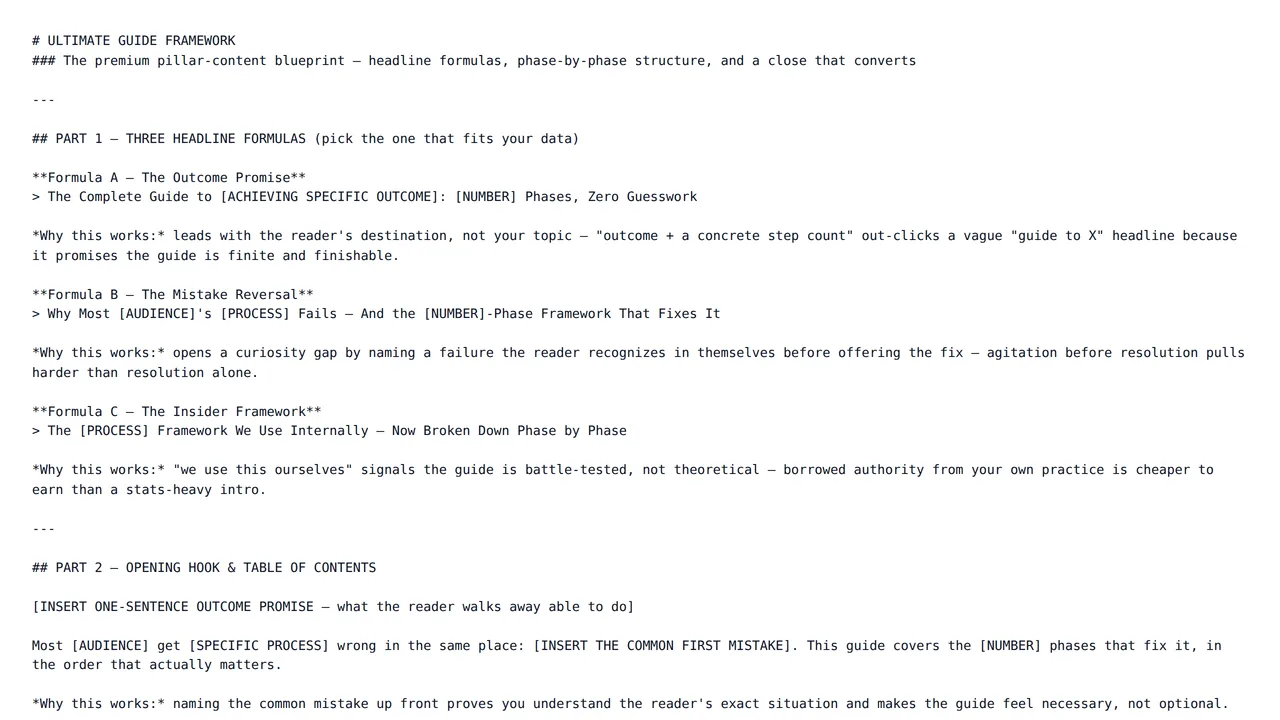
Ultimate Guide Framework
$24.00A premium pillar-content blueprint: SEO-ready headline formulas, a phase-by-phase authority framework, and traffic-matched CTA variants — the structure serious SaaS and creator blogs actually rank and convert with.
Frequently asked questions
- Will the rewritten article be unique to me?
- Your edits are generated for your own instructions, so the sections you rewrite reflect your topic and angle rather than the original template text. Sections you leave untouched stay as the creator wrote them, so rewrite anything you plan to publish as-is.
- Can I change the length of a section?
- Yes. Say what you want in the modification box — "cut this to three short paragraphs" or "expand with a worked example" — and the editor rewrites that section to match.
- What does an AI edit cost, and how am I charged?
- Each edit is billed from your platform wallet based on how much AI work that specific edit takes, so a one-line rewrite costs less than regenerating a long section. You are only charged when an edit finishes successfully — if a run fails, nothing is deducted. Every charge appears in your wallet transaction history.
- What happens if a template is not what I expected?
- Wallet credit is spend-only and not automatically refunded, so check the live preview on each template page before you buy. If a template is broken, misrepresented, or breaches our content rules, report it and our team will review it; approved cases are refunded manually by an administrator.
Start with a structure that already works
Browse the category, check a live preview, and make it yours in the same session.