Support replies that sound like your team
Most support tickets fall into a handful of patterns. Buy a set of replies that already handle them well — empathetic, clear, with a next step — then rewrite each macro so it matches your own policies and brand voice.
Who these templates are for
Built for small support teams without a dedicated content writer, founders answering tickets themselves, and support leads standardising replies across a growing team.
Each macro is its own section, so you can update your refund reply when your policy changes without re-editing the rest of the library.
Refund and return replies
Approved, denied and partial-refund responses that stay polite whichever way the decision goes.
Shipping and delay updates
Apologies and status updates that set a clear expectation without over-promising.
Troubleshooting scripts
Step-by-step replies that walk a customer through a fix and tell them what to do if it doesn't work.
Escalation and hand-off
Messages that explain a ticket is moving to another team and what happens next.
How to buy with your wallet
Everything on the marketplace is paid for from a single platform wallet. You top it up once, then spend from the balance — on templates and on AI edits alike.
- 1
Add credit to your wallet
Top up once from your wallet page via Stripe. Credit sits in your balance until you spend it — there is no subscription and no card stored against each purchase.
Open your wallet - 2
Pick a template and check the live preview
Every listing renders a real sample of the output in a preview window, plus the exact list of sections you will be able to edit after buying.
Browse customer support macro templates - 3
Buy — the balance deducts instantly
Free templates are added with one click. Paid templates deduct from your wallet balance and land in your library immediately.
See your library
Before you buy: wallet credit is spend-only and is not automatically refunded. Use the live preview on every listing to check the output first.
How to personalise it with the AI editor
A bought template opens in an editing workspace on the platform, and the AI rewrites it one section at a time — a change to one part never disturbs the others.
- 1
Open the template in your library
Your workspace opens as a split screen: editing controls on the left, a live preview of the result on the right.
- 2
Choose a section
Sections appear as tabs. You edit one at a time, so a long template never becomes a wall of text.
- 3
Describe the change in plain words
Fill in what the section currently says and what you want instead. No prompt engineering, no syntax to learn.
- 4
Generate, review, export
The rewritten section renders in the preview beside you. Regenerate if it is not right, then export when you are happy.
Worked example
You bought a support macro set written for an online clothing store. You open the Refund Approved tab and write: "Currently it mentions a 30-day return window and store credit. Rewrite it for a SaaS subscription refunded to the original card within 5–10 business days." That macro rewrites; the rest of the set is unchanged.
Popular in Customer Support Macros
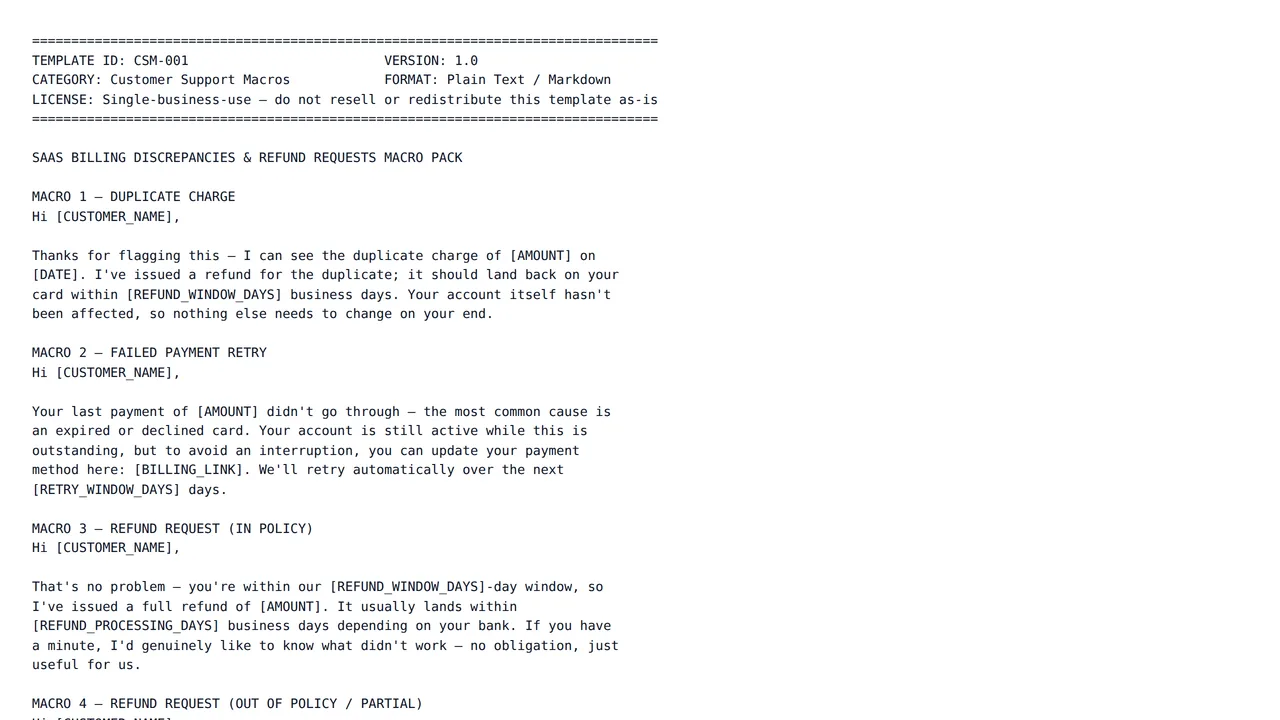
SaaS Billing Discrepancies & Refund Requests Macro Pack
$12.00Six ready-to-paste macros covering the exact billing conversations SaaS support teams field most: duplicate charges, failed-payment retries, in-policy and partial refunds, proration confusion, and chargebacks.
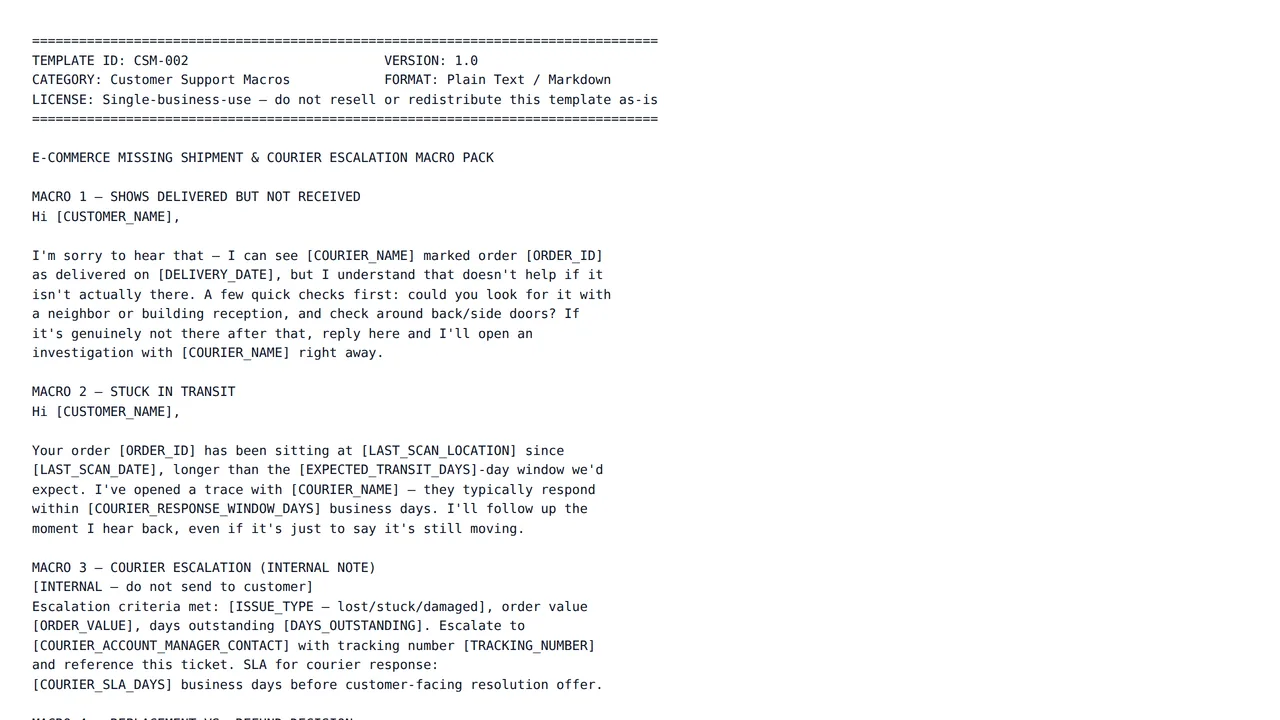
E-commerce Missing Shipment & Courier Escalation Macro Pack
$12.00Five macros for the exact shipping conversations that eat e-commerce support queues: 'delivered but not received,' stuck-in-transit, courier escalation, the replace-vs-refund decision, and customs delays.
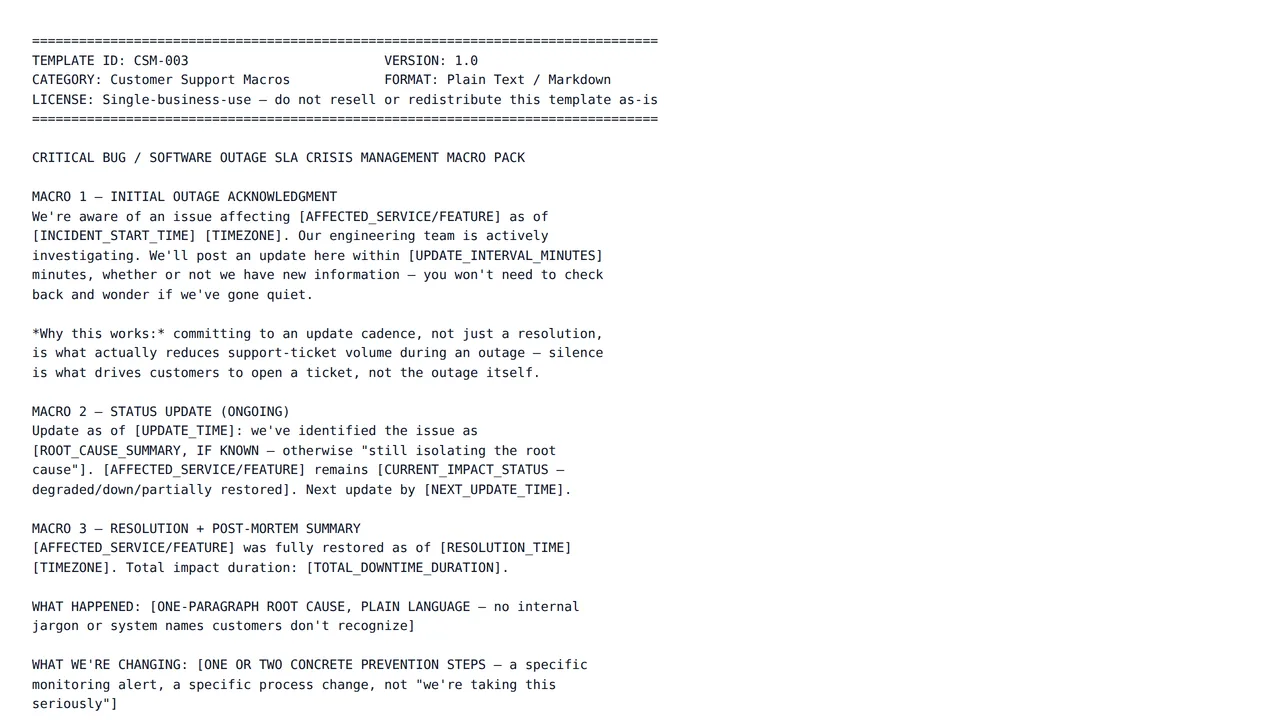
Critical Bug / Software Outage SLA Crisis Management Macro Pack
$15.00Five macros for the highest-stakes support conversation there is: a live outage. Initial acknowledgment, live status updates, resolution summary, SLA credit calculation, and enterprise escalation.
Frequently asked questions
- Can I use these macros in my help desk tool?
- Yes — the output is plain text you copy into whichever help desk or inbox you already use as a saved reply. There's no direct integration; the platform produces the wording, your tool stores and sends it.
- How do I keep placeholders like the customer's name?
- Tell the editor in the modification box to keep your help desk's placeholder syntax — for example "keep {{customer_name}} exactly as written" — and it will preserve it in the rewritten macro.
- What does an AI edit cost, and how am I charged?
- Each edit is billed from your platform wallet based on how much AI work that specific edit takes, so a one-line rewrite costs less than regenerating a long section. You are only charged when an edit finishes successfully — if a run fails, nothing is deducted. Every charge appears in your wallet transaction history.
- What happens if a template is not what I expected?
- Wallet credit is spend-only and not automatically refunded, so check the live preview on each template page before you buy. If a template is broken, misrepresented, or breaches our content rules, report it and our team will review it; approved cases are refunded manually by an administrator.
Start with a structure that already works
Browse the category, check a live preview, and make it yours in the same session.