Brightwire Electric — Residential Electrician Website (8 Pages)
A 8-page website for a residential electrician — a pale concrete and electric-indigo circuit design with an interactive breaker-panel hero, an "Is this an emergency?" guide, a panel & EV readiness checker, Level 1 vs Level 2 charger comparison, lighting before/after and color-temperature picker, safety checklist, flat-rate price book and booking form, with Electrician SEO markup.
Preview
What you can customize
Each section below becomes a guided form field in your library after purchase — no prompting experience required.
- 1
Home
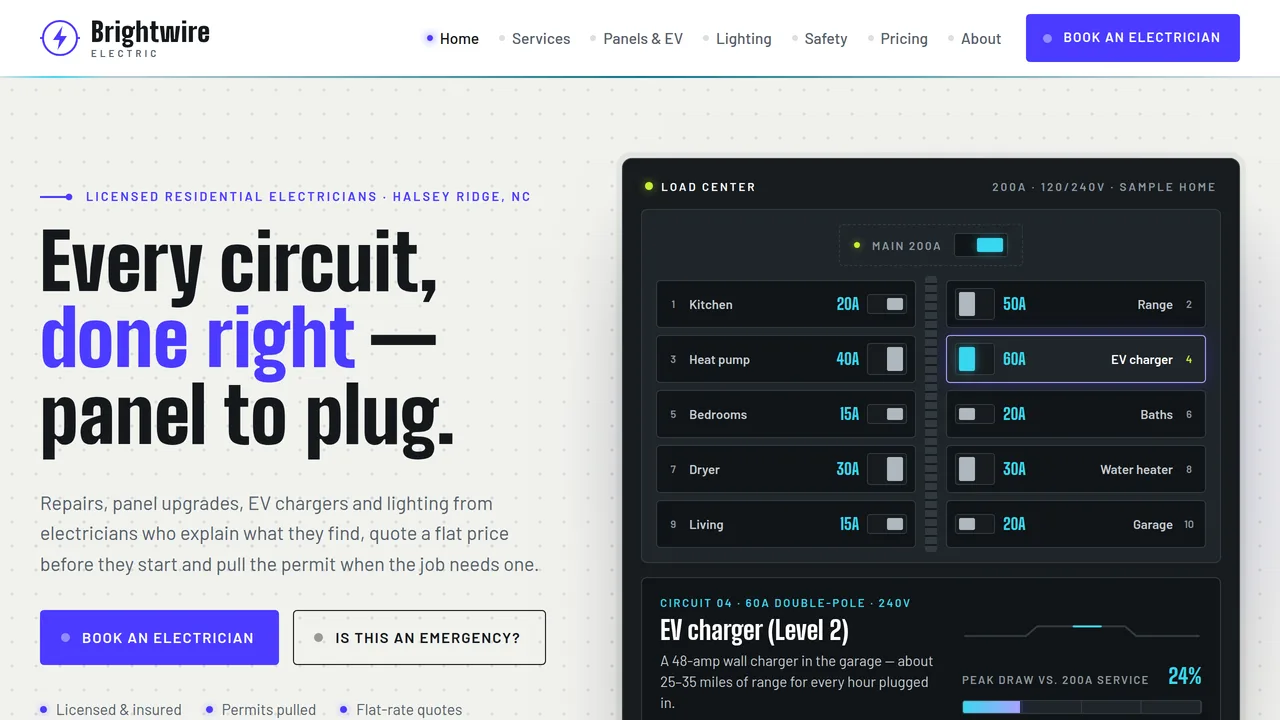
Interactive breaker-panel hero (hover a breaker to light its circuit and fill the capacity bar), LCD count-up stats, six service cards, 'Is this an emergency?' symptom guide, visit steps, EV and lighting features, services ticker, reviews.
2 editable fields
- 2
Residential Services
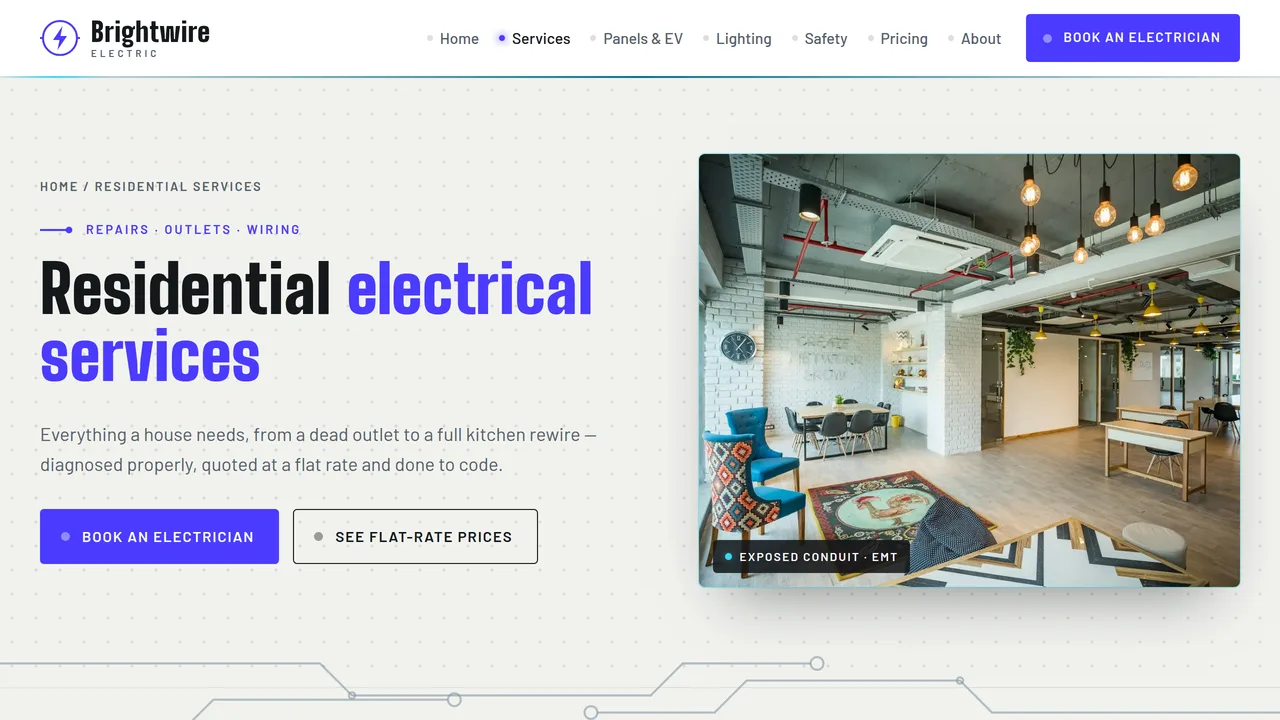
Tabbed service directory (repairs, outlets, wiring, surge & backup), flip cards for older wiring types, warning signs, remodel steps on a filling wire, FAQ.
2 editable fields
- 3
Panels & EV Chargers
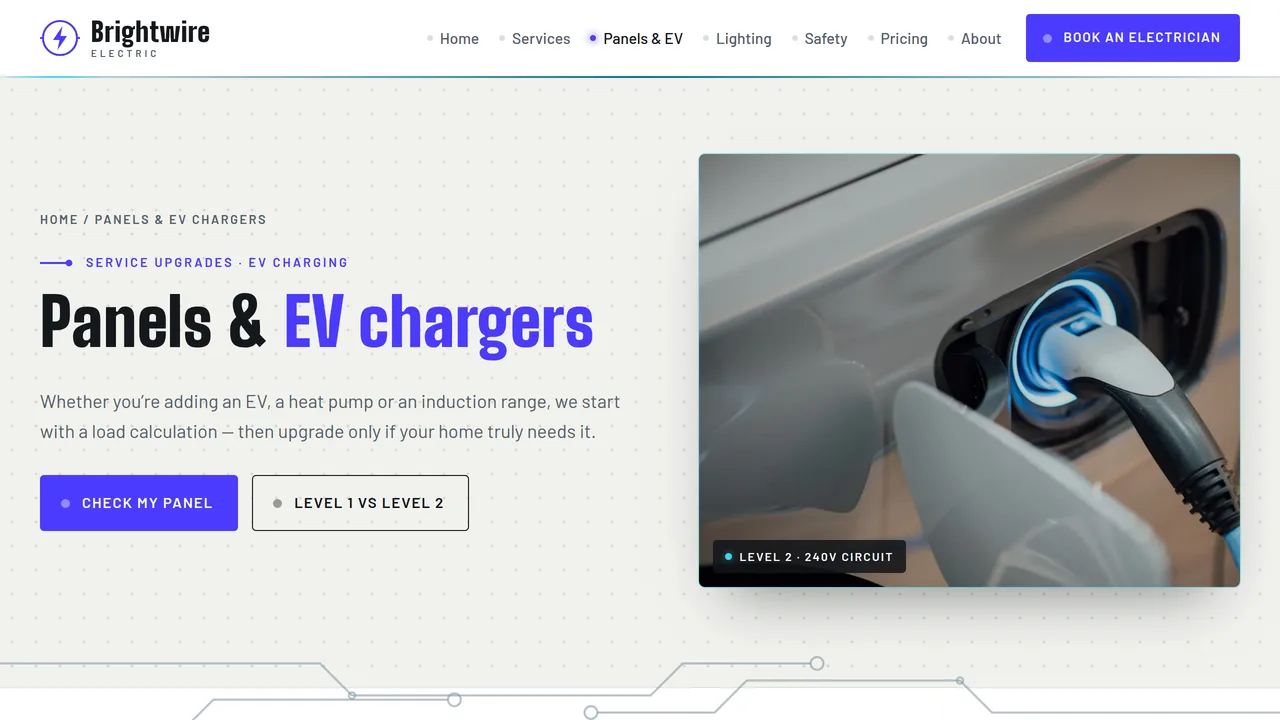
Self-drawing load-center diagram with numbered parts, panel upgrade and EV readiness checker, Level 1 vs Level 2 comparison with meters, EV install steps with permit and inspection, FAQ.
2 editable fields
- 4
Lighting
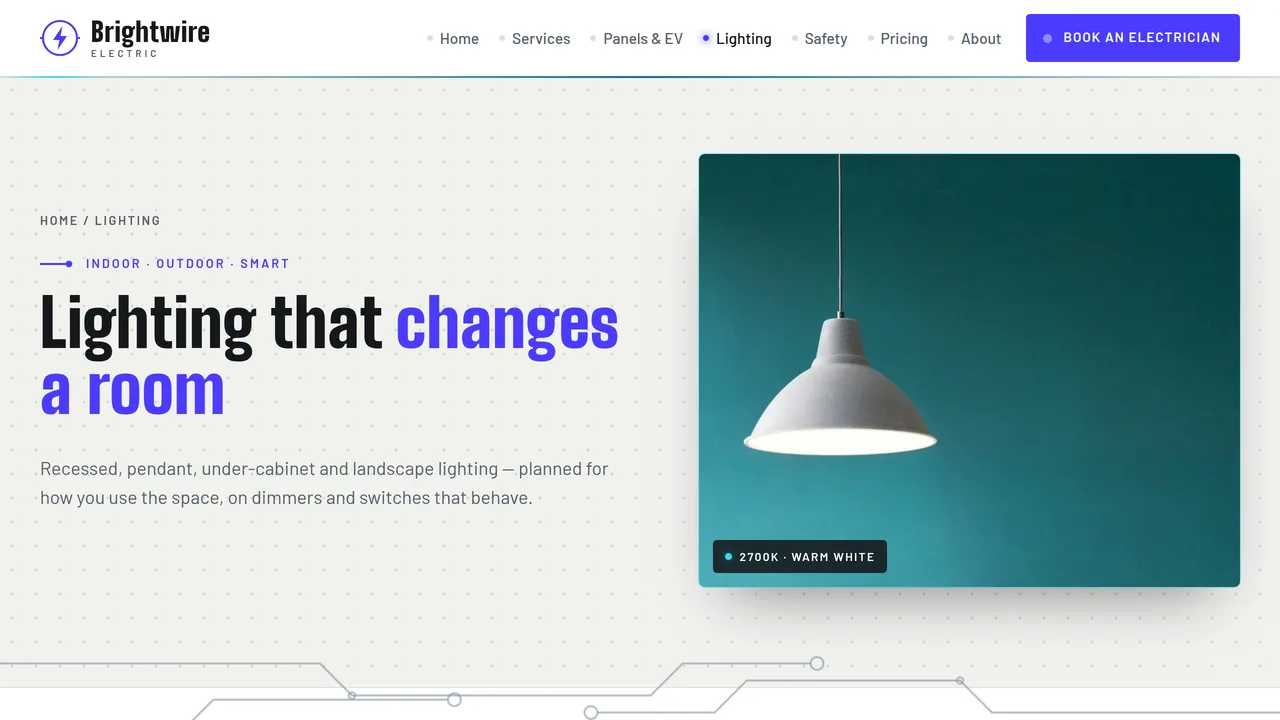
Lit/unlit before-after slider, fixture cards (recessed, pendant, under-cabinet, landscape, smart switches, fans), color-temperature picker, room-by-room lumens table, dimmer advice.
2 editable fields
- 5
Safety & Inspections
Self-drawing house section with smoke/CO alarm placement pins, GFCI vs AFCI explained with drawings, interactive 10-point home checklist with score, testing schedule, inspection types.
2 editable fields
- 6
Pricing
Diagnostic fee explained, tabbed flat-rate price book (outlets, lighting, panels & EV, safety), standard vs after-hours rates, pricing FAQ.
2 editable fields
- 7
About & Reviews
Company story, LCD count-up numbers, license/insurance/permit credentials as rating-label plates, team monograms, rating meters and six reviews, service area.
2 editable fields
- 8
Book an Electrician
Booking form (contact, address/ZIP, service type, urgency, date and arrival window, notes) with emergency box, next steps, hours, service area and FAQ.
2 editable fields
Ready-made sections — no AI needed
Add these to any page from the editor’s section library. They take on this template’s own colours and fonts. Add and edit them freely; each section you keep is paid once ($0.39) when you download or publish.
About & services
About us
Tell visitors who you are and why you started, next to a photo of you, your team or your place.
Services
Cards for what you offer — each with a short title and a line about it. Add or remove cards as you need.
Why choose us
Short points that say why people pick you — fast, friendly, local, guaranteed, whatever is true for you.
How it works
Numbered steps from first contact to finished job, so visitors know exactly what happens next.
Price list or menu
A clean list of items with prices — treatments, dishes, packages or services.
Packages
Three side-by-side packages (basic, popular, premium) with what each includes and a button.
Photo gallery
A grid of six photos of your work, place or products. Click any photo to replace it.
Trust & proof (5 sections)
Customer reviews
Quotes from happy customers with their names. Real reviews build trust faster than anything else.
Key numbers
Big numbers that prove your experience — years in business, happy clients, projects finished.
Team
Photos, names and roles of the people behind the business, so visitors know who they'll meet.
Trusted by
A row of names of clients, partners, awards or certifications you're proud of.
Questions & answers
Common questions that open to show the answer when tapped. Saves you answering the same calls.
Get in touch (4 sections)
Call to action
A bold coloured band asking visitors to take the next step, with one clear button.
Announcement bar
A slim coloured strip for news or an offer — new opening hours, a seasonal deal, a holiday closure.
Contact details
Your phone, email and address in one clear block, each tappable on a phone.
Opening hours
A simple table of the days and times you're open, so nobody turns up to a closed door.
Working features
Sections that really work on your published site, with their own database and a panel in your Library. Each is paid once per site when you download or publish — it covers every section that uses it.
Forms module$14.99 once
Saves your site's contact, booking-request and newsletter forms to your own database, emails you each new entry if you like, and lists them in your Library.
Sections: Contact form · Booking request form · Newsletter sign-up
Catalogue module$19.99 once
Lets you add, edit and remove your products or services — name, price, category, description and photo — from your Library, and shows them on your published site.
Sections: Product catalogue
Bookings module$24.99 once
A booking calendar: visitors book a service at a free time, with no double bookings. You set your services and opening hours, and see and cancel bookings, from your Library.
Sections: Booking calendar
Add a whole page in one click
Add a page from a layout: it keeps your site’s menu, footer, colours and fonts, filled with ready-made sections to make your own.
About us
About us · Why choose us · Team · Call to action
Services
Services · How it works · Price list or menu · Questions & answers · Call to action
Prices & packages
Packages · Why choose us · Questions & answers · Call to action
Gallery
Photo gallery · Customer reviews · Call to action
Our team
Team · Key numbers · Customer reviews · Call to action
Contact
Contact details · Opening hours · Questions & answers
Questions & answers
Questions & answers · Contact details · Call to action
Launching it is simple: download the files, publish it live to your own Vercel account, or push it to your own GitHub — see how to launch your AI Tapz website.
Usage instructions
8 pages, each a complete, self-contained HTML page — a schematic-and-circuit design for a residential electrician: a pale concrete split hero with a dark, working breaker panel set on it, Big Shoulders Display headlines over Barlow, a light porcelain/graphite palette with an electric indigo accent and arc-flash cyan circuit glows (graphite kept for the panel, the footer and one feature band per page), PCB cards with solder-pad corners and thin circuit traces that power up between sections. 1. Home (index.html) — interactive load-center hero, LCD count-up stats, six service cards, "Is this an emergency?" guide, four-step visit wire, EV and lighting features, services ticker, reviews. 2. Residential Services (services.html) — tabbed service directory, older-wiring flip cards, warning signs, remodel steps, FAQ (FAQPage markup). 3. Panels & EV Chargers (panels-ev.html) — numbered load-center diagram, panel upgrade & EV readiness checker, Level 1 vs Level 2 comparison, EV install steps with permit and inspection, FAQ (FAQPage markup). 4. Lighting (lighting.html) — lit/unlit before-after slider, fixture cards, color-temperature picker, room-by-room lumens table, dimmer and smart-switch advice. 5. Safety & Inspections (safety.html) — smoke/CO alarm placement diagram, GFCI vs AFCI explained, interactive home checklist with score, testing schedule, inspection types. 6. Pricing (pricing.html) — diagnostic fee explained, tabbed flat-rate price book, standard vs after-hours rates, FAQ (FAQPage markup). 7. About & Reviews (about.html) — story, count-up numbers, credential plates, team monograms, rating meters, six reviews, service area. 8. Book an Electrician (book.html) — booking form, emergency box, next steps, hours, service area, FAQ. ANIMATION. The hero breakers flip on in sequence when the page opens; hovering or tapping a breaker flicks it, lights its circuit line and fills the capacity bar. PCB traces draw themselves across section seams and then carry a moving glow. Buttons flicker like a warming filament on hover, the CTA bulb lights up when its button is hovered, stats count up, meters fill, diagram pins pulse, the services ticker scrolls and sections slide in. Everything is visible without JavaScript, and visitors who ask for reduced motion see a still page. LOAD CENTER (home hero). Each breaker is a link whose label and amperage are editable text; the details it shows (circuit line, name, "what it powers" and the capacity percentage) live in its data-id, data-name, data-powers and data-load attributes. Edit those to match the sample home you want to show. The capacity bar is illustrative, not a load calculation. EMERGENCY GUIDE. Six tabs (burning smell, sparking outlet, breaker keeps tripping, flickering lights, warm outlet or switch, partial power loss), each with what it might mean, a safe first step and an urgency level. It is labeled general guidance and never gives wiring instructions beyond switching off the breaker if safe and calling a licensed electrician. Have it reviewed against your own policies and keep the 911 advice. READINESS CHECKER (Panels & EV). It works in the browser from the home's age, panel size and planned additions; the weight of each addition is in its checkbox's data-w attribute and the age weights are on the age options. It only gives gentle guidance ("may need a load calculation or panel upgrade") and says so. COLOR-TEMPERATURE PICKER AND CHECKLIST. The picker tints a photo between 2200K and 5000K and is labeled as a simulation. The home checklist counts ticked items and shows a score; it contains nothing that requires opening a cover or using a tool. FONTS. Big Shoulders Display and Barlow load from Google Fonts via @font-face in each page's style block, with system sans-serif fallbacks. SEO. Each page opens with a labeled block (title, meta description, canonical link, Open Graph tags and JSON-LD — Electrician, FAQPage, AboutPage or ContactPage). Copy it into your real <head> when you deploy, and update the domain, address, rating and areas served. FORMS. The booking form posts nowhere and says so on the page — connect it to your scheduling software or form service before publishing. EDITING. Change colors and fonts site-wide in the editor's Theme panel; edit the header or footer once and use "Apply to all pages"; sections can be moved, duplicated, hidden or deleted; use the Tablet and Mobile views for device-specific tweaks. CLAIMS & SAMPLE CONTENT. The company name, license number, insurance figures, permit counts, address, phone, prices, diagnostic and after-hours fees, statistics, team, service areas and reviews are fictional placeholders — replace them with your own. Electrical licensing, permit requirements and code adoption vary by state and city: check the permit, GFCI/AFCI and smoke/CO alarm wording against your local rules. All prices are samples. Charging speeds, lumen figures and alarm lifespans are general guidance. IMAGES. All photography is real Unsplash stock, self-hosted under /content-images: interiors, light fixtures, hand tools and an EV charge port. No photo shows a person or a brand. Panels, breakers, outlets, chargers and wiring are drawn as generic SVG line art with no brand names. The lighting before/after uses one photo with the "before" side darkened in CSS — replace both sides with your own project photos.
Reviews
No reviews yet — be the first once you've used this template.