Calder & Voss Injury Law — Personal Injury Law Firm Website (8 Pages)
An 8-page website for a personal injury law firm — calm claret-and-stone design with a quick case check that pre-fills the intake form, a tickable after-an-accident checklist, a self-drawing case timeline, an illustrative contingency-fee slider, sample results with attorney-advertising disclaimers, and LegalService SEO markup.
Preview
What you can customize
Each section below becomes a guided form field in your library after purchase — no prompting experience required.
- 1
Home
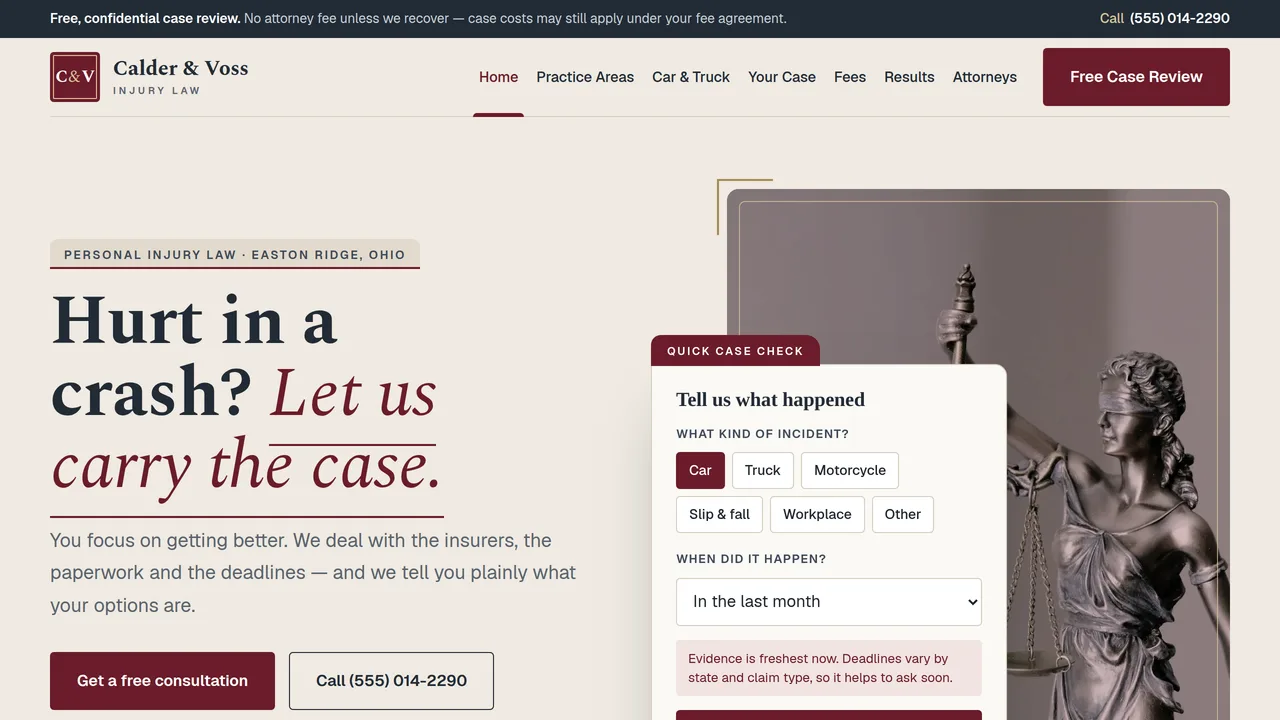
Calm split hero with a quick case check card, sample firm facts, eight practice areas, tickable after-an-accident checklist, self-drawing case timeline, fee example, deadlines band and sample reviews.
2 editable fields
- 2
Practice Areas
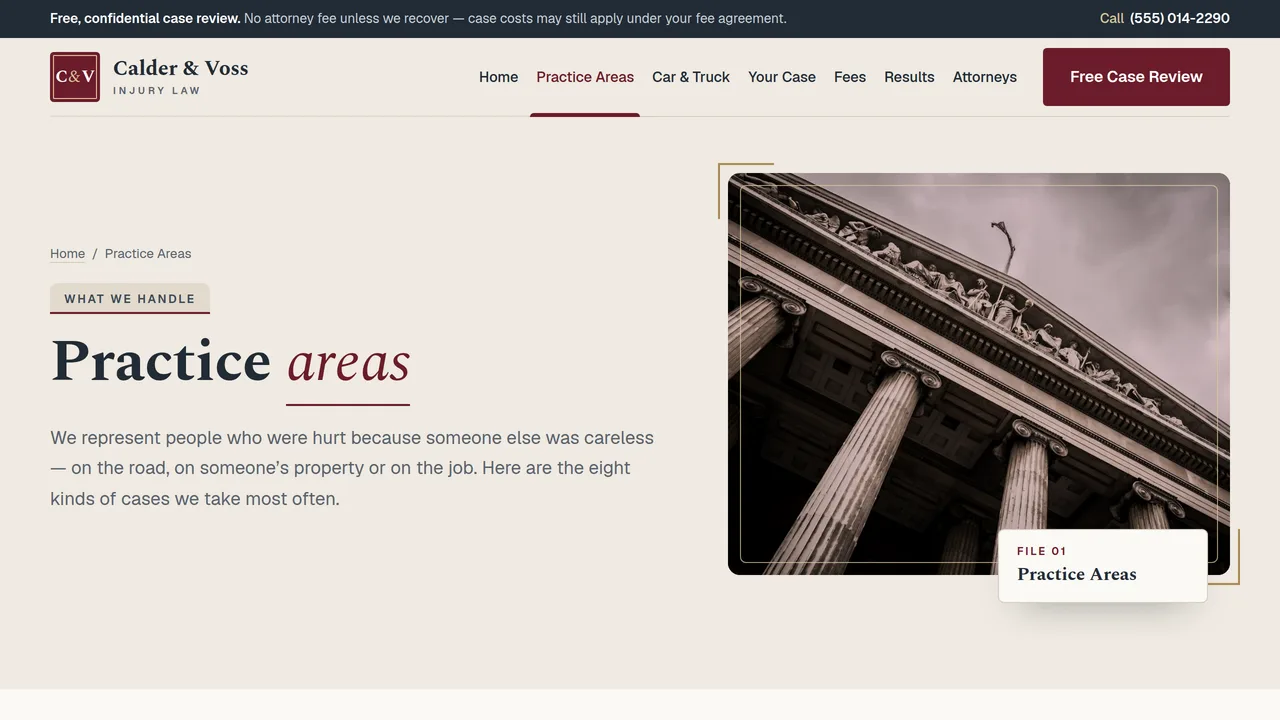
Case-file opener, eight practice area folder cards, three questions in every case, matters referred out, deadlines band.
2 editable fields
- 3
Car & Truck Accidents
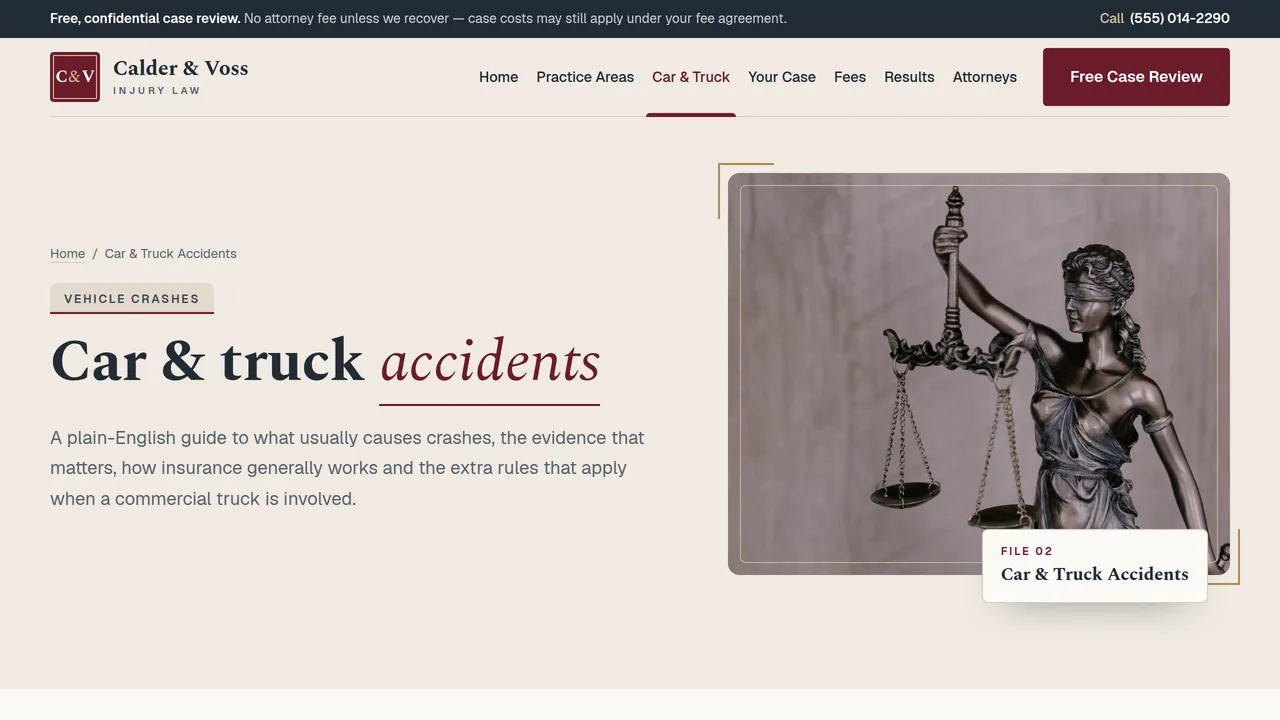
Common crash causes, evidence to preserve, tabbed insurance basics, flip cards on commercial truck rules, crash FAQ.
2 editable fields
- 4
How Your Case Works
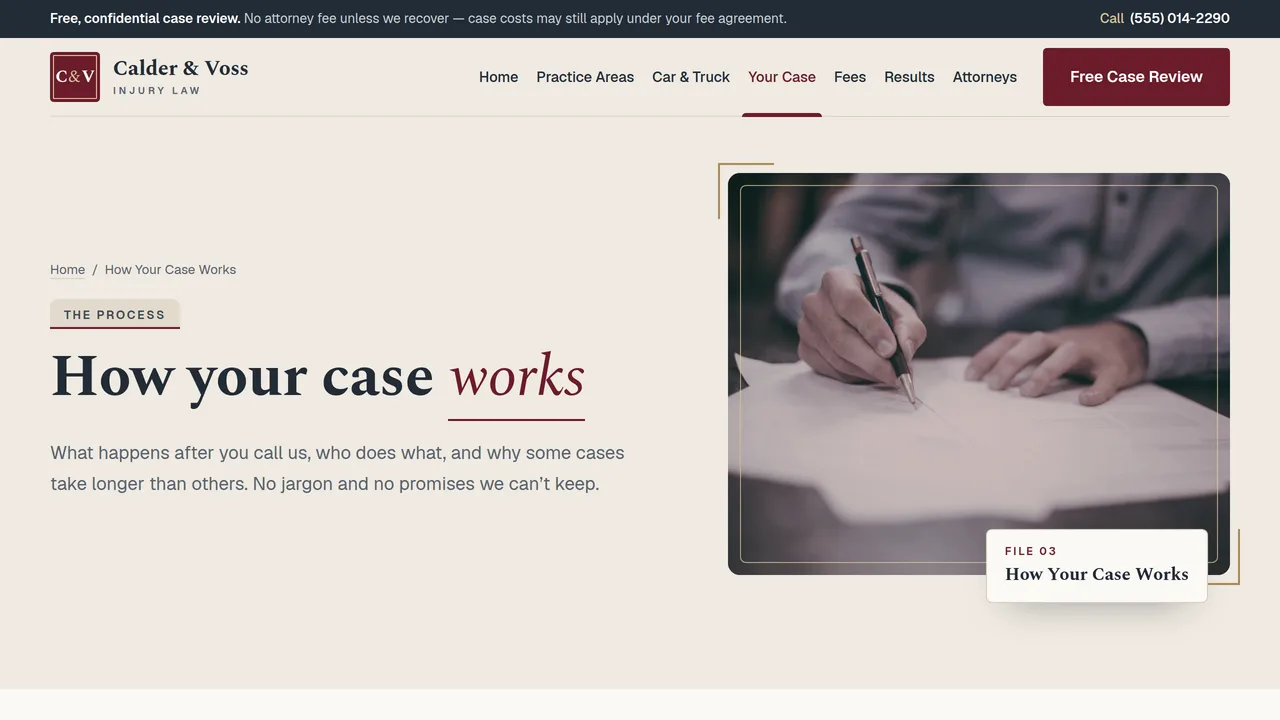
Detailed six-stage case timeline that draws as you scroll, your part and ours, what affects timing, process FAQ.
2 editable fields
- 5
Fees
Three parts of a contingency fee, an interactive illustrative settlement breakdown (fee, costs, liens, client), case costs table, fee FAQ.
2 editable fields
- 6
Results & Reviews
Attorney advertising notice, six sample case results, how to read results, six sample client reviews.
2 editable fields
- 7
Our Attorneys
Four brass nameplate attorney cards with monograms and sample bar admissions, team count-ups, how we work, three commitments.
2 editable fields
- 8
Free Case Review
Free case review form (pre-filled from the home page case check), call box, next steps, deadline note and the after-an-accident checklist.
2 editable fields
Ready-made sections — no AI needed
Add these to any page from the editor’s section library. They take on this template’s own colours and fonts. Add and edit them freely; each section you keep is paid once ($0.39) when you download or publish.
About & services
About us
Tell visitors who you are and why you started, next to a photo of you, your team or your place.
Services
Cards for what you offer — each with a short title and a line about it. Add or remove cards as you need.
Why choose us
Short points that say why people pick you — fast, friendly, local, guaranteed, whatever is true for you.
How it works
Numbered steps from first contact to finished job, so visitors know exactly what happens next.
Price list or menu
A clean list of items with prices — treatments, dishes, packages or services.
Packages
Three side-by-side packages (basic, popular, premium) with what each includes and a button.
Photo gallery
A grid of six photos of your work, place or products. Click any photo to replace it.
Trust & proof (5 sections)
Customer reviews
Quotes from happy customers with their names. Real reviews build trust faster than anything else.
Key numbers
Big numbers that prove your experience — years in business, happy clients, projects finished.
Team
Photos, names and roles of the people behind the business, so visitors know who they'll meet.
Trusted by
A row of names of clients, partners, awards or certifications you're proud of.
Questions & answers
Common questions that open to show the answer when tapped. Saves you answering the same calls.
Get in touch (4 sections)
Call to action
A bold coloured band asking visitors to take the next step, with one clear button.
Announcement bar
A slim coloured strip for news or an offer — new opening hours, a seasonal deal, a holiday closure.
Contact details
Your phone, email and address in one clear block, each tappable on a phone.
Opening hours
A simple table of the days and times you're open, so nobody turns up to a closed door.
Working features
Sections that really work on your published site, with their own database and a panel in your Library. Each is paid once per site when you download or publish — it covers every section that uses it.
Forms module$14.99 once
Saves your site's contact, booking-request and newsletter forms to your own database, emails you each new entry if you like, and lists them in your Library.
Sections: Contact form · Booking request form · Newsletter sign-up
Catalogue module$19.99 once
Lets you add, edit and remove your products or services — name, price, category, description and photo — from your Library, and shows them on your published site.
Sections: Product catalogue
Bookings module$24.99 once
A booking calendar: visitors book a service at a free time, with no double bookings. You set your services and opening hours, and see and cancel bookings, from your Library.
Sections: Booking calendar
Add a whole page in one click
Add a page from a layout: it keeps your site’s menu, footer, colours and fonts, filled with ready-made sections to make your own.
About us
About us · Why choose us · Team · Call to action
Services
Services · How it works · Price list or menu · Questions & answers · Call to action
Prices & packages
Packages · Why choose us · Questions & answers · Call to action
Gallery
Photo gallery · Customer reviews · Call to action
Our team
Team · Key numbers · Customer reviews · Call to action
Contact
Contact details · Opening hours · Questions & answers
Questions & answers
Questions & answers · Contact details · Call to action
Launching it is simple: download the files, publish it live to your own Vercel account, or push it to your own GitHub — see how to launch your AI Tapz website.
Usage instructions
8 pages, each a complete, self-contained HTML page — a calm, serious personal injury firm design: a split hero on warm stone with a claret-washed photo and an overlapping "quick case check" card, Spectral headings with italic claret accents over Geist, file-folder cards with raised tabs, brass-bracketed photo frames, slate and claret bands. 1. Home (index.html) — hero with quick case check, sample firm facts (count-ups), eight practice areas, tickable after-an-accident checklist, self-drawing case timeline, "you heal, we handle the rest", illustrative fee breakdown, deadlines band, sample reviews. 2. Practice Areas (practice-areas.html) — eight practice area folder cards, three questions in every case, matters you refer out, deadlines band. 3. Car & Truck Accidents (car-truck-accidents.html) — common causes, evidence to preserve, tabbed insurance basics, flip cards on commercial truck rules, crash FAQ (FAQPage markup). 4. How Your Case Works (how-your-case-works.html) — detailed six-stage timeline, your part and ours, what affects timing, process FAQ. 5. Fees (fees.html) — how contingency fees work, the interactive illustrative settlement example, case costs table, fee FAQ. 6. Results & Reviews (results-reviews.html) — attorney advertising notice, six sample results, how to read results, six sample reviews. 7. Our Attorneys (our-attorneys.html) — four nameplate attorney cards (monograms, no photos), team count-ups, how we work, commitments. 8. Free Case Review (free-case-review.html) — intake form, call box, next steps, deadline note, and the checklist again. ANIMATION. Sections fade up as you scroll; a slow claret underline draws under each italic heading accent; the case timeline line draws down the page and each stage's number fills in as it arrives; sample firm and team figures count up (they read the number you type); truck-rule cards turn over on hover, tap or Enter. Everything is visible without JavaScript, and visitors who ask for reduced motion see a still page. QUICK CASE CHECK. The hero card's incident chips and "when" dropdown rewrite the Continue link to free-case-review.html?type=…&when=…, and the review form pre-selects those answers and shows a short note. Its hint line changes with the timing choice and only ever says deadlines vary and to act promptly — keep it that way. If you rename or remove options, keep the option values matching between the card and the form. AFTER-AN-ACCIDENT CHECKLIST. Visitors can tick items; ticks are saved only in that visitor's browser (localStorage, wrapped so it fails safely when storage is blocked) and never sent anywhere. Edit the item text freely. FEE EXAMPLE. The Fees page slider is labelled illustrative. The fee percentages are the dropdown's option values (25, 33.33, 40) and the "fee figured on" choice switches between computing the fee on the gross or after costs. Set these to match your actual written fee agreement and your state's rules; keep the "illustrative / not an estimate / your written fee agreement controls" wording beside it. FONTS. Spectral (600/700 and italic) and Geist load via @font-face in each page's style block, with Georgia and system sans-serif fallbacks. SEO. Each page opens with a labeled block (title, meta description, canonical link, Open Graph tags and JSON-LD — LegalService, CollectionPage, FAQPage, WebPage, AboutPage or ContactPage). Copy it into your real <head> when you deploy and update the domain, address and areas served. No review rating is included in the schema because the reviews are samples; only add one with real, verifiable reviews. FORMS. The free case review form posts nowhere — connect it to your intake system or form service before publishing, and make sure that system stores what visitors send securely. EDITING. Change colours and fonts site-wide in the editor's Theme panel; edit the header or footer once and use "Apply to all pages"; sections can be moved, duplicated, hidden or deleted; use the Tablet and Mobile views for device-specific tweaks. CLAIMS & ADVERTISING. Attorney advertising is regulated by each state bar, and the rules differ. Before publishing, have the whole site checked against your state bar's advertising rules (and any state where you advertise). This template was written to be cautious, and every item below must stay accurate for your firm: - "Attorney Advertising" appears in every page's footer and at the top of the Results page. Some states require other labels or a named responsible attorney and office address; the footer has a sample "Responsible attorney" line to replace. - Results: all six results and their amounts are fictional samples, each tagged "Sample", with "Prior results do not guarantee a similar outcome" and a gross-before-fees note. Replace them only with real, verifiable results you are allowed to publish, and keep the disclaimer. - Reviews: all reviews are fictional samples marked "sample review". Use only genuine reviews you have permission to publish; some states require testimonial disclaimers or restrict testimonials. - Fees: "No attorney fee unless we recover" always appears with the clarification that clients may still owe case costs depending on the written fee agreement. The fee example is labelled illustrative and says actual terms are in the written fee agreement. Check your state's contingency-fee rules. - Outcomes and timing: the site never promises a result or a timeline, and the case timeline is labelled typical and variable. Don't add guarantees. - Deadlines: the site says statutes of limitations vary by state and claim type and recommends acting promptly; it states no specific deadline. If you add one, have it checked. - Not legal advice / no attorney-client relationship: stated in the footer, under the case check, on the form and in the checklist note. - Words to avoid: the copy avoids "guaranteed", "best", "#1", "specialist" and "expert". Don't describe an attorney as a specialist or as certified unless they hold a certification your state recognizes, and then follow its disclosure rules. - Attorneys: names, bios, focus areas and bar admissions (marked "Admitted (sample)") are fictional. Replace with each attorney's real admissions. Cards use monograms, not photos; if you add real headshots, use the attorneys' own photos. - Sample firm facts (22 years, 1,900+ clients, team sizes, languages), case-cost ranges, office hours, "phones answered 7 days" and response times are placeholders — replace them with true statements or remove them. - Practice and insurance content (fault rules, PIP/MedPay, uninsured motorist coverage, federal trucking rules, workers' compensation, dog bite and wrongful death notes) is general information written to apply across states; check it against your state's law. - The company name, address, phone, email and domain are fictional. IMAGES. All photography is real Unsplash stock, self-hosted under /content-images: Lady Justice statues, a library, generic classical columns (not a named courthouse), gavels, paperwork and an empty office. No photo shows a recognisable face, and no insurer or other brand appears anywhere. Photos get a soft claret wash from CSS (.cv-photo); your own photos will get it too, or remove the overlay in the stylesheet.
Reviews
No reviews yet — be the first once you've used this template.