Switchback Outfitters — Outdoor Adventure Outfitter & Guide Service Website (8 Pages)
A 8-page website for an outdoor guide service and gear rental shop — a topographic trail-map design with self-drawing contour lines, trail-sign calls to action, a filterable Trip Finder, elevation profiles with a walking hiker dot, a gear rental calculator, a saved packing checklist, courses, guide profiles and a trip request form.
Preview
What you can customize
Each section below becomes a guided form field in your library after purchase — no prompting experience required.
- 1
Home
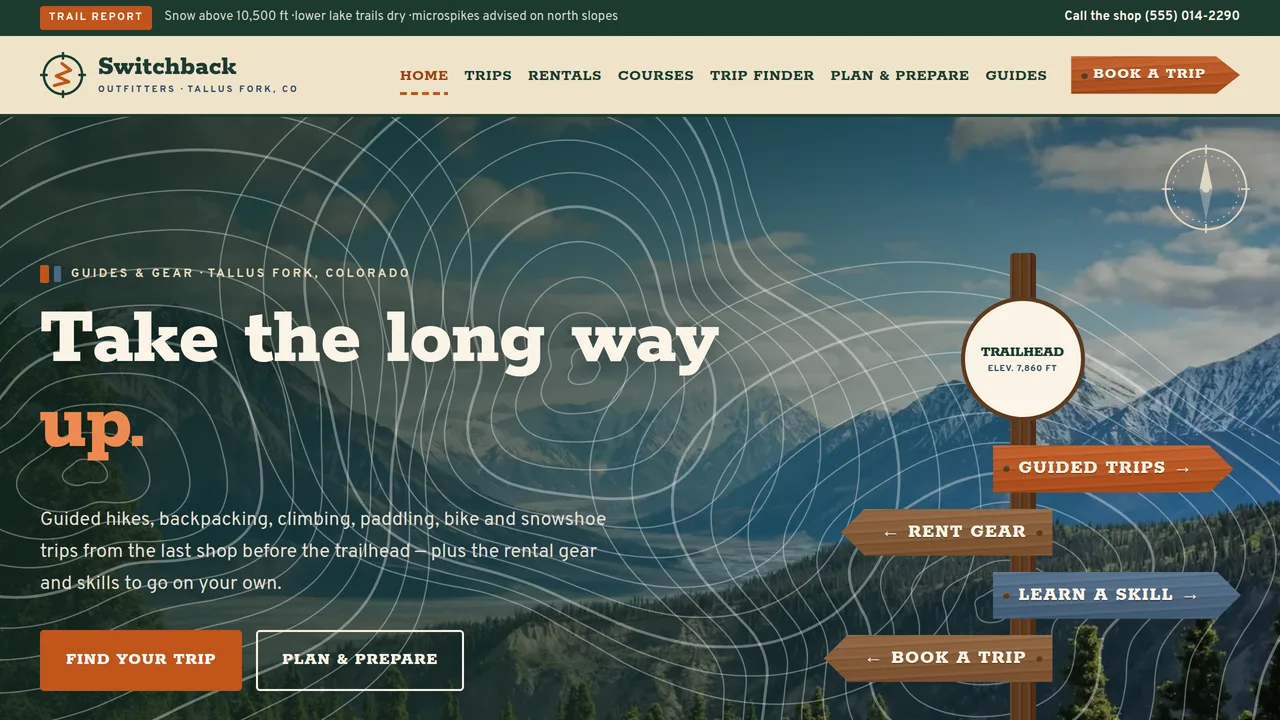
Full-bleed mountain hero with self-drawing contour lines and a wooden trail-sign post, map-legend count-ups, six swinging activity markers, featured trips, an elevation profile with a walking hiker dot, parallax ridge band, rental teaser, trip steps and a trail register of reviews.
2 editable fields
- 2
Guided Trips
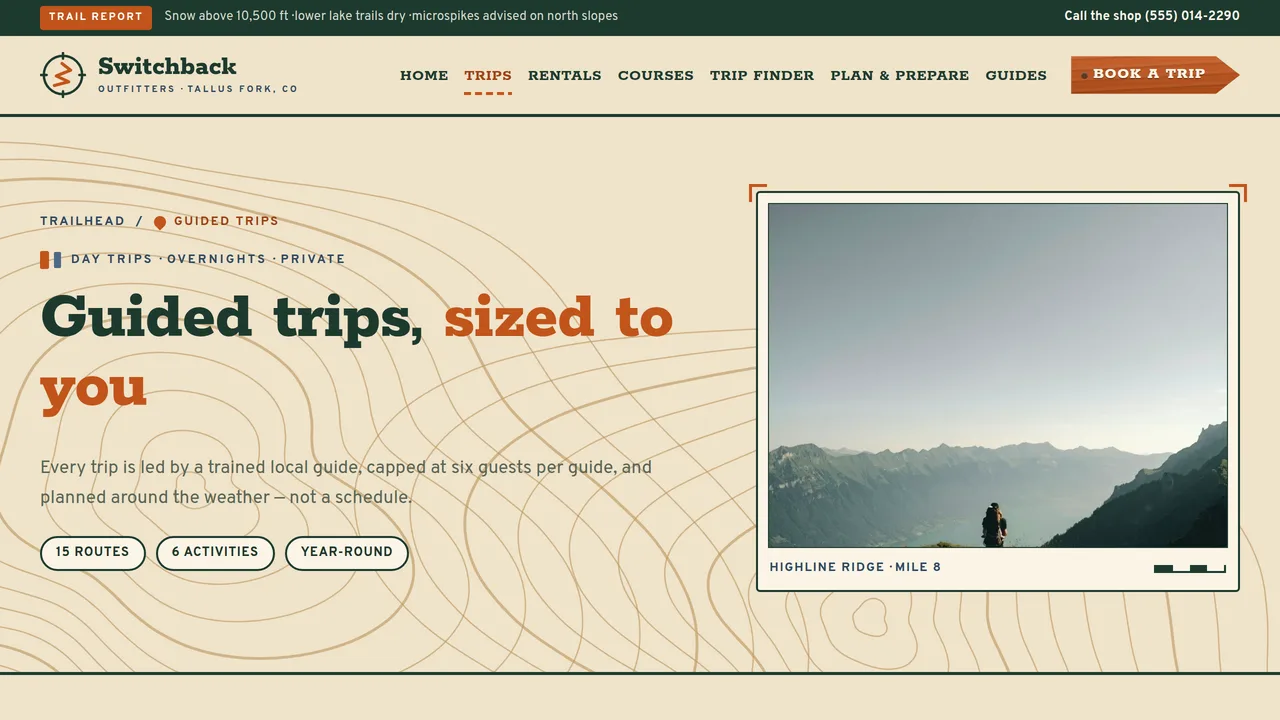
Four trip styles, three self-drawing elevation profiles with day markers and a walking hiker dot, what's included, a sample pricing table and the weather and cancellation policy.
2 editable fields
- 3
Gear Rentals
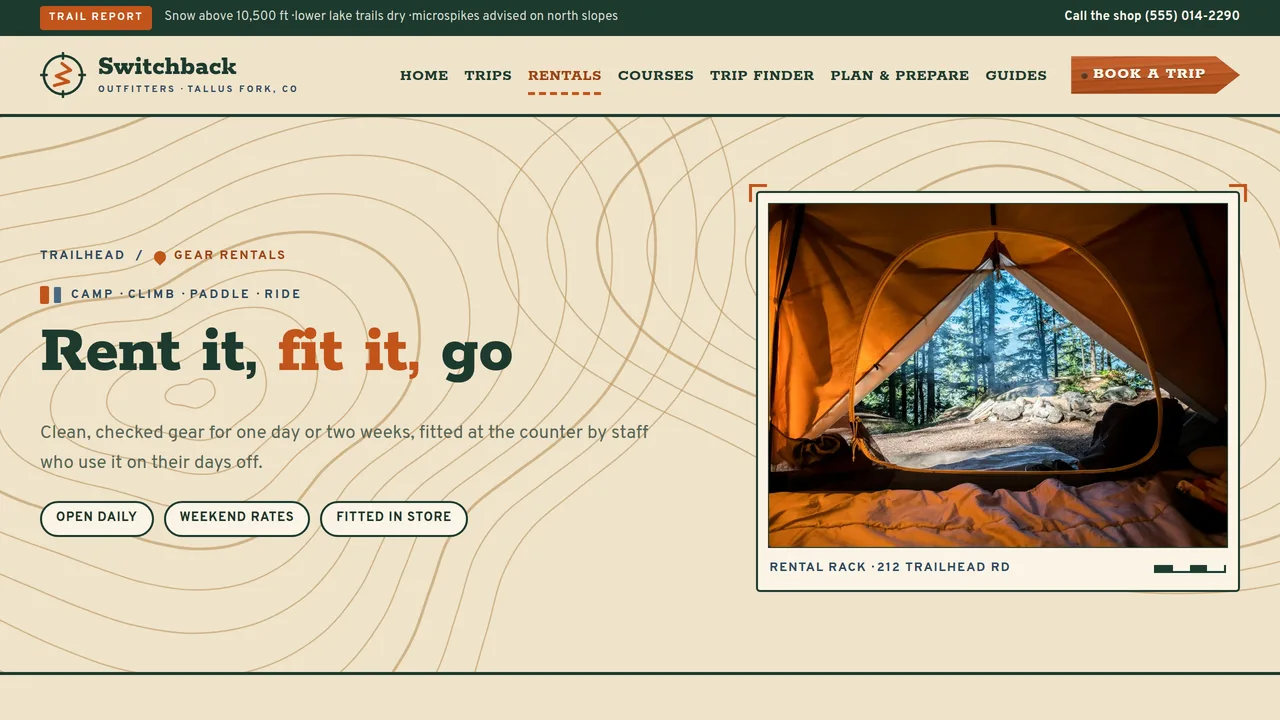
Working rental calculator (items × days with a weekend rate and deposit total), rental categories, sizing notes and a plain-language deposit and damage policy.
2 editable fields
- 4
Courses & Skills
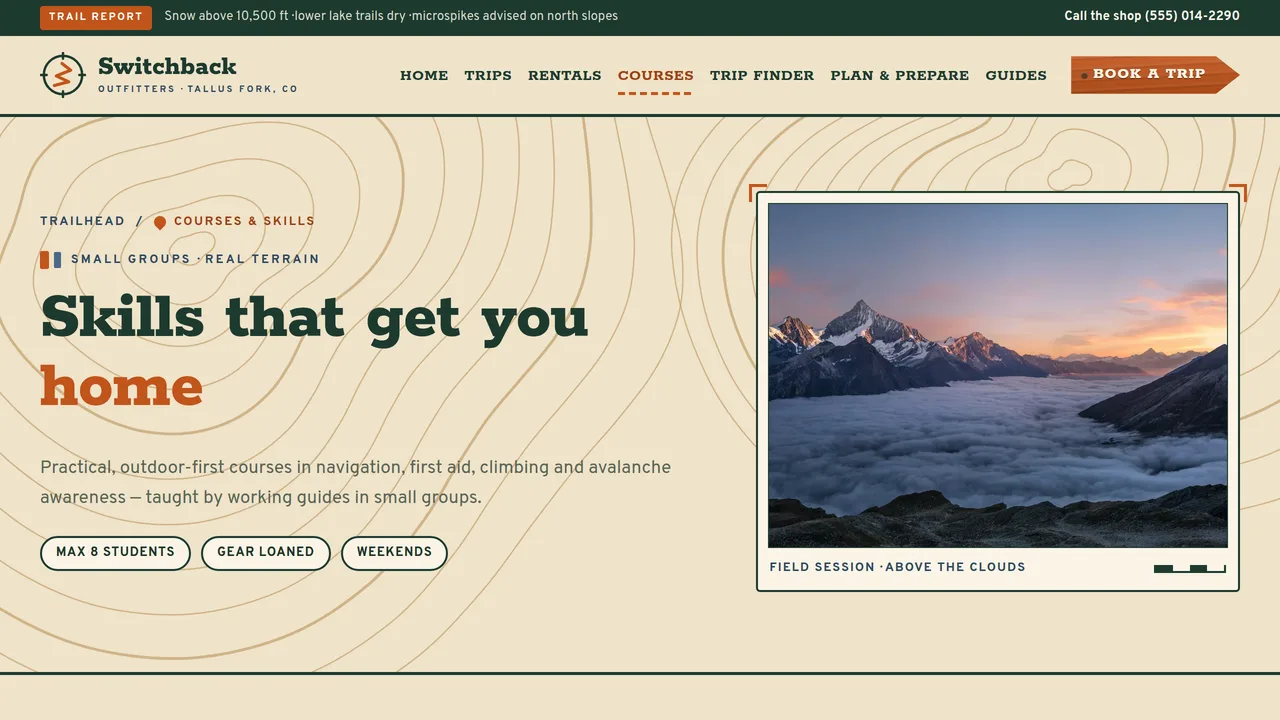
Navigation, wilderness first aid basics, intro to climbing and avalanche awareness courses with prerequisites, trail-sign skills junctions, a course calendar and FAQ.
2 editable fields
- 5
Trip Finder
Interactive trip finder: filter 15 trips by activity, difficulty marker, duration and season with a live match count; cards show distance, elevation gain and group size.
2 editable fields
- 6
Plan & Prepare
Difficulty legend, a tickable packing checklist saved in the browser, weather and conditions notes, permits and fees, Leave No Trace principles in plain words, the waiver and assumption-of-risk notice and an FAQ.
2 editable fields
- 7
Our Guides
Team count-ups, six illustrated guide patch cards with sample certifications, guide standards and the full trail register of reviews.
2 editable fields
- 8
Book a Trip
Trip request form (trip, dates, group size, experience, call-back for medical or dietary needs), call-back steps, booking road map and booking FAQ.
2 editable fields
Ready-made sections — no AI needed
Add these to any page from the editor’s section library. They take on this template’s own colours and fonts. Add and edit them freely; each section you keep is paid once ($0.39) when you download or publish.
About & services
About us
Tell visitors who you are and why you started, next to a photo of you, your team or your place.
Services
Cards for what you offer — each with a short title and a line about it. Add or remove cards as you need.
Why choose us
Short points that say why people pick you — fast, friendly, local, guaranteed, whatever is true for you.
How it works
Numbered steps from first contact to finished job, so visitors know exactly what happens next.
Price list or menu
A clean list of items with prices — treatments, dishes, packages or services.
Packages
Three side-by-side packages (basic, popular, premium) with what each includes and a button.
Photo gallery
A grid of six photos of your work, place or products. Click any photo to replace it.
Trust & proof (5 sections)
Customer reviews
Quotes from happy customers with their names. Real reviews build trust faster than anything else.
Key numbers
Big numbers that prove your experience — years in business, happy clients, projects finished.
Team
Photos, names and roles of the people behind the business, so visitors know who they'll meet.
Trusted by
A row of names of clients, partners, awards or certifications you're proud of.
Questions & answers
Common questions that open to show the answer when tapped. Saves you answering the same calls.
Get in touch (4 sections)
Call to action
A bold coloured band asking visitors to take the next step, with one clear button.
Announcement bar
A slim coloured strip for news or an offer — new opening hours, a seasonal deal, a holiday closure.
Contact details
Your phone, email and address in one clear block, each tappable on a phone.
Opening hours
A simple table of the days and times you're open, so nobody turns up to a closed door.
Working features
Sections that really work on your published site, with their own database and a panel in your Library. Each is paid once per site when you download or publish — it covers every section that uses it.
Forms module$14.99 once
Saves your site's contact, booking-request and newsletter forms to your own database, emails you each new entry if you like, and lists them in your Library.
Sections: Contact form · Booking request form · Newsletter sign-up
Catalogue module$19.99 once
Lets you add, edit and remove your products or services — name, price, category, description and photo — from your Library, and shows them on your published site.
Sections: Product catalogue
Bookings module$24.99 once
A booking calendar: visitors book a service at a free time, with no double bookings. You set your services and opening hours, and see and cancel bookings, from your Library.
Sections: Booking calendar
Add a whole page in one click
Add a page from a layout: it keeps your site’s menu, footer, colours and fonts, filled with ready-made sections to make your own.
About us
About us · Why choose us · Team · Call to action
Services
Services · How it works · Price list or menu · Questions & answers · Call to action
Prices & packages
Packages · Why choose us · Questions & answers · Call to action
Gallery
Photo gallery · Customer reviews · Call to action
Our team
Team · Key numbers · Customer reviews · Call to action
Contact
Contact details · Opening hours · Questions & answers
Questions & answers
Questions & answers · Contact details · Call to action
Launching it is simple: download the files, publish it live to your own Vercel account, or push it to your own GitHub — see how to launch your AI Tapz website.
Usage instructions
8 pages, each a complete, self-contained HTML page — a topographic trail-map design for an outdoor guide service and gear rental shop: a full-bleed mountain hero with contour lines that draw themselves and a wooden trail-sign post as the call-to-action cluster, Rokkitt slab headlines over Overpass, a sand, burnt-orange, slate-blue and deep-pine palette, map-inset photo frames with scale bars, trail difficulty markers and contour-line textures throughout. 1. Home (index.html) — hero with the trail-sign post, map-legend count-ups, six hanging activity markers that link into the Trip Finder, three featured trips, an elevation profile, a parallax mountain-ridge band, rentals teaser, how a trip works and a trail register of reviews. 2. Guided Trips (guided-trips.html) — trip styles, three elevation profiles with night markers, what's included, a sample pricing table and the weather and cancellation policy. 3. Gear Rentals (gear-rentals.html) — the rental calculator, rental categories, sizing notes and the deposit and damage policy. 4. Courses & Skills (courses.html) — four courses with prerequisites, skills junctions, a course calendar and FAQ. 5. Trip Finder (trip-finder.html) — the filterable list of 15 trips and the difficulty scale. 6. Plan & Prepare (plan-and-prepare.html) — difficulty legend, packing checklist, weather and conditions, permits and fees, Leave No Trace, waiver notice and FAQ (FAQPage markup). 7. Our Guides (our-guides.html) — team numbers, six guide patch cards, guide standards and reviews. 8. Book a Trip (book-a-trip.html) — trip request form, next steps and booking FAQ. ANIMATION. Contour lines draw themselves slowly across the hero, page headers, dark bands and footer; the hero compass needle settles on north; the trail signs and activity markers swing in on their nails; the map-legend numbers count up (they read the number you type); a hiker dot walks each elevation profile and reads out the mile and elevation; the mountain-ridge band moves in parallax layers; the "how a trip works" trail fills in as you scroll. Everything is visible without JavaScript, and visitors who ask for reduced motion see a still page. CONTOUR ART. The contour lines are generated by the page script into any element with the class sb-topo. Change data-sb-seed for a different pattern, data-sb-peaks for the number of summits and data-sb-rings for the number of lines. They are decorative only. TRIP FINDER. Each trip card carries data-sb-activity (hiking, backpacking, climbing, paddling, biking, snowshoe), data-sb-diff (easy, moderate, strenuous, technical), data-sb-length (half, day, multi, long) and data-sb-season (any of spring summer fall winter, space-separated). Edit or duplicate a card and update those attributes so the filters keep working; the live count updates itself. Links like trip-finder.html?activity=climbing or ?season=winter open the finder pre-filtered. ELEVATION PROFILES. Each profile is drawn from the trip's mileage and elevation points in the seed file (PROFILES); the night markers are positioned by mile. To change a route, edit its points and camps and re-run the seed, or replace the SVG path and the marker positions (style="left:…%") by hand. Profiles are illustrative, not navigation aids. RENTAL CALCULATOR. Each item row carries its day rate (data-sb-day), weekend rate (data-sb-wknd) and refundable deposit (data-sb-dep). Rentals of 7 days or more are billed as 5 days per week. All prices are samples — replace them with your own rates. PACKING CHECKLIST. Ticks are saved in the visitor's own browser (localStorage) and fail quietly where storage is blocked. Edit the items freely; keep each checkbox's data-sb-item unique. FONTS. Rokkitt and Overpass load from Google Fonts via @font-face in each page's style block, with serif and sans-serif fallbacks. SEO. Each page opens with a labeled block (title, meta description, canonical link, Open Graph tags and JSON-LD — SportsActivityLocation, CollectionPage with TouristTrip and Course lists, FAQPage, AboutPage or ContactPage). Copy it into your real <head> when you deploy, and update the domain, address and hours. FORMS. The trip request form posts nowhere — connect it to your booking system or form service before publishing. It deliberately asks visitors not to type medical or dietary details and offers a phone call instead; keep it that way unless your form service is set up to handle health information. EDITING. Change colours and fonts site-wide in the editor's Theme panel; edit the header or footer once and use "Apply to all pages"; sections can be moved, duplicated, hidden or deleted; use the Tablet and Mobile views for device-specific tweaks. PERMITS, INSURANCE & WAIVERS. Guided trips on public land typically require outfitter-guide or special-use permits from the land manager, and many states regulate or license guides and outfitters. Carry appropriate commercial liability insurance, have a lawyer prepare your release and assumption-of-risk agreement for your state, and update the permit, waiver and cancellation copy to match what you actually hold and offer. Never promise safety or a summit — the copy is written to avoid guarantees. CLAIMS & SAMPLE CONTENT. The company name, town, address, phone, trail report, trip routes, mileages, elevation profiles, prices, rental rates, deposits, course dates, statistics, guide names, bios, certifications and reviews are fictional placeholders. Replace them with your own, and list only certifications your guides currently hold. The first aid and avalanche courses are presented as introductory and point to recognised certification providers generically — keep that framing unless you are an accredited provider. IMAGES. All photography is real Unsplash stock, self-hosted under /content-images: landscapes, camps and people only from behind or tiny in the frame, so no photo shows a recognisable face, and none shows gear branding. Guide cards use illustrated patches instead of portraits — add real photos of your team with their permission if you like.
Reviews
No reviews yet — be the first once you've used this template.